 TL;DR:
For continuous security camera and CCTV recording, you must use a specialized high-endurance microSD card rather than a standard consumer card, with the Samsung PRO Endurance being the best overall choice and the Transcend High Endurance 350V providing the highest rating for write-heavy harsh environments.
● If your camera records in 4K, choose a U3 or V30 rated card like the SanDisk MAX Endurance to ensure a 30MB/s minimum sustained write speed, or opt for the WD Purple SC QD102 if your NVR system supports compatible card-health monitoring.
● Never install a capacity larger than your camera officially supports; while modern IP cameras handle high-capacity exFAT SDXC cards, many older trail and game cameras will fail to operate unless paired with a 32GB or smaller FAT32 SDHC card.
● Format the memory card directly inside the camera prior to initial use, and immediately power down the device to remove the card if an incident occurs to prevent continuous loop-recording from permanently overwriting recoverable missing footage.
Ask AI for a summary
 ChatGPT
 Perplexity
 Gemini
 Claude
 Grok
Grok
A security camera SD card has a harder job than a phone card or a camera card. CCTV cameras can write video all day, erase old clips, and write again thousands of times a year. Trail cameras and game cameras write less often, but they still need reliable cards that tolerate outdoor use, temperature changes, and sudden power loss.
The best SD card for security camera use is usually a high-endurance microSD card, not the largest or fastest consumer card you can find. Because storage prices have been rising, the smarter buying logic in 2026 is to compare endurance, retention time, camera capacity limits, price per GB, and storage alternatives such as cloud, NVR, NAS, or SD card plus cloud backup.
Try Wondershare Recoverit to Perform Data Recovery
 Security Verified. Over 7,302,189 people have downloaded it.
In this article
Part 1. What SD Card Do Security Cameras Need?
Security cameras need a card built for writing and rewriting video, not a standard consumer card built mostly for storage. For always-on CCTV, endurance is the first buying factor. For trail cameras and game cameras, compatibility, outdoor reliability, and supported capacity can be just as important as endurance.
Continuous CCTV Recording vs Motion-Triggered Trail Recording
The best SD card security camera choice depends on how often the camera writes. Continuous recording wears cards much faster than event recording.
| Factor | Continuous CCTV Recording | Motion-Triggered Trail or Game Camera |
| Recording pattern | Records all day and overwrites old clips in a loop. | Records only when motion, heat, or a trigger event is detected. |
| Write activity | Constant, heavy write and erase cycles. | Intermittent writes with long idle periods. |
| Primary requirement | High write endurance and stable sustained recording. | Camera compatibility, weather tolerance, and reliable event capture. |
| Recommended card | High-endurance surveillance microSD card. | Supported SDHC or SDXC card from a reputable brand. |
| Risk if mismatched | Silent recording failure, corrupt clips, and early card wear. | Missed events, read errors, or unsupported-capacity problems. |
| Buying priority | Endurance, compatibility, speed, then capacity. | Compatibility, reliability, capacity, then speed. |
Why Standard Consumer Cards May Fail Early
Standard phone or tablet cards are not designed for 24/7 video monitoring. Samsung's Newsroom positions PRO Endurance specifically for surveillance, dashboard, doorbell, and body cameras, and says the 256GB model can provide up to 140,160 hours of continuous recording under its stated Full HD test conditions. That is the type of endurance logic security cameras need.

As a card wears out, the camera may still appear online while older clips fail to save correctly. That is why the best micro SD card for security camera use should be endurance-rated, genuine, and tested in the actual camera before you rely on it.
microSD, SDHC, SDXC, and Camera Capacity Limits
Most modern cameras use microSD, but capacity support is not universal. Some trail cameras still require smaller cards. SPYPOINT notes that card type and capacity requirements vary by camera model, so the camera manual should decide the maximum size.
| Standard | Capacity Range | Default File System | Typical Camera Use |
| SD or SDSC | Up to 2GB | FAT12 or FAT16 | Very old cameras and legacy devices. |
| SDHC | Over 2GB to 32GB | FAT32 | Older trail cameras, game cameras, and low-capacity security cameras. |
| SDXC | Over 32GB to 2TB | exFAT | Modern CCTV, doorbell, IP, dash, and trail cameras. |
| SDUC | Over 2TB to 128TB | exFAT | Rarely supported by current consumer security cameras. |
FAT32, exFAT, U1, U3, V10, and V30 Requirements
SD Association speed classes describe minimum sustained write performance for video. U1 and V10 indicate a 10MB/s class floor. U3 and V30 indicate a 30MB/s class floor, which is commonly recommended for 4K-capable cameras. File system matters too: FAT32 has a 4GB per-file limit, while exFAT is common on SDXC cards and better suited to larger clips.
Part 2. Best Security Camera SD Cards at a Glance
The table below is built for buying decisions, not only brand comparison. Because current prices vary by retailer and region, use the price columns as a live-check workflow before checkout.
| Card | Best Use | Available Capacities | Endurance Rating | Speed Class | Max Read/Write Speeds | Operating Temperature | Warranty | Current Price | Price per GB | Main Limitation |
| Samsung PRO Endurance | Best overall for 24/7 CCTV | 32GB to 256GB | Up to 140,160 hours at 256GB | U3, V30 | Up to 100/40MB/s | -25 C to 85 C | Up to 5 years, varies by capacity and region | Check live price on Aug. 3, 2026 | Final price divided by capacity | Smaller max capacity than some rivals. |
| SanDisk MAX Endurance | Best maximum-endurance mainstream pick | 32GB to 256GB | Up to 120,000 hours at 256GB | U3, V30 | Up to 100/40MB/s | -25 C to 85 C | 3 to 15 years by capacity | Check live price on Aug. 3, 2026 | Final price divided by capacity | Higher cost per GB than budget endurance cards. |
| WD Purple SC QD102 | Best for compatible camera health monitoring | 32GB to 1TB, depending on model/region | Surveillance-rated, TBW varies by capacity | UHS-I surveillance class | Up to 100/60MB/s on supported versions | -25 C to 85 C | 3 years or endurance limit | Check live price on Aug. 3, 2026 | Final price divided by capacity | Health monitoring needs compatible camera or recorder support. |
| SanDisk High Endurance | Best for 4K home security at a lower cost | 32GB to 512GB | Up to 40,000 hours at 512GB | U3, V30 | Up to 100/40MB/s | -25 C to 85 C | 2 years | Check live price on Aug. 3, 2026 | Final price divided by capacity | Lower endurance than MAX Endurance. |
| Kingston High-Endurance | Best budget high-endurance option | 32GB to 256GB | 26,900 operating hours | U1, V10, A1 | Up to 95/45MB/s | -25 C to 85 C | 3 years | Check live price on Aug. 3, 2026 | Final price divided by capacity | Not V30; less ideal for high-bitrate 4K cameras. |
| Lexar High-Endurance | Best for trail cameras and motion-triggered home cameras | 32GB to 128GB | Up to 12,000 hours at 128GB | U1/U3, V30 on 64GB and above | Up to 100MB/s read, write lower | -25 C to 85 C | Limited warranty varies by region | Check live price on Aug. 3, 2026 | Final price divided by capacity | Lower endurance and capacity ceiling than premium picks. |
| Transcend High Endurance 350V | Best for harsh recording environments | 32GB to 1TB | Up to 240,000 hours at 1TB | U3, V30 on higher capacities | Up to 100/85MB/s on 1TB | -25 C to 85 C | 2 years | Check live price on Aug. 3, 2026 | Final price divided by capacity | High capacities can cost more upfront. |
| Dahua or Hikvision brand-matched cards | Best brand-matched surveillance card | Varies by product line | Varies by model | Usually surveillance-focused classes | Varies by model | Varies by model | Varies by seller and region | Check live price on Aug. 3, 2026 | Final price divided by capacity | Best only when matched to compatible Dahua or Hikvision systems. |
Best Overall for 24/7 CCTV
Samsung PRO Endurance is the strongest default choice for most 24/7 CCTV users because it balances endurance, V30 speed, durability, and easy availability.
Best Maximum-Endurance Pick
Transcend High Endurance 350V offers the highest published endurance ceiling in this list when you choose larger capacities. It is a strong pick for write-heavy cameras and harsh locations.
Best for 4K Security Cameras
SanDisk MAX Endurance and SanDisk High Endurance both carry U3/V30 ratings, making them practical choices for many 4K security cameras when the camera supports the capacity.
Best for Card-Health Monitoring
WD Purple SC QD102 is the best pick when your compatible camera, NVR, or app can read card health information. Sandisk support notes that health monitoring depends on the host system; SanDisk does not provide a separate monitoring tool.
Best Budget High-Endurance Option
Kingston High-Endurance is a practical lower-cost option for home security cameras, body cams, and dash cams that do not need V30.
Best for Trail Cameras
Lexar High-Endurance works well for motion-triggered trail and game cameras when the camera supports its capacity. For older trail cameras, a 32GB SDHC card may still be the safest compatibility choice.
Best Brand-Matched Surveillance Card
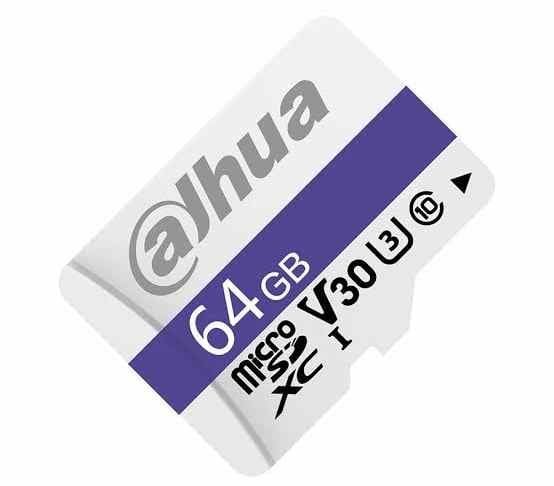
Dahua and Hikvision cards make sense when the camera or recorder vendor recommends them. They are not automatically better than Samsung, SanDisk, WD, Kingston, Lexar, or Transcend, but brand matching can simplify support in managed CCTV systems.
Part 3. Best SD Cards for CCTV and Security Cameras
This section explains when each best sd card for cctv camera pick makes sense. The goal is not to buy the most expensive card; it is to buy the card that matches the recording workload and replacement risk.
Card 1. Samsung PRO Endurance
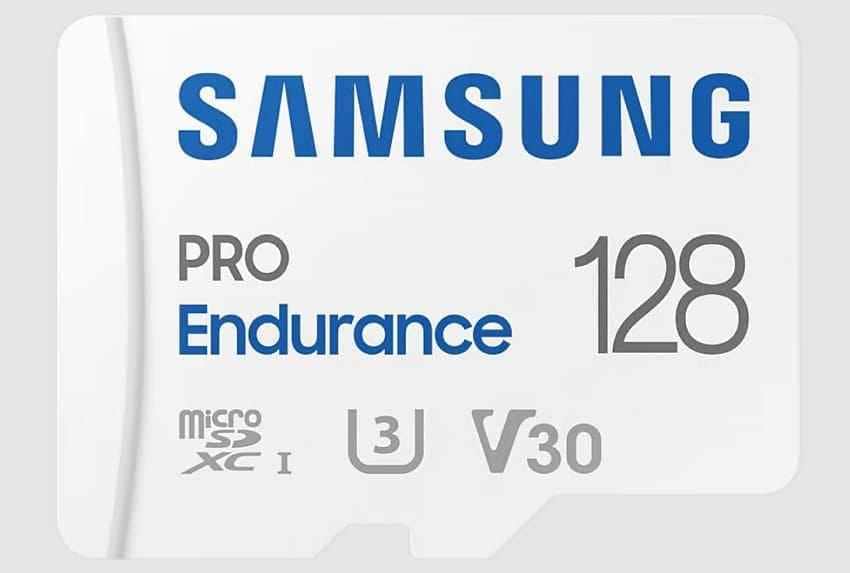
Best overall for continuous CCTV recording. Samsung PRO Endurance is designed for surveillance cameras, dashboard cameras, doorbell cameras, and body cameras. The 256GB model is rated up to 140,160 hours under Samsung's stated Full HD test conditions, and Samsung describes it as enabling up to 16 years of continuous recording.
Card 2. SanDisk MAX Endurance
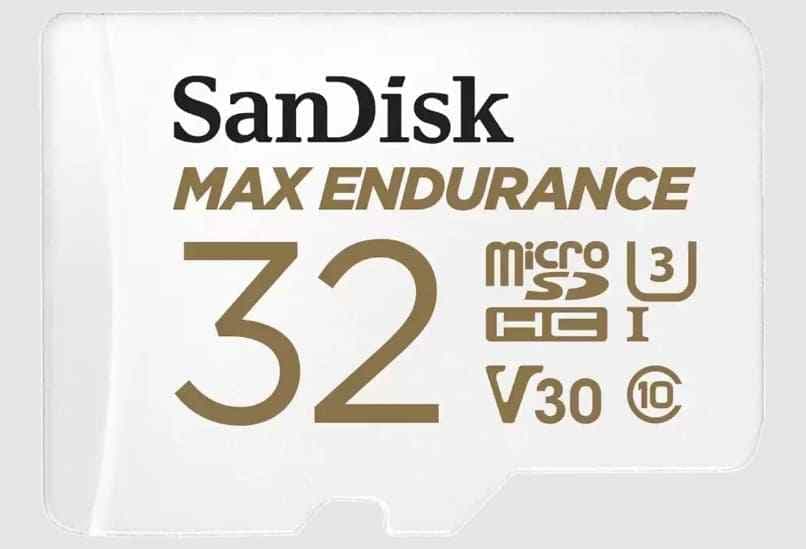
Best for long-term continuous recording. SanDisk MAX Endurance is built for long video recording, supports Full HD and 4K in compatible devices, and reaches up to 120,000 recording hours on the 256GB model. It is a good fit when uptime matters more than the lowest upfront price.
Card 3. WD Purple SC QD102
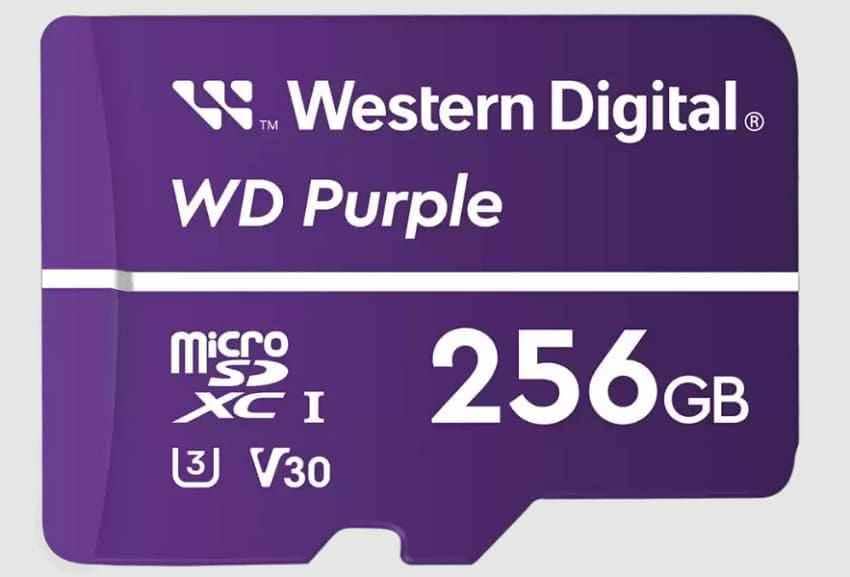
Best for compatible camera health monitoring. WD Purple SC QD102 is built for surveillance systems and can expose health data to compatible third-party apps, cameras, or NVRs. This helps with preventive replacement, but only if your system supports card health monitoring.
Card 4. SanDisk High Endurance
Best high-capacity mainstream option. SanDisk High Endurance is a more affordable surveillance card than MAX Endurance. It is rated up to 40,000 hours at 512GB and supports Full HD or 4K in compatible cameras. It is best for home security and less punishing workloads.
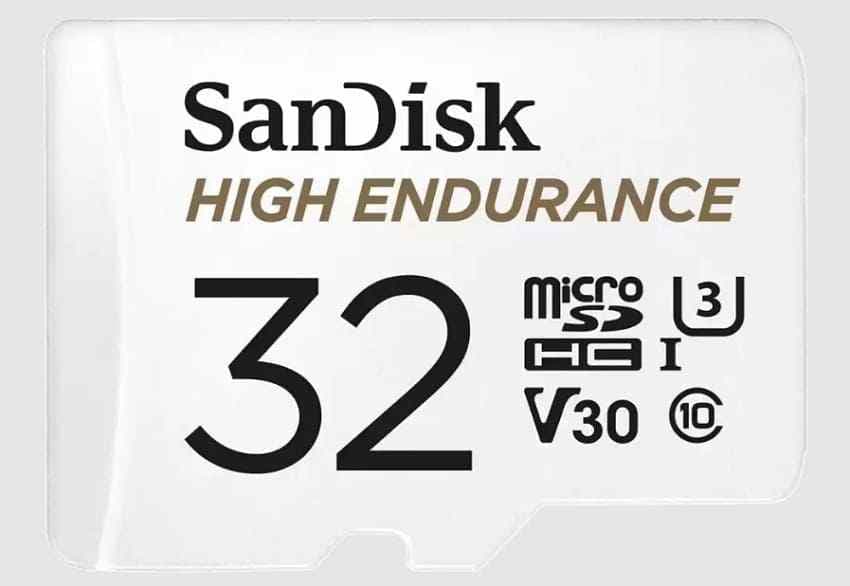
Card 5. Kingston High-Endurance
Best value for home surveillance. Kingston High-Endurance is built for security cameras, dash cams, and body cams. It is rated for 24/7 Full HD recording across a three-year warranty period and is a solid pick when the camera does not require V30.
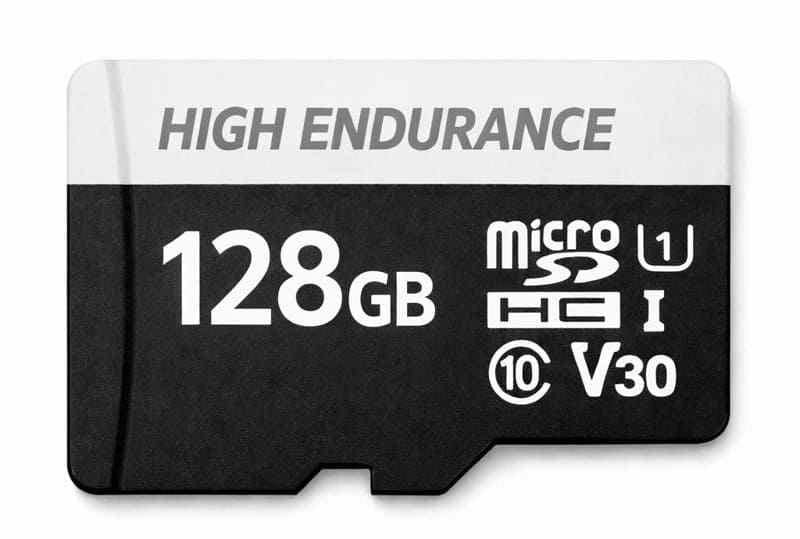
Card 6. Lexar High-Endurance
Best for motion-activated home cameras and trail cameras. Lexar High-Endurance is a good value pick for event recording and lighter surveillance. It supports 1080p Full HD and 4K in compatible devices, with U3/V30 applying to 64GB and above.
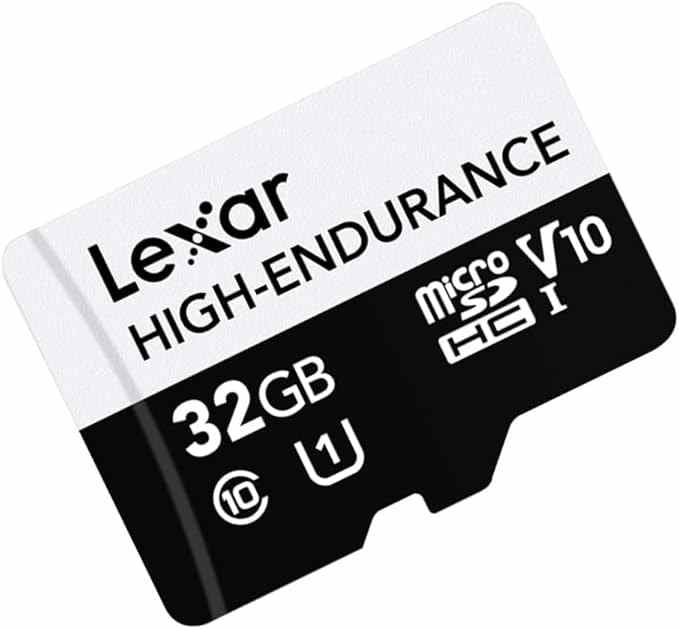
Card 7. Transcend High Endurance 350V
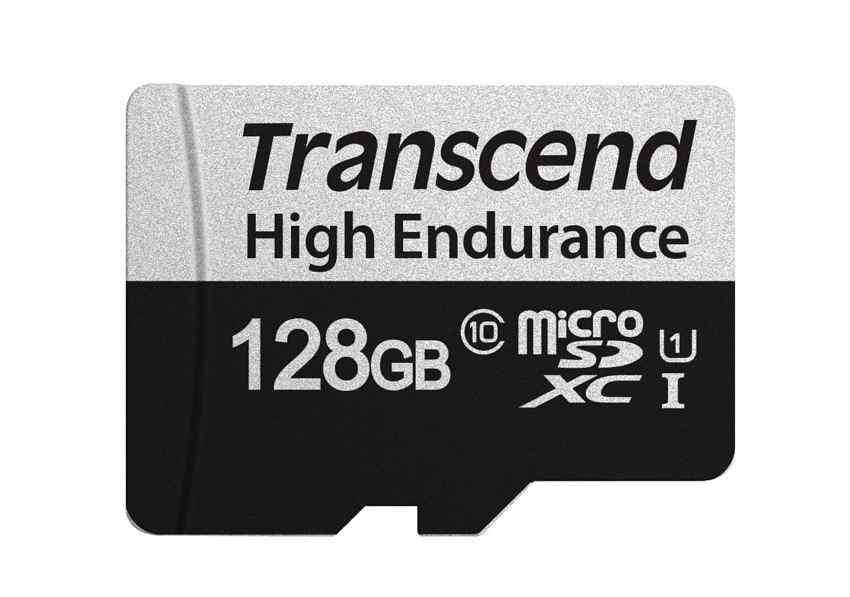
Best for harsh recording environments. Transcend High Endurance 350V targets dash cams, security cameras, and surveillance systems. The 1TB version is rated up to 240,000 hours, while the 512GB version reaches up to 120,000 hours under Transcend's stated Full HD test condition.
Card 8. Dahua and Hikvision Brand-Matched Alternatives
Best for compatible Dahua or Hikvision surveillance systems. Brand-matched cards can simplify support in managed CCTV environments. Check the exact camera or NVR compatibility list before buying, because brand matching is useful only when the card model is supported.
Part 4. Choose Capacity by Resolution and Recording Schedule
Capacity decides how long footage remains before loop recording overwrites it. A larger card does not create better video, but it can increase retention time and reduce rewrite frequency.
1080p, 2K, and 4K Footage
Storage use depends on bitrate, compression, frame rate, audio, and camera settings. As a planning estimate, 1080p at 4Mbps uses about 1.8GB per hour. 4K at 16Mbps uses about 7.2GB per hour. Motion detection can reduce total storage dramatically because the camera saves only events.
Continuous Recording vs Motion Detection
Continuous recording is better for busy entrances, evidence capture, and areas where activity matters throughout the day. Motion detection saves card life and storage space, but it depends on the camera detecting events correctly. For trail and game cameras, motion-triggered recording is usually the normal workflow.
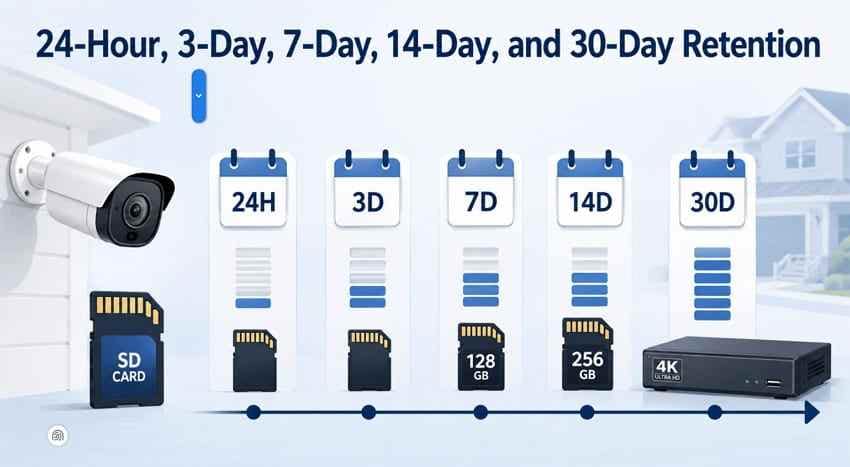
24-Hour, 3-Day, 7-Day, 14-Day, and 30-Day Retention
Choose retention before buying capacity. A 128GB card may hold several days of 1080p footage, but it may hold less than a day of high-bitrate 4K. If you need 14 or 30 days of continuous footage, an NVR, NAS, or cloud plan may be more realistic than a single camera SD card.
Recording-Time Table by Capacity and Bitrate
| Resolution and Bitrate | Storage per Hour | 64GB | 128GB | 256GB | 512GB |
| 1080p at 2Mbps | About 0.9GB | About 3 days | About 6 days | About 12 days | About 24 days |
| 1080p at 4Mbps | About 1.8GB | About 1.5 days | About 3 days | About 6 days | About 12 days |
| 2K at 8Mbps | About 3.6GB | About 17 hours | About 35 hours | About 70 hours | About 140 hours |
| 4K at 16Mbps | About 7.2GB | About 8 hours | About 17 hours | About 35 hours | About 70 hours |
Do Not Buy a Capacity Larger Than the Camera Supports
Never buy a capacity larger than the camera officially supports. Many older trail cameras and game cameras work best with 32GB SDHC cards. Some newer models support 128GB, 256GB, or 512GB SDXC cards. If the card fits physically but the file system or capacity is unsupported, the camera may fail to record.
Part 5. Balance Capacity, Endurance, and Price as Storage Costs Rise
Storage pricing is volatile in 2026. TrendForce reported on July 3, 2026 that NAND Flash contract prices were expected to rise 10-15% QoQ in 3Q26, driven mainly by AI inference and large-scale data center demand. Retail memory cards do not move exactly like contract NAND, but the trend makes value checks more important.
Price per GB vs Endurance per Dollar
For a normal phone card, price per GB may be enough. For a security camera, calculate both price per GB and endurance per dollar. A cheaper card can be more expensive long term if it wears out sooner or misses footage.
Cost per Year of Expected Recording
Divide the final checkout price by the realistic years of use in your camera. A premium endurance card that lasts longer can cost less per year than several cheap replacements, especially when the camera is installed in a hard-to-reach outdoor location.
One Large Card vs Several Replacement Cards
One large high-endurance card gives longer retention and fewer overwrite cycles. Several smaller cards lower the loss if one card fails and may be cheaper upfront. For evidence-critical cameras, redundancy through cloud or NVR backup matters more than card count alone.
Why a Higher-Endurance Card Can Be Cheaper Long Term
A 32GB card fills about four times as often as a 128GB card under the same recording workload. That means more erase/write cycles. A higher-endurance card with more capacity can reduce replacements, missed recordings, and maintenance visits.
Current Price, Retailer, Region, Currency, and Price-Check Date
Price-check date for this review: August 3, 2026. Before buying, record the retailer, seller type, country, currency, tax, shipping, return window, final checkout price, and capacity. Then calculate price per GB and cost per year. Do not compare a marketplace seller with unclear authenticity against an authorized retailer as if the risk were the same.
Part 6. Local SD Card vs Cloud or NVR Storage
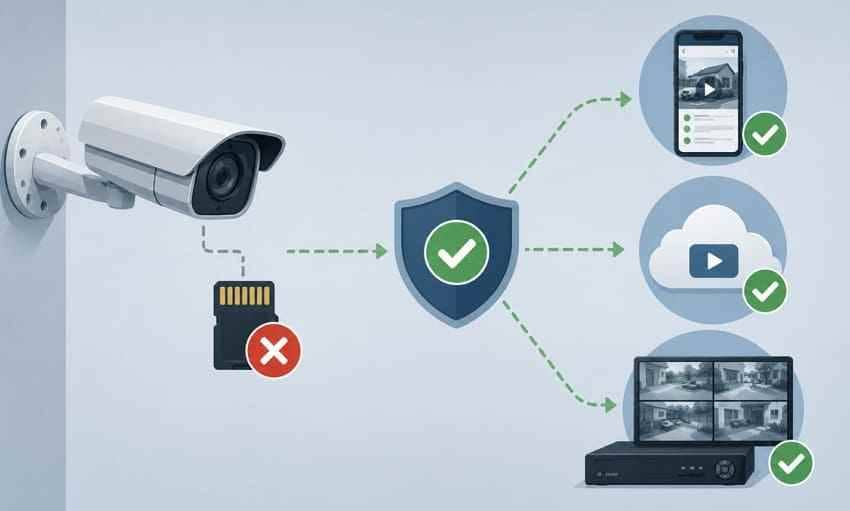
The best SD cards for CCTV are not always the best complete storage plan. Local SD recording is affordable, but cloud, NVR, NAS, or hybrid storage may protect footage better if the camera is stolen or destroyed.
Local SD Card Storage
Local SD storage has the lowest upfront cost and works well for one or two cameras. Its weakness is evidence risk: if the camera or card is stolen, the footage may go with it.
Cloud Subscription Storage
Cloud storage gives off-site backup and mobile access. It can become expensive across several cameras because each camera may need a subscription.
Network Video Recorder Storage
An NVR is better for multiple cameras and longer retention. It costs more upfront, but it can reduce per-camera storage cost over several years.
NAS or FTP Backup
NAS or FTP backup can reuse storage you already own. It requires network stability and setup work, and it is not as simple as inserting a card.
SD Card Plus Cloud Hybrid Storage
A hybrid setup gives fast local recording plus off-site event clips. This is often the best safety balance for home security because local footage remains available when internet drops, while cloud clips survive camera theft.
One-Year, Three-Year, and Five-Year Cost Comparison
| Storage Option | 1 Year | 3 Years | 5 Years | Best For |
| SD card only | Low | Low, with possible replacement | Low to medium | Single-camera local recording. |
| Cloud storage | Medium | High | Highest | Off-site event protection. |
| NVR | High upfront | Moderate | Lower per camera over time | Multi-camera CCTV systems. |
| NAS or FTP backup | High if hardware is new | Low to moderate | Low to moderate | Users with existing network storage. |
| SD card plus cloud | Medium | Medium to high | High | Home users who want local and off-site protection. |
Part 7. Set Up the Card for Reliable Camera Recording
Even the best memory card for CCTV camera use can fail early if it is not installed, formatted, and tested correctly. Set up the card before the camera is protecting anything important.
Install, Format, and Test the Card
Insert the card while the camera is powered down. Format the card inside the camera, not on a random computer, unless the camera manual says otherwise. Then record a short test clip and confirm it plays back.
Enable Continuous or Event Recording
Choose continuous recording for high-risk areas that need a full timeline. Choose event recording for quiet areas, battery cameras, and trail cameras where motion-triggered clips are enough.
Confirm Loop Recording and Overwrite Settings
Turn on loop recording or overwrite if you expect the camera to keep recording after the card fills. If overwrite is off, many cameras stop saving new clips when the card is full.
Play Back Recorded Clips
Do not assume the camera is recording just because it is online. Play back clips after setup, again after a day, and again after a week. This catches compatibility problems early.
Recognize Early Card Failure
Replace the card if you see missing clips, repeated format prompts, playback errors, read-only behavior, sudden capacity changes, or repeated camera storage warnings. These symptoms often appear before total failure.
Part 8. Recover Missing CCTV or Trail Camera Footage
Missing security footage can be urgent, especially after theft, damage, or an incident. The key is to stop overwriting first, then check all backup locations before scanning the card.
Protect the Evidence Before Attempting Recovery
Power down the camera and remove the card as soon as you notice missing footage. Loop recording is designed to overwrite old video, so every extra minute can reduce recovery chances. Store the card safely and do not format it.
Check Camera, App, Cloud Account, or NVR Copies
Before scanning, check the camera app, cloud account, NVR, NAS, FTP folder, phone downloads, and shared alerts. An existing copy is faster and safer than recovery from a worn or corrupted card.
Recover Security Camera Videos With Wondershare Recoverit
If no backup copy exists, Recoverit Memory Card Recovery can help recover lost videos from a readable security camera SD card, trail camera card, or CCTV microSD card after deletion, formatting, corruption, or RAW file-system issues. Recovery depends on card condition and whether loop recording has overwritten the footage.
- Read-focused recovery: Scans the card without saving recovered files back to the same card.
- Memory card support: Works with common SD, SDHC, SDXC, and microSD cards when the computer can detect them.
- Video recovery: Can help recover many camera video files that are still present on readable storage.
Step 1. Connect Your Memory Card
Insert the security camera card into your computer with a compatible reader. Open Recoverit, choose SD Card Recovery, select the card, and click Start Scan.

Step 2. Scan for Lost SD Card Data
Wait while Recoverit scans the card for deleted, missing, or inaccessible files. Use filters to narrow large results by file type or path.

Step 3. Preview and Recover Security Camera Files
Preview recoverable videos, select the files you need, click Recover, and save them to a different storage device to avoid overwriting the card.

Try Wondershare Recoverit to Perform Data Recovery
Security Verified. Over 7,302,189 people have downloaded it.
Use Advanced Video Recovery for Damaged or Fragmented Footage
Long surveillance clips may be fragmented across the card. When supported, Recoverit's advanced video recovery workflow may help locate recoverable video fragments and improve the chance of saving usable clips. It cannot recreate footage that has already been overwritten by loop recording.
When Professional Recovery Is Required
Use a professional recovery lab when no reader detects the card, the card is cracked, water damaged, burned, bent, or critical legal evidence is involved. Software cannot scan storage that is not detected as readable media.
Conclusion
The best security camera SD card is the one that matches your camera's workload. Samsung PRO Endurance is the best overall pick for most 24/7 CCTV users. SanDisk MAX Endurance and Transcend High Endurance 350V are strong long-endurance picks. WD Purple SC QD102 makes sense for compatible health-monitoring systems. Kingston and Lexar are practical value options for home surveillance, trail cameras, and game cameras.
Recording workload and camera compatibility matter more than capacity alone. Check the supported capacity, choose the retention window you need, compare local SD card storage with cloud, NVR, or hybrid backup, and calculate price per GB plus endurance per dollar before buying. If footage disappears, stop recording and recover files before formatting or replacing the card.
FAQ
-
How long does an SD card last in a security camera?
It depends on recording hours, bitrate, capacity, temperature, and endurance rating. A high-endurance card can last much longer than a standard consumer card, but all cards wear out under continuous recording. -
What is the best SD card for trail camera use?
The best SD card for trail camera use is one the camera officially supports. Many older trail and game cameras prefer 32GB SDHC cards, while newer models may support larger SDXC cards. -
Do I need a U3 or V30 card for a 4K security camera?
Most 4K security cameras benefit from U3 or V30 because those ratings indicate a 30MB/s class sustained write floor. Always follow the camera maker's own card requirement first. -
Is local SD card storage better than cloud storage?
Local SD card storage is cheaper and works without a subscription, but footage can be lost if the camera or card is stolen. Cloud or NVR storage is better when off-site backup or longer retention matters. -
Can I recover footage after loop recording overwrote it?
Completely overwritten footage usually cannot be recovered. Stop the camera as soon as footage is missing, remove the card, and scan it before new recordings overwrite more data.



