


 TL;DR:
To recover lost or accidentally formatted World Cup media files from SD cards, external SSDs, or local drives, immediately stop using the affected device to prevent data overwriting and run a recovery scan using a tool like Recoverit.
● Always save the recovered RAW photos and high-resolution match videos to a completely different storage drive, as writing data back to the original source will permanently destroy the missing files.
● Recoverit is explicitly designed to retrieve missing data from unrecognized, deleted, or quick-formatted devices, but it cannot repair corrupted match footage that remains visible on the drive but fails to open.
● You must trigger a deep scan if the standard recovery process fails to locate the missing media, a necessary step for formatted cards or older deletion events.
Ask AI for a summary
 ChatGPT
 Perplexity
 Gemini
 Claude
 Grok
Grok
The FIFA World Cup is among the most intensely covered media events on the planet. At the 2022 edition in Qatar alone, FIFA issued over 18,000 media accreditations, including more than 759 photographers and nearly 7,900 broadcaster personnel. That means thousands of professionals are simultaneously shooting, transferring, editing, and publishing match content under tight deadlines and in high-pressure environments.
In workflows this fast and this crowded, data loss is not a rare accident. It is a practical risk that every media team needs to prepare for. When match footage disappears from a camera card, a portable SSD stops showing its contents, or a file folder gets cleared at the wrong moment, recovery speed matters just as much as shooting skill. This guide covers exactly how World Cup media files get lost, which devices are most commonly affected, and how to use Recoverit to recover deleted or formatted match photos and videos.
Quick Answer: How to Recover Lost World Cup Photos and Videos?
Stop using the affected device as soon as you notice files are missing. Connect the storage card, SSD, or drive to a computer and run Recoverit to scan for recoverable content. Once the scan completes, preview the results and save recovered match photos and videos to a separate, safe storage location.

In this article
Part 1. How World Cup Media Files Get Lost in Real Shooting Workflows
Most people associate data loss with a single dramatic event, such as a device being dropped or a storage card completely failing. But in practice, World Cup media teams lose footage in much less obvious ways. The combination of fast-paced editing, multiple operators, large file volumes, and limited time between matches creates a workflow where small mistakes become costly ones.
The following scenarios represent the most common ways that match photos and videos go missing during professional tournament coverage:
- 🎈Accidental deletion to free up space: During match intervals or between coverage sessions, photographers and assistants may delete what they believe are already-backed-up files to make room on a card. If the backup copy was incomplete or saved to the wrong location, those files are effectively gone.
- ✨Accidental formatting after a camera or card reader prompt: Cameras frequently display a message asking users to format a card, especially when a card has been used in a different device. Accepting that prompt without verifying the contents first can erase the entire session of match content.
- 🎇Card cleared after an interrupted transfer: A common workflow mistake involves clearing the source card immediately after a copy operation, only to discover the copy failed partway through or the destination was full. The originals are gone and the destination is incomplete.
- 🎆Storage card becomes unrecognizable or damaged: Memory cards under heavy use can develop read errors, become undetectable by the camera or computer, or appear blank even when they still contain data. This is especially common with older cards used over many tournament days.
- 🎊External SSD drops out unexpectedly: Portable SSDs used for on-location backup can disconnect without warning due to power fluctuations, cable issues, or bus errors. Files may appear to transfer successfully but be inaccessible or missing after the disconnect.
- 📸Post-production team accidentally clears a footage folder: In collaborative workflows where multiple editors access shared drives or NAS storage, miscommunication about which folders are safe to delete can result in large batches of match footage being removed permanently.
- 🎥Files moved or overwritten during multi-person collaboration: When camera operators, assistants, and editors all work on the same media across different machines, version conflicts, wrong-folder moves, or unintentional overwrites can cause match content to vanish from its expected location.

In all of these situations, the files are not necessarily gone forever. As long as the affected storage device has not been heavily rewritten, a dedicated recovery scan may still be able to locate and restore them.
Part 2. Devices and Storage Media Recoverit Can Help With
When people think about camera recovery, they usually imagine an SD card. In reality, World Cup media can disappear from many more places than that. The original file may start on a professional camera card, but the loss can happen later on a shuttle SSD, a drone card, an editing laptop, or even a portable backup device used near the stadium.
That is why a practical recovery tool has to cover the full capture-to-delivery chain rather than just one kind of storage. Recoverit fits the devices that photographers, videographers, and media teams actually use in high-pressure sports production.
| Device or media | Typical World Cup use | Common loss event |
|---|---|---|
| SD cards from professional cameras | Still photography and lighter video workflows | Accidental deletion, formatting, early card reuse |
| CFexpress / XQD cards | Fast action bursts and high-bitrate match video | Format prompts, interrupted ingest, rushed card swaps |
| microSD cards | Drones, action cameras, compact devices | Incorrect formatting, transfer mistakes, device detection issues |
| External SSDs | On-location backup and handoff between teams | Unexpected disconnects, mistaken folder removal, cable issues |
| External HDDs | Archive storage and bulk backup | Deletion, drive access failure, incorrect destination management |
| Local computer drives | Ingest, sorting, quick edits, same-day exports | Folder clearing, overwrite, wrong project move |
| Portable backup devices | Field duplication and rapid media protection | Unverified copies, operator error, premature source deletion |
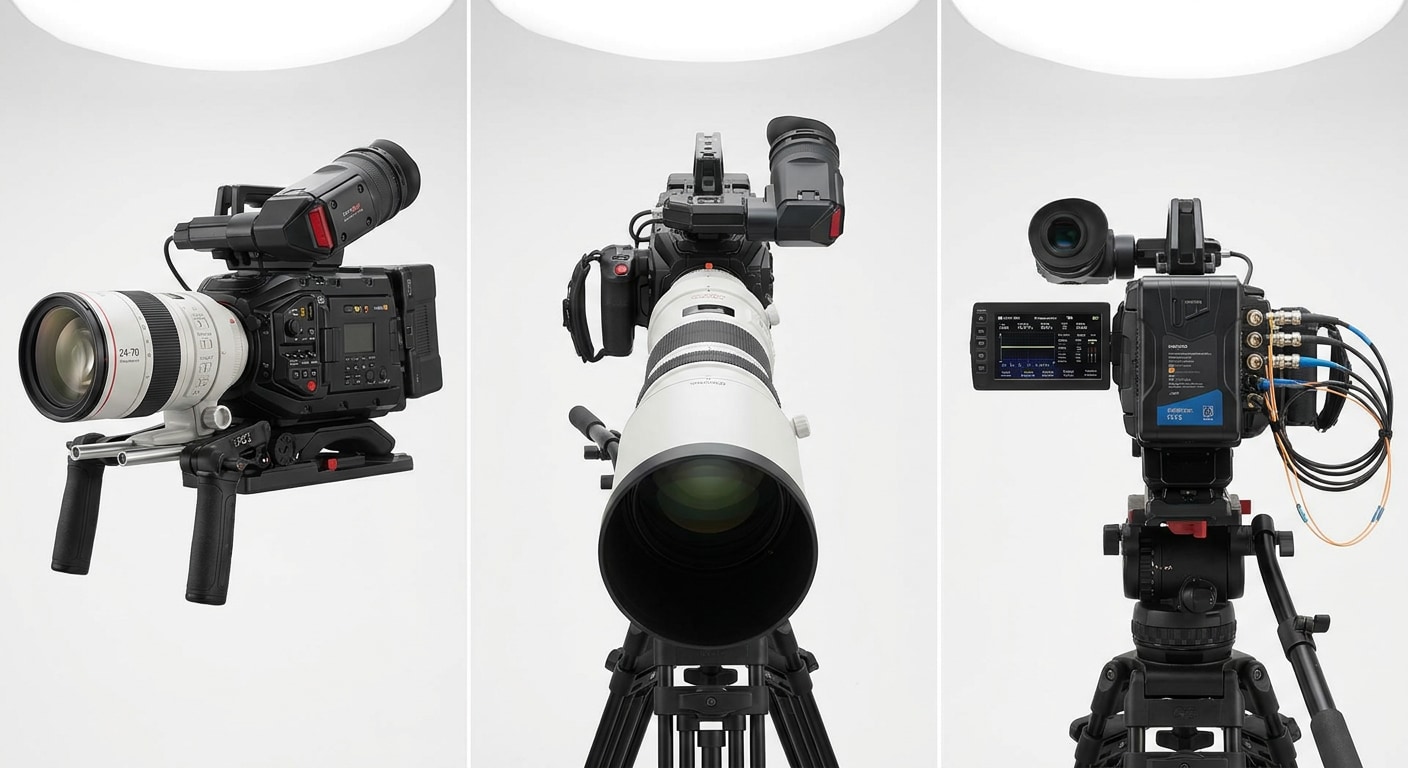
From a real workflow perspective, this matters because one match day usually spans multiple storage points. A key action sequence may live briefly on a camera card, then on a laptop, then on an SSD, then inside a project folder for the editor. If something goes wrong anywhere along that chain, recovery has to start from whichever device still contains traces of the missing data.
Part 3. How to Recover Deleted or Formatted Match Files With Recoverit
How Recoverit Helps Recover Lost World Cup Photos and Videos
Recoverit focuses on recovering files that have gone missing rather than repairing files that are still present but damaged. When match media has been accidentally deleted, formatted, or made inaccessible through device errors, it scans the underlying storage to locate data that can still be retrieved.
- Recovers accidentally deleted match content: Files that were removed from SD cards, SSDs, or local drives to free up space or clear a session can often be found and restored through a recovery scan.
- Recovers formatted storage media: A quick format does not immediately remove all file data from a card or drive. Recoverit can scan formatted storage and recover match photos and videos that would otherwise appear permanently erased.
- Handles unrecognized or inaccessible cards: When a storage card shows as blank, unformatted, or unreadable by the operating system, recovery software can still scan for recoverable file signatures beneath the surface.
- Supports a wide range of media formats: Match footage shot in MP4, MOV, MXF, AVI, and other formats can be scanned, alongside still images including JPG, JPEG, PNG, and RAW files from professional camera systems.
- Preview before recovery: Users can preview recoverable files before saving them, which helps confirm that the right content including specific match clips, action bursts, or key moments is being recovered.
- Separate recovery destination: All recovered files should be saved to a different drive than the source device to avoid overwriting residual data during the recovery process.
Steps: How to Recover Lost World Cup Photos and Videos With Recoverit
- Step 1. Select a Location

- Step 2. Deep Scan the Location

- Step 3. Preview and Recover Your Desired Data

If a standard scan does not find all expected files, a deep scan mode can be used for more thorough detection. This is especially useful when the card was formatted or when time has passed since the files were deleted.
Part 4. Best Practices to Avoid Losing World Cup Match Footage
The best recovery case is the one you never have to handle. In World Cup production, avoiding loss is less about luck and more about routine. Teams that lose fewer files usually follow tighter habits: they verify transfers before clearing media, keep folder names consistent, delay card reuse until delivery is confirmed, and make sure someone is explicitly responsible for confirming that the backup is real.
It helps to think of every match as a chain of custody for content. The moment a file leaves the camera, it should already have a next step: copy it, verify it, duplicate it, and only then decide whether the source can be cleared. If that chain is vague, rushed, or split across too many people, files tend to disappear in the gaps between devices and responsibilities.
Good habits to keep
- Use dual-card recording whenever the camera supports it
- Verify every transfer before clearing the source card
- Keep source cards until editorial delivery is confirmed
- Label cards and folders by match, date, and camera position
- Replace aging cards, readers, and cables before tournament use
Mistakes to avoid
- Formatting after a prompt without checking the card first
- Assuming a copy is complete because the dialog disappeared
- Saving recovered files back to the same source device
- Letting multiple people clear folders without verification
- Reusing cards before at least one confirmed backup exists
For fast-moving sports teams, one of the simplest safeguards is to designate a single person to verify what is truly backed up and what is still live source material. That small operational habit often prevents the exact errors that later turn into emergency recovery work.
Conclusion
World Cup coverage puts media professionals in a fast, high-stakes environment where data loss can happen quietly and quickly. Whether it is a card accidentally formatted between matches, a transfer that failed partway through, or a footage folder cleared too early, the consequences for match content can be significant.
When files go missing from a camera card, SSD, or working drive, the most important steps are to stop using that device immediately and run a structured recovery scan as soon as possible. Recoverit can help locate deleted and formatted match photos and videos from the storage media most commonly used in professional sports coverage, giving photographers and media teams a practical path to recovering content that would otherwise be considered lost.
Frequently Asked Questions
-
Q1. Can Recoverit recover deleted World Cup photos from a formatted SD card?
Yes. A quick format does not immediately remove all file data from a storage card. Recoverit can scan formatted SD cards and often recover match photos and videos that appear to have been erased. -
Q2. What if the memory card shows as blank or unrecognized?
Even when a card appears empty or is not recognized by the camera or operating system, recovery software can often still detect recoverable file signatures. Connect the card via a card reader and run a scan before assuming the content is gone. -
Q3. What is the difference between a lost file and a corrupted file?
A lost file is no longer visible in the normal file system but may still exist as recoverable data on the storage device. A corrupted file is still present but cannot be opened, played, or used properly. Recoverit is the right tool for lost files. If your match media is still there but damaged, a file repair tool is the better first step. -
Q4. How soon after accidental deletion should I run a recovery scan?
As soon as possible. The longer the affected device continues to be used for recording or saving new files, the higher the chance that deleted content is overwritten and becomes unrecoverable. -
Q5. Can Recoverit recover RAW sports photos and 4K or 8K match videos?
Yes. Recoverit supports recovery of common RAW formats used in professional camera systems as well as high-resolution video formats frequently used in broadcast and sports production workflows.


