
 TL;DR:
A cold storage hard drive is an offline external storage device used to securely archive infrequently accessed data long-term to prevent exposure to ransomware and active system failures without recurring cloud subscription fees.
● HDDs deliver the lowest cost-per-gigabyte for massive archives, while SSDs provide superior shock resistance for portable needs; however, both drive types must be powered on occasionally to maintain long-term data health.
● When attempting to recover lost files using software like Recoverit for logical errors, you must install the tool and save all restored files to a completely separate healthy drive to prevent overwriting the lost data.
● If the storage drive makes unusual mechanical noises or fails to spin, immediately disconnect the power and use a certified clean-room data recovery service, as opening the drive at home causes permanent data destruction.
Ask AI for a summary
 ChatGPT
 Perplexity
 Gemini
 Claude
 Grok
Grok
Digital data is growing every year. People store photos, business files, research data, videos, and backups. Many of these files are not needed daily, but they must remain safe for years. That is why many users search for what is cold storage hard drive and how it works. Cold storage means keeping data offline for long periods.
The drive is not always connected to a computer or the internet. It is only used when access is required. To understand what are cold storage hard drives, it is important to know that they are mainly used for backups and archives, not for daily tasks.
Cold storage devices can be HDDs or SSDs. Many users compare options before choosing the best cold storage hard drives. Others look for the best hard drives for cold storage based on size and budget.
Try Recoverit to Recover Lost Data
 Security Verified. Over 7,302,189 people have downloaded it.
Table of Contents
Part 1: What is a Cold Storage Hard Drive?
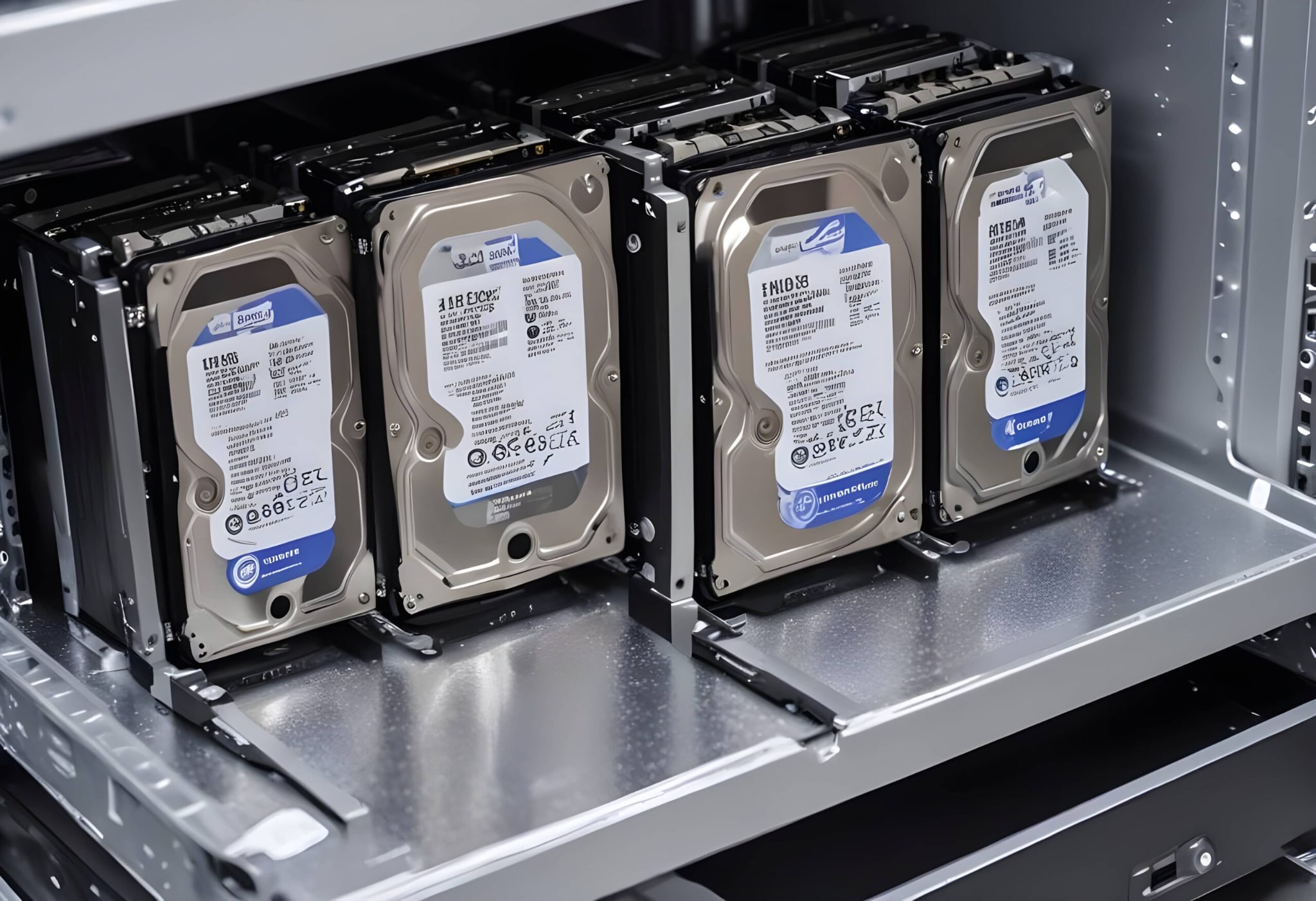
Many people search online to understand what a cold storage hard drive is before setting up long-term backup plans. A cold storage hard drive is a storage device that keeps data offline. It is not connected to the internet or to a computer all the time. It is only used when someone needs to copy or retrieve files. After that, it is safely stored in a secure place.
To better understand what cold storage hard drives are, think of them as digital storage boxes. You place your important files inside, then close the box and keep it safe. Unlike cloud storage, there is no monthly fee. Unlike internal drives, there is no constant system activity. These drives are usually external HDDs or SSDs. They focus on reliability and long-term storage rather than speed.
Cold storage drives are often used for:
- Old company records
- Legal or tax documents
- Completed creative projects
- System backups
- Personal archives
- Research data
- Historical data
- Compliance storage
Key Features
- Designed for long-term data retention
- Remain offline most of the time
- Large storage capacity available
- Cost-effective compared to active storage
- Reduced exposure to cyber threats
- Easy to transport and store
- Compatible with most operating systems
- Can be HDD or SSD-based devices
Part 2: Best Cold Storage Hard Drives
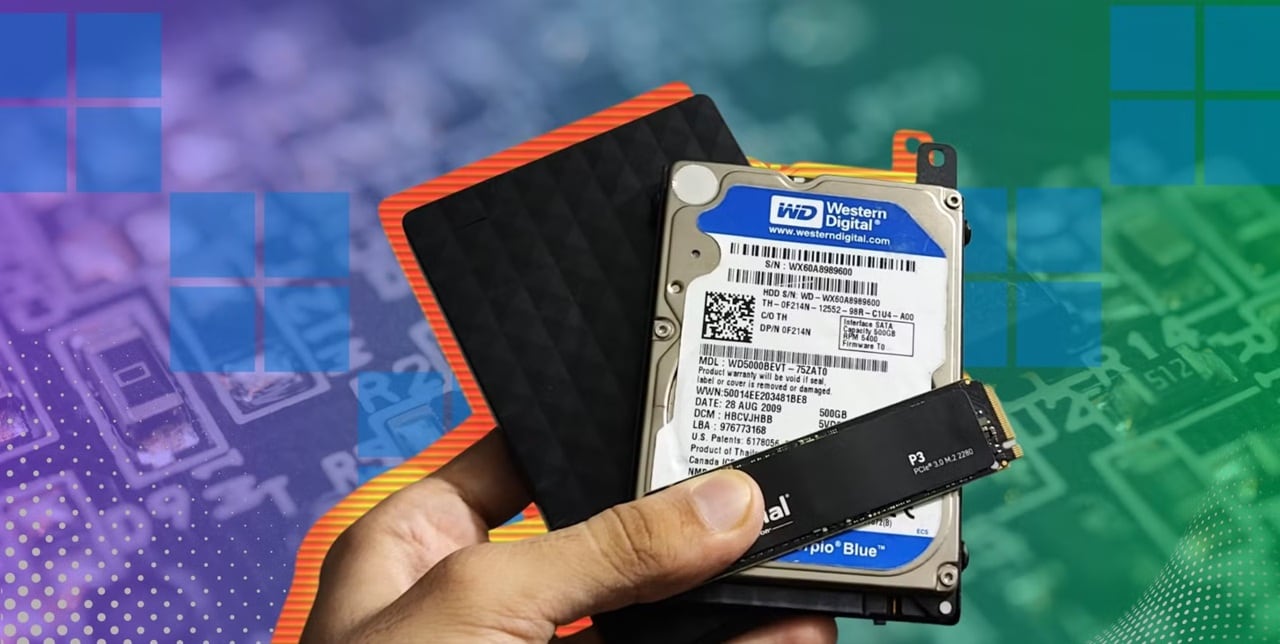
Choosing the best cold storage hard drives requires attention to durability, capacity, and brand reliability. Since cold storage focuses on archiving rather than speed, large capacity and stable performance are key. Many users search for the best hard drives for cold storage when setting up backup systems for offices or home use.
Below are five trusted storage devices widely used for archiving.
1. Western Digital My Book
Western Digital manufactures this desktop external drive. It offers high-capacity options, often reaching 18TB or more. It includes backup software and password protection features. This drive is popular for home offices and small businesses that need dependable long-term storage.
2. Seagate Expansion Desktop
Seagate Technology produces this simple and affordable desktop drive. It is easy to install and requires minimal setup. It provides high capacity at a reasonable price. Many users consider it among the best cold storage hard drives for large archive collections.
3. Toshiba Canvio Basics
Toshiba offers this portable external drive. It is compact and easy to carry. It works well for personal users who want to store documents, photos, and backups. It is simple and dependable for long-term offline storage.
4. Samsung T7 SSD
Samsung Electronics manufactures this solid-state drive. It is small, durable, and fast. It has no moving parts. Some users choose SSDs when deciding whether HDD or SSD is better for cold storage, especially if durability is important.
5. LaCie Rugged External Drive
LaCie designs this strong and shock-resistant drive. It is ideal for users who travel often. It provides extra physical protection. It is useful for field professionals who need safe, portable cold storage.
Each of these drives can serve well for long-term archiving. The final choice depends on storage size, portability needs, and budget.
Part 3: Best Hard Drives for Cold Storage
When searching for the best hard drives for cold storage, most people compare HDD and SSD technology. The most common question is whether HDD or SSD is better for cold storage. Both options store data safely, but they operate differently.
HDD stands for Hard Disk Drive. It contains spinning disks and moving parts. It offers a large capacity at a lower cost. SSD stands for Solid State Drive. It has no moving parts and uses flash memory. It is faster but more expensive per gigabyte.
If the goal is storing very large archives at a low cost, HDD is often preferred. If the goal is durability and physical safety, SSD can be a better choice. Many users asking whether HDD or SSD is better for cold storage must consider the budget and the environment.
HDD vs SSD Detailed Comparison Table
| Feature | HDD (Hard Disk Drive) | SSD (Solid State Drive) |
| Storage Technology | Uses spinning magnetic disks and moving read/write heads | Uses flash memory chips with no moving parts |
| Cost per GB | Lower cost per gigabyte | Higher cost per gigabyte |
| Maximum Capacity | Very high capacities available, often 20TB or more | Lower maximum capacity compared to HDD at a similar price |
| Read and Write Speed | Slower compared to SSD | Much faster read and write speeds |
| Long-Term Storage Stability | Good when stored properly and powered occasionally | Very good, but may require occasional power to maintain charge |
| Physical Durability | Sensitive to shock and drops | More resistant to shock and vibration |
| Power Consumption | Slightly higher | Lower power usage |
| Noise Level | Can produce mechanical noise | Completely silent |
| Weight | Heavier due to internal components | Lighter and compact |
| Best Use Case | Large archives and backup collections | Portable and durable archive storage |
| Suitability for Cold Storage | Cost-effective for very large backups | Durable option for smaller, critical backups |
| Maintenance Needs | Should be powered on occasionally to prevent mechanical issues | Should also be powered on occasionally to maintain data health |
Both types can be among the best cold storage hard drives when used correctly.
Part 4: What Are Cold Storage Benefits?
Understanding what are cold storage benefits helps users make smart storage decisions. Cold storage focuses on safety, cost efficiency, and long-term access rather than speed.
Here are important advantages:
- Lower cost compared to cloud subscriptions: Cold storage does not require monthly or yearly payment plans. You pay once for the device and use it for many years. This makes it more affordable for long-term storage, especially for large amounts of data.
- Reduced risk of ransomware attacks: Since the drive stays offline most of the time, hackers cannot access it through the internet. Malware and ransomware cannot easily spread to a disconnected device. This greatly improves data safety.
- Safe offline data protection: Cold storage keeps files separated from active systems. Even if your computer crashes or gets infected, the offline drive remains protected. It acts as a secure backup copy.
- High-capacity storage options: External HDDs offer very large storage sizes. You can store thousands of photos, videos, and documents on a single device. This makes it practical for large archives.
- Easy physical control of files: You have direct control over the device. You can store it in a safe place such as a locker or secure cabinet. There is no third party involved in handling your data.
- Ideal for long-term archiving: Cold storage is perfect for keeping data that you rarely access. Old projects, tax files, legal records, and personal memories can remain stored safely for many years.
When people ask what cold storage benefits are, they often focus on security and cost savings. Both are major advantages of offline storage systems.
Part 5: How to Recover Lost Data from Cold Storage Hard Drives
Even offline drives can face problems. Files may get deleted. Drives may become corrupted. Physical damage may occur. That is why it is important to understand how to recover lost data from cold storage hard drives before a problem happens.
There are several recovery methods available.
Method 1: Using Built-in Recovery Tools
Operating systems like Windows and macOS include basic recovery options. These tools scan drives for errors and attempt file restoration.
They are helpful when files were deleted recently or when file system errors occur. They are not suitable for severe hardware damage.
Step 1: Connect the drive and run the system disk checking tool, such as CHKDSK or Disk Utility.
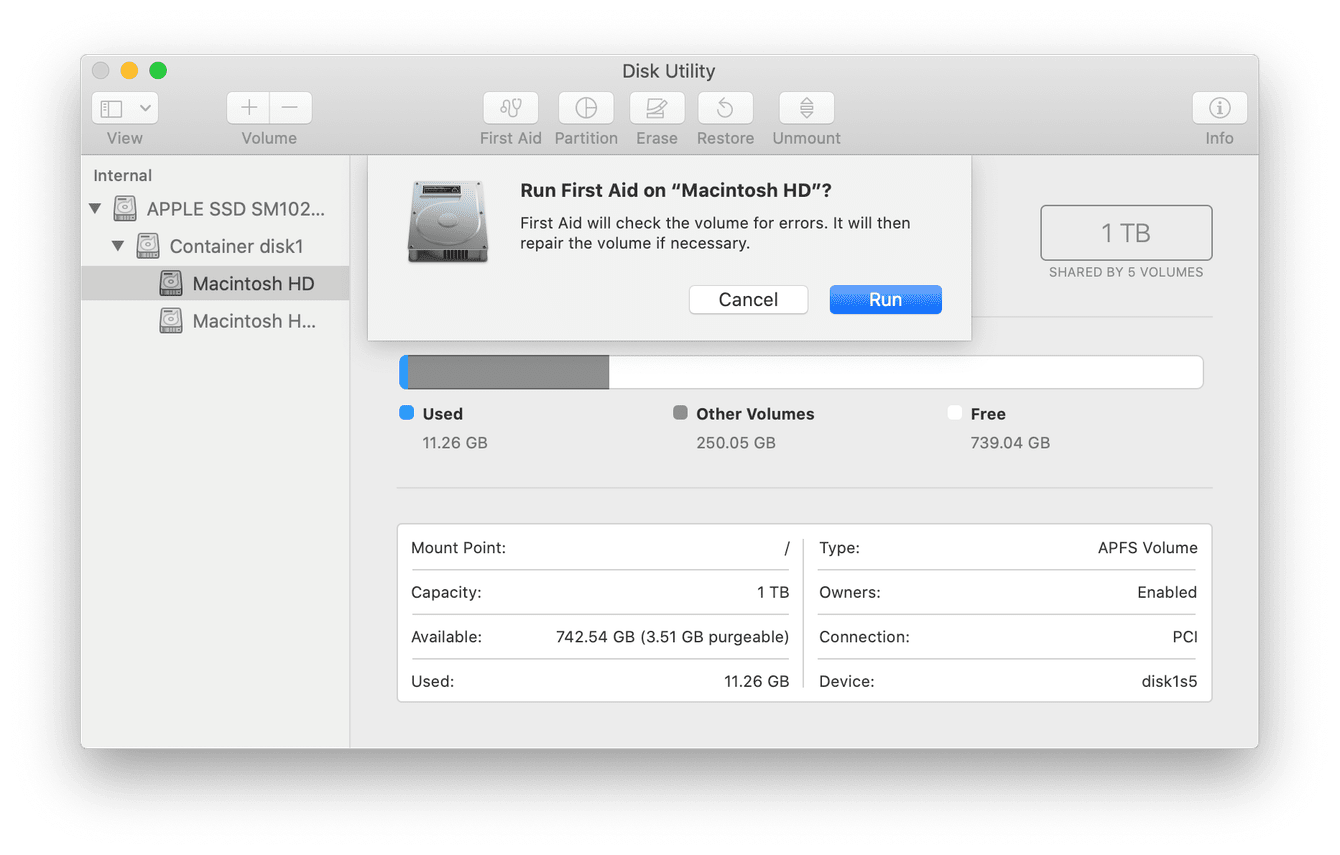
Step 2: Scan the drive and check for repair options or restore previous file versions from backup history.
This method is simple and does not require extra software.
Method 2: Professional Recovery Software (Recoverit)
Professional recovery tools are more advanced than built-in system utilities. One widely used example is Recoverit. It is designed to scan storage devices deeply and find deleted, formatted, or lost files. It supports many file types, including photos, videos, documents, and archives.
Recoverit is useful when the drive is detected by the system, but files are missing. It can also help if the drive appears as RAW or becomes inaccessible due to logical errors. The software performs both quick and deep scans to improve recovery results.

Step 1: Install Recoverit on a different healthy drive, not on the affected cold storage device. Connect the cold storage drive and select it inside the software interface.

Step 2: Run a deep scan. After the scan finishes, preview the recoverable files.

Step 3: Click Recover. Select the required files and save them to another safe location, not back to the same drive.

Method 3: When to Seek Expert Help
If the drive makes unusual noises, fails to spin, or is physically damaged, professional repair is needed. Opening the drive at home can cause permanent damage.
Data recovery centers use clean rooms and special equipment. They can repair internal parts safely.
Step 1: Stop using the drive immediately to prevent further damage.
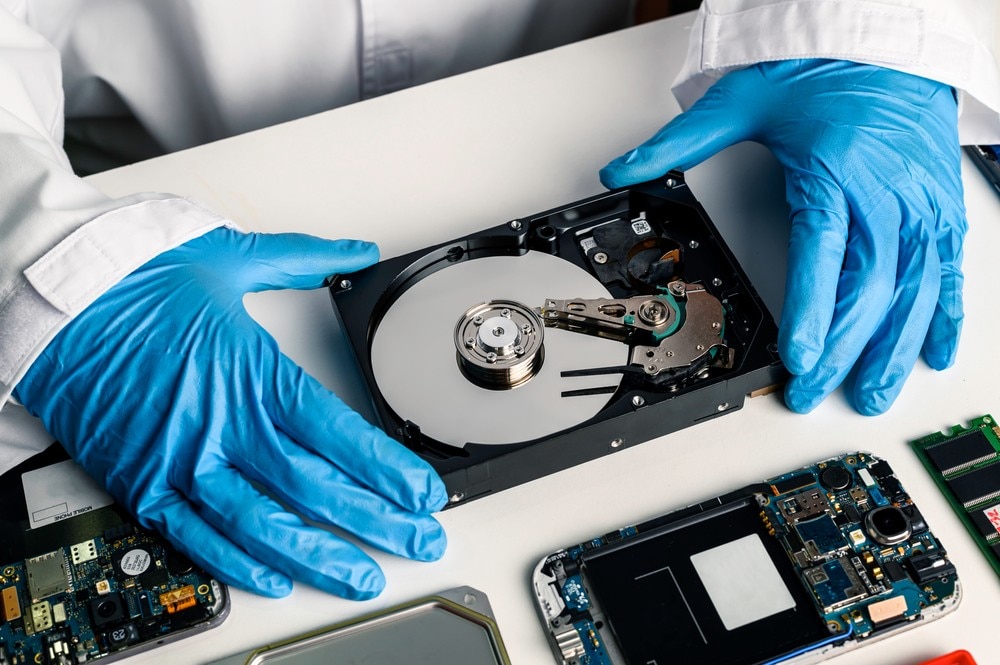
Step 2: Contact a certified data recovery service and provide details of the issue.
This option is more expensive but may recover critical business or personal data.
Conclusion
Cold storage is a reliable and cost-effective method of storing important files for long periods. It protects data from online threats and system failures. Understanding what a cold storage hard drive allows users to design safer backup strategies.
Choosing the right device depends on storage size, budget, and usage needs. Some users prefer large HDDs. Others prefer durable SSDs. Knowing whether HDD or SSD is better for cold storage depends on personal priorities. With proper handling and backup planning, cold storage remains one of the safest long-term data protection methods available today.
FAQs
-
1. What is a cold storage hard drive used for?
It is mainly used for long-term storage of files that are not needed daily. It keeps backups, archives, legal files, and personal memories safe offline. -
2. Is HDD or SSD better for cold storage?
HDD is better for large capacity at a lower cost. SSD offers better durability and shock resistance. The right choice depends on storage goals and budget. -
3. How to recover lost data from cold storage hard drives?
You can use built-in system tools, professional recovery software, or contact data recovery experts if hardware damage occurs.


