

Dumpster Photo/Video Recovery: The Quick Verdict
Is Dumpster Photo/Video Recovery worth using? Yes, if you want an Android recycle bin that can help restore recently deleted photos, videos, apps, documents, and other files after the app is installed. It is easy to use, does not require root for its recycle bin workflow, and can work offline for stored deleted files. However, it is not a full desktop-grade recovery tool. Recovery for files deleted before installation, old deleted files, factory-reset data, overwritten media, or physically damaged storage is uncertain.
- Overall rating: 3.6/5.0
- Best for: Android users who often delete media by mistake and want a recycle-bin style safety layer.
- Not ideal for: Windows/Mac recovery, formatted SD cards, factory reset recovery, overwritten files, broken phones, and professional deep recovery from external storage.
Ever deleted a photo or video by mistake? It happens quickly: one wrong tap, a cleared folder, a cleanup app, or a storage warning can remove a memory before you realize it. On Android, the safest recovery path depends on where the file was deleted from, whether a trash/bin feature kept it, whether it was backed up, and whether new data has overwritten the old file space.
This updated Dumpster Photo/Video Recovery review explains what the Dumpster app does, how its recycle bin and Deep Scan positioning work, what current Google Play ratings show, what users like and dislike, where its limits are, and when Wondershare Recoverit is a better alternative for SD cards, USB drives, cameras, and computer storage.

Data safety first: if the deleted photo or video was on an SD card, stop using the card immediately. Do not record new photos or videos. If the lost files were on Android internal storage, avoid installing many apps or downloading large files because new data can reduce recovery chances. If the files are still in Google Photos Bin, Samsung Gallery Trash, or another app's trash, restore them there first.
In this article
Part 1. Dumpster Photo/Video Recovery Review Verdict
Dumpster is useful, but its best role is prevention. It works like a recycle bin for Android. Once installed, it can store deleted items so you can restore them later. That makes it practical for people who often remove photos, videos, apps, documents, or audio files by mistake.
The app is less reliable when used after a loss has already happened. Dumpster's current Play Store and FAQ pages mention Deep Scan Recovery for files deleted before installation, but Android storage restrictions, overwriting, device model, file type, and app permissions still affect results. For important data, treat Deep Scan as an attempt, not a dependable replacement for backup or desktop recovery.
Review Scorecard
| Review Area | Rating | 2026 Review Notes |
| Overall rating | 3.6/5 | Useful Android recycle bin with a large user base, but weaker for true deep recovery. |
| Recycle bin protection | 4.2/5 | Best when installed before accidental deletion because it can keep deleted files available for restore. |
| Ease of use | 4.1/5 | Simple mobile interface, no root needed for core recycle bin behavior, and restore can be done directly on Android. |
| Deep recovery | 2.7/5 | Pre-install and old-file recovery are more uncertain than a true desktop scan from a readable SD card or drive. |
| Free plan value | 3.3/5 | Free to install, but ads and premium cloud/app lock/customization features affect the experience. |
| Privacy transparency | 3.5/5 | Google Play lists ads, in-app purchases, data collection/sharing categories, encryption in transit, and deletion request support. |
| Alternative value | 3.0/5 | Good for Android convenience; less suitable for SD card, USB, camera, Windows, Mac, or professional recovery jobs. |
How We Evaluated Dumpster
This review is based on the original Recoverit article, preserved screenshots, Dumpster's current Google Play listing, Dumpster FAQ pages, Android recovery behavior, Google Photos restore limits, and comparison with common recovery alternatives. The review focuses on real recovery fit: whether Dumpster protects files before deletion, whether it can help after deletion, how it handles free and premium features, and when a desktop recovery tool is more appropriate.
| Evaluation Question | Why It Matters | Finding |
| Does Dumpster act like a recycle bin? | That is the main user intent for this app. | Yes. Dumpster says it automatically stores deleted documents, apps, and media files after installation. |
| Can it restore files deleted before installation? | Many users install recovery apps after loss. | Dumpster promotes Deep Scan Recovery, but results are uncertain and should be verified through preview/restore. |
| Is root required? | Most Android users will not root a phone. | No root is required for the app's core recycle bin workflow, according to the Play Store listing. |
| Does it replace desktop recovery software? | Users may lose files from SD cards, USB drives, or computers. | No. Dumpster is Android-first. Recoverit is better for readable SD cards, cameras, USB drives, and computer storage. |
Who Should Use It?
| User Scenario | Should You Use Dumpster? | Reason |
| You often delete photos or videos by mistake on Android. | Yes. | Dumpster is strongest as a recycle bin that protects future deletions. |
| You want to restore files deleted after Dumpster was installed. | Yes. | Those files may be available in Dumpster's recycle bin if they were captured by the app. |
| You deleted files before installing Dumpster. | Maybe. | Deep Scan may help in some cases, but Android storage and overwriting can limit results. |
| You formatted an SD card or camera card. | No. | Use desktop recovery software on the readable card and stop using the card first. |
| You lost files after factory reset. | Usually no. | Factory reset and encryption make modern Android internal storage recovery very difficult. |
| You need Windows or Mac recovery. | No. | Dumpster is an Android app, not a desktop recovery tool. |
Part 2. What Is Dumpster Photo/Video Recovery App?
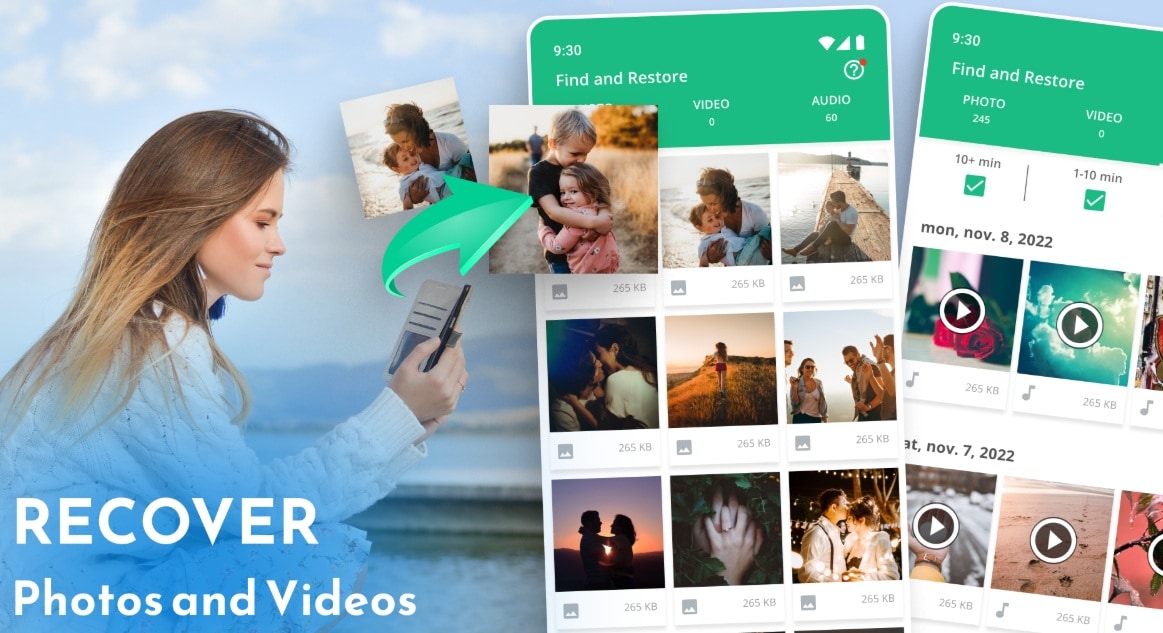
The Dumpster photo and video restore app is an Android app by Baloota. It works like a recycle bin for Android devices. When the app is installed and configured, it can keep deleted photos, videos, apps, documents, audio files, and other supported files so users can restore them later.
That recycle-bin approach is different from traditional data recovery. A desktop recovery tool scans unused storage sectors for deleted file traces. Dumpster is most effective when it captures deleted files before they are permanently removed. Its Deep Scan feature may search for previously deleted media, but users should not treat that as certain recovery.
How Dumpster Works
Dumpster's official FAQ says its recycle bin stores deleted documents, apps, and media files automatically after installation, allowing immediate restore without internet access or major battery use. Premium users can use Dumpster Cloud Storage, which stores deleted files in the cloud instead of using local device storage.
| Dumpster Function | What It Does | Important Limit |
| Recycle Bin | Stores deleted files after Dumpster is installed. | If a deletion is not captured, the file may not appear in Dumpster. |
| Deep Scan Recovery | Attempts to find deleted files not already in the recycle bin. | Results depend on Android version, storage access, overwriting, and file type. |
| Cloud Storage | Premium feature for keeping deleted files in Dumpster's cloud. | Requires a premium account and depends on account/storage settings. |
| App Lock | Premium privacy feature for protecting Dumpster content. | It protects access to Dumpster, not the entire phone. |
| Auto Cleanup | Helps manage stored deleted files. | Cleaning Dumpster can remove files you may later want to restore. |
Recycle Bin vs Deep Scan Recovery
The most important point in any Dumpster review is the difference between restore and recover. If Dumpster stored a deleted file in its recycle bin, restoring can be quick. If the file was deleted before Dumpster captured it, the app must rely on a deeper scan, where results are less predictable.
| Situation | Dumpster Fit | Why |
| File deleted after Dumpster was installed | Strong | The app may already have a stored copy in its recycle bin. |
| File deleted before Dumpster was installed | Uncertain | Deep Scan may help, but Android restrictions and overwriting reduce certainty. |
| Google Photos item still in Bin | Use Google Photos first | Google Photos Help says backed-up items stay in Bin for 60 days, and non-backed-up items on Android 11+ stay for 30 days before permanent deletion. |
| SD card was formatted | Poor fit | A desktop recovery scan from the card is usually more appropriate. |
| Factory reset | Poor fit | Modern Android encryption and reset behavior make local recovery unlikely. |
Part 3. Dumpster Photo/Video Recovery Reviews
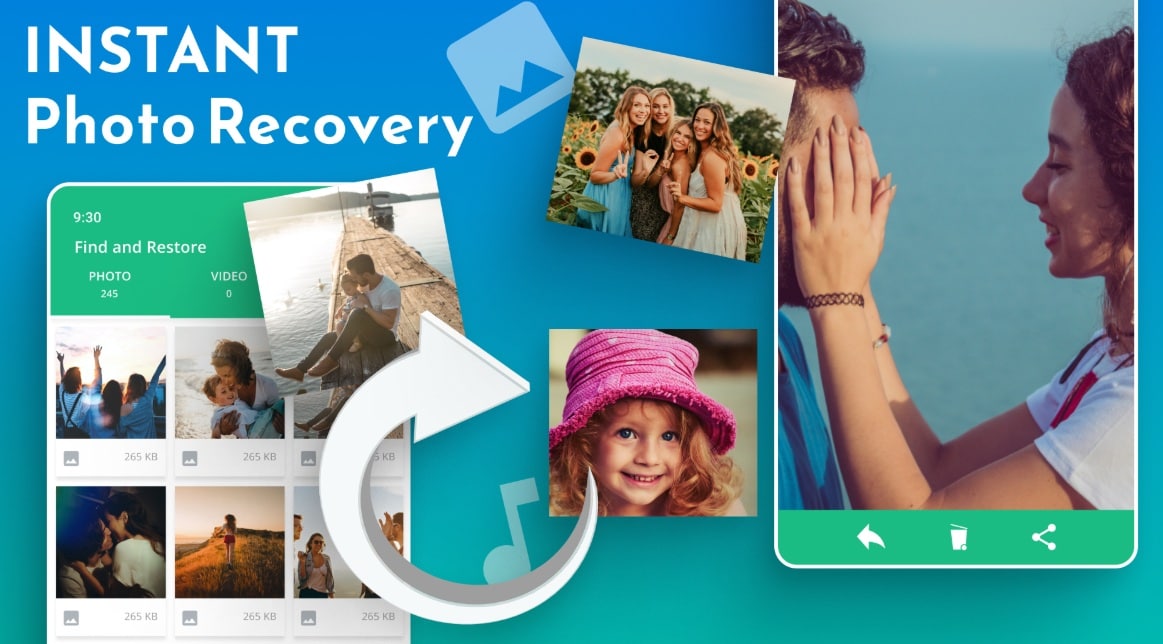
Dumpster photo/video recovery reviews are generally positive around convenience and simple mistakes, but mixed around ads, subscriptions, customer support, and recovery expectations. That pattern makes sense: a recycle bin is excellent when it catches future deletions, but users who install the app after losing old files may not always get the result they expect.
Feature Overview
The Dumpster photo video recovery app combines recycle bin, restore, backup, and premium cloud features. Current Google Play copy highlights deleted photo and video recovery, recently deleted app recovery, media backup, cloud storage, app lock, custom themes, and no-root operation.
- Restores deleted photos and videos captured by Dumpster.
- Works like a recycle bin for Android devices.
- Supports photos, videos, apps, documents, audio, and other supported files.
- Does not require root for core restore behavior.
- Can work offline for files already stored in the recycle bin.
- Provides optional premium cloud storage.
- Includes premium app lock and customization features.
- Uses local storage unless cloud storage is enabled.
Review interpretation: these features make Dumpster helpful for everyday Android protection. They do not make it a complete solution for SD card formatting, broken phones, desktop drives, overwritten files, or deleted media from every app.
Interface, Speed, and Ease of Use
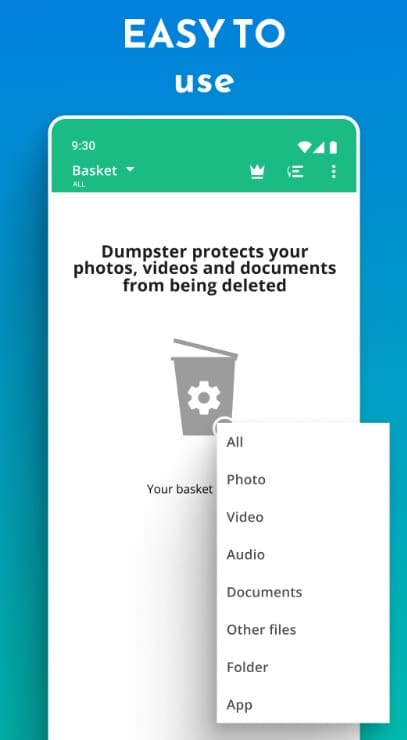
The Dumpster interface is built for non-technical users. Files are grouped by media type, and restoring a captured item is usually easier than using a command-line or desktop recovery tool. That is the app's biggest advantage.
Speed depends on the task. Restoring a file already stored in Dumpster can be fast. Deep Scan can take longer and may return fewer usable results. Performance can also drop on older phones if Dumpster stores many deleted files locally because those files still use device storage unless moved to premium cloud storage.
Pros and Cons Based on User Feedback
Most users who like Dumpster praise quick restore, simple screens, and no-root use. Users who dislike it often mention ads, subscription confusion, customer support, failed recovery for older files, and local storage use.
Google Play Ratings and User Trends
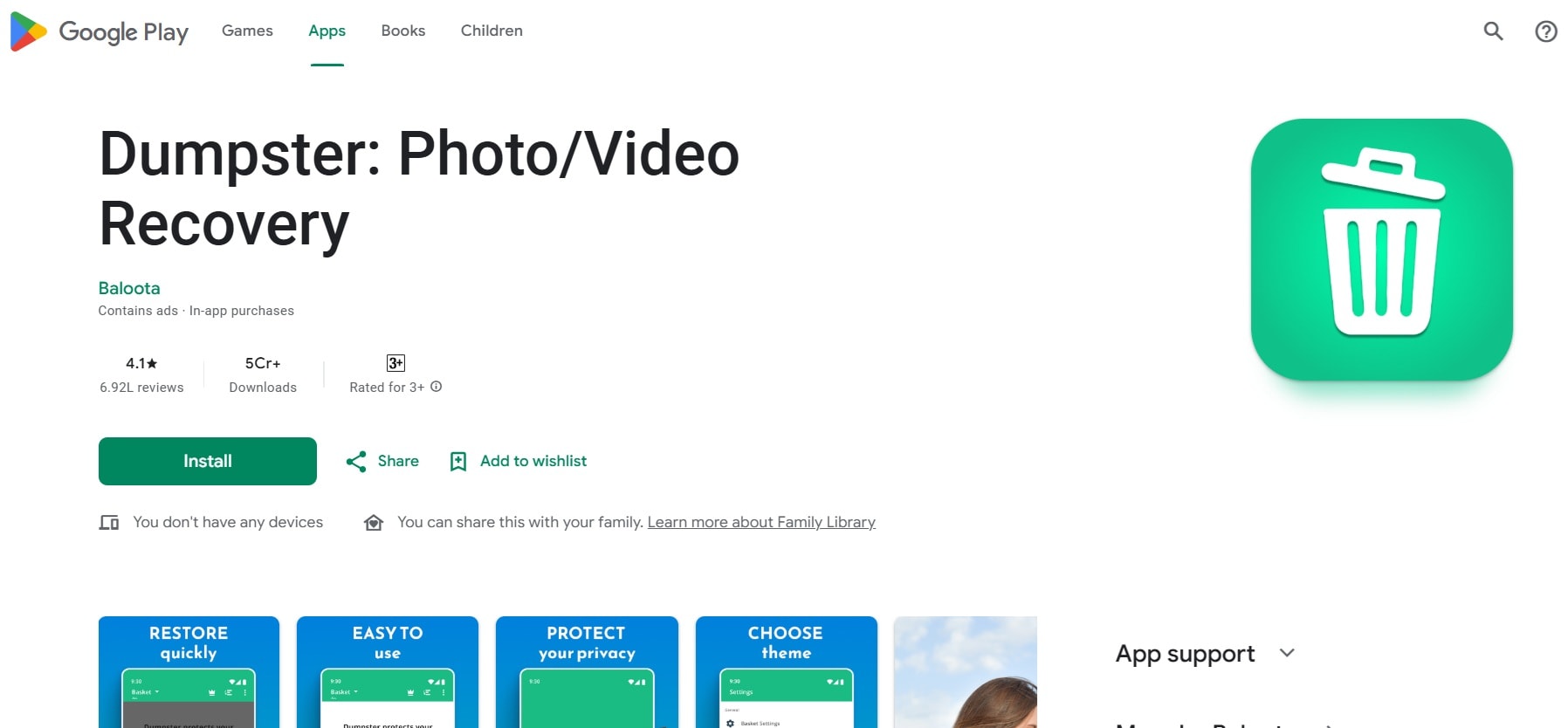
Dumpster has a large Android audience. Google Play currently shows 50M+ downloads and a 3.9-star rating from about 707K reviews. That scale is a strong adoption signal, but the rating is not perfect. Positive reviews often describe successful recovery of recent photos or videos. Negative reviews often mention ads, failed Deep Scan results, lag, subscription issues, or support delays.
| Review Signal | Current Finding | What It Means |
| Downloads | 50M+ on Google Play. | Dumpster is widely used and recognizable in Android recovery searches. |
| Rating | 3.9 stars on Google Play. | Solid, but not excellent; user experience is mixed. |
| Review volume | About 707K reviews shown in the listing summary. | Large enough to reveal common praise and complaints. |
| Monetization | Contains ads and in-app purchases. | Free users should expect ads and premium upsells. |
| Data safety | Google Play lists app info/performance and device IDs as collected/shared categories. | Users should review privacy settings before storing sensitive deleted files. |
Part 4. How Dumpster Compares to Other Recovery Apps
Dumpster is not directly comparable to every recovery tool because it is mainly an Android recycle bin. DiskDigger is an Android recovery scanner. Recoverit and 4DDiG are desktop recovery tools. The best choice depends on whether you need phone convenience, SD card recovery, or computer storage recovery.
| Feature | Dumpster | Recoverit | DiskDigger | 4DDiG |
| Primary platform | Android | Windows and Mac | Android | Windows and Mac |
| Main purpose | Recycle bin and restore for Android files. | Desktop recovery from readable storage devices. | Android photo/file scan. | Desktop recovery from common storage devices. |
| Root required | No for core recycle bin workflow. | No. | Root improves deep search; non-root scans are limited. | No. |
| Best for | Files deleted after Dumpster was installed. | SD cards, USB drives, cameras, external drives, computers, disk images, NAS, Linux, and crashed computer recovery where supported. | Android photo recovery attempts. | General Windows/Mac recovery cases. |
| Cloud backup | Premium feature. | No recycle-bin cloud backup role. | No primary cloud backup role. | No primary cloud backup role. |
| Offline restore | Yes for locally stored Dumpster items. | Yes for local scans; internet may be needed for install, updates, or activation. | Yes. | Yes for local scans; internet may be needed for install, updates, or activation. |
| Formatted SD card recovery | Poor fit. | Better fit when the card is readable. | Limited Android context. | Better fit when the card is readable. |
| Free access | Free with ads and paid premium features. | Free scan and preview; saving requires registration or paid access based on current rules. | Free app with paid/pro options depending on feature. | Free/trial limits depend on current plan rules. |
Summary: Dumpster is best for daily Android protection. Recoverit and 4DDiG are better for deep recovery from PC-connected storage. DiskDigger is a direct Android alternative but may need root for broader scanning. If you deleted a file yesterday on your phone and Dumpster was installed, try Dumpster first. If you formatted an SD card, lost camera files, or need Windows/Mac recovery, compare Recoverit instead.
Part 5. Best Alternative to Dumpster Recovery: Use Recoverit
While Dumpster image restore is easy for Android, it has clear limits. It is not designed to scan full Windows or Mac drives, recover from formatted cards, or rebuild files from external storage with desktop-level filters. For those cases, Wondershare Recoverit is a stronger alternative.
Recoverit can help recover lost photos, videos, documents, and other files from readable storage such as computer drives, USB drives, SD cards, camera cards, external drives, disk images, NAS, Linux storage, and crashed computer workflows where supported. It cannot recover overwritten files, repair physically damaged hardware, bypass encryption, or directly recover data from modern Android/iOS internal storage without the device exposing readable storage.
Why Choose Recoverit Instead of Dumpster?
- Better for SD cards and external drives: Recoverit scans connected storage devices, while Dumpster is Android-first.
- Windows and Mac support: Recoverit's guide lists Windows 11/10/8.1/8/7/Vista, Windows Server versions, and macOS X 10.10 through macOS 15 Sequoia.
- Preview before saving: users can preview supported files before recovery.
- More recovery scenarios: deleted files, formatted drives, lost partitions, external storage, disk images, NAS, Linux, and crashed computers where supported.
- Enhanced video recovery: useful for deeply hidden and large videos from supported digital devices.
How to Use Recoverit
Use Recoverit when the lost media is on a readable storage device that can be connected to a computer, such as an SD card, USB drive, external drive, camera card, or local disk. Do not install Recoverit on the same location that lost files, and do not save recovered files back to the original device.
- Select the storage location. Download and open Recoverit on your computer. Choose the device, drive, folder, SD card, or location where your photos or videos were lost.

- Scan the selected device. Let the software scan the location. Scan time depends on storage size, file type, and device condition. Use filters to narrow photo and video results.

- Preview and recover safely. Preview the files, select what you need, and click Recover. Save recovered files to another safe drive.


Part 6. Final Verdict
Dumpster Photo/Video Recovery is a good Android recycle bin app, not a complete data recovery solution. It is practical for users who want protection against future accidental deletions, quick restore from a recycle bin, no-root operation, offline restore for stored items, and optional premium cloud storage.
It is weaker when used after a serious loss has already happened. Old deleted files, factory reset data, overwritten media, formatted SD cards, broken devices, and desktop storage cases need a different recovery path. Start with Google Photos Bin, device Gallery Trash, or Dumpster if the file is still stored there. For readable SD cards, USB drives, cameras, or computer storage, use a desktop recovery tool such as Recoverit before formatting or reusing the device.
FAQ
-
Is Dumpster Photo/Video Restore free?
Yes, Dumpster is free to install and use for basic recovery, but the Google Play listing shows ads and in-app purchases. Premium features include cloud storage, an ad-free experience, app lock, and themes. -
Can Dumpster recover files deleted before installation?
Dumpster promotes Deep Scan Recovery for some files deleted before installation, but results are uncertain. Android storage access, overwriting, device model, and file type can limit recovery. -
Does Dumpster need root?
No root is needed for Dumpster's main recycle bin workflow, according to the Google Play listing. Root is not required to restore files already captured by Dumpster. -
Can Dumpster recover videos after factory reset?
Usually no. Modern Android encryption and factory reset behavior make internal storage recovery very difficult. Check cloud backups such as Google Photos first. -
Does Dumpster use phone storage?
Yes, locally stored deleted files use device storage. Dumpster's FAQ says premium cloud storage can keep deleted files in the cloud instead of using local space. -
What is the best Dumpster alternative?
Recoverit is a stronger alternative for SD cards, USB drives, external drives, cameras, computer drives, disk images, NAS, Linux, and crashed computer recovery workflows where the storage device remains readable.


