
 TL;DR:
The best EaseUS alternative depends on your specific data loss scenario: use Recuva for cap-free Windows file deletions, Recoverit for guided media recovery with disk-image scanning, PhotoRec for no-cost open-source carving, or R-Studio for technical RAID reconstruction.
● Free recovery allowances vary strictly by tool: Stellar permits up to 2GB but restricts individual recovered files to 100MB, MiniTool provides a flat 1GB, Recoverit defaults to 500MB, and Disk Drill limits Windows free saving to just 100MB.
● Cross-platform support and licensing models differ significantly, as Disk Drill covers Windows and macOS under a single PRO license, while Recuva and MiniTool Power Data Recovery operate exclusively on Windows.
● Stop all software scans and contact a professional lab if the drive exhibits clicking, grinding, burning smells, or firmware non-detection, and strictly avoid saving recovered data back to the original source device.
Ask AI for a summary
 ChatGPT
 Perplexity
 Gemini
 Claude
 Grok
Grok
EaseUS works well for common logical data loss, but its free allowance, licensing, and specialist features may not fit every case. This guide compares seven verified alternatives by real limits, operating system, imaging, RAID, media recovery, and risk.
In this article
Part 1. Best EaseUS Alternative by Situation
The right alternative is the one that solves your exact recovery case without causing extra writes to the affected storage. Use this table before downloading anything.
| Situation | Best first choice | Why it fits | Main caution |
| Deleted photos or fragmented camera video on an SD, CFexpress, or external drive | Recoverit | Guided media workflow, file preview, enhanced photo and video recovery, Windows and Mac support | The free edition recovers up to 500MB; save results to another drive |
| A few recently deleted Windows files | Recuva | Lightweight Free edition with no advertised total recovery cap | Windows only and less suitable for complex storage reconstruction |
| You want to image the device before scanning | Disk Drill | Byte-for-byte backup is available in the free workflow | Windows Basic recovers only 100MB for free; Mac free recovery is more limited |
| Up to 1GB of lost Windows data | MiniTool Power Data Recovery | One gigabyte can be recovered free through a visual wizard | Power Data Recovery is Windows software; advanced plans and boot media cost extra |
| Up to 2GB with individual files smaller than 100MB | Stellar Data Recovery | One gigabyte is free by default and another 1GB can be unlocked through social sharing | The current free terms limit each recovered file to 100MB |
| No budget and a badly damaged file system | PhotoRec | Free, open source, cross-platform file carving that reads the source without modifying it | Recovered files may lose names, dates, and folder paths; fragmented files can fail |
| RAID, NAS components, network disks, disk images, or custom scan parameters | R-Studio | Virtual RAID assembly, imaging, network recovery, broad file-system support, and technical controls | The interface and configuration are aimed at experienced users |
| Clicking, grinding, burnt, dropped, or firmware-undetected drive | Professional recovery lab | Hardware faults need clean-room or specialist equipment | Repeated powering, scanning, repair commands, or enclosure swaps can worsen damage |
Part 2. What EaseUS Does Well and Why Users Switch
EaseUS Data Recovery Wizard remains a credible consumer recovery application. It scans internal and external storage, searches for deleted or formatted data, previews many file types, and offers Windows and macOS editions. Its wizard is appropriate for common logical losses such as an emptied Recycle Bin, an accidentally formatted USB drive, or a missing partition that is still physically readable.
An alternative does not automatically recover more data. Deleted data can be overwritten, SSD TRIM can clear released blocks, and encrypted or physically failed storage may be inaccessible to every consumer program. The practical question is whether another tool offers a better fit for your file type, free allowance, platform, licensing needs, or technical workflow.
EaseUS Baseline: Free Limit and Current Pricing
As of August 18, 2026, the official EaseUS Free edition explanation says users receive 500MB by default and can increase the allowance to 2GB by sharing the product on social media. Its trial can scan and preview files but does not save them.
The current EaseUS Windows purchase page lists one-computer licenses at $69.95 for one month, $99.95 for one year, and $149.95 for lifetime upgrades. Prices, promotions, taxes, renewal terms, and regional offers can change, so confirm the checkout page before buying.
Reasons to Choose an Alternative
- You need a different free allowance: Recuva has no advertised recovery-volume cap, while Recoverit offers 500MB, Disk Drill for Windows offers 100MB, MiniTool offers 1GB, and Stellar offers 1GB plus an optional social-share bonus.
- Your priority is photo or video recovery: A media-focused workflow, supported camera formats, preview, and fragmented-video handling can matter more than the headline number of file extensions.
- You want a safety image before scanning: Disk Drill can create a byte-for-byte backup, Recoverit can scan a disk-image file, and R-Studio can create and process images. Imaging is important when a device is unstable but still readable.
- You work with RAID or network storage: Consumer wizards are not interchangeable with tools that can define RAID geometry, assemble arrays virtually, or recover across a network.
- You need open-source recovery: PhotoRec does not charge for saving files and supports Windows, macOS, Linux, and several Unix-like systems.
- You prefer a different license model: One-time, subscription, device-count, and cross-platform terms vary. Compare the exact license, not just the sale price.
- The source drive is physically failing: In this case, the right alternative is usually a professional service, not another full scan.
Part 3. How We Evaluated the Alternatives
This is a documentation-led, scenario-based comparison. Product limits, supported systems, plan terms, and specialist features were checked against official vendor pages on August 18, 2026. We did not run all seven products against an identical forensic image, so this guide does not publish invented scan-speed scores or universal recovery percentages.
Recovery percentages without the source image, file system, deletion method, elapsed writes, SSD TRIM state, drive health, test corpus, and pass criteria are not comparable. Instead, each recommendation is based on the following decision factors:
- Recovery scope: deleted files, formatting, RAW or lost partitions, camera media, disk images, RAID, and network storage.
- Free-edition reality: how much data can actually be saved, not merely scanned or previewed.
- Platform and license: Windows, macOS, Linux, cross-platform entitlement, computer limits, and perpetual or subscription terms.
- Evidence preservation: read-only scanning, disk imaging, image-file support, and the ability to save results away from the source.
- Verification before purchase: preview, file condition indicators, scan-result saving, and transparent limitations.
- Usability: whether the workflow suits a home user, media creator, IT administrator, or recovery technician.
- Honest stop conditions: no software recommendation is presented as a fix for mechanical or electrical drive failure.
Editorial disclosure: Recoverit is a Wondershare product and this article appears on the Recoverit website. That commercial relationship is why the article states its selection criteria, includes competing products, identifies Recoverit's limits, and links readers to primary vendor documentation.
Part 4. Seven Best EaseUS Data Recovery Alternatives
1. Wondershare Recoverit: Best for Guided Photo and Video Recovery

Wondershare Recoverit is the most natural EaseUS alternative for users who want a visual Windows or Mac workflow and frequently recover photos, videos, documents, archives, or files from removable media. The official free-edition page currently lists a 500MB recovery allowance, disk-image recovery, BitLocker recovery, NAS and Linux-device recovery, and enhanced photo and video recovery. Review the current product and platform details on the Recoverit website.
| Recoverit at a glance | Current detail |
| Best for | Guided recovery of photos, videos, documents, camera cards, external drives, and common computer storage |
| Platforms | Windows and macOS applications; current product materials also describe Linux and NAS recovery workflows |
| Free recovery | Up to 500MB according to the current official Free vs Premium table |
| Evidence-friendly option | Can recover from a disk-image file so the original device does not need to be scanned repeatedly |
| Main advantage over EaseUS | Media-focused recovery and preview, including enhanced photo and video workflows |
| Main limitation | The free cap is lower than the maximum EaseUS allowance after social sharing, and advanced bootable or video-repair features depend on plan |
Why Choose Recoverit Instead of EaseUS?
Choose Recoverit when the missing files are high-value camera photos, long-form video, or mixed media from SD, CFexpress, USB, external HDD, or computer storage. The current official product page lists more than 1,000 file types and dedicated enhanced video recovery. Disk-image scanning is also useful when you want to work from a copy instead of repeatedly reading the original device.
Do not choose it because of a universal recovery-rate claim. No honest tool can guarantee a deleted file after overwrite, SSD TRIM, secure erase, broken encryption, or physical NAND failure. Use the free scan and preview to determine whether your specific files appear intact.
Key Features Offered by Recoverit
- Broad file coverage: The current official page lists documents, photos, videos, audio, email, archives, and more than 1,000 supported file types.
- Storage coverage: Internal disks, SSDs, external HDDs, USB flash drives, SD and CF cards, cameras, and other computer-readable media are supported.
- Enhanced media recovery: The product includes specialized photo and video recovery in addition to general file-system scanning.
- Preview and filters: Users can narrow results and preview supported files before choosing what to save.
- Disk-image workflow: A readable device can be imaged first, then the image can be scanned without further wear on the source.
How to Recover Lost Data With Recoverit
Before you begin: Stop using the affected drive. Install Recoverit on a different disk and prepare another healthy device for the recovered files. If the source is unstable but readable, create an image first. Do not run CHKDSK, First Aid repair, formatting, or secure erase before recovery.
1. Choose the Lost-File Location
Open Recoverit and select the internal partition, external drive, USB device, or memory card where the files were lost. If you already created a disk image, choose the image-recovery workflow instead of rescanning the source hardware.

2. Scan and Narrow the Results
Start the scan. Use file type, size, date, path, status, and other available filters to reduce a large result set. Allow the scan to finish when the missing folder structure or target files have not appeared yet. Stop if the drive begins disconnecting, clicking, or reporting serious read errors.

3. Preview, Select, and Save Elsewhere
Preview supported photos, documents, videos, or audio. A recognizable name is not proof that the file content is intact, so open the preview where possible. Select the required files and recover them to a different healthy disk. Never save results back to the source during the recovery session.

Try Wondershare Recoverit to Perform Data Recovery
 Security Verified. Over 7,302,189 people have downloaded it.
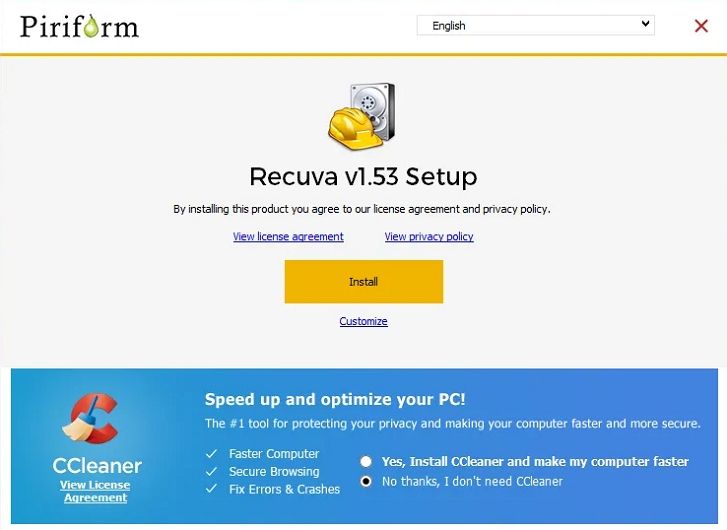
2. Recuva: Best Free Option for Simple Windows Deletion
Recuva is a lightweight Windows recovery utility from CCleaner owner Gen Digital. Its current official comparison lists advanced file recovery in the Free edition, while Professional adds virtual hard drive support, automatic updates, and priority support. Unlike most commercial competitors, the official page does not advertise a total data-volume cap for the Free edition.
Where Recuva Is Better Than EaseUS
Recuva is the value pick when a Windows file was recently deleted from an HDD, USB drive, or memory card and the storage is otherwise healthy. The installer is small, the wizard is approachable, and basic recovery is not presented with EaseUS's 500MB default allowance. It also offers a secure-overwrite function for files you want to erase deliberately, although that feature should never be used on a device from which you are still trying to recover other data.
Where Recuva Falls Short
There is no current macOS edition on the official Recuva site. It also does not present the RAID reconstruction, image-first recovery, or cross-platform file-system controls found in R-Studio. Use it for straightforward Windows cases, not because it is universally stronger on RAW partitions, SSDs affected by TRIM, or mechanically unstable storage.
3. Disk Drill: Best Consumer Alternative for Disk Imaging
Disk Drill combines a polished interface with a free byte-for-byte backup tool. That image-first path is its most meaningful advantage for a user who has a readable but questionable SD card, USB drive, or external disk. The current PRO license covers Windows and macOS for one user on up to three devices, with an optional lifetime-upgrades purchase.

Free Edition Details That Matter
The current Disk Drill Basic explanation says Windows users can recover 100MB at no cost. macOS users can scan and preview for free, recover allocated existing data, and restore data protected before deletion by its protection modules, but ordinary deleted-file saving generally requires PRO. This platform difference should be stated before a Mac user downloads the app.
Who Should Choose It?
Choose Disk Drill if a byte-for-byte backup, clean previews, and one personal license across Windows and Mac matter more than a generous free recovery allowance. Skip it if your only goal is to restore several gigabytes without paying, or if you need manual RAID geometry and technician-level control.
4. Stellar Data Recovery: Best Guided Option for BitLocker and Tiered Advanced Features
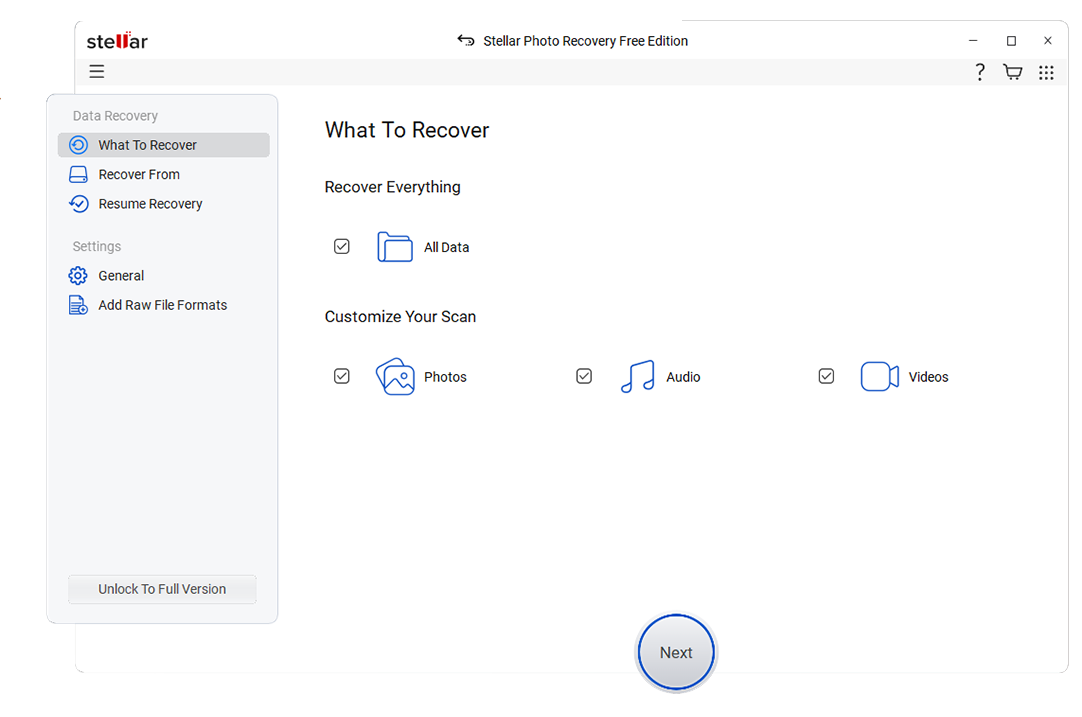
Stellar Data Recovery offers separate Windows and Mac editions plus higher Windows tiers for disk imaging, boot recovery, media repair, and RAID. The current Windows Free v12 page states that users can recover 1GB by default and unlock another 1GB by sharing on social media. It also states that each recovered file is limited to 100MB in the free offer.
Where Stellar Differs From EaseUS
Stellar's edition ladder makes sense for users who want to begin with ordinary file recovery and later add BitLocker, bootable recovery, disk imaging, photo and video repair, or RAID features. The official free page lists BitLocker recovery when the user supplies the recovery key, RAW-drive scanning, and recovery from 4K-sector drives.
Read the edition matrix carefully. RAID 0, 5, and 6 recovery, virtual RAID, disk imaging, bootable recovery, and repair functions are not all included in the entry-level free or standard plans. The 100MB per-file condition also means the 2GB maximum is not suitable for large video clips or disk images.
5. MiniTool Power Data Recovery: Best 1GB Free Windows Wizard
MiniTool Power Data Recovery is a Windows-focused wizard for deleted files, formatted storage, RAW partitions, lost partitions, and computer-readable removable media. Its current official Free edition can save up to 1GB, with no paid activation required for that allowance.
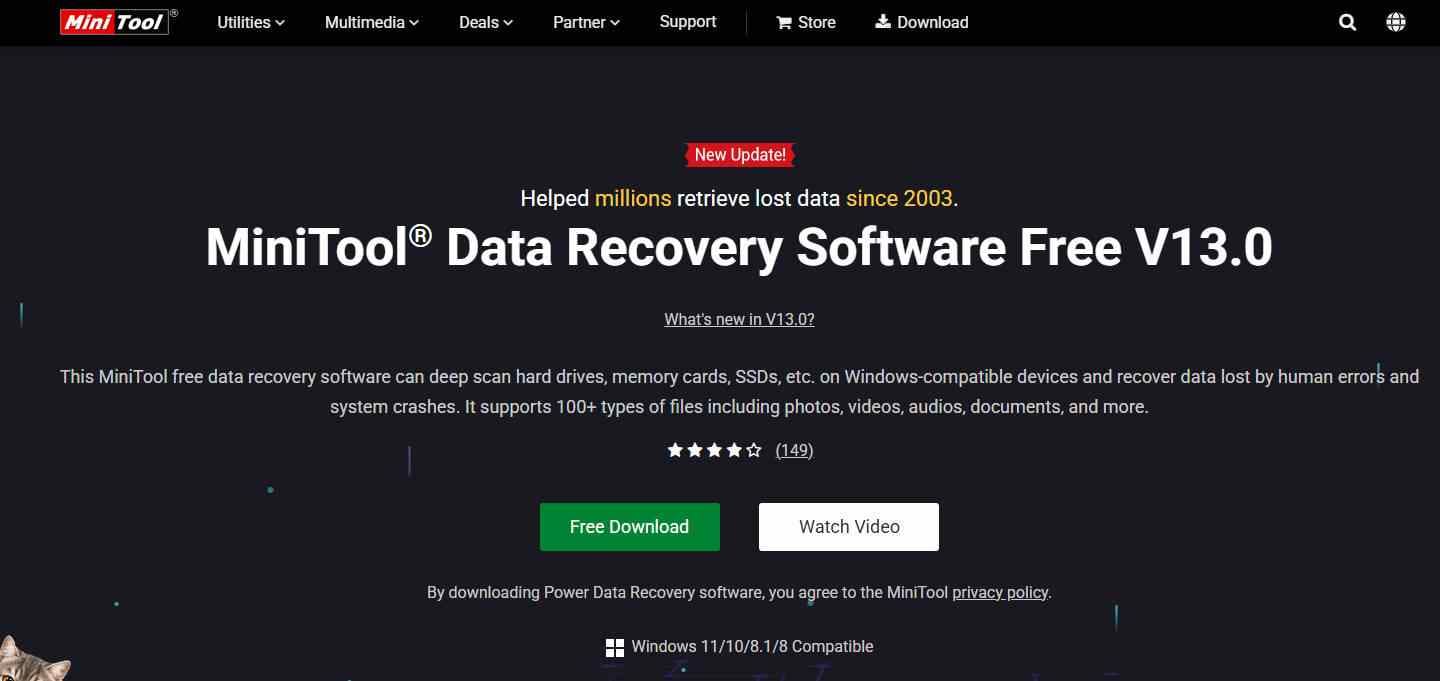
Editorial asset note: The original article supplied this Stellar interface asset in the MiniTool section. Its URL and location are preserved as requested, but the production team should replace it with an approved MiniTool screenshot before publication because the image does not visually represent MiniTool.
Where MiniTool Is Better Than EaseUS
MiniTool gives a Windows user 1GB without requiring the social-share step described by EaseUS. Its current v13 interface adds a safer destination window that warns against saving recovered files to the source. Monthly, annual, and perpetual personal plans are listed, while WinPE bootable media appears in paid editions.
Important Mac Clarification
Power Data Recovery itself is the Windows product. MiniTool's current Mac link points to a separate Stellar Data Recovery for Mac offering, so a buyer should not assume that one Power Data Recovery license provides a native MiniTool-branded Mac application.
6. PhotoRec and TestDisk: Best Free and Open-Source Alternative
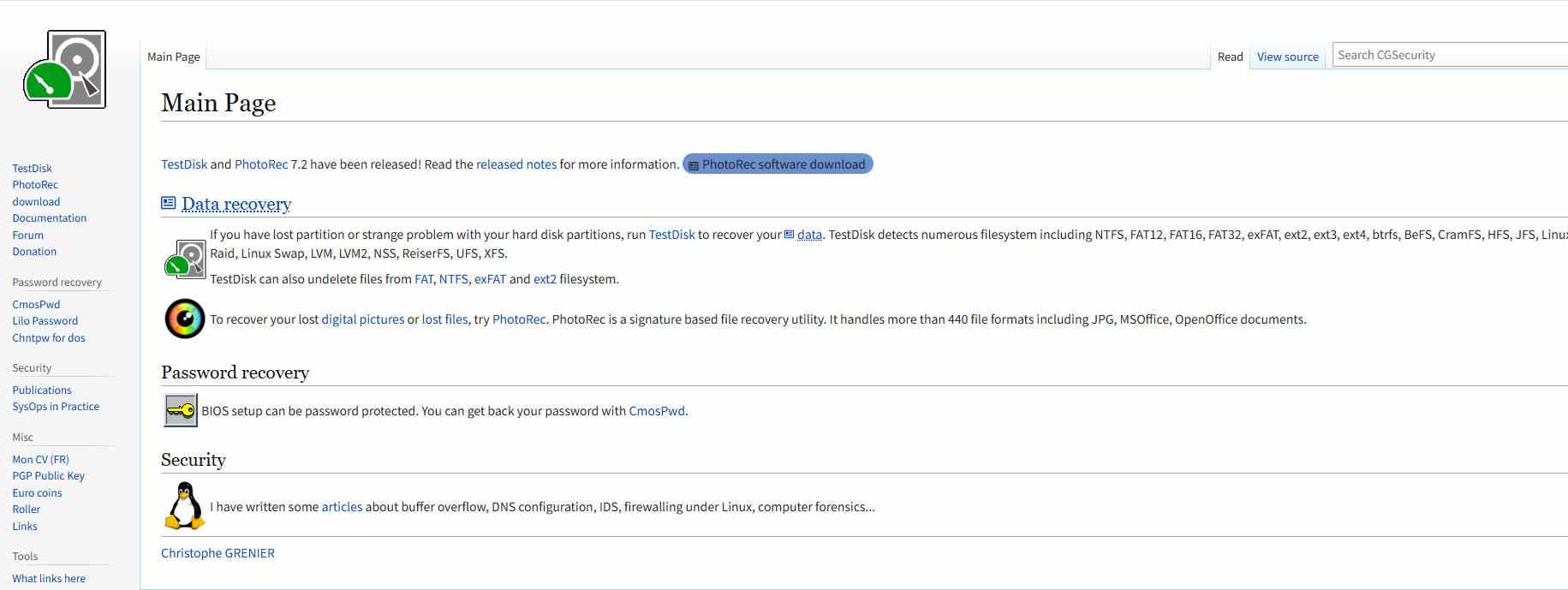
PhotoRec is a free, open-source file carver distributed with TestDisk. The latest stable release listed by CGSecurity is version 7.2 from February 22, 2024. It runs on Windows, macOS, Linux, BSD systems, and several other Unix platforms. It reads the source in read-only mode and can recover from physical devices, DD images, and E01 images.
Why PhotoRec Belongs in This Comparison
Many alternative lists compare only paid products. PhotoRec provides a real no-cost path when the file system is severely damaged or reformatted because it searches for known file signatures instead of depending on intact directory metadata. CGSecurity lists more than 480 file extensions across roughly 300 file families.
The Tradeoff: Content Over Original Organization
Signature carving often cannot restore the original file name, folder path, or timestamps. Results may be numerous and difficult to sort. Fragmented files, especially large videos, are also harder to reconstruct because their blocks are not contiguous. TestDisk can help with lost partitions, but changing a partition table is a higher-risk operation and should be done only after imaging and understanding the proposed changes.
7. R-Studio: Best for RAID, Network Disks, and Experienced Users
R-Studio is the technical alternative in this list. It supports Windows, macOS, and Linux editions, recovery over a network, disk imaging, virtual RAID construction, numerous Windows, Mac, Linux, BSD, Solaris, and virtual-disk formats, plus a hex viewer and detailed scan controls. The official page currently lists personal editions starting at $49.99, with separate Corporate, Technician, and T80+ capabilities.
Where R-Studio Is Better Than EaseUS
R-Studio exposes the parameters an experienced user needs for nonstandard or damaged storage layouts. Its official documentation lists RAID 0, 1, 4, 5, 6, 10, 1E, 5E, 5EE, and 6E, automatic RAID parameter recognition for RAID 5 and 6, remote recovery, image creation, image scanning, S.M.A.R.T. monitoring, and support for several encrypted and virtualized storage formats.
Why It Is Not the Default Recommendation
More control also creates more opportunities for a novice to choose the wrong source, RAID geometry, offset, file system, or destination. A home user with one deleted folder may recover more efficiently with a guided tool. A technician with a damaged array or networked workstation will appreciate R-Studio's depth.
Part 5. EaseUS Alternatives Comparison Table
The table below uses current vendor disclosures checked on August 18, 2026. “Free recovery” means data that can be saved, not just scanned or previewed.
| Software | Best for | Platforms | Free recovery | Image workflow | RAID or network depth | Main limitation |
| EaseUS Data Recovery Wizard | General consumer logical recovery | Windows, macOS | 500MB default; up to 2GB after social sharing | Check current edition and platform | Separate or higher-tier capabilities may apply | One-computer license and free allowance conditions |
| Wondershare Recoverit | Photo, video, document, removable-media, and guided recovery | Windows, macOS; Linux and NAS workflows listed | 500MB | Can scan disk-image files | NAS and Linux recovery listed; not a manual RAID workstation | Bootable recovery and corrupt-video repair depend on Premium |
| Recuva | Simple deleted-file recovery on Windows | Windows | No volume cap advertised for Free | Professional supports virtual hard drives; no physical imaging feature advertised | Not designed for RAID reconstruction or network recovery | Windows only and basic technical control |
| Disk Drill | Consumer recovery with byte-for-byte backup | Windows, macOS | Windows: 100MB; Mac: limited qualifying cases, otherwise scan and preview | Creates byte-for-byte backups for free | Limited compared with R-Studio | Small Windows allowance and different Mac free terms |
| Stellar Data Recovery | Guided recovery with tiered BitLocker, imaging, repair, and RAID options | Windows, macOS | 1GB default; up to 2GB after sharing; 100MB maximum per file | Disk imaging in eligible higher Windows editions | RAID 0, 5, and 6 in eligible higher editions | Capabilities are split across many editions |
| MiniTool Power Data Recovery | Visual Windows recovery up to 1GB free | Windows | 1GB | Not highlighted on the current Free product page | Not positioned as a manual RAID workstation | Power Data Recovery is Windows only |
| PhotoRec and TestDisk | Open-source carving and partition recovery | Windows, macOS, Linux, BSD, Solaris, others | Unlimited | PhotoRec can scan DD and E01 images | No guided RAID reconstruction comparable to R-Studio | Names and folder structure may be lost |
| R-Studio | RAID, network disks, images, virtual disks, and technical recovery | Windows, macOS, Linux | Demo is for evaluation; recoverable file-size conditions apply | All versions create native images; higher tiers add advanced imaging | Extensive RAID and network features | Steep learning curve and edition complexity |
Part 6. How to Choose and Recover Safely
- Check backups and built-in restore options first: Recycle Bin, Trash, File History, Previous Versions, Time Machine, OneDrive, iCloud Drive, Google Drive, and NAS snapshots can restore a clean copy without scanning unallocated space.
- Identify the failure type: Accidental deletion and formatting are logical losses. Clicking, grinding, burning, liquid exposure, severe impact, or firmware non-detection can indicate physical damage.
- Stop all unnecessary writes: Do not download, install, edit, format, initialize, repartition, defragment, secure erase, or run repair utilities on the affected storage.
- Choose the software by scenario: Use Recuva for a basic Windows deletion, Recoverit for guided media recovery, Disk Drill for consumer imaging, PhotoRec for free carving, or R-Studio for technical RAID and image work.
- Scan from another computer or system drive: Installing recovery software on the affected disk can overwrite the very sectors you need.
- Preview before paying: Verify target photos, documents, or videos where the tool supports preview. A filename alone does not prove the file body is intact.
- Recover to separate storage: Use a healthy external disk with enough free capacity. Never recover to the source device during the job.
- Validate the output: Open documents, scrub through videos, inspect full-resolution images, extract archives, and compare file sizes before wiping or reusing the original storage.
Stop DIY Recovery When You See These Signs
- Mechanical symptoms: clicking, grinding, repeated spin-up and spin-down, or a drive that becomes too hot.
- Electrical or impact damage: smoke, burnt smell, liquid exposure, a dropped HDD, or visibly damaged connectors.
- Firmware-level non-detection: the device does not appear in BIOS, UEFI, System Information, or Disk Management with its correct capacity.
- Rapidly worsening reads: repeated disconnections, severe I/O errors, or a scan that makes the device disappear.
- High-value evidence: legal, regulatory, medical, business, or irreplaceable data where an uncontrolled attempt could compromise evidence or the only copy.
In these cases, power the device down, record what happened, and contact a reputable lab. Do not open an HDD outside a clean environment, swap circuit boards casually, freeze the drive, or keep rerunning scans.
Part 7. Final Verdict
EaseUS Data Recovery Wizard is still a reasonable choice for common logical recovery. The best alternative depends on the tradeoff you want to change.
- Choose Recoverit for a guided Windows or Mac workflow with a stronger focus on photos, videos, camera storage, preview, and disk-image scanning.
- Choose Recuva when you need a no-cap Free edition for a simple Windows deletion.
- Choose Disk Drill when making a byte-for-byte backup before recovery is your priority.
- Choose Stellar for a tiered commercial path that can add BitLocker, imaging, repair, boot, and RAID features.
- Choose MiniTool for a clear Windows workflow and 1GB of free saving.
- Choose PhotoRec when the budget is zero and losing names or folders is acceptable.
- Choose R-Studio for RAID, networks, image files, and experienced technical control.
Whichever tool you choose, stop writing to the source, scan or image it from another storage device, preview before paying when possible, and save recovered data elsewhere. Those choices influence recovery safety more than a marketing percentage.
FAQ
-
What is the best alternative to EaseUS Data Recovery?
Recoverit is a strong guided alternative for Windows and Mac users recovering photos, videos, documents, and removable-media files. Recuva is better for a basic free Windows deletion, Disk Drill for consumer disk imaging, PhotoRec for open-source recovery, and R-Studio for RAID or technical work. -
Is there a completely free EaseUS alternative?
Yes. PhotoRec is free and open source with no recovery-volume cap. Recuva also offers a Windows Free edition without an advertised data cap. PhotoRec is more technical and may not preserve names or folder structure, while Recuva is best for simpler Windows cases. -
Does EaseUS still recover 2GB for free?
EaseUS states that its Free edition provides 500MB by default and can reach 2GB after the user shares the product on social media. Confirm the current regional terms before starting because offers can change. -
Which EaseUS alternative gives the most free recovery?
PhotoRec has no data-volume cap and Recuva does not advertise one for its Free edition. Among the capped visual tools in this guide, Stellar offers 1GB by default and up to 2GB after sharing, MiniTool offers 1GB, Recoverit offers 500MB, and Disk Drill for Windows offers 100MB. -
Which EaseUS alternative is best for photos and videos?
Recoverit is the most media-focused guided option here because its current product materials list enhanced photo and video recovery, preview, camera-media support, and disk-image scanning. PhotoRec is a free fallback for signature carving, but fragmented videos and lost filenames can make its output harder to use. -
Can data recovery software recover files from an SSD?
Sometimes, but SSD TRIM and garbage collection can make deleted blocks unavailable soon after deletion. Stop using the SSD, check backups first, and scan from another system or a disk image. No alternative can recover blocks that have been securely erased or physically cleared. -
Should I scan a failing hard drive with another recovery tool?
Not if the drive clicks, grinds, repeatedly disconnects, overheats, smells burnt, or is not detected with the correct capacity. Power it down and contact a professional recovery lab. Repeated full scans can worsen a physical failure. -
Do I need to pay before knowing whether my files are recoverable?
Most commercial tools let you scan and preview supported files before purchase, but preview is not a guarantee for every file. Check the exact free saving allowance, validate several target files, read the license terms, and always recover to a different drive.


