

 TL;DR:
Since Puran Data Recovery is outdated and struggles with complex data loss, users should switch to Wondershare Recoverit for high-success advanced recoveries, Recuva for simple free undeletions on Windows, or Stellar Data Recovery for professional RAID environments.
● EaseUS Data Recovery Wizard excels at restoring formatted partitions and RAW drives for non-technical users, whereas Disk Drill is tailored for power users requiring deep scanning paired with S.M.A.R.T. monitoring and byte-level backups.
● To prevent permanent data loss, you must immediately stop writing new files to the affected drive and install your chosen data recovery software on a secondary disk before running a scan.
● While Recuva provides most core features entirely for free, cross-platform tools like Wondershare Recoverit, EaseUS, and Disk Drill strictly limit their free tiers to small data caps or file previews before requiring a paid license.
Ask AI for a summary
 ChatGPT
 Perplexity
 Gemini
 Claude
 Grok
Grok
Puran Data Recovery was once a popular free option for restoring deleted files on Windows, but its aging interface, limited updates, and narrow compatibility push many users to look for stronger, more modern recovery tools. Below, we break down what Puran offers, where it falls short, and the best alternatives that give you a safer, more reliable path to getting your lost data back.
Try Recoverit to Recover Lost Data
 Security Verified. 3,591,664 people have downloaded it.
In this article
What Is Puran Data Recovery?
Puran Data Recovery, often bundled as part of Puran Utilities, is a free Windows-based file recovery tool designed to restore accidentally deleted files from hard drives, USB drives, memory cards, and other storage media. It focuses on straightforward undelete tasks: scanning selected drives for deleted entries in the file system and allowing users to restore them with a few clicks.
Key features include quick and deep scans, the ability to recover formatted or lost partitions in some cases, and a portable version that can run without full installation. Typical use cases revolve around home and small office users who need to recover deleted files emptied from the Recycle Bin, documents deleted from USB flash drives, or photos removed from memory cards. Because it is lightweight and free, Puran Data Recovery attracts users who want a no-frills, low-cost solution for basic windows recovery on older machines.
Why You Might Need Alternatives for Puran Data Recovery?
There are several reasons why you might need a substitute for Puran Data Recovery. Here are a few:
- 🧭 Outdated UI and weak usability: The interface looks and feels old-fashioned, which can slow you down when time-sensitive best data recovery is needed. Menus are less intuitive than modern wizards, so inexperienced users may not know which scan mode to choose or how to safely handle external drives.
- 🧩 Feature limitations vs modern tools: Puran mainly focuses on simple undelete, lacking richer options such as dedicated video repair, crash recovery, or guided workflows you find in leading data recovery software. This limited toolkit can make it harder to solve complex issues where competitors like puran data recovery alternatives offer multiple targeted modes.
- 📉 Lower success rate on difficult cases: Its scanning algorithms work reasonably well for recently deleted items, but success drops on corrupted, formatted, or RAW volumes. When you are dealing with business-critical projects or irreplaceable media, a weaker engine increases the risk that your file recovery tool will miss deeply buried data.
- 🛠 Missing advanced capabilities and controls: Puran lacks features such as disk imaging, granular deep-scan control, and smart session management that help protect a failing drive during windows recovery. Without these, users may have to rescan repeatedly, putting more stress on the disk and wasting valuable time.
- 💰 Value-for-money considerations: While Puran is free, the absence of updates and advanced protections can make it costly in the long run if recovery fails on important cases. Modern puran data recovery alternatives provide better long-term value by supporting new hardware, receiving regular improvements, and offering reliable support when your data recovery software workflow is mission-critical.
5 Best Puran Data Recovery Alternatives
The following tools deliver more reliable results, broader platform support, and better usability than the legacy Puran approach, especially when you need to recover deleted files from modern SSDs, large HDDs, and diverse external devices.
1. Wondershare Recoverit
Wondershare Recoverit is a full-featured data recovery software solution best for users who need high success rates, a modern interface, and coverage for many data loss scenarios on Windows and macOS. It helps you restore deleted, formatted, or lost files from computers, external drives, SD cards, and more through an intuitive, step-by-step workflow. You can learn more and download Recoverit directly from the official site.
Key Features Offered by Recoverit
- Supports over 1000 file formats, including documents, photos, music, emails, and large 4K/8K video, making it a robust recoverit alternative to legacy tools like Puran.
- Works across a wide range of devices and systems (HDDs, SSDs, USB drives, SD cards, and more) with strong windows recovery and macOS support.
- Offers specialized modes for crashed-system recovery, bootable media creation, and advanced video repair to handle complex best data recovery scenarios.
Step-by-Step Guide on How To Recover Lost Data
1. Choose a Location to Recover Data
Install and launch the program, then select the drive, partition, or external device where you lost files. For safer results, avoid writing new data to that location and, if possible, connect it as a secondary drive before starting your file recovery tool scan.

2. Deep Scan the Location
Start the scan so the software can thoroughly search for deleted, formatted, or lost files. Let the deep scan run to completion for the highest best data recovery success rate, especially on large or previously formatted disks.

3. Preview and Recover Your Desired Data
When the results appear, filter and preview files to confirm their integrity, then choose a safe destination on a different drive for recovery. This prevents overwriting remaining data and gives you the best chance to fully recover deleted files from the affected source.

2. Recuva
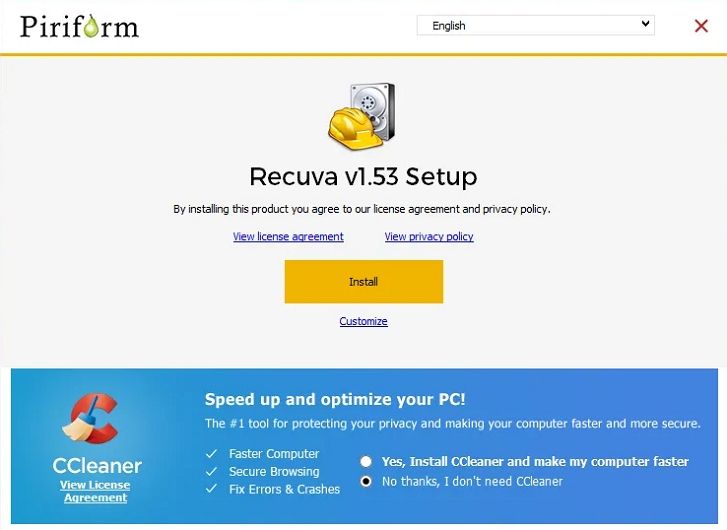
Recuva from Piriform is a lightweight puran undelete-style tool best for Windows users who want a mostly free utility to handle quick, simple undelete jobs. It focuses on recently deleted files from hard drives, memory cards, and USB sticks, offering a wizard-driven interface that is approachable for beginners.
3. EaseUS Data Recovery Wizard
EaseUS Data Recovery Wizard is a widely used data recovery software best for people who want a balance of ease of use and strong partition or RAW drive recovery. It can restore files from deleted partitions, formatted volumes, and inaccessible or RAW drives on both Windows and macOS.

4. Disk Drill
Disk Drill is a comprehensive data recovery software suite best suited for power users who want deep scanning plus extra disk tools like backups, S.M.A.R.T. monitoring, and recovery vault protection. It supports a wide range of file systems and devices, making it a strong general-purpose windows recovery and macOS solution.

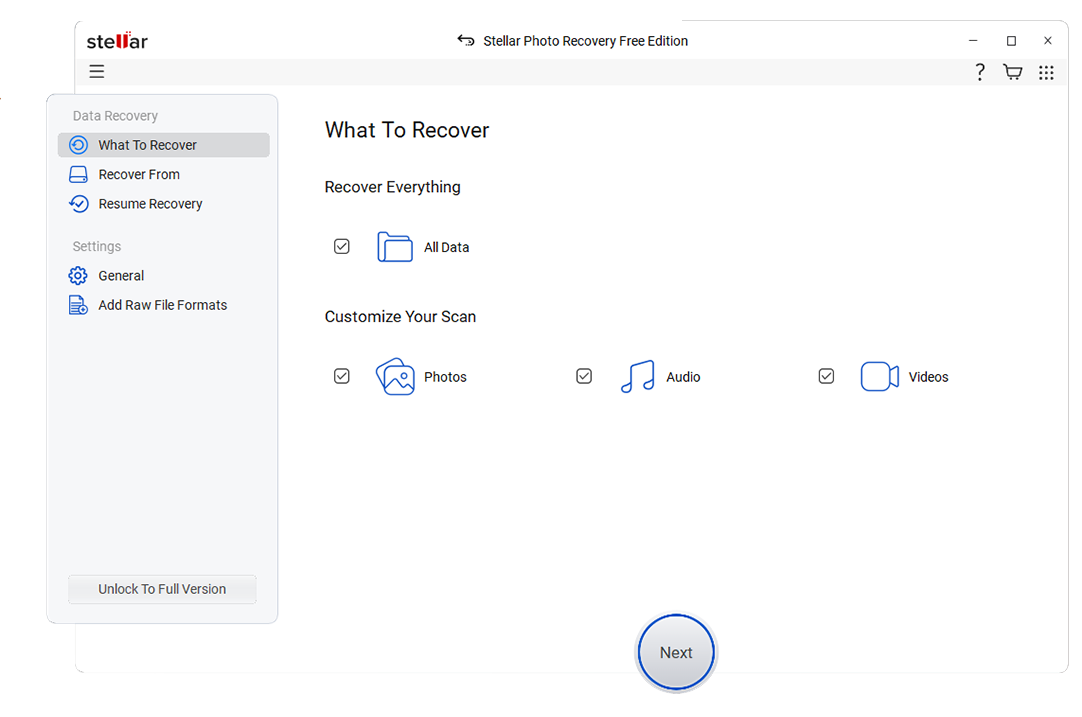
5. Stellar Data Recovery
Stellar Data Recovery is best for business and professional users who need advanced repair features and enterprise-grade options. It scales from simple home licenses to technician editions capable of handling RAID arrays, virtual machines, and heavily corrupted media.
Side-by-Side Comparison Table of Puran Data Recovery Alternatives
| Software | File System Support | Price | Free Version | Ease of Use | Scan Speed | Recovery Success Rate | Key Features |
|---|---|---|---|---|---|---|---|
| Puran Data Recovery | NTFS, FAT16, FAT32 | Free | Fully free, no paid tier | Basic interface, moderate learning curve | Fast on small, older drives; slower on large volumes | Good for simple deletions, weaker on corrupted or RAW drives | Quick and deep scan, portable version, basic partition recovery |
| Wondershare Recoverit | NTFS, FAT/FAT32, exFAT, HFS+, APFS, EXT variants | Tiered paid plans with free trial | Recovers limited data volume for free | Very easy, wizard-style UI | Optimized; deep scans can take longer on huge disks | High success rate across simple and complex cases | Advanced video recovery and repair, crash recovery, bootable media, wide device support |
| Recuva | NTFS, FAT/FAT32, exFAT | Free with optional Pro upgrade | Yes, most core features free | Easy, with simple wizard mode | Generally fast on typical consumer drives | Good for recent deletions, average for severe damage | Quick and deep scan, secure file overwrite, portable build |
| EaseUS Data Recovery Wizard | NTFS, FAT/FAT32, exFAT, HFS+, APFS (mac) | Subscription and lifetime licenses | Yes, small recovery limit | Very easy and guided | Moderate; deep scans thorough but slower | High on formatted and RAW partitions | Partition recovery, RAW drive recovery, file preview, cross-platform support |
| Disk Drill | NTFS, FAT/FAT32, exFAT, HFS+, APFS, EXT variants | Paid with limited free tier | Yes, preview and limited recovery | Easy for basics, rich options for power users | Fast quick scans; deep scans depend on disk size | High, especially with deep scan modes | Data protection, backup, S.M.A.R.T. monitoring, lost partition recovery |
| Stellar Data Recovery | NTFS, FAT/FAT32, exFAT, HFS+, APFS | Multiple paid editions from home to technician | Yes, limited recovery capacity | Moderately easy, more options for pros | Moderate; thorough scans for complex cases | High in advanced and professional tiers | Photo and video repair, RAID recovery (advanced editions), encrypted drive support |
Conclusion
Puran Data Recovery can still help in straightforward undelete situations, but its outdated design, limited updates, and weaker performance on modern drives make it less dependable for serious data loss incidents. Choosing a more current solution greatly improves your odds of getting critical files back intact.
Puran data recovery alternatives such as Wondershare Recoverit, Recuva, EaseUS Data Recovery Wizard, Disk Drill, and Stellar Data Recovery all provide stronger capabilities, broader device and file-system support, and more intuitive interfaces. By matching their strengths to your specific scenario, you can move beyond Puran and adopt a data recovery software solution that keeps pace with todays storage technologies and data protection needs.
Next: Undeleteplus Alternatives
FAQ
-
Is Puran Data Recovery still safe to use on Windows?
Puran Data Recovery is generally safe to run on compatible Windows versions, but because it is not actively updated, it may not fully support the latest OS releases, large SSDs, or modern file systems. For critical data, it is usually better to rely on actively maintained puran data recovery alternatives that are tested against current hardware and security standards. -
Which Puran Data Recovery alternative has the highest success rate?
Among commonly used tools, Wondershare Recoverit is widely recognized for its high recovery success rate across many file types and scenarios, including formatted drives, corrupted partitions, and deleted videos. Its advanced engine and dedicated video-repair capabilities make it a strong choice when you need best data recovery performance. -
Can I recover files for free with Puran Data Recovery alternatives?
Yes. Recuva offers broad functionality for free, making it useful for light puran undelete tasks on Windows. Other tools, such as Recoverit, EaseUS Data Recovery Wizard, Disk Drill, and Stellar Data Recovery, provide free versions or trials that let you scan and often recover a limited amount of data before you decide whether to buy a full license. -
Do these alternatives work on SSDs and external drives?
Most modern alternatives, including Recoverit, EaseUS, Disk Drill, and Stellar, support SSDs, HDDs, USB flash drives, memory cards, and many external enclosures. Simply connect the affected device, avoid copying new data to it, and run your chosen file recovery tool to maximize the chances of successful windows recovery or macOS recovery. -
What should I do immediately after I delete important files by mistake?
Stop using the affected drive right away to reduce the risk of overwriting deleted sectors. Do not install new software, download files, or perform large copy operations to that disk; instead, install a trusted data recovery software tool on another drive and scan the problem disk as soon as possible to recover deleted files before they are permanently lost.


