
 TL;DR:
To replace the outdated, Windows-only UndeletePlus, use Wondershare Recoverit for high-success cross-platform recovery on RAW or crashed systems, Recuva for genuinely free basic Windows undeletion, or Disk Drill and Stellar for advanced drive monitoring and media repair.
● UndeletePlus lacks macOS support and struggles with formatted or corrupted partitions, requiring modern alternatives that handle deep scans across modern file systems like APFS, HFS+, and exFAT.
● Choose EaseUS Data Recovery Wizard for a beginner-friendly workflow on lost volumes, Disk Drill to access S.M.A.R.T. monitoring and byte-level backups, or Stellar Data Recovery for professional-grade photo and video repair alongside RAID support.
● To maximize recovery success across any tool, immediately stop using the affected drive to prevent sector overwriting, install the software on a different partition, and save all recovered files to a separate storage device.
Ask AI for a summary
 ChatGPT
 Perplexity
 Gemini
 Claude
 Grok
Grok
UndeletePlus has helped many users recover accidentally deleted files, but its outdated interface, limited compatibility, and inconsistent results leave some looking for something more powerful. This guide walks you through the best UndeletePlus alternatives so you can choose a modern, reliable undeleteplus replacement that fits your system, budget, and experience level.
Whether you are using Windows or macOS, the data recovery software highlighted here can handle everything from simple recycle bin restores to complex mac data recovery and formatted drive scenarios, giving you safer and more predictable results than older tools.
Try Recoverit to Recover Lost Data
 Security Verified. 3,591,664 people have downloaded it.
In this article
What Is UndeletePlus?
UndeletePlus is a lightweight best undelete software program designed primarily for Windows systems that helps users restore accidentally deleted files from hard drives, USB flash drives, memory cards, and other storage devices. It focuses on recovering files that have been removed from the Recycle Bin or deleted using standard file operations, rather than complex scenarios like formatted drives or severely corrupted partitions.
Key features of UndeletePlus include quick scans of FAT and NTFS file systems, basic file filtering by type or name, and a simple list view of recoverable items. The software is aimed at home users who need a straightforward way to undelete recently removed documents, photos, music, and other common file types. Typical use cases involve recovering files deleted during cleanup, restoring accidentally emptied Recycle Bins, and retrieving items removed from portable drives without advanced configuration or technical knowledge.
Why You Might Need Alternatives for UndeletePlus?
There are several reasons why you might need a substitute for UndeletePlus. Here are a few:
- 🧭 Outdated UI and weak usability: UndeletePlus has a basic, aging interface that can feel unintuitive on modern versions of Windows. Navigation, filtering, and previewing options are limited, which slows down the workflow when you are trying to quickly find specific files among thousands of scan results.
- 🧩 Feature limitations vs competitors: Compared with leading file recovery tools, UndeletePlus focuses mostly on simple undelete tasks from healthy drives. It lacks many convenience features such as rich file-type filters, session saving, scan pausing, and flexible export options that make professional windows file recovery and mac data recovery faster and more efficient.
- 📉 Recovery success and stability gaps: Users often report that UndeletePlus works best only for recently deleted files and struggles with formatted, RAW, or partially corrupted partitions. On large or aging drives, it may deliver incomplete results, miss certain file types, or take longer than newer data recovery software that use more advanced algorithms.
- 🛠️ Lack of advanced recovery capabilities: UndeletePlus does not offer disk imaging, sector-by-sector cloning, or specialized recovery modes for videos, photos, or damaged file systems. This means you have fewer safe options when working with failing drives, and you cannot fine-tune deep scan settings the way you can in more modern file recovery tools.
- 💰 Value for money concerns: While UndeletePlus can be inexpensive, its limited updates, missing macOS support, and narrower feature set reduce its long-term value. Investing in a more capable undeleteplus replacement can save time and increase the chances of getting critical data back in one attempt, which is far more cost-effective for both home and business users.
5 Best UndeletePlus Alternatives
If you want a reliable upgrade from UndeletePlus, Recoverit stands out as a powerful all-around data recovery software choice, especially for users who need both windows file recovery and mac data recovery with high success rates.
1. Wondershare Recoverit
Wondershare Recoverit is a comprehensive data recovery software suite that restores deleted, formatted, or lost files from over 2000 storage device types across Windows and macOS. It is best for users who want a modern, high-success-rate solution for everyday accidents and complex scenarios like RAW partitions or crashed systems.
Key Features Offered by Recoverit
- Supports over 1000 file types and more than 2000 storage devices, covering everything from laptops and desktops to SD cards, USB drives, and action cameras.
- Handles 10000+ data loss scenarios, including accidental deletion, formatted or RAW partitions, system crashes, virus attacks, and more.
- Provides smart file preview, flexible filters, and selective restore so you can quickly locate and recover only the data you actually need.
Step-by-Step Guide on How To Recover Lost Data
1. Choose a Location to Recover Data
Install and launch the software, then select the drive, partition, or external device where your files were lost. If you accidentally deleted livestream or gameplay recordings, choose the disk or folder where your capture software saves files, such as the OBS or Twitch recordings directory, to target the right location.

2. Deep Scan the Location
Start the scan and allow the tool to perform a deep analysis of the selected location. Avoid using the computer or writing new data to that drive while scanning, which helps prevent overwriting deleted files and increases the chance of reconstructing large, fragmented videos or project folders.

3. Preview and Recover Your Desired Data
When the scan completes, browse or filter the results by file type, search by name, and use the preview function to confirm that videos, photos, or documents open correctly. Select the items you want and recover them to a different safe location, such as another internal partition or an external drive, to avoid overwriting remaining lost data.

2. Recuva
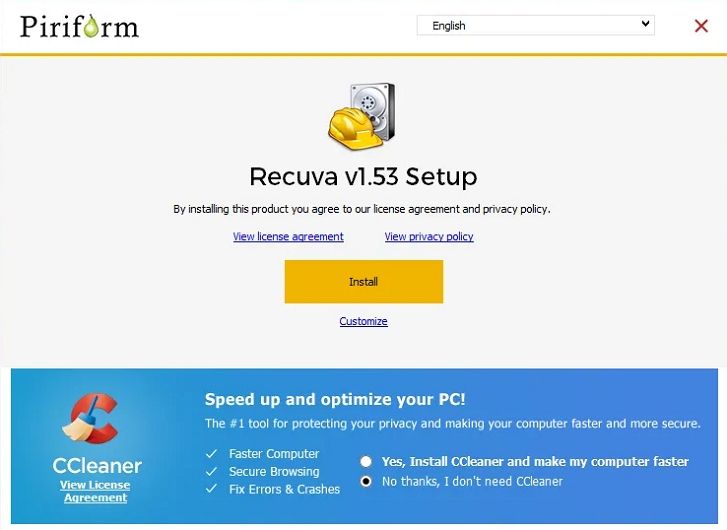
Recuva is a well-known Windows-focused file recovery tools option from the makers of CCleaner, best for budget-conscious users who only need basic undelete capabilities. It works well for restoring recently deleted files from internal drives, USB sticks, and memory cards.
3. EaseUS Data Recovery Wizard
EaseUS Data Recovery Wizard is a popular cross-platform data recovery software solution, ideal for home and small-business users who want a balance of usability and deep-scan power. It recovers data from deleted, formatted, or inaccessible partitions across a wide range of devices.

4. Disk Drill
Disk Drill is a versatile data recovery software option for users who want file recovery plus disk monitoring and data protection tools in one package. It supports both Windows and macOS and works across many file systems, including those used in external drives.

5. Stellar Data Recovery
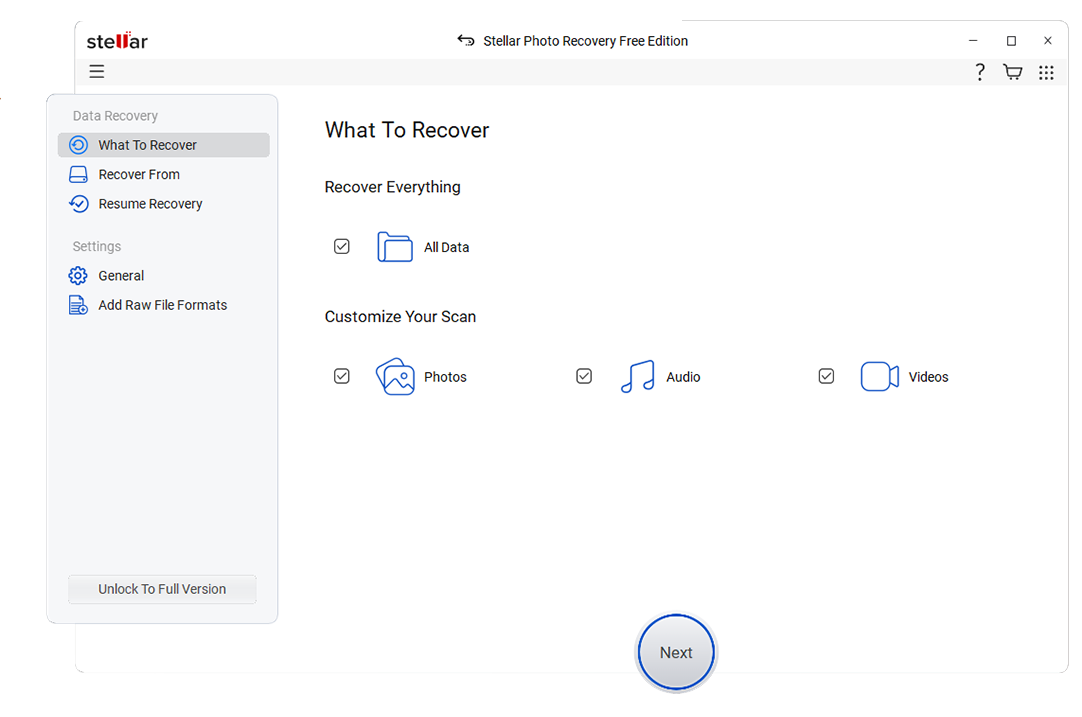
Stellar Data Recovery is a professional-grade data recovery software option suited to users who need advanced features such as photo and video repair alongside file recovery. It supports complex scenarios like severely corrupted drives and RAID (in higher tiers) on both Windows and macOS.
Side-by-Side Comparison Table of UndeletePlus Alternatives
| Software | File System Support | Price | Free Version | Ease of Use | Scan Speed | Recovery Success Rate | Key Features |
|---|---|---|---|---|---|---|---|
| Wondershare Recoverit | NTFS, FAT/FAT32, exFAT, HFS+, APFS, EXT | Tiered plans, mid-range pricing | Yes, limited data recovery | Very easy, wizard-style interface | Fast quick scan, moderate deep scan | High for common and complex cases | 2000+ device types, crashed PC recovery, advanced video recovery, preview and selective restore |
| Recuva | NTFS, FAT/FAT32, exFAT | Free and low-cost Pro version | Yes, core features available | Easy, simple wizard and advanced mode | Fast for quick scans, slower deep scans | Good for recent deletes, weaker on damaged drives | Quick undelete, deep scan, secure file overwrite, portable version |
| EaseUS Data Recovery Wizard | NTFS, FAT/FAT32, exFAT, HFS+, APFS | Subscription and lifetime licenses, mid to high | Yes, small recovery quota | Very easy, beginner friendly | Moderate quick and deep scan speeds | High on formatted and lost partitions | Partition recovery, RAW drive recovery, preview, filter by file type |
| Disk Drill | NTFS, FAT/FAT32, exFAT, HFS+, APFS, EXT | One-time license with upgrades | Yes, limited recovery on some platforms | Easy, feature-rich UI | Fast quick scan, variable deep scan speed | High for supported file systems | Data protection, byte-level backups, S.M.A.R.T. monitoring, multiple scan modes |
| Stellar Data Recovery | NTFS, FAT/FAT32, exFAT, HFS+, APFS | Multiple paid tiers, higher-end | Yes, limited recovery amount | Moderate, more options to configure | Average quick scan, slower deep scan on large drives | High, especially with damaged or formatted media | Photo and video repair, RAID support on higher tiers, email recovery, disk imaging |
Conclusion
UndeletePlus can still handle simple undelete jobs, but its aging technology and limited capabilities mean it struggles with modern data loss scenarios. By considering alternatives like Recoverit, Recuva, EaseUS Data Recovery Wizard, Disk Drill, and Stellar Data Recovery, you gain access to better OS support, higher success rates, and more flexible features.
Start by matching your needs to each tools strengths: pick Recoverit for a robust all-rounder, Recuva for basic free recovery, or one of the others if you need specific extras like disk monitoring or media repair. With the right UndeletePlus alternatives in place, you will be far better prepared for the next accidental delete or drive mishap.
Next: Ontrack Easyrecovery Alternatives
FAQ
-
Is UndeletePlus still safe to use on Windows?
UndeletePlus is generally safe if you download it from a trusted source and run it on supported Windows versions. However, it is not updated as frequently as many modern competitors, which can lead to compatibility gaps and fewer performance improvements over time. Many users therefore prefer actively maintained data recovery software like Recoverit or EaseUS for better long-term reliability. -
Which UndeletePlus alternative has the best recovery success rate?
Recovery success depends on the specific data loss scenario, but tools such as Recoverit, Disk Drill, and Stellar Data Recovery often outperform older utilities on formatted drives, RAW partitions, and partially corrupted media. In particular, Recoverit is known for strong results with photos, videos, and documents across modern file systems used in both windows file recovery and mac data recovery. -
Can I recover files for free with an UndeletePlus alternative?
Yes, several UndeletePlus alternatives offer free tiers. Recuva provides a truly free version for basic undelete tasks on Windows, while Recoverit, EaseUS, Disk Drill, and Stellar all include free editions with limited recoverable data amounts. These are ideal for testing whether your files are recoverable before investing in a paid license. -
Do these UndeletePlus alternatives work on macOS?
UndeletePlus itself is Windows-only, but many replacements support macOS. Recoverit, EaseUS Data Recovery Wizard, Disk Drill, and Stellar Data Recovery all have Mac versions that can scan APFS, HFS+, and external drives, covering most mac data recovery needs for home and professional users. -
What should I do immediately after accidentally deleting files?
Stop using the affected drive as soon as you notice data loss to avoid overwriting deleted sectors. Then install your chosen undeleteplus replacement on a different partition or external drive, run a quick scan to look for recently deleted items, and follow with a deep scan if needed. Always save recovered data to a separate safe location, not back onto the original source drive.



