

 TL;DR:
PCPrompt Data Recovery is a physical data recovery service located in Kochi, Kerala, highly recommended for users dealing with severe hardware damage, while Wondershare Recoverit serves as the ideal alternative for immediate, software-based logical recoveries at home.
● Customers must physically transport or ship their damaged storage devices to the Kochi facility, but the service minimizes financial risk through a strict no-recovery, no-fee policy and free initial diagnostics.
● Unlike standard DIY software, PCPrompt utilizes professional clean room environments to salvage data from physically compromised devices like water-damaged drives or failed RAID servers, with simple logical recoveries taking 24-48 hours.
● Wondershare Recoverit is the recommended cost-effective alternative for remote users or those facing simple accidental deletions, providing a downloadable license to restore over 1000 file types instantly without relinquishing device privacy to a third party.
Ask AI for a summary
 ChatGPT
 Perplexity
 Gemini
 Claude
 Grok
Grok
Important files like photos, documents, and videos can vanish without warning. Hard drives can stop working, files might get deleted by mistake, or systems may crash suddenly. That’s why data recovery software is so useful. PCPrompt data recovery helps you get back lost or deleted files from different types of storage devices.
Many people search for reliable data recovery tools. They want something that works well and doesn't cost too much. This article provides reviews of PCPrompt data recovery to help you decide. We'll explore what is PCPrompt data recovery and how it performs.
You'll learn about its features, pricing, and user experience. We'll also examine the pros and cons of PCPrompt data recovery in detail.
Table of Contents:
Part 1: Overview of PCPrompt Data Recovery
PCPrompt Data Recovery is a professional, advanced data recovery service based in Kochi, Kerala. They specialize in recovering lost, deleted, or corrupted data. Their team handles hard drives, SSDs, RAID servers, and external devices.
They offer fast turnaround and claim a 99% success rate. Customers praise their reliability and technical expertise. The company also provides data backup and file restoration services.
PCPrompt shares recovery tips and case studies on YouTube. Their content helps users understand data loss and prevention. They are a trusted name in southern India for data recovery.
You may also be interested in: Is Disk Drill Safe & Free? An Honest 2025 Review (Pros, Cons, Cost)
Part 2: Getting Started: PCPrompt Data Recovery
Getting started with PCPrompt data recovery is straightforward and simple. Since this is a professional service, you don't install any software. Instead, you contact their team directly for assistance. The process begins with reaching out through their website or phone. Their customer service team responds quickly to inquiries. Most consultations happen within a few hours of contact.
Before bringing your device to PCPrompt data recovery, prepare some information. Note what type of data you lost and when. Understand what happened to cause the data loss. Stop using the affected device immediately to prevent further damage. This increases the chances of successful recovery significantly.
Now let's walk through how to use PCPrompt step by step.
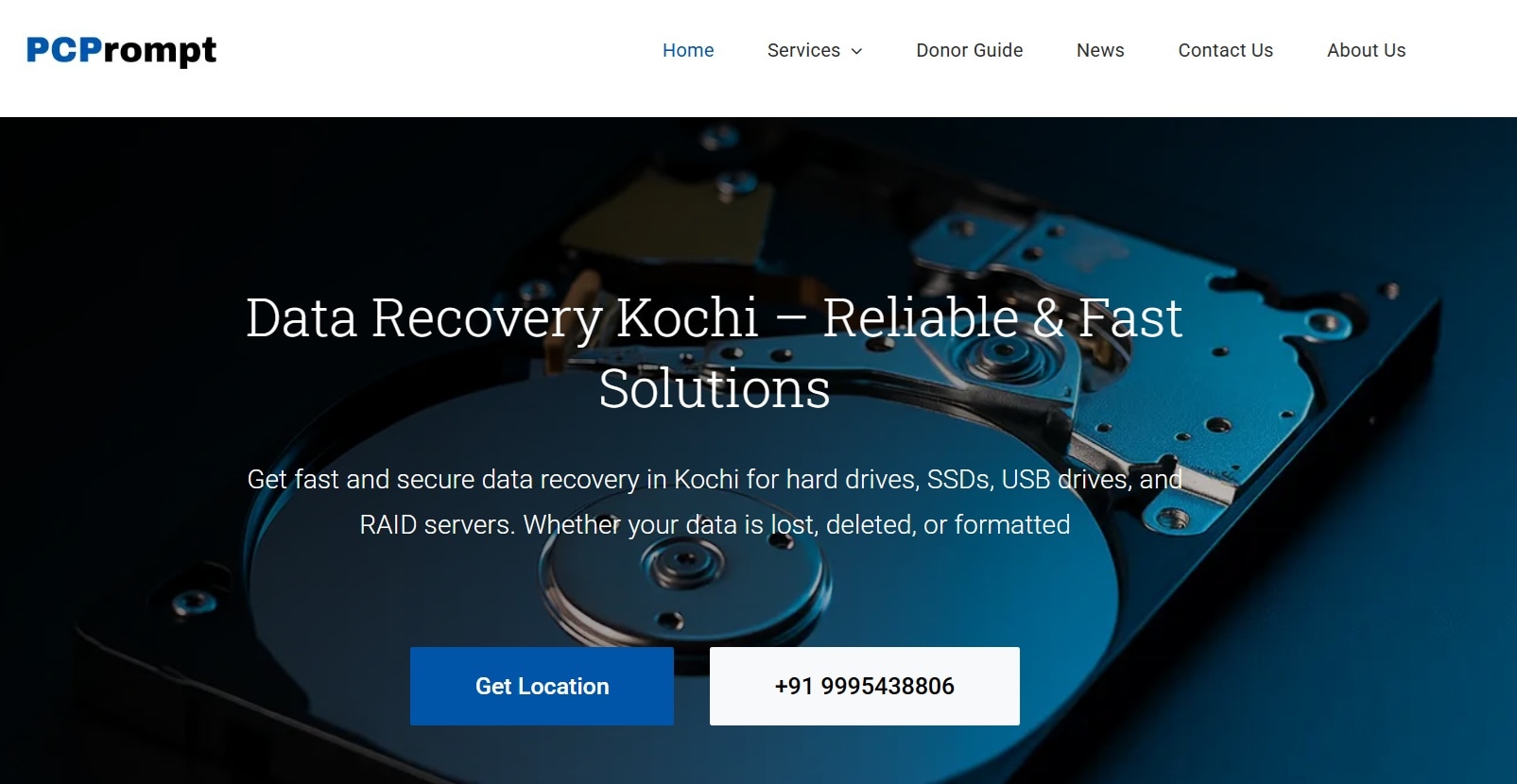
- Reach out to PCPrompt data recovery through their website or phone number. Explain your data loss situation to their support team. They'll ask questions about your device and the problem. The team provides an initial assessment and estimated costs. They'll also give you an expected turnaround time. This consultation is typically free and takes just minutes.
- Bring or ship your storage device to their Kochi location. The technical team performs a detailed diagnostic evaluation. They assess the extent of damage and recovery possibilities. You'll receive a comprehensive report about recoverable data. The team provides a final quote based on their findings. You can approve or decline the service at this stage.
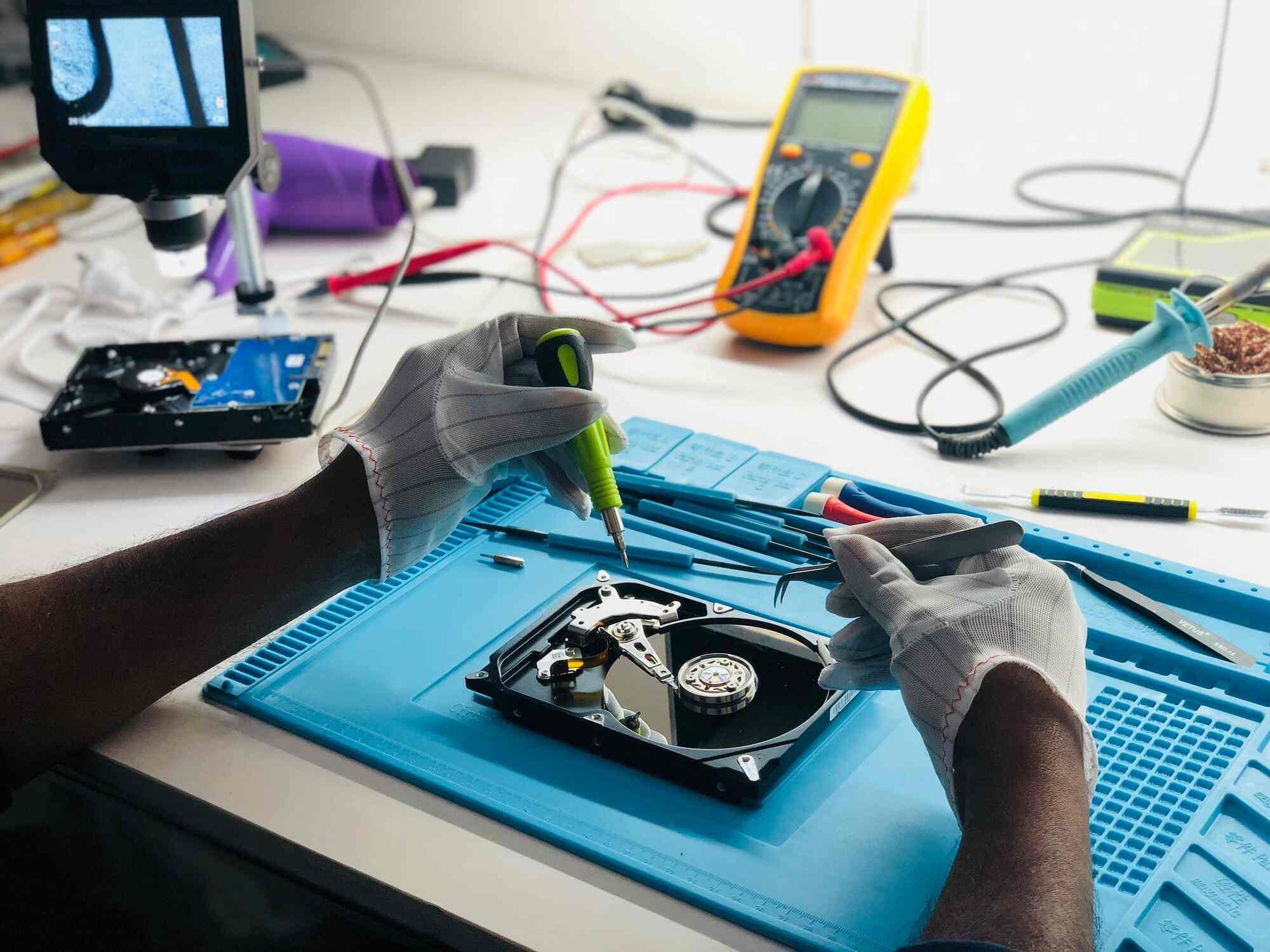
- Once you approve, the technicians begin the recovery process. They use professional tools and clean room facilities when needed. The team works carefully to retrieve your lost data. After completion, they verify the recovered files thoroughly. You receive your data on a new storage device. They also return your original device along with detailed documentation.
Part 3: Detailed Reviews of PCPrompt Data Recovery
This section provides comprehensive reviews of PCPrompt data recovery. We'll examine four key aspects of the software. Each area impacts how well the tool meets user needs. Understanding these factors helps you make an informed decision. Let's dive into the specifics of what this software offers.
#1 Features and Functionality
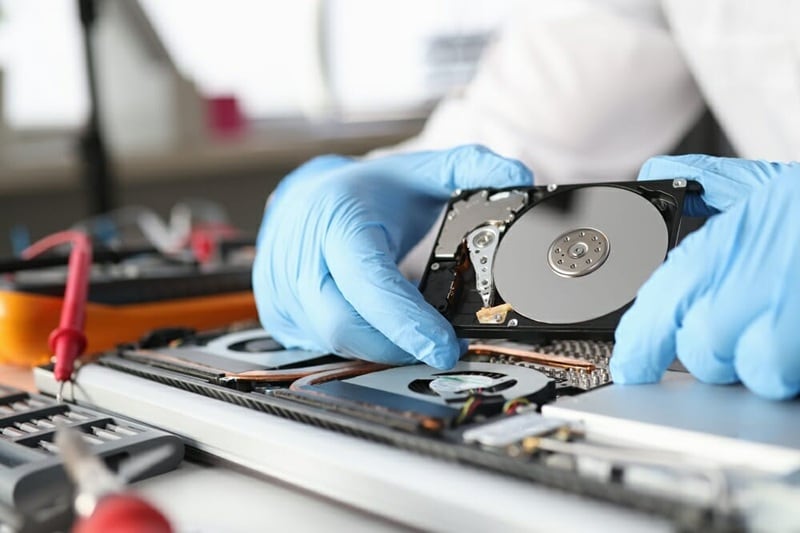
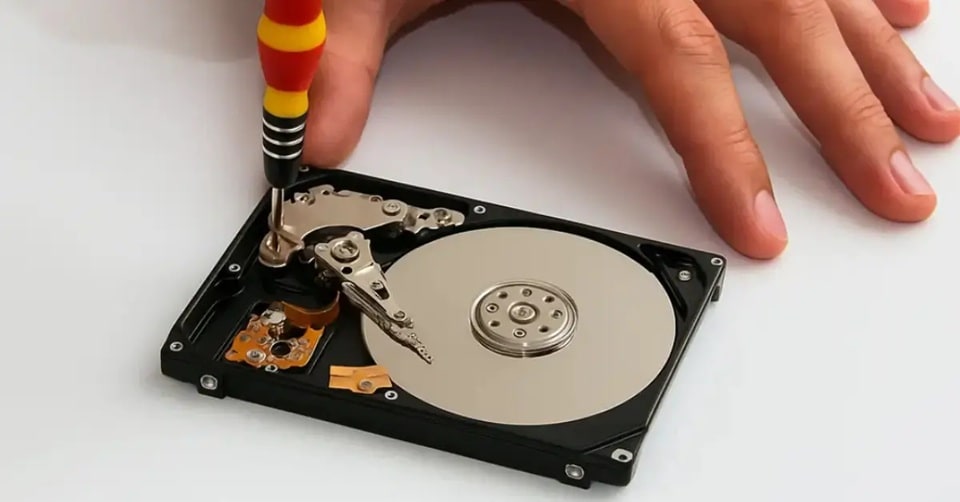
PCPrompt data recovery offers comprehensive recovery services for various devices. They handle hard drives, SSDs, RAID servers, and external storage devices. The team can recover data from physically damaged drives. They also specialize in logical failures and corrupted file systems. Their services include memory card recovery for cameras and phones. They even handle data recovery from water-damaged or fire-damaged devices.
The company uses professional-grade equipment and clean room facilities. This ensures safe handling of sensitive storage components. They can recover all file types, including documents, photos, videos, and databases. Beyond recovery, they offer data backup solutions to prevent future loss. Their file restoration services help migrate data to new systems. The team also provides consultation on data protection strategies. Their YouTube channel offers valuable tips and real case studies. This educational content demonstrates their expertise and transparency genuinely.
#2 Performance and Reliability
Performance at PCPrompt data recovery is impressive based on customer feedback. The company claims a 99% success rate for data recovery cases. This is higher than many competitors in the industry. Turnaround times are fast, especially for urgent business needs. Simple cases often complete within 24-48 hours. Complex recoveries involving physical damage take longer naturally.
Customer reviews consistently praise their reliability and professionalism. Many testimonials highlight successful recoveries that other services couldn't achieve. The technical team's expertise shows in their diagnostic accuracy. They're honest about recovery possibilities before starting work. If they can't recover your data, you don't pay. This no-recovery, no-fee policy builds trust with customers. Their location in Kochi serves southern India effectively. The company has built a strong reputation over the years of operation. Businesses and individuals alike trust PCPrompt data recovery for critical situations.
#3 Pricing and Licensing
PCPrompt data recovery uses a service-based pricing model, not software licensing. Costs vary depending on the complexity of each case. Simple logical recoveries cost less than physical damage repairs. RAID server recoveries are typically more expensive due to complexity. The team provides free initial consultation and diagnosis for customers.
After diagnosing your device, they give you a detailed quote. This quote includes all costs with no hidden fees. Pricing is transparent and competitive for the Kerala region. Many customers find the rates reasonable compared to similar services. The company offers a no-recovery, no-fee guarantee for peace of mind. You only pay if they successfully recover your data. Emergency or express services cost more due to prioritization. However, the quality of service justifies the investment for most. Business clients can discuss customized pricing for regular services. Overall, the pricing structure is fair and customer-friendly.
#4 User Experience and Support
The customer experience at PCPrompt data recovery is highly rated. Their support team responds quickly to inquiries via phone and website. Staff members are knowledgeable and explain technical issues clearly. They use simple language that non-technical customers can understand easily. The consultation process is thorough yet not overwhelming for clients.
Customers appreciate the transparent communication throughout the recovery process. The team provides regular updates on progress and any findings. Their Kochi office is professional and welcoming for walk-in customers. Shipping options are available for customers outside the local area. The company handles devices carefully with proper documentation and tracking. After recovery, they explain what caused the data loss. This helps customers prevent similar issues in the future. Their YouTube channel adds extra value with educational content. Overall support quality exceeds expectations according to most customer reviews. The personal touch and technical expertise create a positive experience consistently.
Part 4: Pros and Cons of PCPrompt Data Recovery
Understanding the pros and cons of PCPrompt data recovery helps you decide wisely. Every software has strengths and weaknesses worth considering. These factors determine whether the tool fits your specific needs. Let's examine both the positive and negative aspects honestly.
Part 5: Best PCPrompt Data Recovery Alternative: Recoverit by Wondershare
While PCPrompt data recovery provides excellent professional services, software alternatives exist, too. Recoverit by Wondershare stands out as a powerful DIY option. This software lets you recover data at home without sending devices. It's designed for both beginners and advanced users worldwide. The tool has earned positive reviews from tech experts globally.
Recoverit provides comprehensive data recovery capabilities for various scenarios at home. The software handles accidental deletions, formatted drives, and system crashes effectively. It works with over 1000 file types and formats instantly. The interface is modern, intuitive, and visually appealing for users. Users appreciate the smooth workflow and helpful guidance throughout the process.
The software supports multiple storage devices seamlessly without geographic limitations. You can recover data from hard drives, SSDs, and USB drives. Memory cards, cameras, and even crashed computers are supported fully. Recoverit offers competitive success rates compared to professional services. The advanced algorithms find files that basic programs miss regularly. Regular updates ensure compatibility with new storage technologies and devices.
Try Recoverit to Recover Permanently Deleted/Lost Data
 Security Verified. Over 7,302,189 people have downloaded it.
Why Use Recoverit by Wondershare
- DIY convenience: Recover data at home without sending devices to a service center.
- Cost-effective solution: One-time software purchase versus per-case service fees for multiple recoveries.
- Immediate access: Start recovery instantly without waiting for shipping or appointments.
- Privacy control: Keep sensitive data on your device throughout the recovery process.
- Multiple uses: Unlimited recoveries with one license for various devices and situations.
How to Use Recoverit:
- Install and Launch Recoverit. Download Recoverit. Install the software following the simple on-screen instructions provided. Open the application and select your recovery scenario. The interface guides you through each decision point clearly.

- Scan Your Storage Device. Choose the location where you lost your files originally. Click the scan button to start searching for recoverable data. The software shows found files in real-time during scanning. You can pause or stop the scan anytime needed.

- Preview and Recover Files Browse through the scan results organized by file type. Use the preview feature to verify files before recovery. Select the files you want to restore to safety. Choose a different location to save recovered files safely. Avoid saving to the same drive you're recovering from.

Related Video >>: How to Recover Permanently Deleted Files from PC?

Conclusion
PCPrompt data recovery offers professional services with impressive results and reliability. Their 99% success rate and technical expertise make them trustworthy. The team handles complex cases that software solutions cannot manage alone. Their presence in Kochi serves southern India effectively with local support. However, the service requires sending your device to their location physically.
For customers needing professional data recovery services, PCPrompt data recovery is excellent. Their no-recovery, no-fee policy reduces financial risk for customers significantly. The transparent communication and fast turnaround times are valuable benefits. However, if you prefer DIY solutions with immediate access, consider software like Recoverit.
FAQs
-
Q1: Is PCPrompt data recovery available outside Kerala?
Yes, PCPrompt data recovery serves customers beyond Kerala through shipping options. While their office is in Kochi, they accept devices from across India. You can ship your storage device to their location securely for recovery. They provide guidance on proper packaging to prevent transit damage carefully. However, local customers get faster service with in-person visits. The company primarily focuses on southern India but welcomes customers nationwide. -
Q2: Can PCPrompt data recovery retrieve data from physically damaged drives?
Yes, PCPrompt data recovery specializes in recovering data from physically damaged drives. They have professional equipment and clean room facilities for safe handling. The team can work with water-damaged, fire-damaged, and mechanically failed drives. They assess each device carefully to determine recovery possibilities accurately. Their 99% success rate includes many physically damaged cases. However, severely damaged drives may have limited recovery potential depending on damage extent. -
Q3: How long does PCPrompt data recovery typically take?
PCPrompt data recovery turnaround time varies based on case complexity and damage. Simple logical recoveries are often completed within 24-48 hours after diagnosis. Deleted files or formatted drives usually process quickly for customers. Physical damage cases take longer.


