

 TL;DR:
To replace Jellyfin's strict open-source model with a platform that better matches your specific device and remote access needs, choose Plex for plug-and-play streaming, Emby for a familiar interface with premium apps, Kodi for deep local customization, Stremio for online aggregation, or Mezzmo for Windows-based DLNA networks.
● Plex and Emby offer smoother remote access and highly polished smart TV apps compared to Jellyfin, but both compromise absolute privacy through cloud-based accounts or closed-source telemetry and lock advanced features behind paid subscriptions (Plex Pass and Emby Premiere).
● Kodi and Stremio cater to specialized use cases rather than traditional server hosting; Kodi requires a steeper learning curve to act as a highly customizable front-end for local playback, while Stremio is a lightweight aggregator that relies on third-party add-ons to mix personal files with online sources.
● Mezzmo is strictly limited to Windows server software and is specifically optimized for users prioritizing traditional DLNA home networking to stream media to legacy smart TVs and game consoles rather than modern cloud streaming.
Ask AI for a summary
 ChatGPT
 Perplexity
 Gemini
 Claude
 Grok
Grok
Jellyfin is a powerful open source media server for organizing and streaming your personal movies, TV shows, music, and photos across devices. Still, some users want easier remote access, more polished apps, or broader plugin ecosystems than Jellyfin currently offers. Exploring the best free Jellyfin alternatives helps you match features, device support, and privacy controls to how you actually watch and share your media library.
In this article
Part 1: Jellyfin vs other free media servers
When comparing Jellyfin to other free or freemium media servers, it helps to look at how each platform handles ads, subtitles, playback quality, anime libraries, and user experience. The table below summarizes the core strengths of Jellyfin, Plex, Emby, Kodi, Stremio, and Mezzmo so you can quickly spot which ones align with your needs.
| Website Name | Ad Density | Subtitles | Video Quality | Anime Catalog | UI/UX | Notes |
|---|---|---|---|---|---|---|
| Jellyfin | None | Strong built in support and external subtitle loading | Excellent local and remote playback, hardware transcoding with proper setup | Depends on your own library and metadata plugins | Clean but slightly utilitarian; best in web and TV apps | Fully open source, no tracking, ideal for privacy focused users |
| Plex | Ads in free on demand content but none in your own files | Good automatic matching plus manual upload | Reliable transcoding and smooth remote streaming | Good with third party agents and user curation | Very polished apps with modern layouts | Great for beginners; some advanced features require Plex Pass |
| Emby | No ads in personal content; some promos in UI | Robust support including forced and external subs | High quality playback with flexible transcoding options | Strong when paired with community metadata sources | Refined interface similar to Jellyfin but more streamlined | Freemium model; unlocks extra features with Emby Premiere |
| Kodi | No ads by default; depends on add ons you install | Extensive subtitle add ons and manual controls | Excellent local playback; remote streaming needs add ons | Very strong if you configure anime specific scrapers | Highly customizable but more complex for new users | Best as a front end player; can pair with Jellyfin or Emby backends |
| Stremio | Light ads in some official catalogs; none in local files | Automatic subtitle search plus manual options | Great streaming quality over the internet with proper sources | Good via specific streaming add ons and catalogs | Simple, modern interface that is fast to learn | Focused on streaming aggregation; local library support is more basic |
| Mezzmo | No ads | Solid support for embedded and external subtitle files | Optimized for DLNA streaming around the home | Depends on your tagging and metadata sources | Traditional Windows style management with simple client views | Strong choice for Windows PCs and legacy smart TVs using DLNA |
Jellyfin stands out for being 100% free and open source with strong privacy, while Plex and Emby lean more toward convenience and premium features. Kodi, Stremio, and Mezzmo each target specific use cases, from highly customized local playback to lightweight streaming aggregation or DLNA-centric home networks.
Part 2: Top 5 free Jellyfin alternatives reviewed
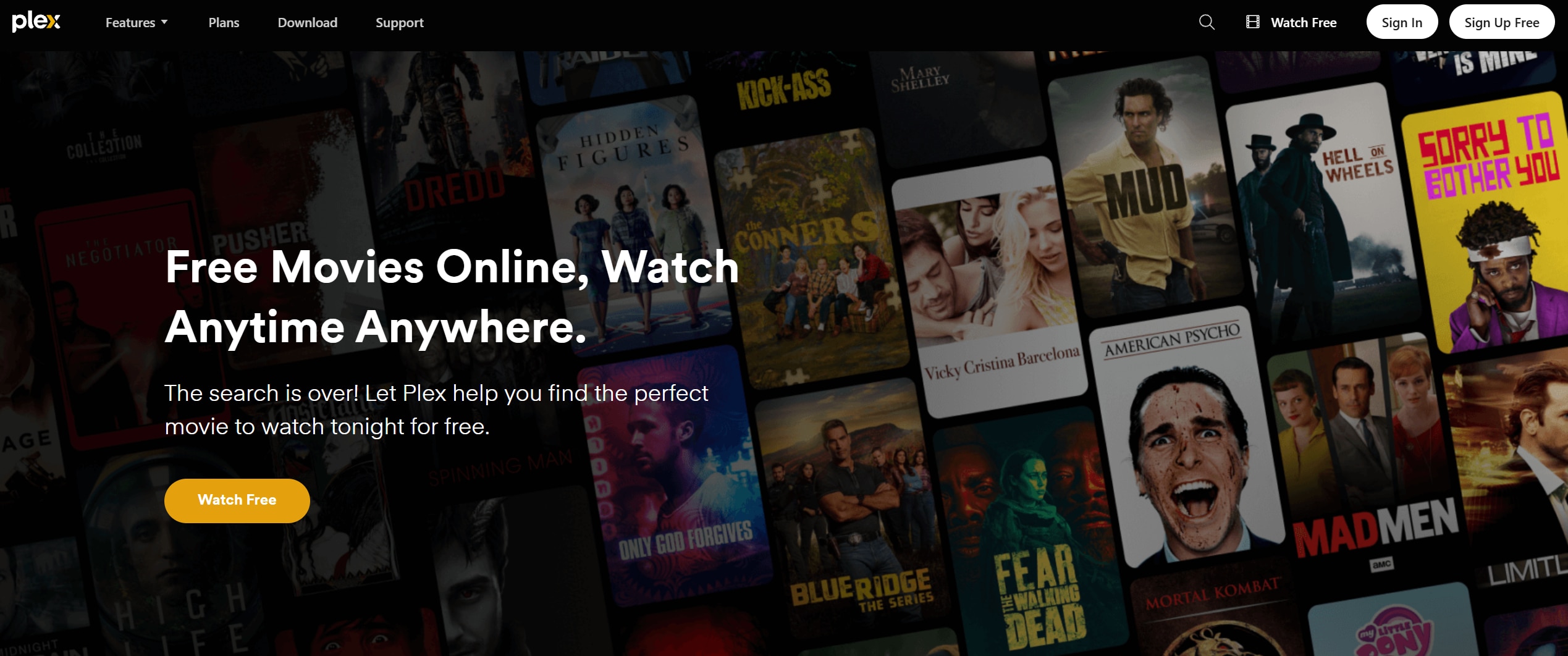
Plex: The most polished Jellyfin alternative
Plex is a feature rich media server and client ecosystem that makes organizing and streaming your personal library very straightforward. It is best for users who want the smoothest overall experience and remote streaming with minimal setup. With powerful metadata handling, polished apps, and simple remote access, Plex often feels more plug-and-play than Jellyfin.
Visit Plex to explore its free and premium offerings, keeping in mind that many core media server features remain available without paying.
Emby: Closest premium flavored Jellyfin competitor
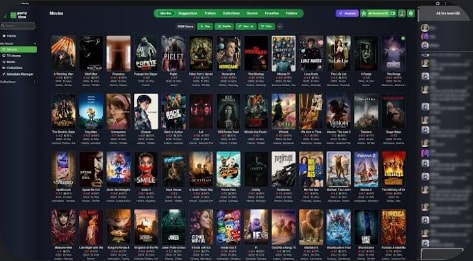
Emby blends self hosted control with an optional premium tier to add cloud features, better transcoding, and more device support. It is best for users coming from Jellyfin who want official apps and premium options without abandoning self hosting. Since Jellyfin originally forked from Emby, their interfaces and workflows feel familiar, but Emby leans more on closed source components.
You can learn more about features and pricing on the official Emby website before deciding whether its Premiere tier is worthwhile for your setup.
Kodi: Power user media center with deep customization
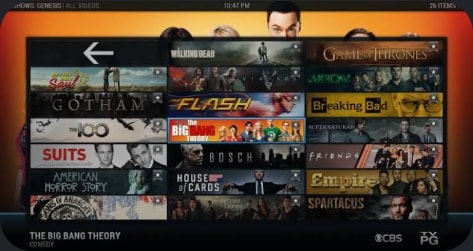
Kodi is a free, open source media center app that excels as a front end player for local and network media with thousands of add ons. It is best for power users who want a deeply customizable media center focused on local playback and add ons. Kodi can either scan your own libraries or connect to backends like Jellyfin and Emby for a hybrid setup.
The official Kodi site provides downloads for all major platforms along with documentation and community add ons.
Stremio: Lightweight app mixing local and online sources
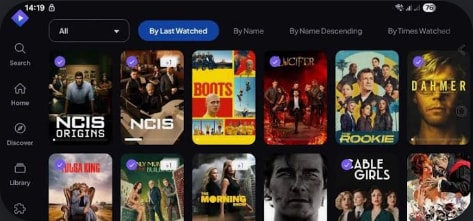
Stremio aggregates streaming sources and also plays local media, giving you a single place to discover and watch content. It is best for viewers who combine personal files with online sources and want everything in one lightweight app. Compared with Jellyfin, Stremio is less focused on meticulous library management and more on discovery and streaming.
Head to the official Stremio website to download the app for desktop or mobile and browse its catalog of add ons.
Mezzmo: DLNA focused option for Windows home networks
Mezzmo is a Windows based media server optimized for DLNA streaming to compatible smart TVs, game consoles, and media players. It is best for Windows users with DLNA enabled TVs and devices who want strong library control at home. Compared with Jellyfin, Mezzmo emphasizes traditional home networking and compatibility with older devices rather than modern cloud features.
Visit the official Mezzmo site to review supported devices, download the server, and test it on your existing Windows PC.
Part 3: Recovering lost videos from Jellyfin and its alternatives
If you record live TV, download shows, or capture streams for use in Jellyfin or any of these alternatives, accidental deletion can wipe out hours of content. Instead of continuing to use the same drive and risking overwriting those files, you can turn to Recoverit to scan the disk, locate lost video files, and restore them safely.
If you record live TV or capture streams through Jellyfin or any alternative and accidentally delete the files, do not continue writing new data to that drive. Instead, install Recoverit from https://recoverit.wondershare.com/ on a separate disk, scan the affected drive for recently deleted video formats like MP4, MKV, and TS, and preview clips before restoring them to a safe location. Acting quickly with Recoverit greatly improves your chances of getting back complete, playable recordings without glitches.
Key Features Offered by Recoverit
- Supports over 1000 file formats including popular video types like MP4, MKV, AVI, MOV, and TS commonly used in media servers.
- Works with internal drives, external HDDs, SSDs, SD cards, NAS devices, and other storage used for Jellyfin and Plex libraries.
- Offers advanced video recovery and preview to help you restore complete, uncorrupted recordings before saving them.
Step-by-Step Guide on How To Recover Lost Videos
1. Choose a Location to Recover Data
Launch Recoverit and select the drive or specific folder where your Jellyfin or alternative media server stored the missing videos, such as a dedicated media disk or network download directory, then click to start the recovery process.

2. Deep Scan the Location
Recoverit will perform a thorough scan of the chosen location, searching for deleted or lost video files; you can watch the scan progress, filter by file type like videos, and pause or stop once you see the recordings you need.

3. Preview and Recover Your Desired Data
After the scan finishes, preview the found video clips to confirm they play correctly, then select the ones you want to restore and save them to a different, safe storage location to avoid overwriting any remaining lost data.

Part 4: Which Jellyfin alternative is best for you?
Jellyfin remains one of the best privacy friendly media servers, especially for users who want everything self hosted and completely free. However, alternatives like Plex, Emby, Kodi, Stremio, and Mezzmo can better fit specific needs such as remote access, DLNA streaming, or a highly customizable front end.
Evaluate how you actually watch your media, which devices you use most, and how much time you want to spend on setup. From there, test one or two of these Jellyfin alternatives alongside your current server until you find the balance of convenience, control, and performance that works for your home streaming setup.
Next: Emby
FAQ
-
Is Jellyfin better than Plex for privacy?
Yes. Jellyfin is fully open source, does not require an online account, and does not route metadata or streaming through third party servers, which generally makes it more privacy friendly than Plex. -
Can I run Jellyfin and Plex at the same time?
You can run Jellyfin and Plex on the same machine by assigning different ports and library folders, but make sure your hardware can handle multiple simultaneous transcoding tasks. -
Which Jellyfin alternative is closest in features?
Emby is the closest to Jellyfin in architecture and features because Jellyfin originally forked from Emby, though Emby includes closed source and premium components that Jellyfin does not.


