

 TL;DR:
Jellyfin serves as the closest fully free, open-source drop-in replacement for Emby without premium lock-ins, while Plex, Stremio, Kodi, and Serviio offer specialized setups for ad-supported streaming, content aggregation, advanced customization, or basic DLNA casting.
● Plex is best for beginners wanting polished cross-device apps and an integrated ad-supported streaming catalog, whereas Kodi targets power users needing robust 4K local playback and extensive add-on customization at the cost of a steeper learning curve.
● When migrating your Emby media library to Jellyfin or Plex, you can replicate your folder structure and metadata by rescanning the directories, but your watch history, user profiles, and playlists will not transfer automatically.
● If you accidentally delete media server recordings, immediately halt disk usage to prevent overwriting and use Recoverit to scan the specific NAS, external HDD, or partition to restore formats like MP4, MKV, and AVI.
Ask AI for a summary
 ChatGPT
 Perplexity
 Gemini
 Claude
 Grok
Grok
Emby is a popular media server for organizing and streaming your personal library, but it is not your only option. Depending on whether you want a fully free solution, more plugins, or a simpler setup, several Emby alternatives can match or even exceed its features. Below you will find a quick comparison of the top services plus focused recommendations based on your streaming needs.
In this article
Part 1. Comparison of Emby and the Best Free Alternatives
The Emby ecosystem sits alongside several powerful media platforms that differ in pricing, ad support, catalog scope, and how they handle your personal library. The table below compares Emby with five leading alternatives so you can quickly see which solution aligns best with your devices, subtitle needs, and viewing habits.
| Website Name | Ad Density | Subtitles | Video Quality | Anime Catalog | UI/UX | Notes |
|---|---|---|---|---|---|---|
| Emby | None on personal media; optional in free live TV content | Strong subtitle support, metadata fetch, external subs | Up to 4K depending on server and client | Depends on user library only | Clean, modern, customizable with premium features | Great for home media enthusiasts; some features paywalled in Emby Premiere. |
| Jellyfin | None | Excellent; similar to Emby with broad format support | Up to 4K with hardware transcoding support | Library depends on your own files and metadata | Simple, improving; fully open source and community driven | Closest free drop-in replacement for Emby with no premium tier. |
| Plex | Medium in free ad-supported streaming content | Good subtitle support and online discovery | Up to 4K; cloud and remote streaming options | Mixed; includes some free ad-supported anime channels | Polished apps on almost every device | Great if you want both personal media streaming and free on-demand content. |
| Stremio | Low to medium depending on add-ons used | Built-in subtitle search and easy switching | Varies by source; supports HD and some 4K | Good when using legal streaming add-ons with anime | Straightforward library and add-on based interface | Best for aggregating multiple streaming sources in one place. |
| Kodi | None by default; depends on chosen add-ons | Powerful subtitle management and add-ons | Excellent local playback up to 4K and beyond | Strong when paired with correct repositories and scrapers | Highly customizable but with a steeper learning curve | Great for advanced users building a living room media hub. |
| Serviio | None | Supports external and some embedded subtitles | Reliable HD and 4K local streaming over DLNA | Depends entirely on your own media library | Utility-focused server interface with basic clients | Solid choice for simple home streaming across smart TVs and devices. |
Overall, the top 5 free Emby alternatives are Jellyfin, Plex, Stremio, Kodi, and Serviio. Jellyfin is the closest feature-for-feature replacement, Plex adds a huge ad-supported catalog, Stremio centralizes multiple streaming sources, Kodi maximizes customization, and Serviio is perfect if you just want a reliable DLNA server for your local files.
Part 2. Top 5 Free Emby Alternatives You Should Try
Each Emby alternative excels at slightly different tasks. Below are focused recommendations highlighting who each platform is best for, along with pros and cons to help you decide which to install first.
1. Jellyfin
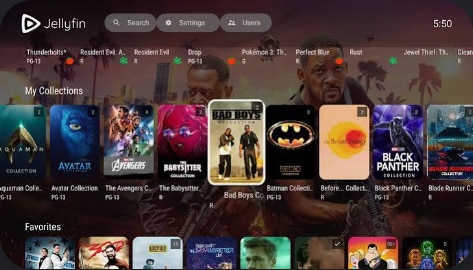
Jellyfin is a community-driven media server that forked from Emby and keeps all major features free. It is best for users who want a completely free, open source Emby replacement without premium lock-ins or subscription upsells.
2. Plex
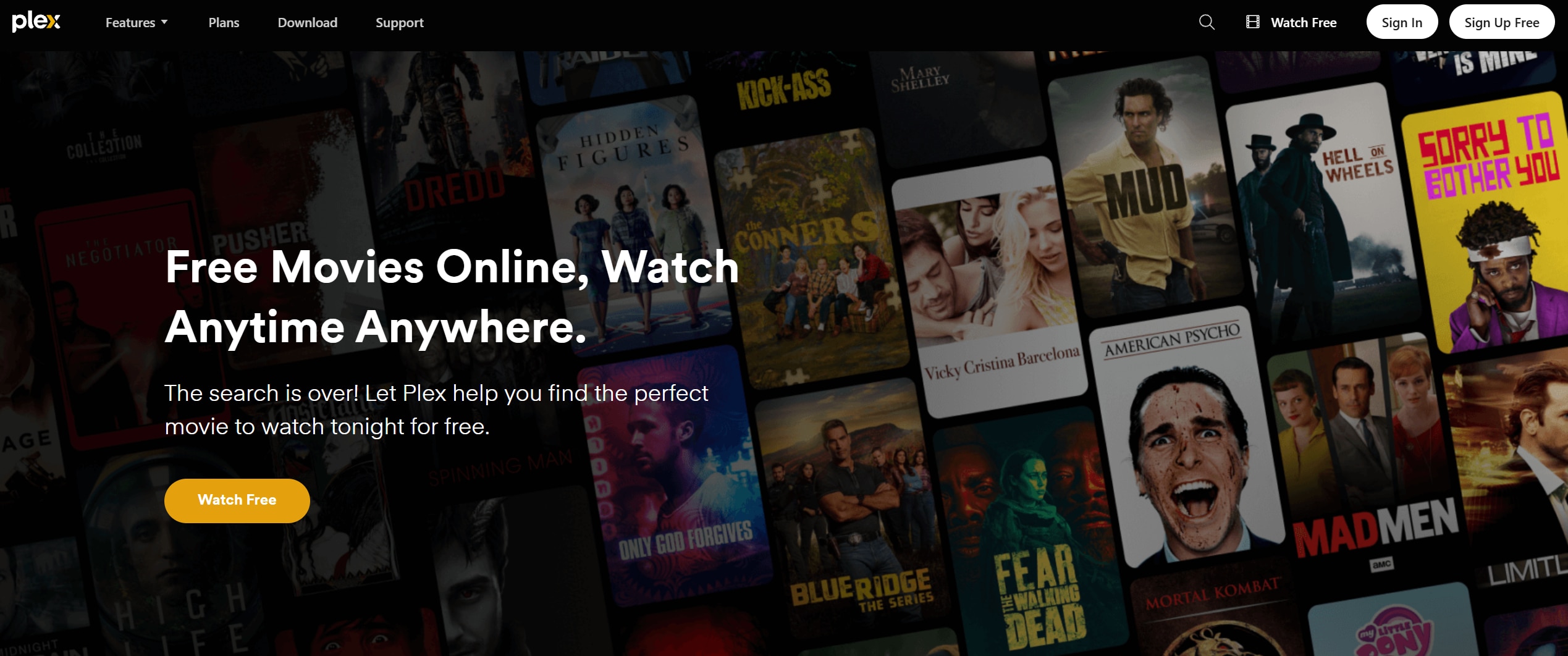
Plex blends your own media library with free streaming channels, movies, and shows. It is best for viewers who want personal media plus a sizable ad-supported catalog in one polished app ecosystem.
3. Stremio
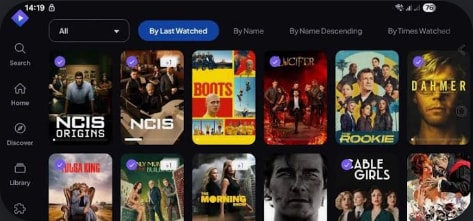
Stremio is a streaming organizer that uses add-ons to pull content from different services into a central hub. It is best for people who want to unify multiple legal streaming sources in one interface rather than host a large collection of local files.
4. Kodi
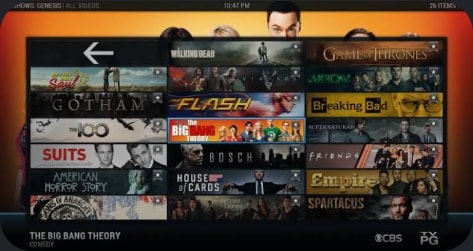
Kodi is a highly customizable media center that handles local files, network shares, and add-ons for many services. It is best for power users wanting full control over their media center setup, skins, and playback behavior.
5. Serviio
Serviio is a Java-based media server focused on streaming your local library to smart TVs and DLNA devices. It is best for home users who need a stable DLNA server for straightforward local streaming without a heavy front-end.
Part 3. How To Recover Lost Emby or Jellyfin Recordings
If you use Emby, Jellyfin, or any other media server to record live TV or capture streams, losing those files can be frustrating. Before overwriting your drive or re-recording everything, scan the affected disk with Recoverit to restore deleted or lost recording files. It supports the video formats most media servers use and helps you preview content before saving it back to your library.
Key Features Offered by Recoverit
- Supports 1000+ file formats, including common media server video types like MP4, MKV, AVI, and MOV.
- Scans internal drives, external HDDs, NAS exports, and SD cards used for media recording.
- Offers preview for recovered videos so you can verify the right episodes and movies before restoring.
Step-by-Step Guide on How To Recover Lost Videos
1. Choose a Location to Recover Data
Launch Recoverit, then select the drive, partition, or external device where your Emby, Jellyfin, or Plex recordings were stored. If you kept media on a dedicated library disk, pick that specific location to narrow the scan scope.

2. Deep Scan the Location
Click Start to initiate a deep scan. Recoverit will search for deleted, lost, or formatted video files, displaying progress and found items in real time. You can filter by file type or use the search bar to quickly locate specific shows or movies.

3. Preview and Recover Your Desired Data
Once the scan finishes, preview the recovered videos to confirm they play correctly and match your missing recordings. Select the files you want to restore, then choose a safe destination drive that is different from the original location to avoid overwriting data.

Part 4. Which Emby Alternative Is Right for You?
Emby remains a strong choice for managing and streaming a personal media library, but it is no longer the only powerful option. Jellyfin delivers a near drop-in, fully free alternative, while Plex, Stremio, Kodi, and Serviio each specialize in different viewing styles, from cloud-streamed catalogs to highly customized home theaters.
If you want to stay fully free and open source, Jellyfin or Kodi will likely feel most comfortable. For a polished beginner experience with extra free content, Plex stands out. Stremio shines if you mostly aggregate online services, and Serviio is ideal for simple, stable DLNA streaming to TVs. Whatever platform you choose, keeping reliable recovery software on hand helps protect the recordings and media files you value most.
Next: Popcornflix
FAQ
-
Is Emby still worth using compared to its alternatives?
Yes. Emby is still worth using if you like its interface and are comfortable with its premium model. Jellyfin is better for a fully free, open source setup, while Plex is stronger if you want integrated free streaming channels and on-demand content. -
Which Emby alternative is completely free?
Jellyfin and Kodi are completely free and open source with no premium tiers. Serviio offers a free version for home users, and Plex provides many free features but charges for some advanced tools through its Plex Pass subscription. -
Can I migrate my Emby library to Jellyfin or Plex?
You can usually point Jellyfin or Plex to the same media folders you use in Emby and rescan to rebuild the library. Watch history, user profiles, and playlists may not transfer automatically, but your existing folder structure and metadata can typically be replicated with some configuration. -
Which Emby alternative is best for beginners?
Plex is often the easiest for beginners thanks to its polished apps, guided setup, and integrated streaming catalog. Jellyfin can also be beginner-friendly if you prefer a completely free solution and are willing to spend a bit more time on manual configuration. -
How can I recover deleted Emby or Jellyfin recordings?
Stop writing new data to the affected disk immediately to avoid overwriting deleted files. Then run a scan with recovery software such as Recoverit to locate and restore lost video recordings before they are permanently overwritten.


