

 TL;DR:
Users replacing the outdated Aidfile Data Recovery should switch to Wondershare Recoverit for the highest overall success rates, Recuva for basic budget-friendly tasks, or Stellar Data Recovery for severely corrupted drives.
● Wondershare Recoverit and EaseUS Data Recovery Wizard excel in user-friendly partition and format recovery across Windows and macOS, but both restrict large-scale file restoration behind paid licenses.
● Recuva provides a lightweight, genuinely free option strictly for quick file undeletion on Windows machines, though it lacks macOS compatibility and struggles with reformatted drives.
● For complex hardware issues, Disk Drill integrates S.M.A.R.T. monitoring to prevent future data loss, while Stellar Data Recovery specializes in deep-scanning badly damaged volumes at a higher professional price point.
Ask AI for a summary
 ChatGPT
 Perplexity
 Gemini
 Claude
 Grok
Grok
If Aidfile Data Recovery is not meeting your expectations or is no longer maintained for your system, there are several modern, user-friendly recovery tools that can do a more reliable job of restoring deleted, lost, or formatted files. This guide walks you through the best aidfile data recovery alternatives, explaining where Aidfile excels, where it falls short, and which solutions you can trust for faster, safer, and more successful data recovery across different devices.
We will also compare leading aidfile alternatives on pricing, usability, scan performance, and success rates so you can confidently pick the best aidfile data recovery software alternatives for your PC, hard drive, USB, or SD card.
Try Recoverit to Recover Lost Data
 Security Verified. 3,591,664 people have downloaded it.
In this article
What Is Aidfile Data Recovery?
Aidfile Data Recovery is a Windows-based data recovery utility designed to restore deleted, formatted, or otherwise lost files from hard drives, USB flash drives, memory cards, and other storage devices. It focuses on scenarios such as accidental deletion, quick and full format, partition loss, RAW file systems, and damaged file allocation tables.
Key features include support for FAT, exFAT, and NTFS file systems, hexadecimal preview for advanced users, and targeted recovery modes such as unformat and partition recovery. Aidfile offers sector-level scanning to locate recoverable data and can restore common file types like documents, photos, videos, and archives. It is most often used by Windows users who need to bring back personal files after formatting a drive, encountering partition errors, or emptying the Recycle Bin. Because the interface and workflows are more technical, it has historically appealed to power users who are comfortable tweaking recovery parameters and working closely with the underlying file system structures.
Why You Might Need Alternatives for Aidfile Data Recovery?
There are several reasons why you might need a substitute for Aidfile Data Recovery. Here are a few:
- 👨💻 Outdated UI and weak usability: Aidfile's interface looks and feels dated, with technical terminology and dense option lists that can overwhelm non-experts. Choosing the right scan mode or interpreting hex-based previews is not intuitive, so everyday users may waste time on trial and error or, worse, overwrite data by picking unsafe actions.
- 🧰 Feature limitations vs modern competitors: Compared with leading data recovery software like aidfile, it lacks conveniences such as rich file previews, automatic file-type sorting, and streamlined wizards. This means more manual work when you are trying to restore specific document, photo, or video types, especially from large drives.
- 📉 Recovery success and stability gaps: Users often report slower scans and lower success rates on complex cases like corrupted external drives, failing SSDs, or heavily formatted partitions. When a tool is not optimized for newer hardware and edge cases, you risk incomplete recovery or crashes during long scans, which can further reduce your chances of getting files back.
- 🧪 Missing advanced protection and imaging tools: Many newer file recovery tools include drive imaging, S.M.A.R.T. monitoring, and non-destructive scan modes that work from clones instead of the original disk. Aidfile does not emphasize these capabilities, so you may have to scan a failing drive directly, increasing wear and the possibility of permanent data loss.
- 💰 Pricing and trial value concerns: Aidfile's licensing model and trial limitations can make it hard to fully test before buying, and you may hit size caps just as you confirm files are recoverable. In contrast, many best aidfile replacement options provide clearer free tiers, better ongoing support, and more frequent updates, delivering stronger value for long-term use.
5 Best Aidfile Data Recovery Alternatives
When evaluating aidfile data recovery alternatives, focus on recovery success rate, ease of use, supported devices, and how actively the software is maintained. Below are five standout solutions that offer a clear step up from Aidfile for windows data recovery, external hard drive recovery, and sd card recovery.
1. Wondershare Recoverit
Recoverit is a full-featured data recovery suite best for users who want the highest recovery success rate with an easy, guided interface across Windows and macOS. It specializes in recovering lost, deleted, formatted, or corrupted files from PCs, external drives, SD cards, cameras, and more.
Key Features Offered by Recoverit
- Comprehensive support for over 1000 file formats and many devices, making it a strong recoverit alternative reference point when comparing aidfile vs recoverit and other tools.
- Advanced video recovery and repair that can rebuild fragmented or corrupted recordings from cameras, capture cards, and screen recorders.
- Bootable media creator for emergency windows data recovery when your operating system fails to start properly.
Step-by-Step Guide on How To Recover Lost Data
1. Choose a Location to Recover Data
Launch Recoverit and select the drive, partition, external device, or specific folder where you lost files. This might be a formatted USB, a corrupted SD card, or a system partition that no longer shows your documents or media.

2. Deep Scan the Location
Click "Start" to begin scanning. Recoverit automatically runs a thorough scan that searches for deleted, formatted, and lost files; you can monitor progress in real time and filter results by file type or path as more data is discovered.

3. Preview and Recover Your Desired Data
Once the scan finishes, preview photos, videos, documents, and other items to verify integrity. Select the files you need and click "Recover," saving them to a different drive or partition to avoid overwriting remaining lost data.

Pro tip: If you lost livestream or screen-recorded videos, use Wondershare Recoverit to retrieve deleted stream recordings quickly and safely. Its advanced video recovery engine at Recoverit official site can rebuild fragmented clips from webcams, capture cards, and desktop recorders, giving you a much better chance of restoring complete, playable files than older tools like Aidfile.
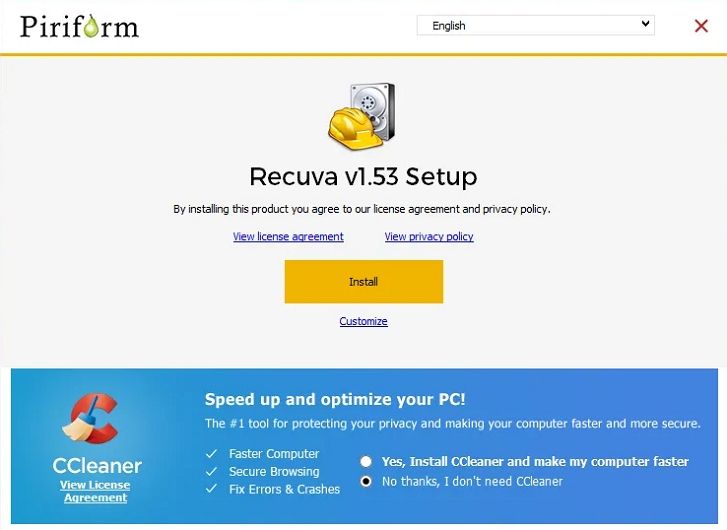
2. Recuva
Recuva is a long-standing Windows file recovery tool best for users who need a lightweight, low-cost solution for simple file undelete tasks. You can download it from the official site at https://www.ccleaner.com/recuva, and it focuses on restoring recently deleted files from hard drives, memory cards, and portable drives.
3. EaseUS Data Recovery Wizard
EaseUS Data Recovery Wizard is a popular consumer recovery tool best for users who want a polished interface with strong partition and format recovery on Windows and macOS. You can learn more at https://www.easeus.com/datarecoverywizard/, where it is positioned as a general-purpose solution for deleted files, formatted drives, lost partitions, and RAW drives.

4. Disk Drill
Disk Drill is a versatile data recovery application best for users who want powerful data recovery plus extra disk health and backup tools in one package. It is available from https://www.cleverfiles.com/ and targets both home and professional users dealing with lost or deleted files across multiple platforms.

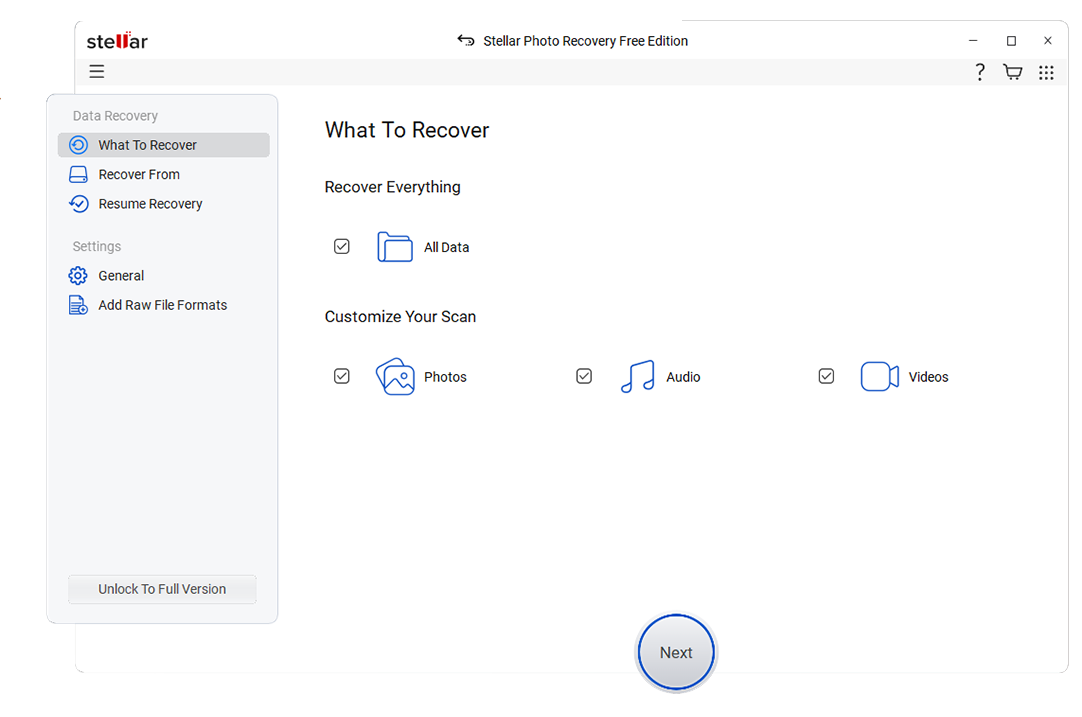
5. Stellar Data Recovery
Stellar Data Recovery offers a range of editions for home and business use and is best for home and professional users who require deep scanning and advanced options for severely damaged storage. You can explore the lineup at https://www.stellarinfo.com/, where it targets corrupted drives, formatted volumes, and complex recovery scenarios on Windows and macOS.
Side-by-Side Comparison Table of Aidfile Data Recovery Alternatives
| Software | File System Support | Price | Free Version | Ease of Use | Scan Speed | Recovery Success Rate | Key Features |
|---|---|---|---|---|---|---|---|
| Aidfile Data Recovery | FAT, exFAT, NTFS | One-time license, mid-range | Limited trial, recoverable size restricted | Technical, less friendly for beginners | Moderate to slow on large drives | Decent on simple deletion, weaker on severe damage | Unformat and partition recovery, hex preview, RAW partition support |
| Wondershare Recoverit | NTFS, FAT/FAT32, exFAT, HFS+, APFS and more | Tiered plans, competitive for feature set | Free preview, limited data recovery allowance | Very easy, wizard-style workflow | Fast quick scans, thorough deep scans | High across photos, videos, and documents | Advanced video recovery and repair, bootable media, wide device support |
| Recuva | FAT, exFAT, NTFS | Free and low-cost Pro version | Yes, with core recovery features | Easy, simple interface and wizard | Fast on small and medium drives | Good for recent deletions, average on formatted drives | Secure overwrite, portable version, quick undelete focus |
| EaseUS Data Recovery Wizard | NTFS, FAT/FAT32, exFAT, HFS+ | Subscription and perpetual licenses | Yes, small data cap | User-friendly with clear steps | Moderate, optimized deep scans | High on lost partitions and formatted drives | Partition recovery, RAW drive recovery, filter and preview options |
| Disk Drill | NTFS, FAT/FAT32, exFAT, HFS+, ext2/3/4 | One-time license for major versions | Yes, with limited recovery quota | Intuitive with modern UI | Moderate, depends on chosen scan methods | Strong on a broad set of file types | Recovery Vault, S.M.A.R.T. monitoring, backup and protection tools |
| Stellar Data Recovery | NTFS, FAT/FAT32, exFAT, HFS+ | Multiple paid tiers, higher-end | Yes, limited file recovery | Intermediate, more options to configure | Moderate to slow on deep scans | Very good for deep and complex cases | Deep scan, photo and video recovery, specialized editions for pros |
Conclusion
Aidfile Data Recovery can still handle basic file restoration on older Windows systems, but its dated interface, limited updates, and weaker support for newer storage technologies mean it struggles to compete with modern solutions. For most users, upgrading to a more actively developed tool is the best way to improve both success rates and ease of use.
Recoverit stands out as the most balanced Aidfile alternative, complemented by budget-friendly Recuva, workflow-focused EaseUS Data Recovery Wizard, utility-rich Disk Drill, and deep-scan oriented Stellar Data Recovery. Choosing the right option from these five will largely depend on your budget, platform, and the severity of your data loss, but each offers a clear step up from the Aidfile experience.
FAQ
-
Is Aidfile Data Recovery still safe to use?
Aidfile Data Recovery is generally safe to use if downloaded from its official source, but because it is not updated frequently, it may lack optimizations, bug fixes, and compatibility improvements found in more modern tools. Many users prefer switching to actively maintained aidfile alternatives for better reliability, performance, and support on current versions of Windows and newer hardware. -
Which Aidfile alternative has the highest recovery success rate?
Among mainstream consumer options, Recoverit is widely regarded for its high recovery success rate, especially for photos, videos, and documents across many devices. It also provides advanced video repair, which Aidfile does not offer, making it one of the strongest data recovery software like aidfile if you prioritize successful, high-quality restores. -
Are there any free alternatives to Aidfile Data Recovery?
Yes. Recuva offers a genuinely free version for basic undelete tasks on Windows, while tools such as Recoverit, EaseUS Data Recovery Wizard, Disk Drill, and Stellar Data Recovery provide free tiers or trials. These let you scan and often recover a limited amount of data so you can verify results before paying for a full best aidfile replacement.


