

 TL;DR:
The top Cinebloom alternatives for stable free streaming are SFlix for a familiar interface, F2Movies for extensive multi-language subtitles, LookMovie for reliable HD links, MovieWeb for curated recommendations, and Bflix for large anime and TV series catalogs.
● LookMovie and SFlix offer the lowest ad densities and most stable 720p and 1080p playback, whereas Bflix and F2Movies have heavier ad loads but provide specialized content like deep anime libraries and Asian dramas.
● Because free streaming platforms frequently change domains or go offline due to network blocks, keeping a short list of backup sites is necessary to avoid playback interruptions.
● If locally downloaded streams are lost due to accidental deletion or corrupted drives, Wondershare Recoverit can deep scan storage devices to restore high-resolution video formats including MP4, MKV, and AVI.
Ask AI for a summary
 ChatGPT
 Perplexity
 Gemini
 Claude
 Grok
Grok
Looking for Cinebloom alternatives because of downtime, broken links, or safety concerns is common among free streamers. By comparing video quality, subtitle support, ad pressure, and anime coverage across several popular sites, you can quickly find a replacement that feels familiar but works more reliably and with fewer risks.
Try Recoverit to Restore Deleted Stream Recordings
 Security Verified. 3,591,664 people have downloaded it.
In this article
Comparison of Cinebloom and Its Alternatives
Before you switch from Cinebloom, it helps to compare how leading alternatives stack up on ad density, streaming stability, subtitles, and anime coverage so you know which site fits your viewing habits.
| Website Name | Ad Density | Subtitles | Video Quality | Anime Catalog | UI/UX | Notes |
|---|---|---|---|---|---|---|
| Cinebloom | Medium | Decent, not for all titles | Up to 1080p, some unstable links | Limited | Simple but occasionally sluggish | Popular but prone to downtime and mirror changes |
| SFlix | Low-Medium | Good for popular shows and films | Stable 720p/1080p | Moderate | Clean grid layout, easy filtering | Strong general replacement if Cinebloom is offline |
| F2Movies | Medium | Broad multi-language options | Mostly HD with occasional SD | Moderate | Straightforward design, quick search | Great for international users who need subtitles |
| LookMovie | Low | Selective but improving | Very stable HD and Full HD | Small | Minimalist interface, useful filters | Best choice when you care most about stable HD streams |
| MovieWeb | Low | Limited, mostly English only | Mix of HD and SD | Very limited | Editorial plus streaming links, organized | Good for discovering trending and classic content |
| Bflix | Medium-High | Good on popular anime and dramas | HD-first with fallback to SD | Large | Colorful, fast, lots of categories | Ideal for anime and series binge-watchers replacing Cinebloom |
| AZMovies | Medium | Basic, mainly for top titles | Prioritizes HD movie links | Minimal | Very simple, movie-focused | Good backup for movies only, not full libraries |
| Soap2Day mirrors | High | Good for hit series and movies | Varied, from SD to 1080p | Moderate | Familiar but cluttered | Works as an emergency alternative but with heavy ads |
From this comparison, SFlix, F2Movies, LookMovie, MovieWeb, and Bflix stand out as more stable, safer-feeling choices than Cinebloom and ad-heavy clones, especially if you match each site to specific needs like subtitles or anime.
5 Best Free Cinebloom Alternatives
Below are five Cinebloom alternatives that consistently work, with notes on who they are best for and what trade-offs you can expect with each option.
1. SFlix
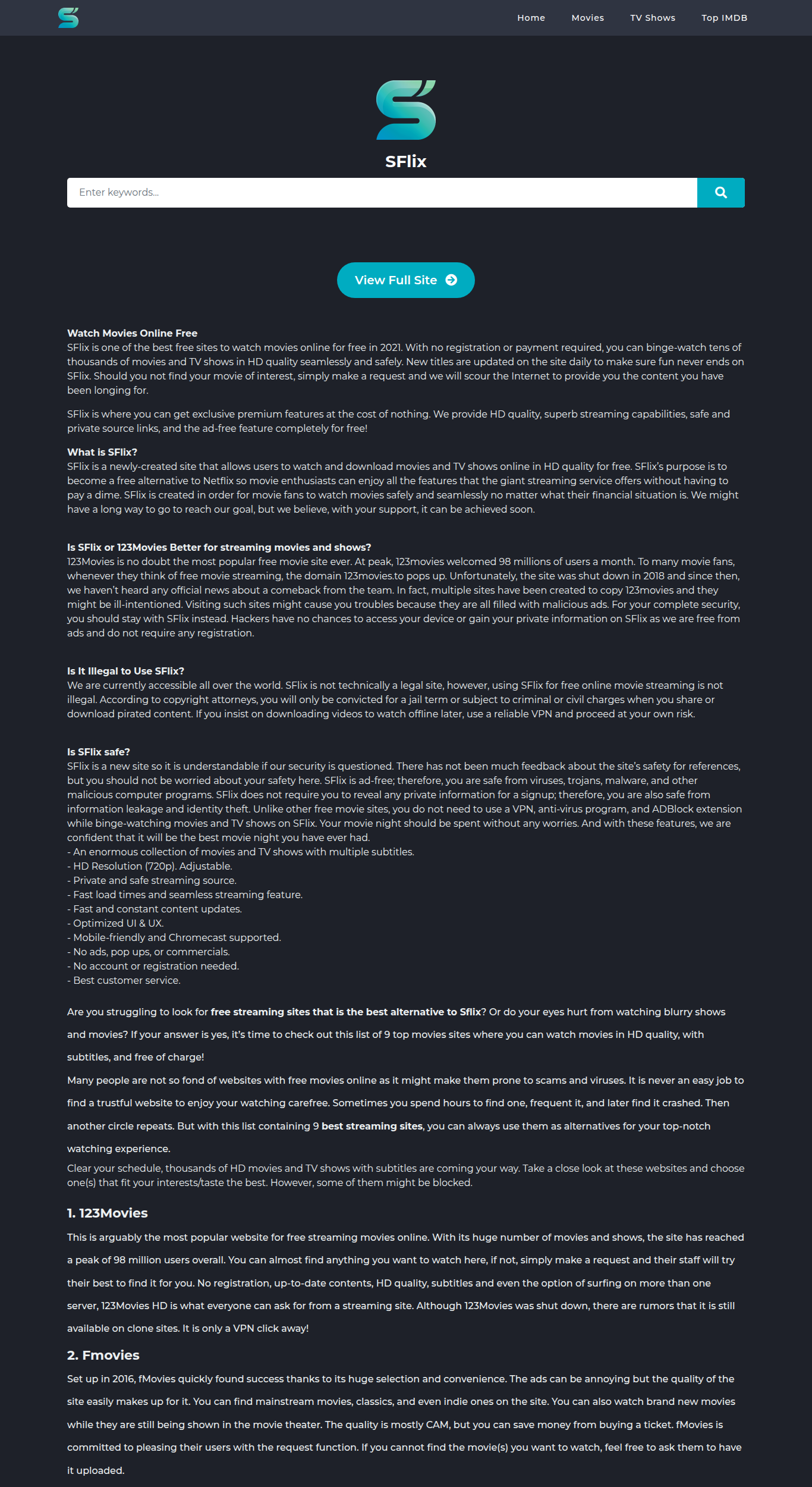
SFlix is the closest thing to a one-to-one Cinebloom replacement, with a similar grid layout, strong HD coverage, and relatively light ads, making it ideal if you mostly watch mainstream movies and series.
Best for: Users who want a near one-to-one Cinebloom replacement with reliable HD.
2. F2Movies
F2Movies emphasizes accessibility with wide subtitle coverage and a catalog that blends Hollywood releases, Asian dramas, and some anime, making it a strong choice if English is not your first language.
Best for: International viewers who need strong subtitle options on movies and series.
3. LookMovie
LookMovie favors reliability over flash, with a minimalist design, solid HD and Full HD links, and fewer dead streams than many Cinebloom-style sites.
Best for: Viewers who prioritize stable HD streams and fewer broken links.

4. MovieWeb
MovieWeb combines editorial coverage and curated lists with free streaming links, making it appealing if you enjoy discovering trending and classic movies instead of searching for something specific.
Best for: Users who like curated recommendations and trending lists alongside free streams.

5. Bflix
Bflix is tailored to binge-watchers, with deep anime and TV show catalogs, quick filters, and fast episode navigation, plus a solid lineup of movies.
Best for: Anime and TV binge-watchers who want lots of episodes in one place.
Pro Tip: Use Recoverit to Recover Deleted Stream Recordings
If you like to record or download streams from Cinebloom alternatives for offline viewing, a mistaken deletion, formatting error, or corrupted drive can instantly wipe hours of content. Recoverit from Wondershare lets you scan your PC, external drive, or memory card for lost recordings and restore them in just a few clicks.
Key Features Offered by Recoverit
- Supports recovery of over 1000 file formats, including MP4, MKV, AVI, MOV, and other popular video types used by streaming recorders.
- Works with HDDs, SSDs, memory cards, USB drives, cameras, and many other storage devices where you might save downloads.
- Offers advanced video recovery and repair algorithms that help restore large, high-resolution recordings without corruption.
Step-by-Step Guide on How To Recover Lost Videos
1. Choose a Location to Recover Data
Install and launch Recoverit, then select the drive or specific folder where your Cinebloom or alternative site recordings were originally saved so the software can target the correct location.

2. Deep Scan the Location
Click Start to begin a deep scan; Recoverit will thoroughly search the selected drive for deleted, lost, or corrupted video files, and you can monitor progress while new recoverable items appear in real time.

3. Preview and Recover Your Desired Data
When the scan finishes, filter for video formats, preview the found clips to confirm they play correctly, then select the recordings you want and click Recover to save them to a safe, different drive.

Conclusion
Cinebloom alternatives such as SFlix, F2Movies, LookMovie, MovieWeb, and Bflix can provide a similar or better experience with more stable links, stronger subtitle coverage, and richer anime or TV libraries, especially if you match each site to your habits and risk tolerance.
No free streaming site is guaranteed to stay online forever, so it pays to keep a short list of backups and to protect any recordings you create. Pair a dependable primary site with a recovery solution like Recoverit, and you will spend less time chasing new mirrors and more time actually watching your favorite content.
Next: Azmovies Alternatives
FAQ
-
Is Cinebloom shut down or just not working right now?
Cinebloom frequently rotates domains and experiences downtime due to host or network blocks, so it may look shut down when it has simply moved to a new mirror or is temporarily offline. -
What should I look for in a Cinebloom alternative?
When choosing a Cinebloom replacement, focus on stable HD playback, manageable ad density, subtitle support in your language, a strong catalog for your favorite genres, and a clean interface that runs smoothly on your devices. -
Are Cinebloom alternatives legal to use?
Legality depends on your country and the specific content being streamed; many free streaming sites host or link to unlicensed material, so you should review local laws and consider licensed platforms whenever possible.


