 TL;DR:
Switch from the legally risky and unstable FlixHQ to fully licensed, ad-supported alternatives like Tubi, Pluto TV, and Crunchyroll for reliable, malware-free streaming.
● Choose Tubi for the largest general on-demand catalog, Pluto TV for a cable-style live channel experience, Crunchyroll for Japanese anime simulcasts, or Vudu to combine free movies with 4K premium rentals.
● Plex is best suited for users who want a highly customizable media server to host personal video files alongside built-in free live TV.
● If you accidentally delete downloaded streams, stop writing new data to the storage device immediately and use Recoverit to scan and restore lost MP4, MKV, or MOV files.
Ask AI for a summary
 ChatGPT
 Perplexity
 Gemini
 Claude
 Grok
Grok
FlixHQ gained popularity for free movies and shows, but frequent domain changes, stability issues, and legal gray areas push many viewers to look for safer, more reliable streaming alternatives that still deliver strong libraries, solid video quality, and usable subtitles.
By switching to licensed services, you can reduce your risk of malware, broken links, and sudden shutdowns while still enjoying free, ad-supported streaming for movies, TV, and anime. Below is a detailed comparison of safer FlixHQ alternatives and how to protect any recordings you save from these platforms.
In this article
Part 1: FlixHQ vs Safer Free Streaming Alternatives
FlixHQ offers convenient access to movies and shows, but it often relies on unofficial sources. That can lead to unstable streams, aggressive ads, and potential legal exposure. In contrast, services like Tubi, Pluto TV, Crunchyroll, Plex, and Vudu operate legally with licensed catalogs, predictable ad breaks, and stronger app support across devices.
Use the comparison table below to quickly see how FlixHQ stacks up against its best alternatives in terms of ads, subtitles, video quality, anime coverage, and overall user experience.
| Website Name | Ad Density | Subtitles | Video Quality | Anime Catalog | UI/UX | Notes |
|---|---|---|---|---|---|---|
| FlixHQ | Varies, often moderate pop-ups | Mixed availability, quality inconsistent | Up to 1080p but source dependent | Limited and irregular | Simple but cluttered by ads | Unofficial sources raise stability and legality concerns |
| Tubi | Light to moderate, scheduled ad breaks | Strong support on most titles | Up to HD, stable streams | Decent but curated | Clean apps for most platforms | Fully legal, owned by Fox, great all-rounder |
| Pluto TV | Moderate, live-TV style breaks | Good on popular channels | Up to HD on many channels | A few dedicated channels | Channel grid plus on-demand row | Best for lean-back live TV experience |
| Crunchyroll | Light to moderate on free tier | Excellent, fast simulcast subs | Up to 1080p, premium higher | Industry-leading depth | Anime-focused, polished | Top choice for anime over FlixHQ |
| Plex | Light for free on-demand titles | Good, plus local file support | Up to 1080p, device dependent | Mixed, depends on channels and your files | Highly customizable media hub | Great if you host your own library |
| Vudu | Moderate on free titles only | Reliable on most content | Up to 4K on supported titles | Limited but growing | Store-like interface, intuitive | Free movies plus optional rentals and purchases |
Across most categories, these legal platforms outperform FlixHQ for stability, subtitles, and app support. The trade-off is predictable ads, but you gain peace of mind and less risk when watching or recording your favorite content.
Part 2: Best FlixHQ Alternatives for Safe Free Streaming
The following five services are the strongest FlixHQ alternatives if you want free, safer streaming for movies, TV shows, and anime. Each platform has different strengths, so focus on the one that best matches how and what you like to watch.
Tubi: Best General-Purpose Free FlixHQ Replacement
Tubi offers a huge ad-supported library of movies and TV shows with legal, stable streams and strong device support. It is one of the closest FlixHQ replacements if you want a wide mix of genres, from cult classics to newer hits, without worrying about constantly changing domains or broken links.

Best for: General-purpose free streaming to replace FlixHQ.
Pluto TV: Best for Free Live Channels and Channel-Surfing
Pluto TV mimics traditional TV with hundreds of free live channels plus a growing on-demand section. If you like the feeling of flipping through channels rather than hunting for individual titles, Pluto TV offers a familiar cable-style experience while still being completely free and ad-supported.

Best for: Channel-surfers who want a free cable-style experience.
Crunchyroll: Best FlixHQ Alternative for Anime Fans
Crunchyroll is a premier legal anime streaming service with subs, dubs, and simulcasts direct from Japan. If you mainly used FlixHQ to watch anime, Crunchyroll is a far safer choice, with licensed shows, reliable subtitles, and new episodes soon after their original broadcast.
Best for: Anime fans looking for licensed simulcasts and back catalogs.
Plex: Best for Combining Personal Media With Free Streaming
Plex lets you host your own media server while also offering free ad-supported movies, shows, and live channels. If you like ripping your own Blu-rays or archiving downloaded content, Plex can replace FlixHQ as a central media hub while still giving you access to curated streaming channels.
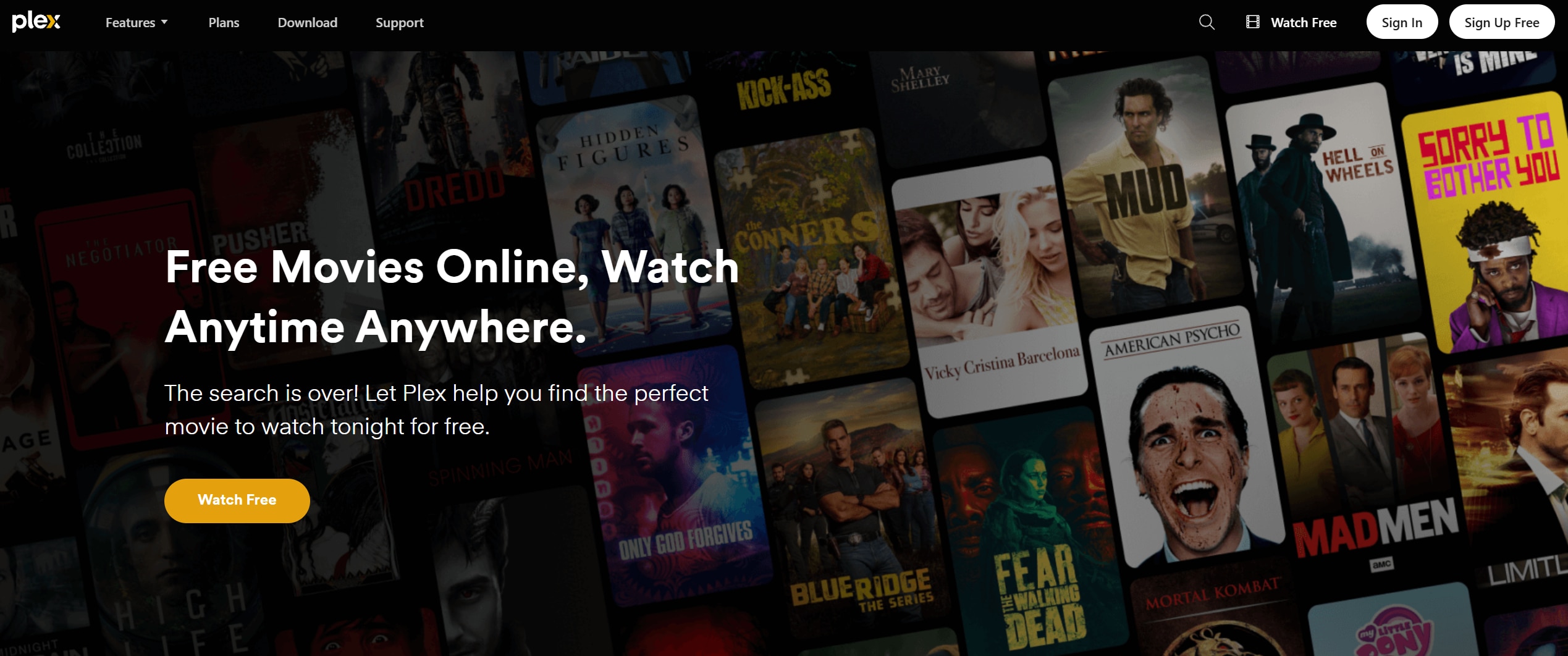
Best for: Users who want to combine personal media with free streaming.
Vudu: Best for Free Movies Plus High-Quality Rentals
Vudu blends a free ad-supported section with an extensive store for renting and buying new releases in high resolution. If you mostly want free movies but occasionally pay for the latest blockbusters in HD or 4K, Vudu is a strong FlixHQ replacement.
Best for: Viewers who want free movies plus high-quality rentals.
Part 3: How To Recover Deleted Streaming Recordings With Recoverit
If you like to record streams from FlixHQ alternatives for offline viewing, accidental deletion or drive errors can instantly wipe out hours of saved content. When that happens, avoid writing new data to the same drive and use a professional recovery tool like Recoverit to scan for and restore lost video files in formats such as MP4, MKV, and MOV.
Key Features Offered by Recoverit
- Supports recovery of over 1000 file formats, including popular video formats used for saved streams like MP4, MKV, MOV, AVI, and more.
- Works with a wide range of storage devices, including internal drives, external HDDs/SSDs, SD cards, and USB flash drives commonly used to store recordings.
- Offers deep scan and file preview so you can verify and selectively restore the exact streaming recordings you want to recover.
Step-by-Step Guide on How To Recover Lost Videos
1. Choose a Location to Recover Data
Install Recoverit on a different drive than the one where your FlixHQ alternative recordings were stored. Launch the software, then select the specific disk, partition, or external device that previously contained your video files. This targets the scan to the right location and reduces the risk of overwriting lost data.

2. Deep Scan the Location
Click to start a deep scan of the chosen drive or partition. Recoverit will thoroughly search for deleted or lost video files, including partially damaged ones. During the scan, you can monitor progress and filter by file type (such as videos) to quickly narrow down potential recovered recordings.

3. Preview and Recover Your Desired Data
After the scan completes, browse the results and use the preview feature to confirm that recovered clips play correctly. Select the streaming recordings you want to restore, then choose a safe save location on a different drive or device. This ensures the recovered files are not overwritten and remain accessible for future viewing.

Pro tip: If you record streams from FlixHQ alternatives and accidentally delete the files, stop saving new data on that drive immediately. The sooner you run a deep scan with Recoverit, the higher your chances of fully restoring your lost episodes and movies.
Part 4: Final Thoughts on Moving Beyond FlixHQ
Moving away from FlixHQ does not mean losing access to free streaming. Services like Tubi, Pluto TV, Crunchyroll, Plex, and Vudu offer safer, legal catalogs with better app support, consistent subtitles, and more predictable performance. You trade pop-up-heavy unofficial streams for stable, ad-supported platforms that work across smart TVs, consoles, and mobile devices.
Choose the platform that best matches your habits, whether you prioritize anime, live channels, or building your own media hub. At the same time, protect your viewing history by backing up important recordings and using tools like Recoverit whenever accidental deletion or drive issues strike. That way, a simple mistake never wipes out the shows and movies you care about most.
Next: Sling Tv
FAQ
-
Is FlixHQ safe to use?
FlixHQ operates in a legal gray area and often relies on unofficial sources, which can expose you to pop-up ads, malware risks, and sudden takedowns. For this reason, many viewers prefer licensed, ad-supported alternatives like Tubi, Pluto TV, or Crunchyroll. -
Do FlixHQ alternatives like Tubi and Pluto TV cost money?
Tubi and Pluto TV are free to watch and supported by ads, so you do not pay a monthly subscription fee. Some services may offer optional premium upgrades or paid rentals, but their core streaming libraries remain free. -
Which FlixHQ alternative is best for anime?
Crunchyroll is usually the best FlixHQ alternative for anime because it licenses shows directly, provides high-quality subtitles and dubs, and offers simulcast episodes shortly after they air in Japan. Other platforms may have some anime, but none match Crunchyroll's depth.



