 TL;DR:
Switching from the unofficial, ad-heavy HDToday to legal, ad-supported streaming platforms eliminates malware risks and provides stable viewing, though you will trade the newest theatrical releases for licensed catalogs.
● Choose Tubi for a massive on-demand movie library, Pluto TV for a traditional cable-style live channel experience, or Plex if you need to integrate free streaming with your own personal home media server.
● Expect strict limitations when using these legal alternatives compared to piracy sites, including regional content locks, a lack of offline downloads, and video resolution capped at 720p on services like Crackle.
● If you lose locally recorded streams, you can restore the video files using Wondershare Recoverit, but you must install the software on a completely different drive partition to avoid overwriting the deleted data.
Ask AI for a summary
 ChatGPT
 Perplexity
 Gemini
 Claude
 Grok
Grok
HDToday became popular for free movies and TV shows, but constant domain changes, pop-up ads, and safety concerns push many viewers to look for more stable alternatives. Choosing the right site means balancing content selection, ad load, and security so you can stream with fewer risks and interruptions.
In this article
Part 1. HDToday vs Safer Free Streaming Sites: Quick Comparison
Before switching from HDToday, it helps to see how it stacks up against safer, licensed platforms. The table below compares ad load, video quality, subtitles, anime content, and usability so you can quickly identify the best match for your viewing habits.
| Website Name | Ad Density | Subtitles | Video Quality | Anime Catalog | UI/UX | Notes |
|---|---|---|---|---|---|---|
| HDToday | High pop-ups and overlays | Mixed, often community-uploaded | Up to 1080p, mirrors vary | Moderate, inconsistent updates | Cluttered, frequent redirects | Unofficial streaming; use with caution due to legal and security risks. |
| Tubi | Light to moderate | Strong support on most titles | Up to 1080p, stable | Moderate curated selection | Clean apps and web player | Fully legal, ad-supported platform with broad device support. |
| Pluto TV | Moderate scheduled ads | Good, channel-dependent | 720p to 1080p | Limited but growing | TV-like channel guide | Best if you enjoy live channels along with some on-demand content. |
| Crackle | Moderate ad breaks | Available on most content | Mostly 720p | Very limited | Simple but slightly dated | Good for movies and some originals without sign-up in many regions. |
| Plex Free Movies & TV | Light ad interruptions | User and provider options | Up to 1080p | Small, niche-focused | Modern, customizable | Excellent if you also manage personal media alongside free streaming. |
| IMDb TV | Moderate, predictable | Reliable and accurate | Up to 1080p | Minimal | Polished, integrates with Prime ecosystem | Backed by a major brand for better uptime, security, and device support. |
Part 2. Top 5 HDToday Alternatives for Safer Free Streaming
The following HDToday alternatives are free, ad-supported, and licensed. They may not mirror HDToday's latest uploads, but they provide stable apps, predictable ads, and significantly fewer security risks.
Tubi
Tubi is a free, ad-supported streaming platform offering thousands of movies and TV shows with no subscription fees. It is best for viewers who want a huge, legal on-demand catalog across many genres and reliable apps on nearly every device.
You can watch Hollywood films, TV classics, documentaries, and a rotating set of niche titles directly in your browser or through native apps. Visit Tubi to start streaming for free.
Pluto TV
Pluto TV delivers free streaming through curated live channels plus a growing on-demand library. It is best for users who like channel-surfing and a live TV feel without paying for cable or satellite services.

Instead of browsing endless tiles, you flip through themed channels for news, sports, movies, and classic TV. Head to Pluto TV if you prefer a lean-back, cable-style experience.
Crackle
Crackle focuses on free movies, classic TV, and a few original productions. It is best for casual movie fans who want straightforward browsing and ad-supported viewing without needing to pay or share payment details.
Available in browsers and on many smart devices, Crackle emphasizes older hits and niche content. Check out Crackle if you mostly stream movies and do not mind a slightly smaller, rotating catalog.
Plex Free Movies & TV
Plex Free Movies & TV combines an ad-supported catalog with powerful tools for organizing your own media. It is ideal if you want one interface for streaming free titles and accessing a personal library of downloaded or ripped content.
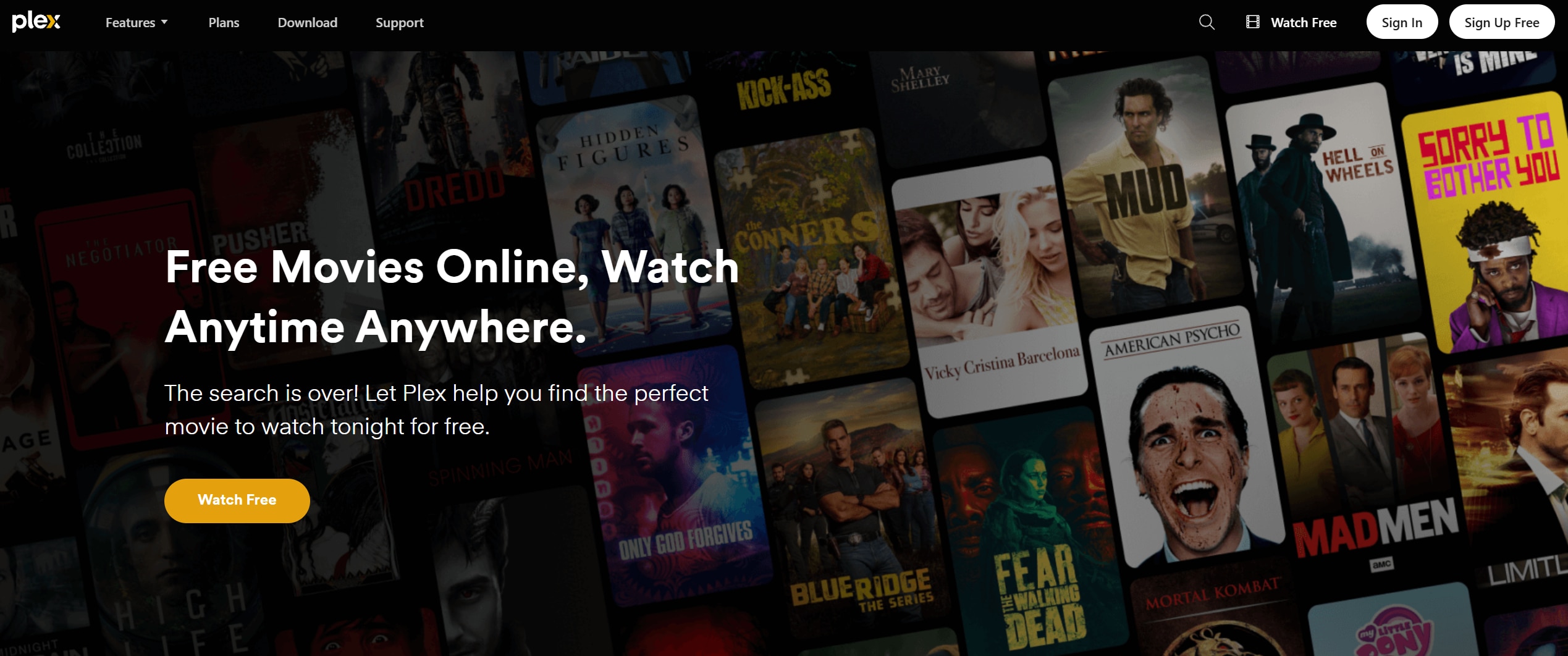
Once you install Plex apps on your devices, you can watch studio-licensed movies and shows, and also stream your own files from a home server. Visit Plex Free Movies & TV to get started.
IMDb TV (rebranded in some regions)
IMDb TV, now operating under different brand names depending on your country, is a free ad-supported streaming service backed by Amazon. It is best for viewers who prefer a reputable brand, consistent quality, and tight integration with major streaming ecosystems.
You can access its catalog via the Prime Video app or website without a paid subscription, as long as it is supported in your region. Explore IMDb TV to see which titles are available for free in your country.
Part 3. Pro Tip: Recover Deleted HDToday Recordings With Recoverit
If you record streams from HDToday or any of its alternatives and accidentally delete the files, specialized recovery software can often bring them back. Recoverit by Wondershare scans hard drives, SD cards, and external storage to locate lost or corrupted video files, even after formatting in many cases.
Key Features Offered by Recoverit
- Supports recovery of a wide range of video formats from HDDs, SSDs, memory cards, USB drives, and more.
- Advanced video recovery and repair modes that help reconstruct fragmented or corrupted recordings.
- Intuitive preview feature so you can verify clips before restoring them to a safe location.
Step-by-Step Guide on How To Recover Lost Videos
1. Choose a Location to Recover Data
Install Recoverit on a different partition or device than the one where the deleted recordings were stored. Open the program and select the specific drive, external device, or folder where your HDToday or alternative streaming recordings were originally saved.

2. Deep Scan the Location
Click the Start or Scan button to let Recoverit perform a deep scan on the chosen location. The software will search for deleted, lost, or formatted video files and display recoverable items in real time as the scan progresses.

3. Preview and Recover Your Desired Data
When the scan finishes, filter by video type or search by filename if you remember it. Use the preview function to confirm that each recording plays correctly, then click Recover to save the selected files to a secure, different drive to avoid overwriting data.

Part 4. Final Thoughts on Using HDToday vs Legal Alternatives
HDToday may seem convenient, but constant mirrors, intrusive ads, and legal and safety questions make it worth exploring more reliable options. Free, ad-supported platforms like Tubi, Pluto TV, Crackle, Plex Free Movies & TV, and IMDb TV deliver legal streaming with stable apps, predictable performance, and lower risk.
Pair these safer streaming choices with a backup plan for your recordings, using tools like Recoverit to protect your downloaded or captured videos from accidental deletion or drive issues. That way, you can enjoy your favorite movies and shows without losing valuable recordings or putting your devices at unnecessary risk.
Next: Hurawatch
FAQ
-
Is HDToday safe to use for streaming movies?
HDToday operates in a legal gray area, relies on aggressive ads, and may expose you to malicious pop-ups or hidden trackers. Compared with licensed platforms, it carries higher risks for malware, privacy issues, and potential copyright problems. -
What are safer HDToday alternatives for free movie streaming?
Safer options include legal, ad-supported services like Tubi, Pluto TV, Crackle, Plex Free Movies & TV, and IMDb TV. These platforms host licensed content, use predictable advertising, and maintain official apps for major devices. -
Do I need a VPN to watch HDToday alternatives?
Legal services generally do not require a VPN, though some viewers use one to add a layer of privacy or to access region-specific catalogs where permitted by law. Always follow your local regulations and the platform's terms of use.



