
 TL;DR:
To mitigate the legal and malware risks of PopcornTime's torrent-based streaming, users must transition to alternatives like Stremio, Tubi, Plex, Kodi, or Crunchyroll based on their need for add-on flexibility, strict legal compliance, or personal media integration.
● Stremio delivers the closest PopcornTime-style UI via community add-ons, and Kodi provides highly customizable open-source media centers for power users, though both still carry copyright and security risks if utilizing unofficial third-party sources.
● For strictly legal, ad-supported viewing, Tubi supplies licensed mainstream movies without an account, Plex integrates personal media libraries with free streaming channels, and Crunchyroll focuses on anime simulcasts, though some top titles require a paid subscription.
● If local stream recordings are accidentally deleted, users must immediately stop saving data to the affected drive to prevent overwriting and utilize recovery software like Wondershare Recoverit to retrieve formats like MP4 and MKV from external or internal storage.
Ask AI for a summary
 ChatGPT
 Perplexity
 Gemini
 Claude
 Grok
Grok
PopcornTime rose to fame by making torrent-based streaming incredibly simple, but its legal risks, sudden shutdowns, and malware-riddled clones mean you should look for safer replacements. This guide compares reliable PopcornTime alternatives, highlighting where to watch movies, TV, and anime with better security, more stable apps, and stronger support for subtitles and HD quality.
Try Recoverit to Restore Deleted Stream Recordings
 Security Verified. 3,591,664 people have downloaded it.
In this article
Comparison of PopcornTime and Its Alternatives
Before switching from PopcornTime, it helps to compare how its experience stacks up against safer platforms based on ads, subtitles, video quality, anime depth, and usability.
| Website Name | Ad Density | Subtitles | Video Quality | Anime Catalog | UI/UX | Notes |
|---|---|---|---|---|---|---|
| PopcornTime | None in classic builds, high risk in clones | Strong community subs but inconsistent on forks | Up to 1080p, torrent dependent | Decent via public torrents, not curated | Very simple but now outdated | Torrent based, significant legal and security concerns |
| Stremio | Low to moderate depending on add-ons | Excellent, auto-fetch for most titles | Up to 4K where sources allow | Good with the right add-ons | Modern and beginner friendly | Centralized library with cloud synced watchlist |
| Plex | Moderate, skippable ad breaks | Good, with manual and online options | Solid HD, some 4K for local media | Limited in free streaming section | Polished but menu heavy | Great for combining personal library with free streaming |
| Tubi | Moderate but predictable | Good on most mainstream titles | Up to 1080p, stable | Surprisingly solid older and niche anime | Clean and fast on most devices | Fully legal and backed by major studios |
| Kodi | Varies by add-on, can be ad free | Flexible with many subtitle add-ons | Up to 4K with proper hardware | Potentially huge, depends on sources | Highly customizable but not beginner friendly | Open source media center requiring manual configuration |
| Crunchyroll | Low to moderate on free tier | Excellent, multi language for most shows | HD and 4K on select titles | Extensive, especially simulcasts | Optimized for anime discovery | Best suited for dedicated anime viewers |
PopcornTime trades convenience for risk, while tools like Stremio, Plex, Tubi, Kodi, and Crunchyroll deliver more stable apps, curated libraries, and clear terms of use that better protect you from malware and copyright headaches.
5 Best Free PopcornTime Alternatives
1. Stremio
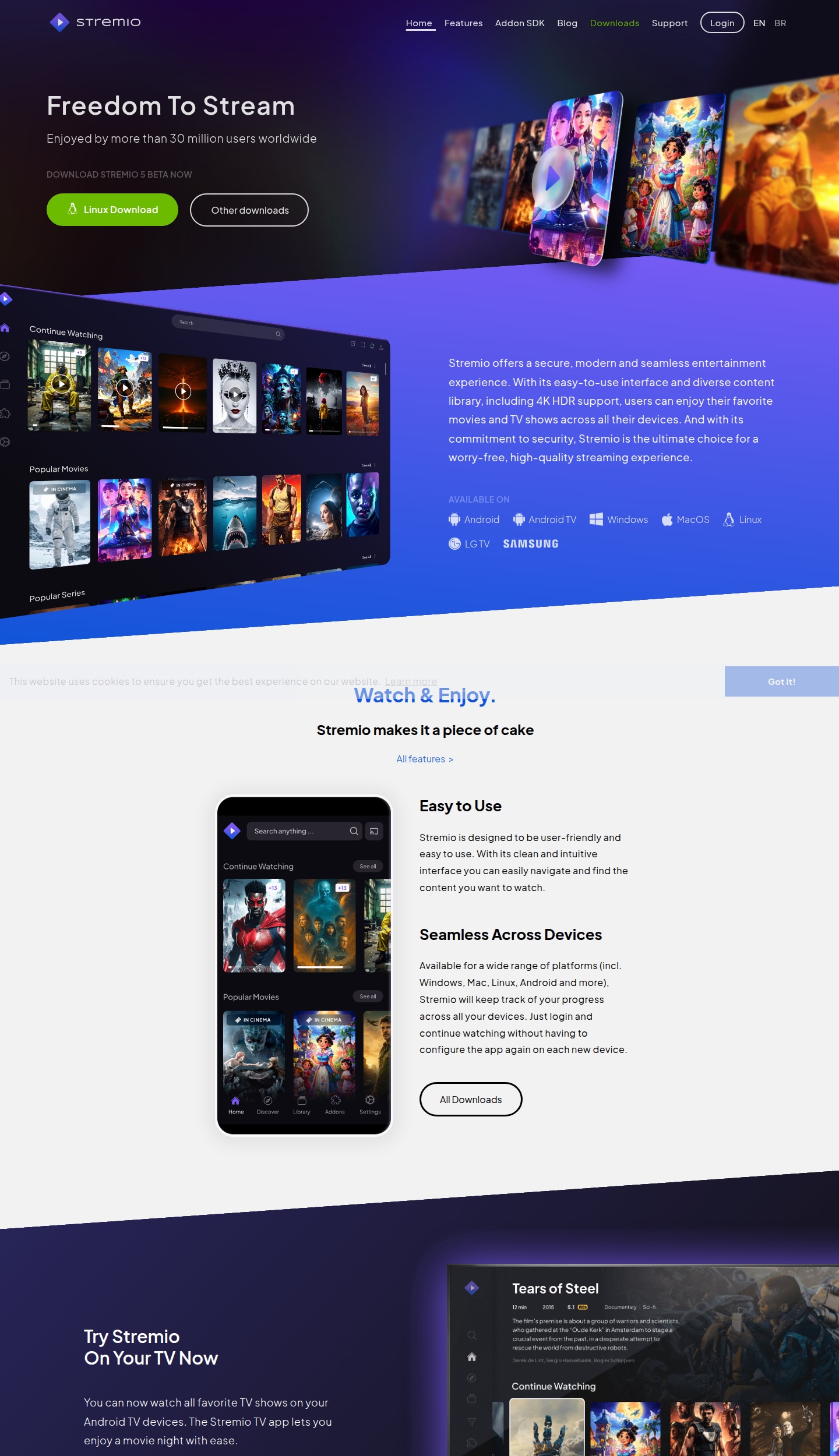
Stremio feels like a modern, more organized PopcornTime, using add-ons instead of raw torrents while keeping a clean, unified library. It is best for users wanting a straightforward PopcornTime style experience with safer, more maintainable add-ons.
2. Plex
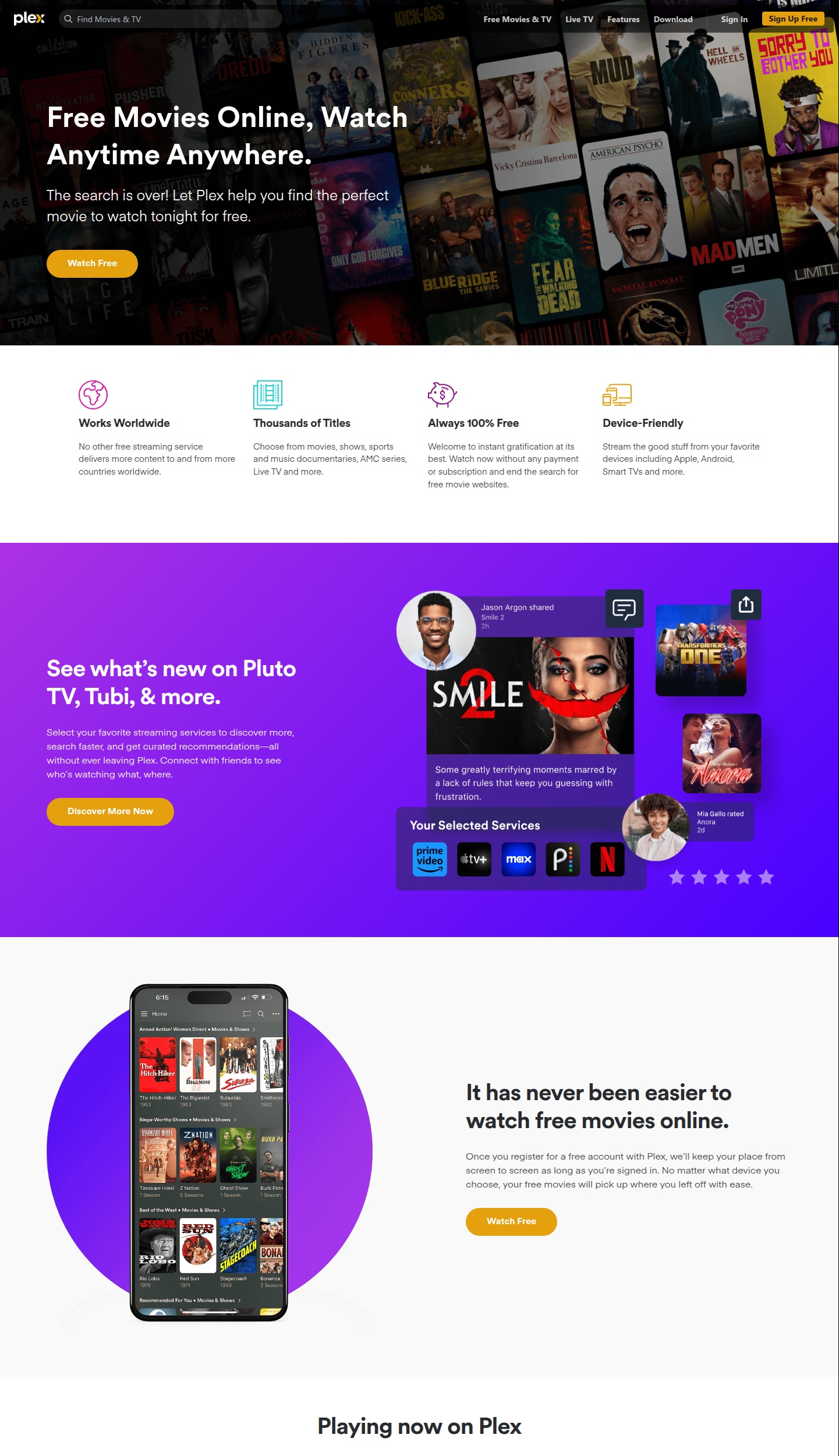
Plex was built as a personal media server but now includes a sizable library of free movies, shows, and live channels. It is best for viewers who want to combine their own media collection with free, ad supported streaming.
3. Tubi
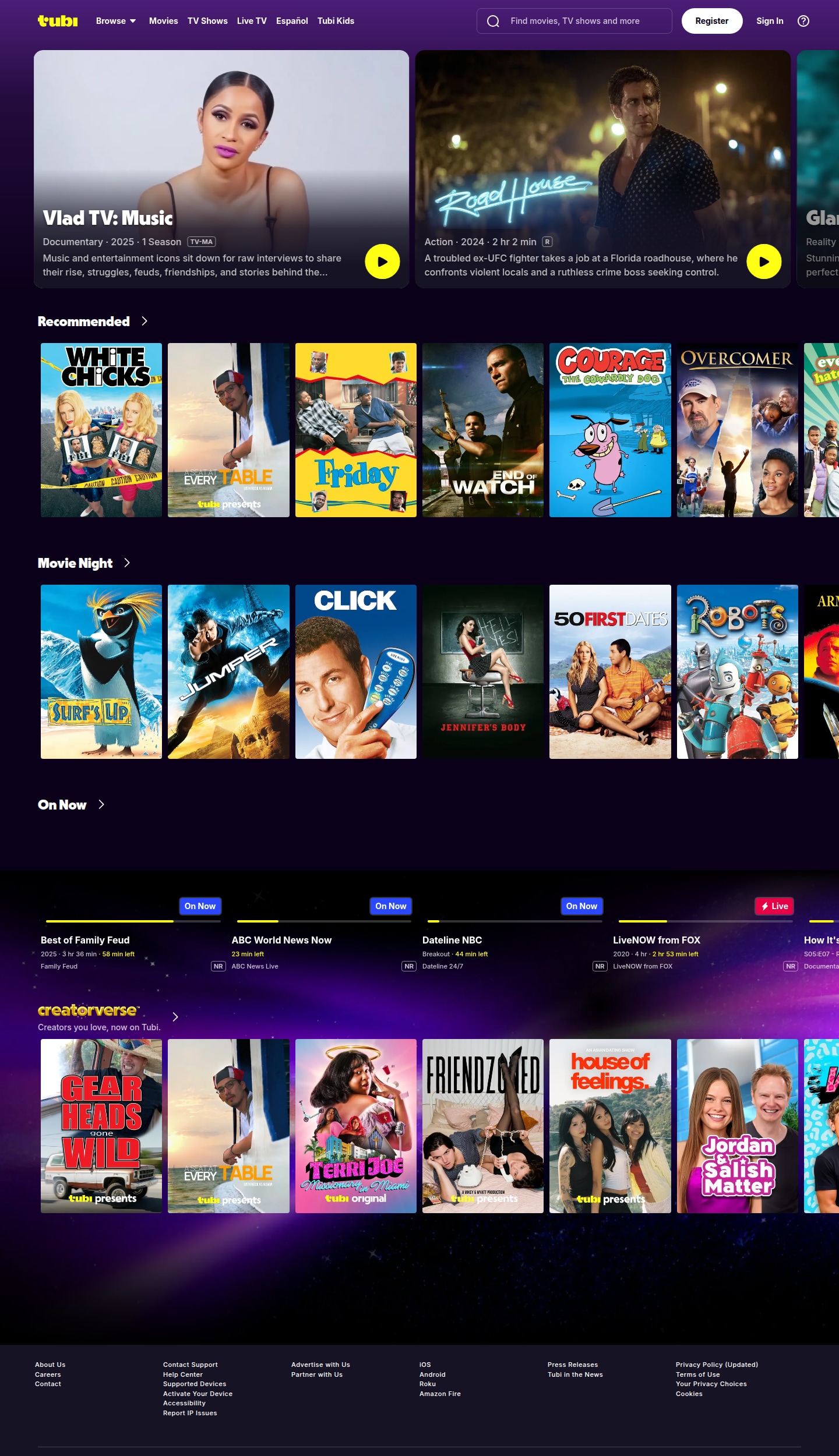
Tubi is an ad supported streaming platform with licensed content from major studios and no subscription fees. It is best for users who want a legal, free, and easy to use alternative with a strong catalog of movies and TV shows.
4. Kodi
Kodi is an open source media center that can replace PopcornTime for those who configure legal add-ons and local libraries. It is best for power users who want maximum customization and do not mind manual setup.
5. Crunchyroll
Crunchyroll focuses on anime and Asian content, offering a mix of free ad supported episodes and premium plans. It is best for anime fans who want legal simulcasts, strong subtitle support, and curated series.
Pro Tip: Use Recoverit to Recover Deleted Stream Recordings
If you record streams from PopcornTime alternatives and accidentally delete the files, stop saving new data on that drive and try recovery immediately. Recoverit by Wondershare can scan your hard drive, external disk, or memory card to restore deleted or lost recordings, even if the folder was emptied or the file system became corrupted.
Key Features Offered by Recoverit
- Deep video recovery for MP4, MKV, MOV, AVI, and other popular streaming recording formats.
- Support for internal drives, external HDDs, SSDs, USB sticks, memory cards, and action camera cards.
- In-app preview so you can verify recovered stream recordings before restoring them to a safe location.
Step-by-Step Guide on How To Recover Lost Videos
1. Choose a Location to Recover Data
Download and install Recoverit, launch the program, and select the drive, partition, external disk, or memory card where your PopcornTime or streaming recordings were stored before deletion.

2. Deep Scan the Location
Click Start to begin a deep scan; Recoverit will thoroughly search the selected location for lost or deleted video files, updating the result list in real time as more clips are discovered.

3. Preview and Recover Your Desired Data
Filter by video type, double click a result to preview it, and when you find the recordings you need, click Recover and save them to a different, secure drive to avoid overwriting remaining lost data.

Conclusion
PopcornTime showed how convenient streaming could be, but its legal risks and unstable clones make it a poor long term solution. By switching to platforms like Stremio, Plex, Tubi, Kodi, or Crunchyroll, you gain safer sources, better subtitles, and more reliable apps across all your devices.
Choose a service based on what you watch most: Stremio or Kodi for power and flexibility, Plex if you manage your own library, Tubi for no cost legal movies, and Crunchyroll for anime focused viewing. Combine one or two of these and you can comfortably retire PopcornTime for good.
Next: Limetorrents Alternatives
FAQ
-
Is PopcornTime safe to use today?
PopcornTime is not considered safe because most builds rely on torrents, which can expose your IP address, create copyright issues, and sometimes bundle malware in unofficial forks. -
Which PopcornTime alternative is closest in look and feel?
Stremio is the closest in overall experience, offering a unified catalog, strong subtitle support, and add-ons that pull from multiple sources in a simple interface. -
Are there fully legal PopcornTime alternatives?
Yes, services like Tubi, Plex free streaming, and Crunchyroll operate with licensed content, clear terms of use, and official apps, making them far safer than torrent based tools.



