

 TL;DR:
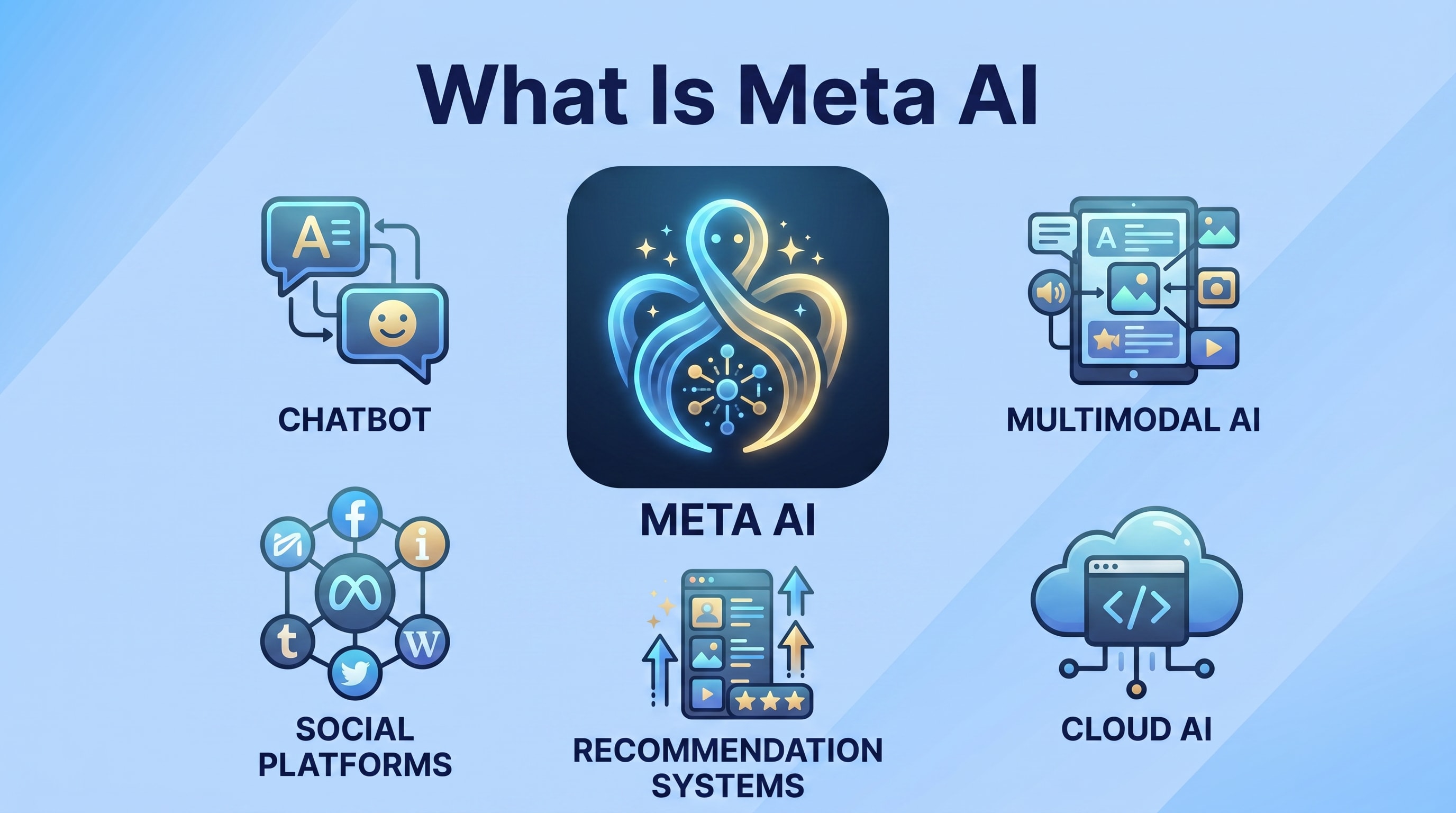
Meta AI is a conversational assistant and creative tool powered by large language models that is embedded directly into Facebook, Instagram, WhatsApp, and Messenger to generate text, images, and summaries.
● Meta AI processes your prompts and usage data to improve its services depending on your region, requiring users to exclude passwords, confidential work data, or private medical files from chat inputs.
● The assistant operates without requiring separate logins, providing contextual helpers that summarize threads, translate text, and generate captions or images directly within your existing social media feed.
● If managing or exporting AI-generated content leads to accidental file deletion or formatting errors, Wondershare Recoverit can perform a deep scan to preview and restore over 1000 file formats from your connected drives.
Ask AI for a summary
 ChatGPT
 Perplexity
 Gemini
 Claude
 Grok
Grok
Meta AI is Meta Platforms powerful artificial intelligence assistant built into apps like Facebook, Instagram, WhatsApp, and Messenger. Designed to help you search, create content, and get answers in real time, Meta AI blends large language models with your social experience. As more interactions, photos, and files move into AI powered platforms, understanding what Meta AI is, how it works, and how it uses your data becomes essential. This guide breaks down Meta AI in simple terms, explains common use cases and risks, and shows how a data recovery tool like Recoverit can help if important files go missing while you explore new AI features.
Try Recoverit to Perform Data Recovery
 Security Verified. 3,591,664 people have downloaded it.
In this article
What Is Meta AI
What is Meta AI in practice? It is a conversational assistant and set of creative tools built by Meta and embedded directly into its platforms. You can talk to it like a chatbot, ask questions, generate images, summarize long posts, or get writing help without leaving Facebook, Instagram, WhatsApp, or Messenger.
Under the hood, Meta artificial intelligence is powered by large language models (LLMs) and image generation models that understand text, images, and sometimes your app context. Meta AI is designed to feel like a natural part of your feed or chats, rather than a separate website or standalone application.
Because Meta apps handle personal messages, photos, and everyday communication, Meta AI privacy and data handling are especially important. Your prompts, generated content, and some usage data can be processed to improve the service, depending on your region and settings.
| Aspect | How Meta AI Appears in Daily Use |
|---|---|
| Search and answers | Ask questions in a Meta AI chat or search bar and receive conversational answers instead of just links. |
| Creative help | Generate captions, post ideas, stories, or images for social media directly inside Meta apps. |
| Productivity | Summarize long threads, translate text, or extract key points from information you share. |
How Does Meta AI Work
How Meta AI works combines three main layers: data, AI models, and product integration. Together they allow the assistant to understand natural language and respond in a way that feels tailored to social media workflows.
- Input and understanding: You type or speak a prompt in a Meta AI chat or tool. The underlying language model converts your words into numeric representations that capture intent and context.
- Reasoning and generation: The LLM predicts the most likely useful response token by token, drawing on patterns learned from large datasets and, in some cases, publicly available content.
- Safety and filtering: Additional systems filter harmful, unsafe, or disallowed content, sometimes refusing requests that break community or usage rules.
- Delivery in the app: The response is displayed as a chat reply, image, caption suggestion, or quick action you can insert into posts and messages.
From a user perspective, Meta AI explained looks simple: you ask, it answers. But behind every reply are billions of model parameters, content filters, and logging systems that may record certain interactions for quality, security, and product improvement.
Because your Meta account may contain sensitive conversations and media, it is wise to understand what is shared with Meta AI and adjust your privacy and activity settings. Treat prompts as you would any other online form: avoid posting passwords, financial details, or confidential work data.
What are the Types of Meta AI
There are several ways to categorize Meta AI. On the technical side, Meta uses different foundation models. On the user side, Meta AI shows up as various in-app experiences.
Core model types behind Meta AI
Public details change over time, but common model families include:
- Large language models (LLMs): These text-based models power chat, summarization, translation, and code or content suggestions.
- Image generation models: Used to create AI images from prompts, such as profile pictures, story backgrounds, or post illustrations.
- Recommendation and ranking models: Not always branded as Meta AI, but used in feeds and ads to decide what content you see, tuned by AI techniques.
User facing Meta AI experiences
From a practical meta ai guide perspective, you will most often encounter these categories inside Meta apps:
- Chat-based AI assistants: Dedicated conversations with Meta AI in Messenger, WhatsApp, or other apps where you ask questions and get instant answers.
- Creative tools embedded in posts: Buttons to auto-generate captions, rewrite text, propose hashtags, or suggest comments for your social content.
- AI-generated images and avatars: Prompts that let you generate new images or enhance existing photos for profile pictures, stories, and reels.
- Contextual helpers: AI shortcuts that summarize long threads, highlight key points, or translate content in your language.
Together, these experiences show how deeply meta artificial intelligence is woven into core Meta products, often without requiring separate logins or extra apps.
Practical Tips for Meta AI
Using Meta AI responsibly is about controlling your data, avoiding accidental deletion, and getting more accurate results from the assistant.
- Be specific with prompts: Clear questions usually produce clearer answers. For example, ask "Summarize this post in 3 bullet points for a beginner" instead of "Explain this."
- Avoid sensitive data: Do not paste passwords, confidential contracts, or private medical files into AI chats. Treat AI prompts like any other third-party form.
- Check your privacy settings: Regularly review Meta privacy dashboards to see what activity is saved and how it may be used for AI training or personalization.
- Verify important information: AI assistants can be wrong or outdated. Double-check legal, financial, or health-related output with trustworthy sources.
- Export or back up key content: If Meta AI helps you draft important posts, documents, or creative work, save offline copies on your computer or cloud storage.
- Prepare for data loss scenarios: Mis-clicks, sync problems, or formatting errors on your devices can still delete exported files. Have a recovery plan using tools like Recoverit.
By following these tips, you can benefit from meta ai features without giving up control of your important photos, videos, and documents.
How to Use Recoverit to Recover Lost Data
Recoverit by Wondershare is a professional data recovery solution that helps you restore deleted, lost, or formatted files from computers, external drives, memory cards, and more. If experimenting with Meta AI tools leads to accidental deletion of photos, videos, work documents, or chat attachments stored on your devices, Recoverit gives you a reliable way to get them back. You can learn more and download it directly from the Recoverit official website for Windows and macOS.
Key Features Offered by Recoverit
- Recovers more than 1000 file formats from diverse storage devices.
- Supports data loss scenarios such as deletion, formatting, and system errors.
- Offers file preview before recovery to restore only what you really need.
Step-by-Step Guide on How To Recover Lost Data
1. Choose a Location to Recover Data
Launch Recoverit and look at the main interface to see all available drives and locations. Select the specific disk, external device, or folder where your files were lost, for example the partition that stored downloads or exported Meta AI content. Click Start to begin the recovery process from that chosen location.

2. Deep Scan the Location
Recoverit will automatically perform an in depth scan of the selected location to search for deleted or missing files. You can watch the progress bar as the scan continues and filter by file type or path while results appear in real time. Wait until the deep scan finishes to make sure the program has found as many recoverable items as possible.

3. Preview and Recover Your Desired Data
When the scan is complete, browse through the list of discovered files and use the preview feature to check photos, videos, documents, or other items before restoring them. Tick the checkboxes next to the data you want to get back, then click Recover and choose a safe destination folder on a different drive to save the recovered files securely.

Conclusion
Meta AI is Meta Platforms integrated AI assistant that brings search, creativity, and automation straight into apps you already use. Understanding how it works, the types of AI models behind it, and the way it interacts with your content helps you use it more confidently and responsibly.
By following basic safety habits and backing up important files, you can enjoy Meta AI features while minimizing risk. If you ever lose valuable photos, videos, or documents while working across Meta and your devices, a dedicated tool like Recoverit can help you scan, preview, and bring crucial data back in just a few steps.
FAQ
-
What is Meta AI in simple terms?
Meta AI is an artificial intelligence assistant created by Meta Platforms and built into apps such as Facebook, Instagram, WhatsApp, and Messenger. It uses large language models and other AI technologies to answer questions, generate content, summarize information, and support creative tasks directly inside those services. -
Is Meta AI free to use?
Meta AI is generally offered as a free feature inside supported Meta apps. You may see it as a chat assistant or as tools for generating images, captions, and other content. While you do not usually pay directly to use Meta AI, your interactions may be used to improve Meta services according to their terms and policies. -
Does Meta AI store my personal data?
Meta AI can process information from your queries, and in some cases related activity, to provide answers and improve its models. How long data is stored and how it is used is governed by Metas privacy policy and settings. You should review your privacy options in each Meta app to manage what is collected and how it can be used. -
Can Meta AI cause me to lose files or photos?
Meta AI itself does not usually delete files automatically, but you might remove or overwrite content while experimenting with new tools, cleaning up storage, or syncing across devices. If important photos, videos, or documents disappear from your computer or connected drives, data recovery software like Recoverit can often restore them. -
How can I protect my data when using Meta AI?
Use strong account security, regularly back up important files to multiple locations, and avoid sharing sensitive information in AI prompts. Enable two factor authentication on your Meta accounts, keep your apps updated, and rely on trusted backup and recovery tools so you have a fallback if data is corrupted, deleted, or lost.


