
 TL;DR:
Wondershare Recoverit stands out as the most capable iBoysoft Data Recovery alternative for comprehensive file and advanced video restoration, while EaseUS, Disk Drill, Recuva, and Stellar cater to specific needs ranging from guided beginner workflows to advanced diagnostic tasks.
● EaseUS Data Recovery Wizard provides a guided experience ideal for non-technical users but imposes data limits in its free tier, whereas the Windows-only Recuva serves as a budget-friendly choice for simple undelete tasks on healthy drives.
● Disk Drill targets power users on Windows and macOS by offering disk-image-based recovery, byte-level backups, and S.M.A.R.T. monitoring features that protect dying disks before data loss occurs.
● Stellar Data Recovery is heavily optimized for complex scenarios involving severely corrupted, RAW, or formatted partitions, though unlocking advanced features like fragmented video repair in these top-tier alternatives requires a paid plan.
Ask AI for a summary
 ChatGPT
 Perplexity
 Gemini
 Claude
 Grok
Grok
Losing files to accidental deletion, formatting, or drive corruption is stressful, and choosing the right recovery tool is just as important as acting quickly. While iBoysoft Data Recovery is a popular option, it is not the only solution, and many users look for alternatives that are easier to use, more powerful, or better suited to specific recovery scenarios.
This guide walks you through what iBoysoft offers, where it falls short, and the top five iboysoft data recovery alternatives worth considering so you can pick the most reliable file recovery tools for your computer, external drives, and sd card recovery needs.
Try Recoverit to Recover Lost Data
 Security Verified. 3,591,664 people have downloaded it.
In this article
What Is iBoysoft Data Recovery?
iBoysoft Data Recovery is a data recovery application designed to help users restore deleted, lost, or inaccessible files from computers and storage devices. It supports recovery from internal hard drives, external HDDs and SSDs, USB flash drives, SD and microSD cards, and other common storage media. Core features typically include quick and deep scan modes, the ability to preview files before recovery, and support for recovering documents, photos, videos, audio files, archives, and more.
The software is commonly used after accidental deletion, formatting of a partition, OS crashes, file system errors, and issues like RAW or inaccessible drives. iBoysoft also offers specialized builds for both Windows and macOS, and in some cases includes features for partition recovery and basic handling of corrupted file systems. For many home and small business users, it serves as an all-in-one utility to get back lost data without needing advanced technical skills.
Why You Might Need Alternatives for iBoysoft Data Recovery?
There are several reasons why you might need a substitute for iBoysoft Data Recovery. Here are a few:
- 🖱️ UI/UX and workflow efficiency: Some users find the interface less polished than leading iboysoft alternatives, which can slow down navigation when you are under time pressure. Limited visual guidance and fewer in-app tips mean beginners may struggle to understand which scan type or setting to choose. Over time, this can translate into longer recovery sessions and more trial-and-error.
- 🧰 Feature limitations vs competitors: Compared with top best data recovery software options, iBoysoft may offer fewer extra utilities such as built-in video repair, session export, or advanced filtering. This means you might need additional tools to complete tasks like repairing corrupted video files or performing targeted sd card recovery on camera media. An alternative suite can consolidate more tools into one streamlined package.
- 📈 Recovery success and stability gaps: While iBoysoft performs reasonably well for simple deletions, it may struggle with severely corrupted file systems, bad sectors, or repeatedly failing external drives. Users handling mission-critical hard drive recovery often prefer tools with consistently higher success rates and more robust error handling. A stronger engine can make the difference between partial and complete recovery in borderline cases.
- 🧮 Advanced capabilities missing: Power users sometimes need options such as disk-image-based recovery, granular control over deep scan signatures, or detailed S.M.A.R.T. diagnostics. These capabilities help protect a dying disk by scanning from an image instead of the live drive and allow more precise data recovery comparison tuning. If you regularly troubleshoot complex failures, these advanced features present in other file recovery tools can be essential.
- 💰 Pricing and value-for-money concerns: iBoysoft typically uses per-device or tiered licensing that may not be ideal for one-time emergencies or multi-computer households. Users who only occasionally need hard drive recovery often look for alternatives with more flexible plans, such as cheaper short-term licenses or broader device coverage. This can deliver better long-term value while still giving you professional-grade recovery performance.
5 Best iBoysoft Data Recovery Alternatives
1. Wondershare Recoverit
Wondershare Recoverit is a full-featured best data recovery software option best suited for users who want a high-success, easy-to-use solution for all common data loss scenarios on Windows and macOS. It supports more than 1,000 file formats across internal drives, external disks, USB sticks, SD cards, cameras, and even drones, making it a strong all-round hard drive recovery and sd card recovery tool.
Among all iboysoft data recovery alternatives, Recoverit stands out for combining an intuitive interface with powerful scanning engines and broad device support. It is suitable for everyday users, IT staff, and creators who need reliable hard drive recovery, USB and memory card restoration, and specialized video recovery in one solution.
Key Features Offered by Recoverit
- Comprehensive support for more than 1,000 file formats, including documents, photos, emails, and video, across computers, external drives, and camera media.
- Multiple scan modes that handle accidental deletion, formatting, partition loss, and severe corruption with clear previews before final recovery.
- Specialized video recovery and repair capabilities designed for cameras, dashcams, drones, and streaming tools, helping restore large or fragmented clips.
Step-by-Step Guide on How To Recover Lost Data
1. Choose a Location to Recover Data
Launch Recoverit and select the drive, partition, or external device where you lost your files, such as a system disk, USB stick, or SD card. For lost streaming or video recordings, pick the folder or storage device where your recording software originally saved the files to target the scan efficiently.

2. Deep Scan the Location
Click Start to begin scanning; Recoverit will quickly run an initial search and then continue with a deeper scan to detect formatted, hidden, or fragmented data. You can monitor progress, pause if needed, and use filters like file type or search keywords to zero in on specific videos, documents, or photos while the scan runs.

3. Preview and Recover Your Desired Data
Once the scan completes, browse the results tree or use filters to locate the files you want to restore, such as MP4, MOV, or project documents. Preview supported files to confirm their integrity, then select them and click Recover, saving them to a different healthy drive or partition to avoid overwriting lost data.

2. EaseUS Data Recovery Wizard
EaseUS Data Recovery Wizard is a long-standing competitor in the best data recovery software space, best suited for beginners and small businesses that value guided workflows and solid technical support. It works with a wide range of storage devices and loss scenarios, from accidental deletion and formatting to partition loss.

3. Disk Drill
Disk Drill is a feature-rich iboysoft alternatives option best suited for power users, IT technicians, and advanced enthusiasts who want deep control over scans and extra disk utilities. Available on both Windows and macOS, it combines strong hard drive recovery capabilities with backup tools and disk health monitoring.

4. Recuva
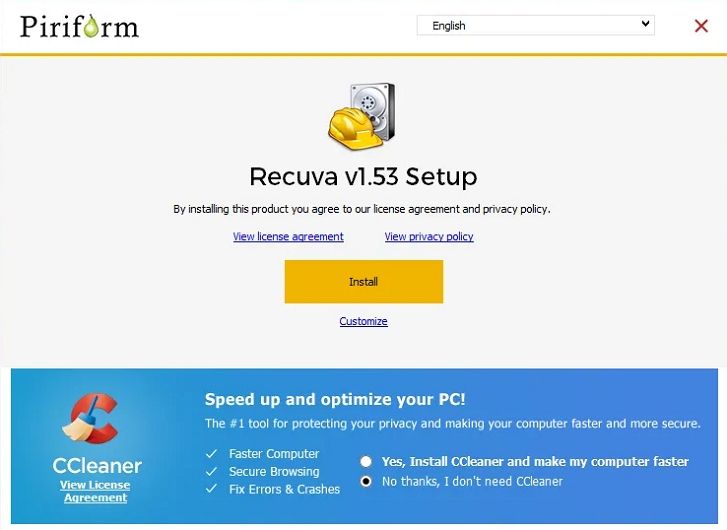
Recuva is a lightweight Windows-only file recovery tools option best for users who want a simple and budget-friendly way to undelete recently removed files. It is particularly handy for quick jobs on PCs, USB drives, and simple sd card recovery scenarios where the media is not heavily damaged.
5. Stellar Data Recovery
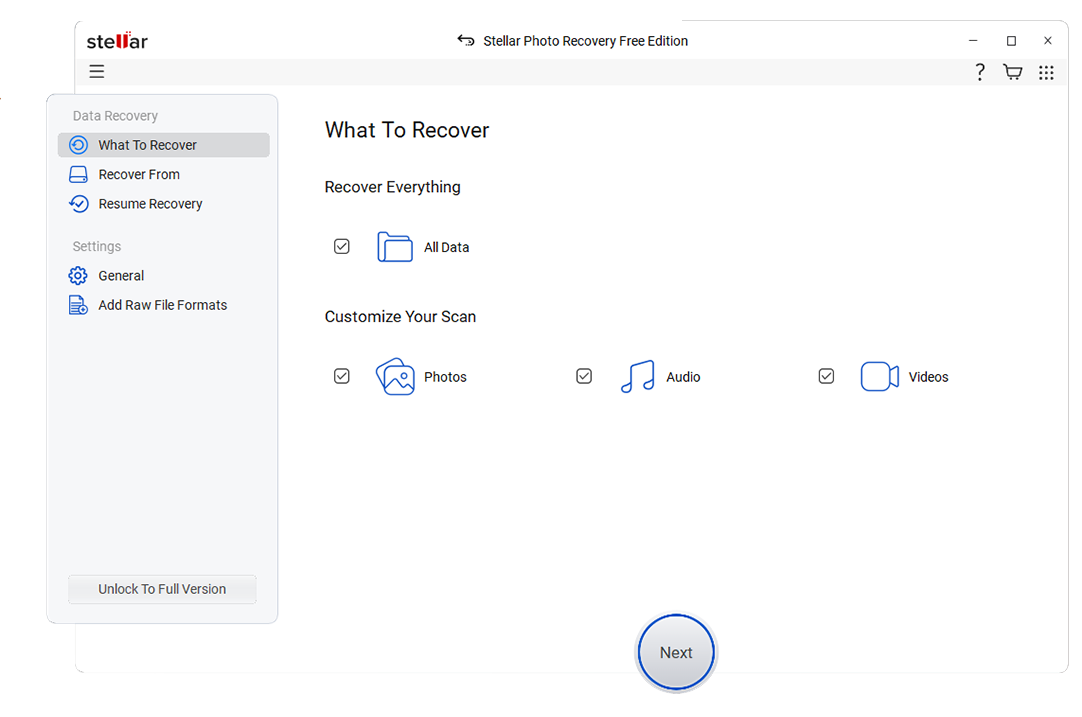
Stellar Data Recovery is designed for users who face complex data loss scenarios on corrupted, formatted, or partially failing drives. It brings powerful scanning engines and advanced modules that make it a strong candidate when you need more than basic undelete file recovery tools.
Side-by-Side Comparison Table of iBoysoft Data Recovery Alternatives
| Software | File System Support | Price | Free Version | Ease of Use | Scan Speed | Recovery Success Rate | Key Features |
|---|---|---|---|---|---|---|---|
| iBoysoft Data Recovery | NTFS, FAT32, exFAT, APFS, HFS+ | Mid-range, per-device licenses | Limited free recovery | Moderate, some learning curve for new users | Moderate on large volumes | Good on typical deletion and formatting cases | Quick and deep scan, partition recovery, RAW drive handling |
| Wondershare Recoverit | NTFS, FAT/FAT32, exFAT, APFS, HFS+, ext2/3/4 | Flexible plans, individual and business | Free scan and limited recovery | Very easy, wizard-like workflow | Fast quick scans, thorough deep scans | High across deleted, formatted, and corrupted data | 1,000+ file formats, advanced video recovery, bootable media, crash recovery |
| EaseUS Data Recovery Wizard | NTFS, FAT/FAT32, exFAT, HFS+, ext2/3 | Subscription and perpetual licenses | Small data limit in free tier | Beginner friendly | Balanced quick and deep scan performance | High for mainstream data loss cases | Deleted, formatted, and partition loss recovery, preview, filters |
| Disk Drill | NTFS, FAT/FAT32, exFAT, HFS+, APFS, ext2/3/4 | One-time and upgrade licenses | Limited free recovery on some platforms | Easy for basics, advanced for experts | Fast quick scan, variable deep scan | High, especially with deep and signature scans | Recovery vault, byte-level backups, S.M.A.R.T. monitoring, multiple scan types |
| Recuva | NTFS, FAT/FAT32, exFAT | Low-cost Pro and free version | Yes, with core features | Very easy for all users | Fast on small and medium drives | Good for simple deletions, lower on damaged media | Quick and deep scan, secure overwrite, portable version |
| Stellar Data Recovery | NTFS, FAT/FAT32, exFAT, HFS+, APFS | Tiered from home to technician | Preview and limited recovery | User friendly but more technical options | Thorough but can be slower on deep scans | Very high on complex and formatted cases | Partition recovery, RAW drive scan, optical media support, advanced filters |
Conclusion
Choosing the right iboysoft data recovery alternatives depends on your budget, technical comfort, and how serious your data loss is. Options like Recoverit, EaseUS Data Recovery Wizard, Disk Drill, Recuva, and Stellar Data Recovery each offer distinct strengths in ease of use, advanced features, and pricing.
For most everyday users who want a high success rate with minimal hassle, Recoverit stands out as a strong first choice, while the other tools fill specific niches from budget-friendly undelete to deep professional-grade recovery. Compare their capabilities against your situation, test their free versions where available, and commit to the one that best matches your recovery needs and long-term data protection plans.
Next: Testdisk Alternatives
FAQ
-
Is iBoysoft Data Recovery good enough for most users?
iBoysoft Data Recovery is capable for typical cases like accidental deletions and basic partition issues, but some users prefer iboysoft alternatives that offer higher success rates, faster scans, more polished interfaces, or better licensing flexibility. -
Which iBoysoft Data Recovery alternative is best for non-technical users?
Recoverit and EaseUS Data Recovery Wizard are usually the most comfortable choices for non-technical users thanks to their guided workflows, clear previews, and straightforward recovery steps, making them strong candidates in any data recovery comparison. -
Can free iBoysoft alternatives fully recover large amounts of data?
Most free editions, including those from tools like Recuva or limited versions of premium best data recovery software, restrict how much data you can restore or which features you can access, so a paid plan is often required for large or complex recoveries. -
Which alternative works best on badly corrupted or formatted drives?
Stellar Data Recovery and Recoverit are strong options for heavily corrupted or formatted drives because they provide deep scan modes, RAW recovery, and features tailored for challenging hard drive recovery and sd card recovery scenarios. -
Do I need different recovery software for Windows and macOS?
Many tools, including Recoverit, Disk Drill, and some editions of iBoysoft and Stellar, offer separate builds for Windows and macOS, so you can stay with the same brand but install the appropriate version for each OS when choosing iboysoft data recovery alternatives.



