 TL;DR:
To avoid the malware risks and legal uncertainties of AniWave's unlicensed catalog, viewers should migrate to official streaming platforms like Crunchyroll for mainstream simulcasts, Tubi for free ad-supported viewing, or HIDIVE and RetroCrush for niche and classic titles.
● Crunchyroll provides the largest licensed anime library with stable 1080p and 4K resolution for simulcasts, whereas HIDIVE serves as a more affordable, specialized platform for cult classics and exclusive series.
● Viewers seeking completely free, legal access can use Tubi to watch ad-supported shows without creating an account, or RetroCrush for vintage 70s-90s anime, though RetroCrush streams are largely restricted to SD or 720p resolution due to source age.
● Power users can utilize Plex to consolidate their own local anime files with regional free channels, and can employ Wondershare Recoverit to deep scan drives and restore over 1,000 video formats if downloaded episodes are accidentally deleted.
Ask AI for a summary
 ChatGPT
 Perplexity
 Gemini
 Claude
 Grok
Grok
AniWave has been popular for free anime streaming, but domain changes, uncertain legality, and ad-heavy pages push many viewers to look for safer, more stable platforms. This guide compares AniWave with five of the best alternatives so you can keep watching your favorite shows with fewer risks to your privacy, devices, and viewing experience.
Below you will find a side-by-side comparison of AniWave versus legal sites like Crunchyroll, HIDIVE, Tubi, RetroCrush, and Plex, plus tips on how to protect your watch history, downloads, and recordings as you move to more secure services.
Try Recoverit to Restore Deleted Stream Recordings
 Security Verified. 3,591,664 people have downloaded it.
In this article
Comparison of AniWave and Its Alternatives
Before switching from AniWave, it helps to understand how it stacks up against safer anime streaming platforms in terms of ads, subtitles, video quality, catalog, and overall usability.
| Website Name | Ad Density | Subtitles | Video Quality | Anime Catalog | UI/UX | Notes |
|---|---|---|---|---|---|---|
| AniWave | High and sometimes intrusive | Fan-subs and mixed quality | Up to 1080p but inconsistent | Large but unlicensed and unstable | Cluttered with pop-ups | Frequent domain shifts and copyright risks |
| Crunchyroll | Low to medium; ad-free with premium | Professional multi-language subs | Stable 1080p and some 4K | Industry-leading licensed library | Clean apps on nearly all devices | Best overall AniWave replacement for most viewers |
| HIDIVE | Low; optional free trial with ads | Strong subs, some dubs | Consistent 1080p | Specialized, niche, and exclusives | Simple interface, fewer devices than rivals | Great for fans of classics and less mainstream series |
| Tubi | Moderate but predictable ad breaks | English subs on most anime titles | 720p to 1080p on many shows | Curated but rapidly expanding | Easy to use with strong TV apps | Completely free, ad-supported, and legal |
| RetroCrush | Light to moderate ads | Good subs on classic titles | Mostly SD to 720p | Focused on retro and cult series | Simple, nostalgia-focused design | Best for old-school anime fans leaving AniWave |
| Plex | Light to medium on free channels | Supports external and built-in subs | Varies; can stream your own 4K | Free channels plus your own files | Highly customizable media hub | Ideal if you host your own anime library alongside free streams |
Compared with these services, AniWave mainly stands out for its ad-heavy interface, unlicensed catalog, and frequent domain changes, which can expose users to malware and legal uncertainty.
5 Best Free AniWave Alternatives
Here are five safer AniWave alternatives that balance legal access, catalog size, video quality, and price, including several options that are completely free with ads.
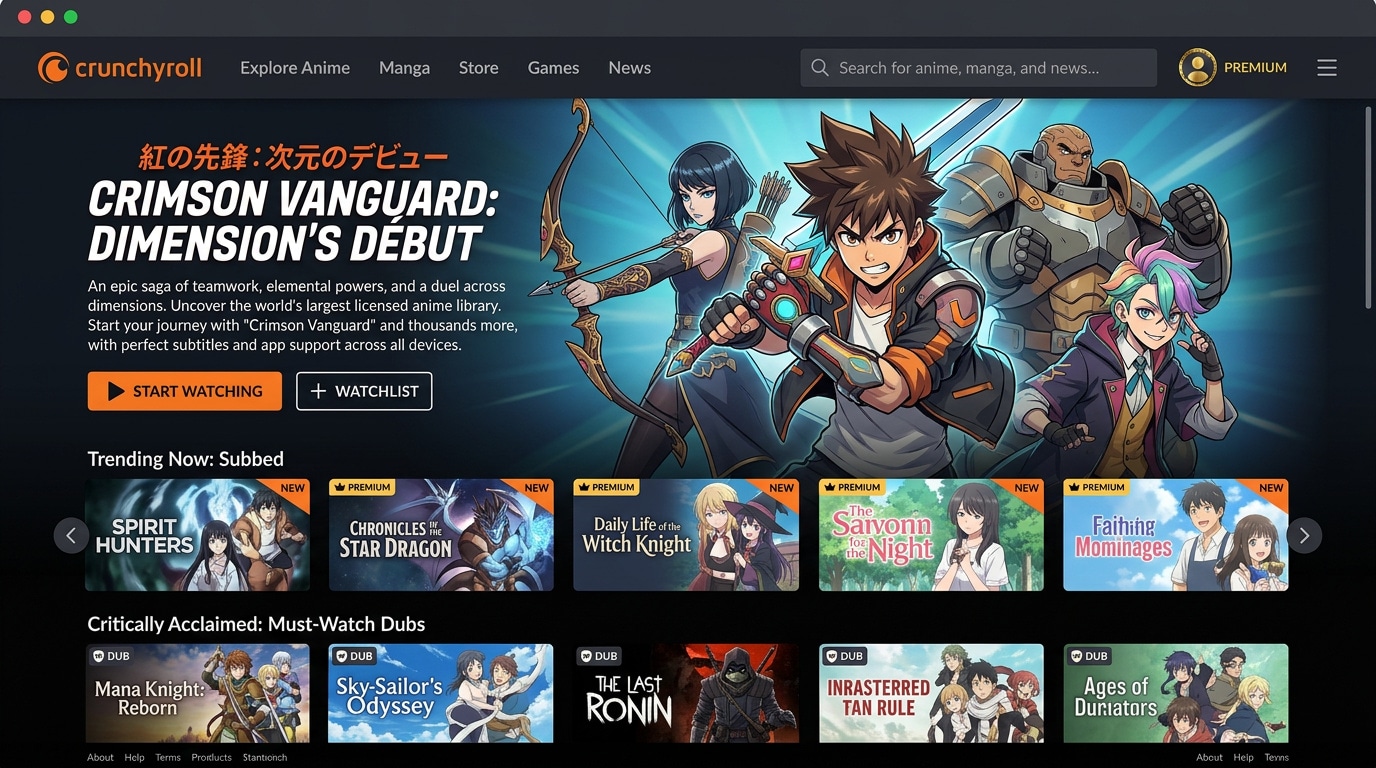
1. Crunchyroll
Crunchyroll is the leading legal anime streaming platform and the most direct AniWave alternative for most viewers, with simulcasts, a huge back catalog, and apps on nearly every device. It is best for viewers who want the biggest, fully licensed anime library with reliable subs and dubs.
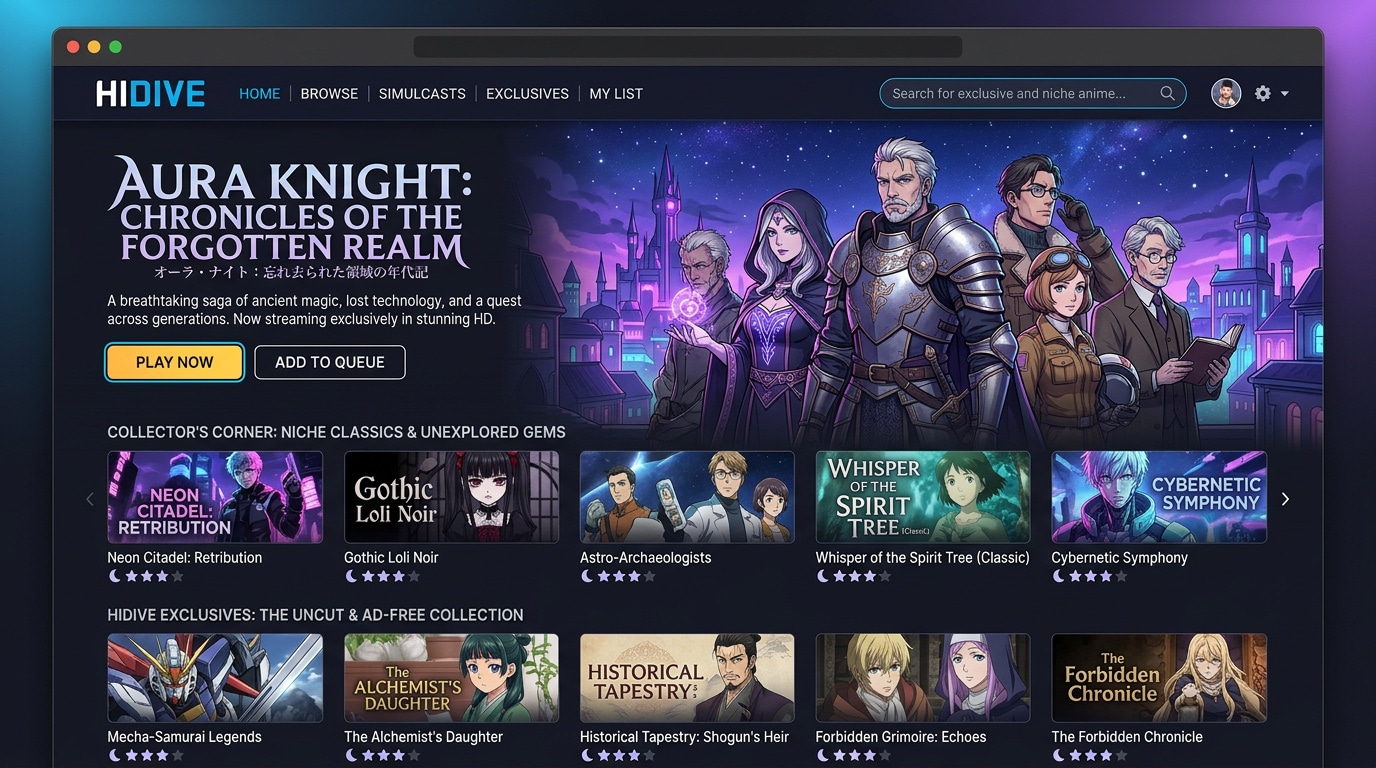
2. HIDIVE
HIDIVE focuses on cult favorites, classics, and exclusive licenses, making it a powerful AniWave replacement if you like exploring beyond mainstream hits. It is best for fans seeking niche, classic, and exclusive anime that larger services often miss.
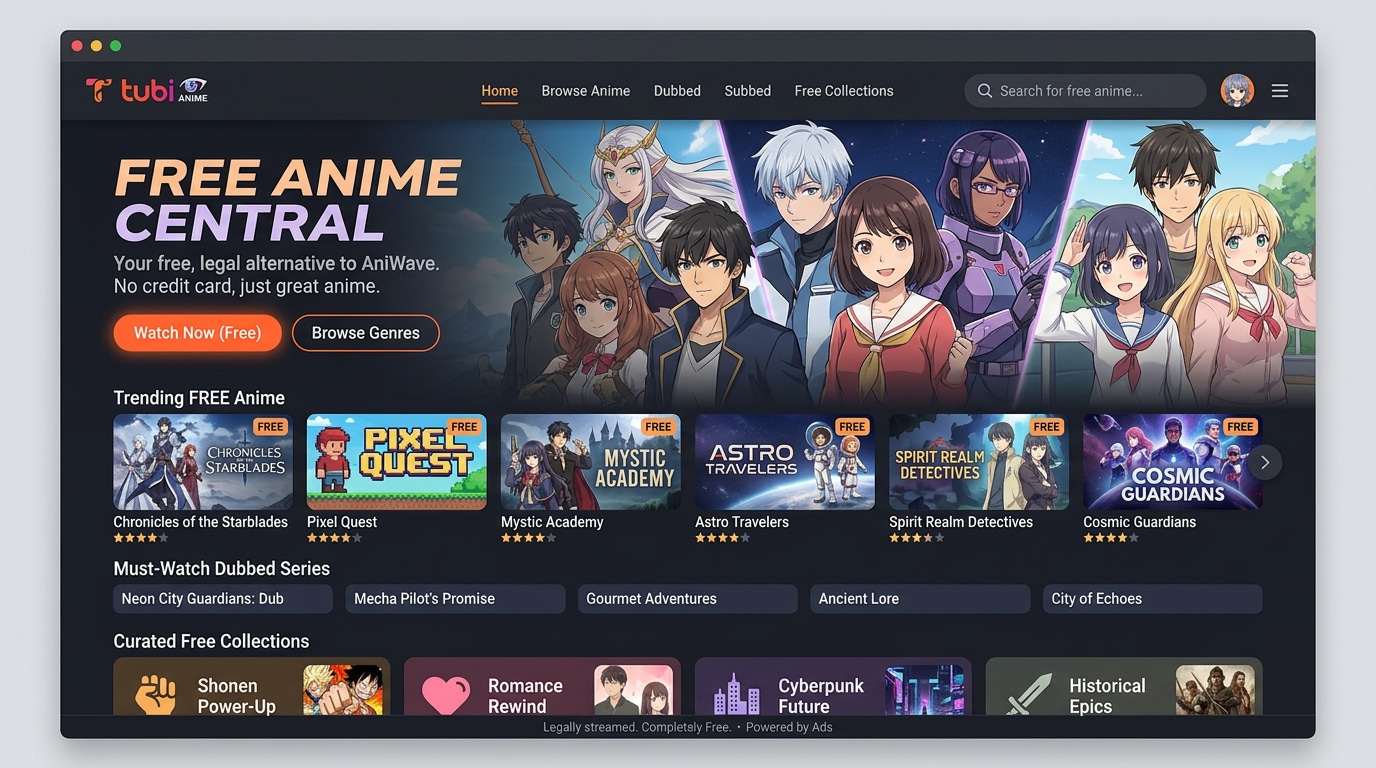
3. Tubi
Tubi is a completely free, ad-supported streaming service with a steadily growing anime catalog and simple apps. It is best for viewers who want legal anime without subscriptions, accounts, or payment details.
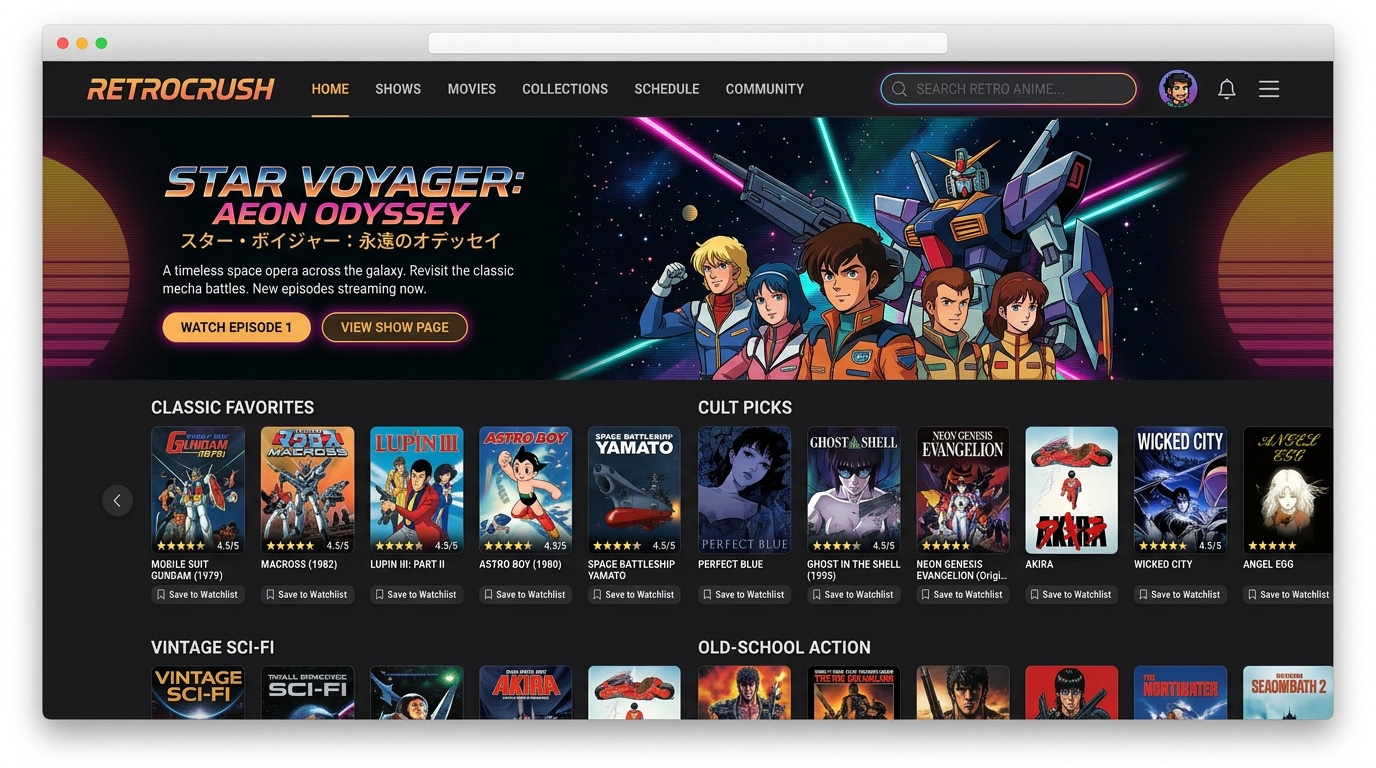
4. RetroCrush
RetroCrush targets fans of vintage anime from the 70s, 80s, and 90s, making it a focused AniWave alternative if you mainly watch older series and movies. It is best for viewers who love classic, nostalgic titles and cult favorites.
5. Plex
Plex is a flexible media hub that combines free ad-supported streaming channels with the ability to host your own anime files. It is best for users who want to integrate legal free anime with a personal collection in one interface.

Pro Tip: Use Recoverit to Recover Deleted Stream Recordings
If you recorded AniWave streams or downloaded episodes and later discovered that crucial files are missing or accidentally deleted, a dedicated recovery tool like Recoverit can help restore them before they are permanently overwritten.
Key Features Offered by Recoverit
- Supports recovery of over 1,000 file types, including common and rare video formats used for anime downloads and screen recordings.
- Scans internal drives, external HDDs, SSDs, memory cards, and USB sticks where you may have stored anime episodes.
- Provides video repair and preview options so you can verify recovered anime files before saving them back to a safe location.
Step-by-Step Guide on How To Recover Lost Videos
1. Choose a Location to Recover Data
Launch Recoverit and select the drive or folder where your AniWave downloads or recorded anime files were originally stored, such as a specific partition, external disk, or SD card, then click to start the scan.

2. Deep Scan the Location
Recoverit will perform a deep scan of the selected location, automatically searching for deleted, lost, or formatted video files; you can monitor the progress and filter results by file type or path while the scan runs.

3. Preview and Recover Your Desired Data
When the scan finishes, preview the found anime videos to confirm their integrity, select the episodes you want to restore, and click Recover to save them to a different, safe drive to avoid overwriting remaining data.

Conclusion
AniWave may seem convenient for free anime, but shifting domains, questionable legality, and ad-heavy pages make it a risky long-term solution. Switching to safer platforms such as Crunchyroll, HIDIVE, Tubi, RetroCrush, or Plex gives you more stability, better playback quality, and less exposure to malware or privacy threats.
Choose the AniWave alternative that best matches your viewing style and budget: big-name simulcasts, niche classics, free ad-supported options, or a hybrid personal library. At the same time, protect your existing downloads and stream recordings by keeping proper backups and using recovery tools when accidents happen, so your anime marathons remain uninterrupted no matter where you watch.
Next: Tubi Alternatives
FAQ
-
Is AniWave legal to use?
AniWave aggregates unlicensed streams in many regions, which can infringe copyright laws depending on your country, so sticking to licensed platforms like Crunchyroll, HIDIVE, Tubi, RetroCrush, or Plex is generally the safer legal choice. -
What is the safest AniWave alternative?
Crunchyroll and HIDIVE are among the safest AniWave alternatives because they operate with official licenses, use vetted apps on major platforms, and follow consistent security and privacy practices. -
Can I watch anime for free without AniWave?
Yes, services like Tubi, RetroCrush, and the free streaming channels inside Plex provide legal, ad-supported anime libraries at no cost, though their catalogs are smaller than paid services.



