 TL;DR:
Pluto TV, Crackle, Freevee, Peacock, and Plex are the top legal, ad-supported Tubi alternatives, offering distinct advantages for live channels, network-specific shows, and personal media integration without subscription fees.
● Pluto TV mimics traditional cable with live themed channels; Freevee integrates seamlessly with Fire TV but requires an Amazon account; Peacock features NBC hits and live sports but locks full seasons behind paid tiers; and Plex combines free streaming with local media server management.
● Users should expect moderate to heavy ad breaks (especially on Pluto TV's live channels and Freevee's popular titles), frequent catalog rotations on Crackle, and regional availability restrictions across most of these platforms.
● If local screen captures or downloaded streaming recordings are accidentally deleted, Wondershare Recoverit can reconstruct the fragmented video files from hard drives or USBs, provided the storage drive is not overwritten before scanning.
Ask AI for a summary
 ChatGPT
 Perplexity
 Gemini
 Claude
 Grok
Grok
Tubi is a popular free, ad supported streaming service, but its catalog, regional availability, and features do not fit every viewer. If you want more live channels, different movie libraries, or a cleaner interface, several legal, free Tubi alternatives can round out your streaming setup without adding subscription costs.
Below, you will find a side by side comparison of Tubi versus leading competitors, followed by detailed breakdowns of the five best Tubi alternatives and how to safeguard your recordings with reliable video recovery software.
Try Recoverit to Restore Deleted Stream Recordings
 Security Verified. 3,591,664 people have downloaded it.
In this article
Comparison of Tubi and Its Alternatives
All of the following platforms are legal, ad-supported streaming services, but they differ in ad load, video quality, and the type of content they emphasize. Use this comparison to decide which combination of Tubi alternatives best fits your viewing habits.
| Website Name | Ad Density | Subtitles | Video Quality | Anime Catalog | UI/UX | Notes |
|---|---|---|---|---|---|---|
| Tubi | Moderate, 3-5 ad breaks per movie | Good coverage on most mainstream titles | Up to 1080p on supported devices | Decent but limited to popular series | Simple but ad heavy browsing experience | Strong catalog for older movies and TV, no downloads |
| Pluto TV | High on live channels, moderate on on demand | Available on most major channels and VOD | Generally 720p, some 1080p channels | A few dedicated channels with rotating shows | Feels like cable TV grid guide, easy channel surfing | Best for live channel feel and background watching |
| Crackle | Moderate with occasional long ad pods | Hit or miss for older and niche titles | Mostly 720p with stable playback | Very limited anime selection | Straightforward but slightly dated interface | Good selection of action, thriller, and indie films |
| Freevee | Moderate but more frequent on popular shows | Strong, especially on newer content | Up to 1080p where available | Few anime titles, not a focus area | Modern interface integrated with Prime Video apps | Great if you already use Amazon services and devices |
| Peacock | Moderate in free tier, lighter in paid plans | Robust support including CC for most content | Up to 1080p on supported devices | Minimal anime content | Clean, TV network style browsing with hubs | Strong for NBC shows, WWE, and some live sports |
| Plex | Light to moderate on free streaming channels | Excellent for personal library, good for free titles | Up to 4K for personal media; 1080p for some streams | Depends on free partners and user library | Highly customizable, great library management | Best hybrid of free streaming and personal media server |
Tubi still shines for older movies and TV, but Pluto TV outperforms it on live channels, Crackle and Freevee add more free movie options, Peacock brings current NBC hits and sports, and Plex lets you merge free streams with your own media, covering gaps Tubi may leave.
5 Best Free Tubi Alternatives
1. Pluto TV
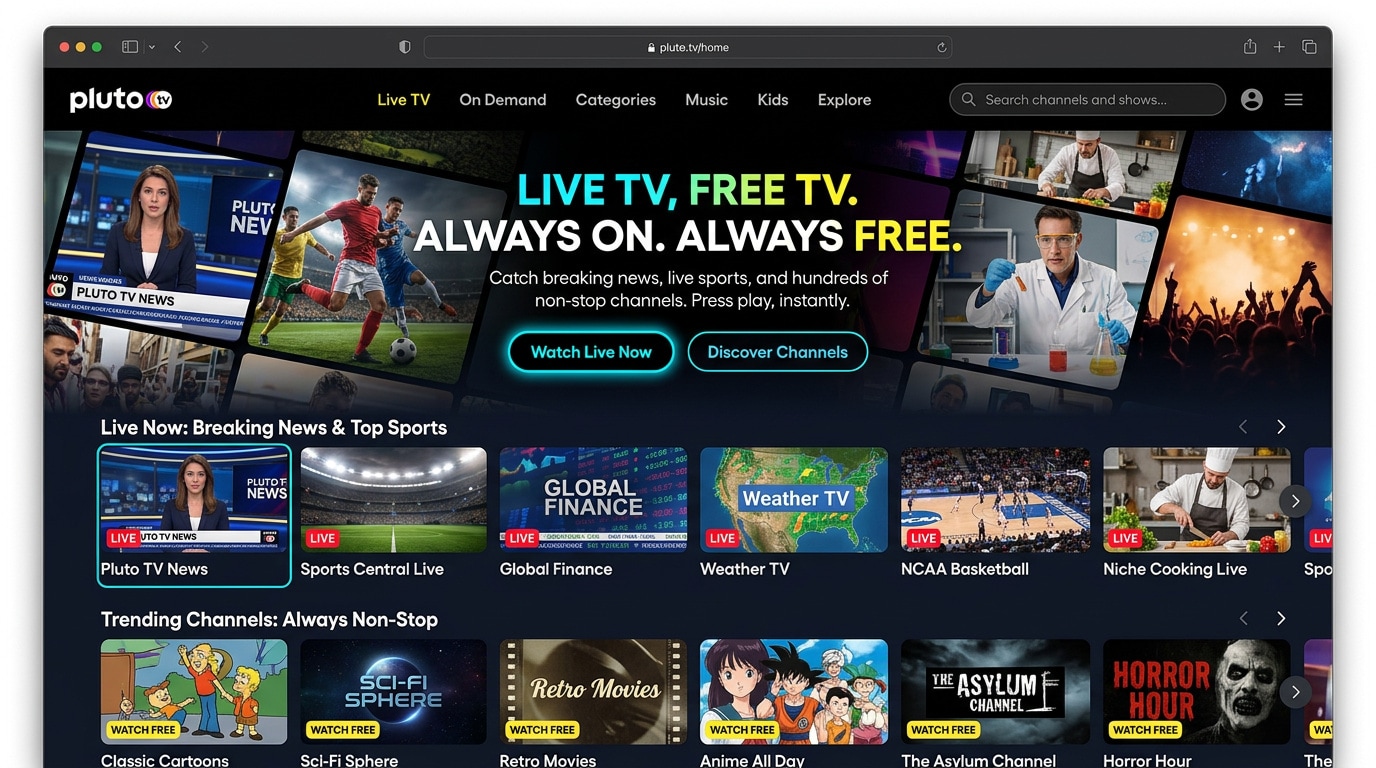
Pluto TV is a free, ad supported streaming platform built around hundreds of themed live channels plus a solid on demand library. It is best for viewers who miss the simplicity of channel surfing and want a lean back experience that feels like traditional cable without a monthly bill.
2. Crackle
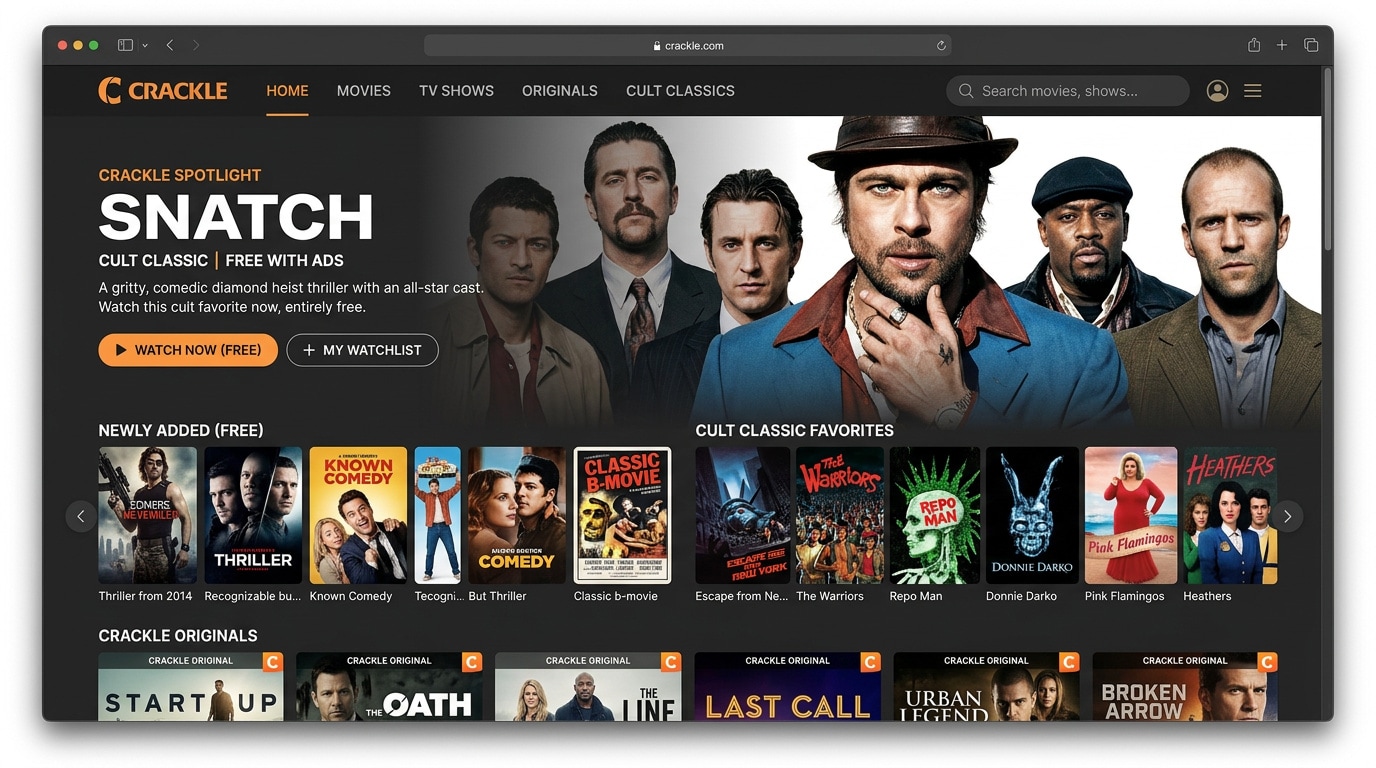
Crackle is a long running free streaming service centered on movies, classic TV, and a small slate of original projects. It is best for viewers who primarily want free films, including action, thriller, and cult favorites, without signing up for subscriptions.
3. Freevee
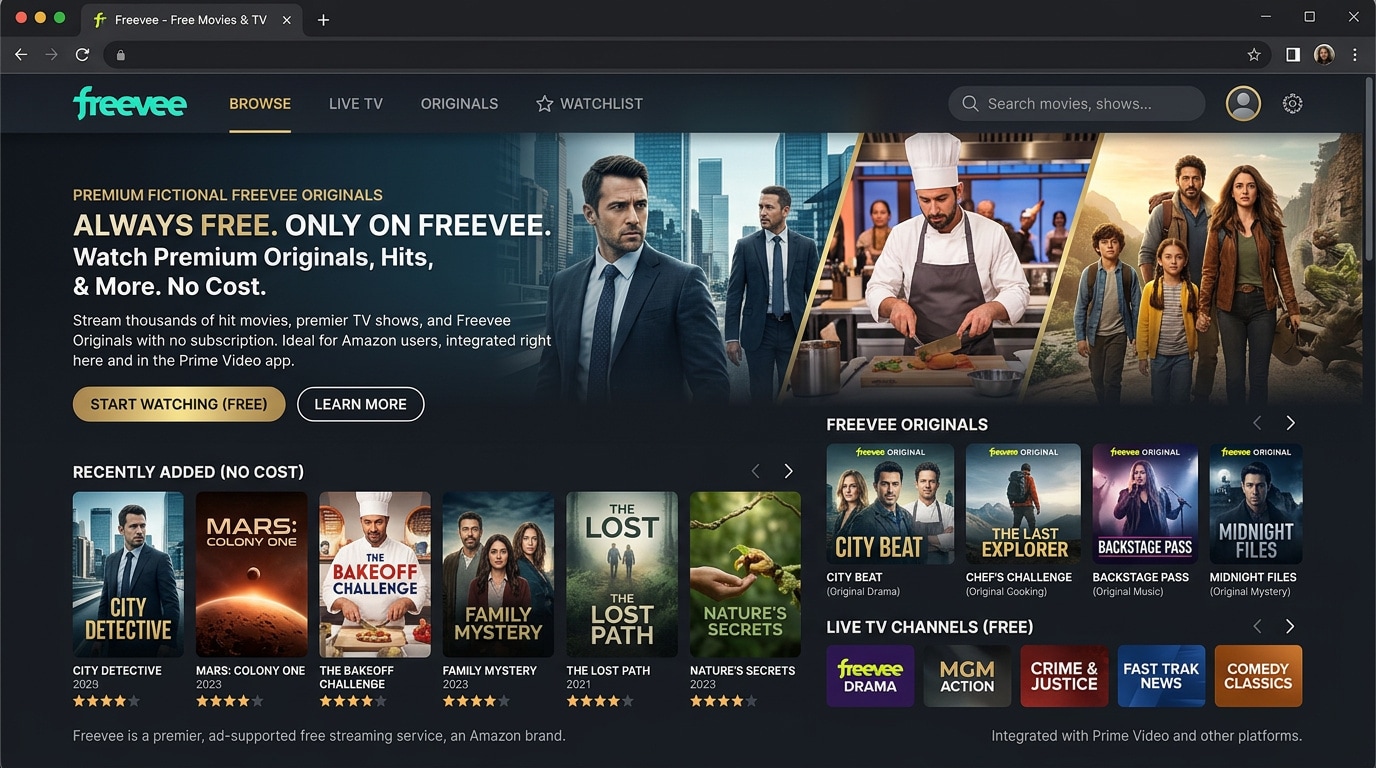
Freevee is Amazon's free, ad supported streaming service that lives inside the Prime Video app and across Amazon devices. It is best for users already using Fire TV or Prime Video who want to add a sizable collection of free series, movies, and originals.
4. Peacock
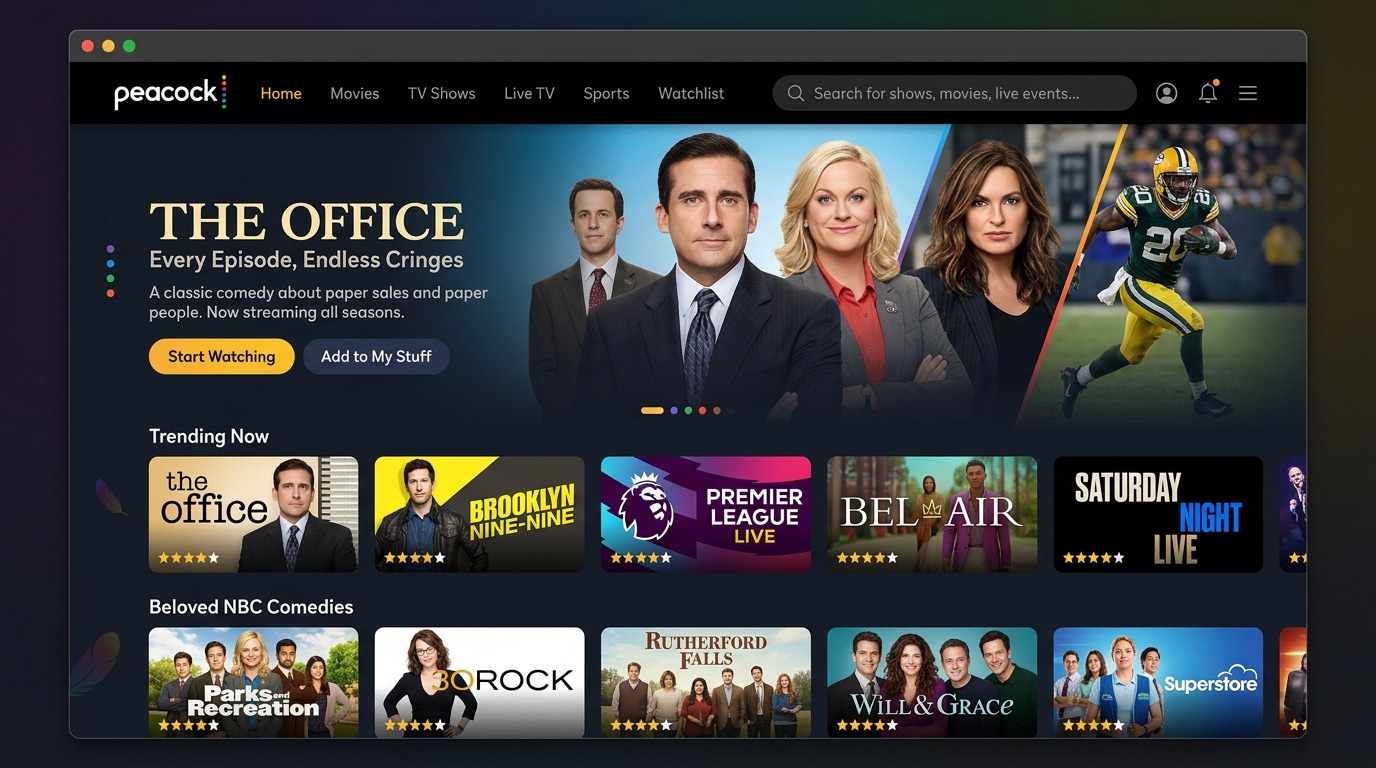
Peacock provides a free tier with rotating NBC series, movies, news, and some live sports, with the option to upgrade for more content. It is best if you love NBC comedies and dramas, WWE, and select Premier League or other sports coverage.
5. Plex
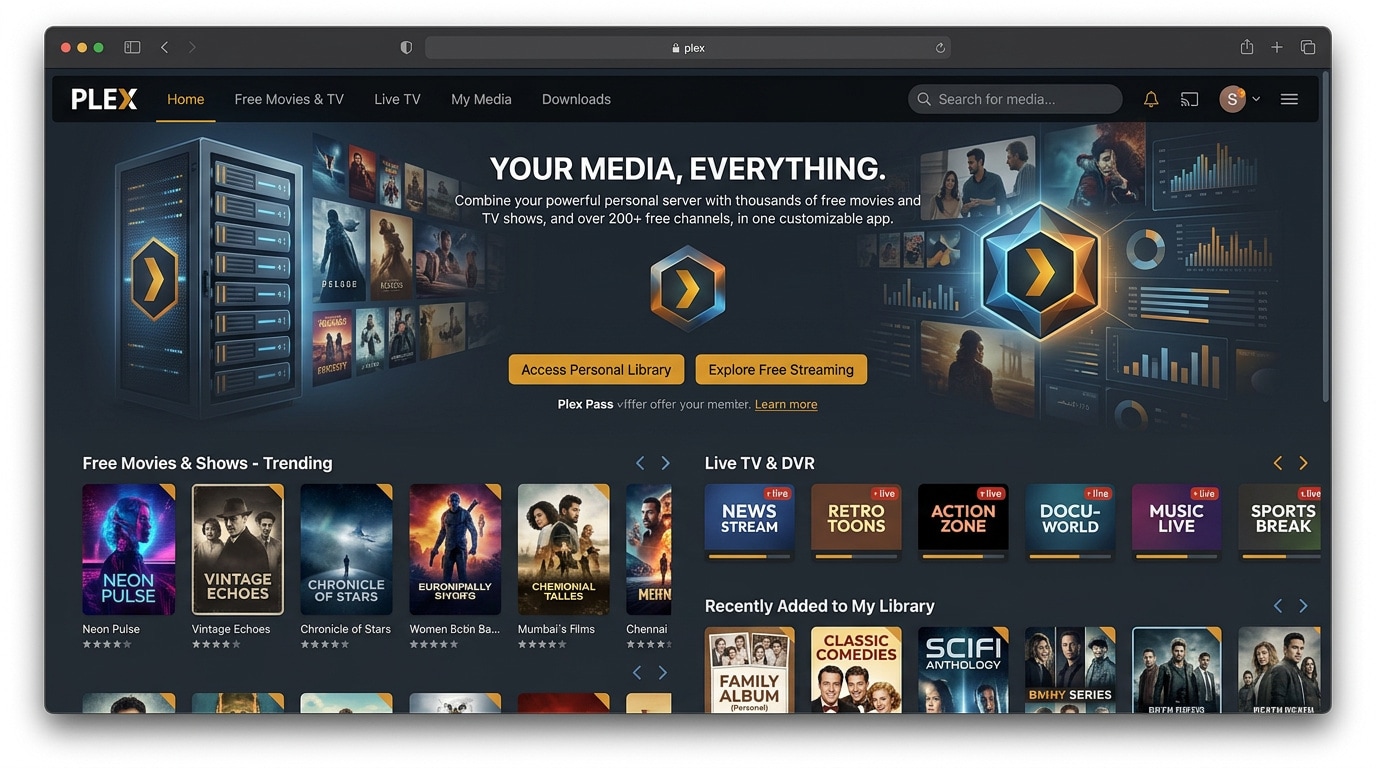
Plex is a powerful media platform that blends free ad supported TV and movies with the ability to stream your personal media library. It is best for tinkerers and collectors who want a single app for both free channels and locally stored content.
Pro Tip: Use Recoverit to Recover Deleted Stream Recordings
If you record streams, screen capture episodes, or download videos from Tubi or its alternatives, accidental deletion or drive errors can quickly wipe out your files. Recoverit is specialized data recovery software that helps you restore lost recordings from hard drives, SD cards, USB sticks, and other storage media before they are permanently overwritten.
Key Features Offered by Recoverit
- Advanced video recovery algorithms that can reconstruct and repair fragmented or partially corrupted movie and TV files.
- Support for a wide range of storage devices, including internal drives, external HDDs, SSDs, memory cards, and USB flash drives.
- Preview function that lets you check recovered video clips before saving them back to a safe location.
Step-by-Step Guide on How To Recover Lost Videos
1. Choose a Location to Recover Data
Install Recoverit on a different drive than the one that lost the recordings. Launch the program and select the disk, partition, or external device where your Tubi or alternative streaming recordings were originally saved, then click to start.

2. Deep Scan the Location
Recoverit will perform a thorough scan of the chosen location, searching for deleted or lost video files. You can monitor the progress in real time, pause if needed, and filter by file type or path to quickly narrow down your movie and TV recordings.

3. Preview and Recover Your Desired Data
When the scan completes, browse the results, use the preview feature to confirm that your recovered videos play correctly, and then select the files you want to restore. Save them to a different drive or partition to avoid overwriting any remaining recoverable data.

Conclusion
You do not have to rely on a single app to cover all your free streaming needs. Tubi is great for older movies and TV, but pairing it with Pluto TV, Crackle, Freevee, Peacock, or Plex can give you more live channels, newer shows, and better device integration while still staying within a legal, ad supported ecosystem.
Test a few of these Tubi alternatives on your favorite devices for a week and see which catalogs and interfaces match your viewing habits. Keep Recoverit in mind as safety net software so that accidental deletion of recordings or downloads does not permanently erase your favorite moments.
Next: Plex Alternatives
FAQ
-
Are Tubi alternatives like Pluto TV and Crackle legal to use?
Yes, services such as Pluto TV, Crackle, Freevee, Peacock, and the official free channels inside Plex are legal, licensed platforms that are supported by advertising instead of monthly subscription fees. -
Do these Tubi alternatives cost money or require a subscription?
Most listed platforms offer a completely free tier funded by ads, while some, like Peacock, also provide optional paid plans that unlock more content, extra features, and fewer commercial breaks. -
How can I recover deleted recordings from Tubi or its alternatives?
If you delete recordings by accident, stop using that drive to avoid overwriting data, then run a scan with data recovery software such as Recoverit to locate, preview, and restore the lost video files to a safe location.



