

 TL;DR:
Stremio, Plex, Jellyfin, Emby, and Popcorn Time are the top 5 safer, free alternatives to Kodi for users seeking simpler setups, better stability, or stronger privacy.
● Stremio is ideal for simple, one-click streaming with minimal setup, but relies heavily on third-party add-ons for its catalog and quality.
● Plex and Emby are best for organizing personal media collections and live TV respectively, but both lock advanced features behind paid subscriptions.
● Jellyfin offers a fully free, open-source, privacy-first alternative for self-hosted media servers, requiring users to have their own hardware and basic technical skills.
● Popcorn Time provides straightforward torrent-based streaming without needing a separate client, though it carries potential legal and copyright risks depending on the user's region.
● Wondershare Recoverit can restore accidentally deleted or lost media recordings (MP4, MKV, AVI, etc.) from drives and external storage devices, provided new data hasn't been written over the lost files.
Ask AI for a summary
 ChatGPT
 Perplexity
 Gemini
 Claude
 Grok
Grok
Kodi is a powerful open source media center, but its complex setup, add-on issues, and stability problems push many users to look for simpler, safer alternatives. This guide compares the best free Kodi replacements, explains where each one shines, and shows how to protect and recover your stream recordings if they ever get deleted by mistake.
In this article
Part 1. Kodi vs Top Alternatives: Quick Comparison
The Kodi ecosystem is extremely capable, but many users now prefer media center apps that are easier to configure, more stable, and safer out of the box. The table below compares Kodi with Stremio, Plex, Jellyfin, and Emby so you can quickly see how they differ in ads, subtitles, video quality, anime catalog strength, and overall ease of use.
| Website Name | Ad Density | Subtitles | Video Quality | Anime Catalog | UI/UX | Notes |
|---|---|---|---|---|---|---|
| Kodi | None in core app; depends on add-ons | Strong via add-ons but requires manual setup | Excellent, supports 4K and local playback | Add-on dependent, inconsistent | Highly customizable but confusing for beginners | Best for tinkerers who want full control and local media focus. |
| Stremio | Very low, mostly clean interface | Built-in, auto-matched, many languages | Solid HD; source dependent for 4K | Good with community add-ons | Simple, modern, fast to learn | Great one-click alternative for streaming fans leaving Kodi. |
| Plex | Ads on free streaming channels | Auto-fetch for local files and online content | Excellent, optimized transcoding for remote | Library based; relies on your own content | Highly polished apps on almost every device | Best for organizing and streaming your personal media collection. |
| Jellyfin | None, fully open source | Robust support with external downloads | Great if your server hardware is strong | Excellent for self-hosted anime libraries | Clean but less refined than Plex or Emby | Perfect for privacy-first users who dislike cloud dependence. |
| Emby | None in core; some features behind paywall | Flexible, supports multiple formats and sources | Very good with many tuning options | Strong library tools for niche collections | Feature-rich, slightly technical to master | Great for power users who want deep control and live TV. |
Overall, the top 5 Kodi alternatives are Stremio, Plex, Jellyfin, Emby, and Popcorn Time based on ease of use, catalog quality, and streaming stability. The next section breaks each option down so you can pick the best fit for your devices and streaming habits.
Part 2. 5 Best Kodi Alternatives for Safer Free Streaming
Below are five Kodi-like apps that deliver smoother playback, better subtitles, and simpler interfaces while still supporting rich media libraries and add-ons. Each summary explains who it is best for, along with key pros and cons.
1. Stremio – Best One-Click Kodi Alternative for Streaming
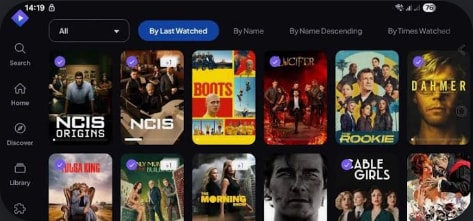
Stremio is a lightweight, organized media hub that aggregates streaming sources from official and community add-ons. It is ideal for users who want a simple, one-click streaming hub with minimal setup, especially if you are leaving a complex Kodi build behind.
2. Plex – Best Kodi Alternative for Personal Media Libraries
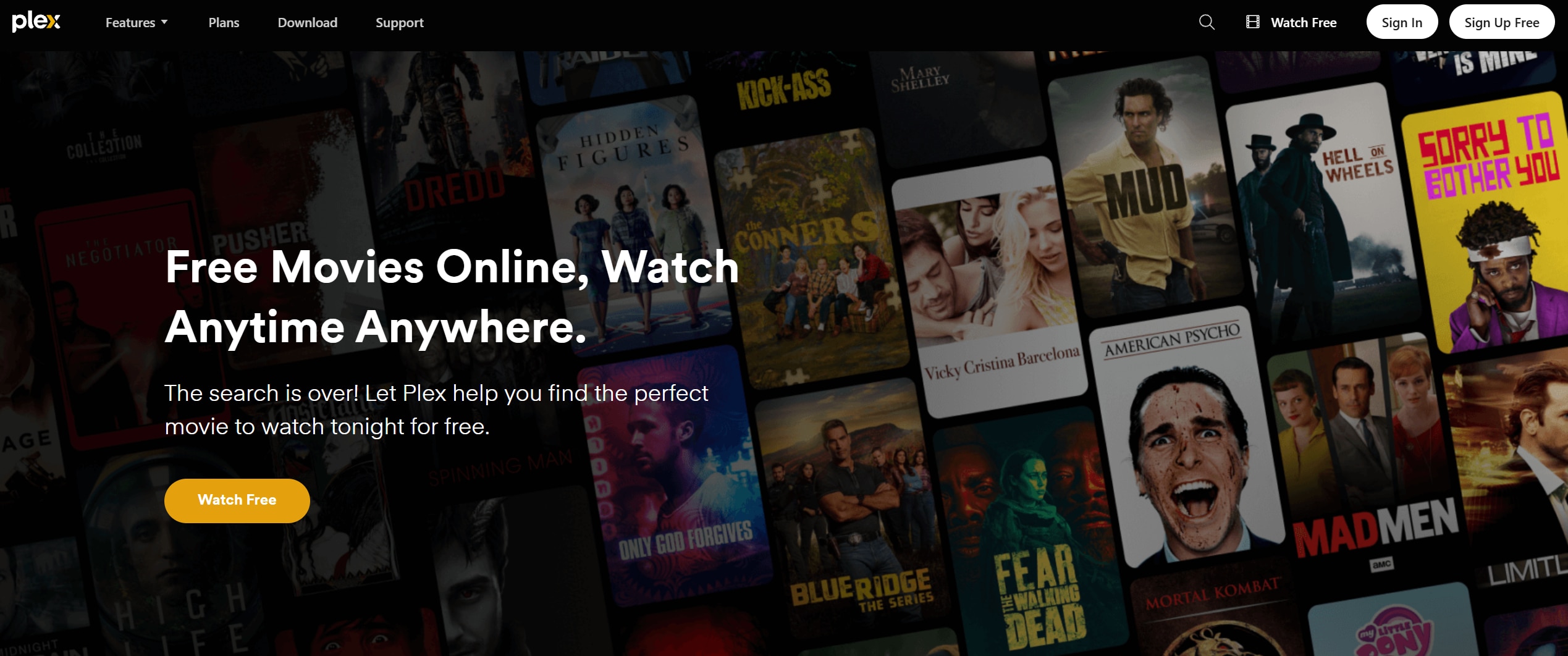
Plex combines a slick UI, powerful metadata scraping, and remote streaming so you can access your movies, shows, and music from anywhere. It is best for organizing and streaming large personal media collections across smart TVs, phones, and laptops.
3. Jellyfin – Best Open Source Kodi Alternative for Privacy
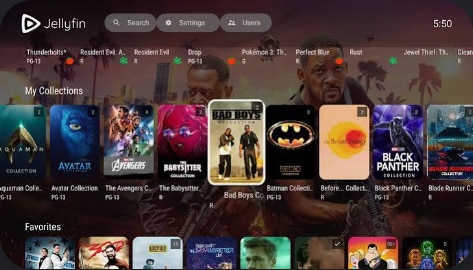
Jellyfin is a fully open source fork of Emby that removes all tracking and paid subscriptions. It is ideal for privacy focused users who want a self-hosted media server where every feature is free and under their control.
4. Emby – Best Kodi Alternative for Live TV and Power Users
Emby offers a robust media server with live TV, DVR, and fine-grained user management. It is best for advanced home media centers that need rich controls, user profiles, and strong support for niche libraries such as anime or sports recordings.
5. Popcorn Time – Easiest Kodi-Like Torrent Streaming App
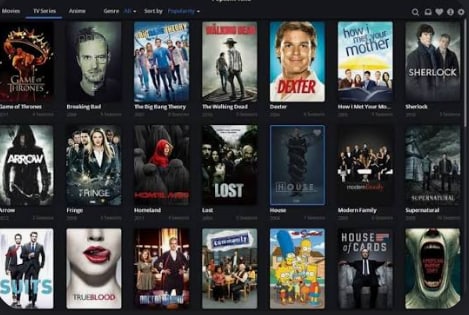
Popcorn Time uses BitTorrent technology to stream movies and TV shows through a Netflix-style catalog. It is best for users who want simple, torrent-based streaming with minimal setup and no need for a separate torrent client.
Part 3. How To Recover Lost Kodi or Streaming Recordings
If Kodi, Stremio, or another media center crashes or you accidentally delete local stream recordings, your rare episodes or live streams might seem gone forever. In many cases you can still restore them using a professional data recovery tool like Recoverit, as long as you stop writing new data to the affected drive.
Key Features Offered by Recoverit
- Deep scans hard drives, SD cards, USB sticks, and NAS devices to recover deleted or lost video files from Kodi and other media apps.
- Supports over 1000 file formats, including common streaming recordings such as MP4, MKV, AVI, and MOV without compromising quality.
- Lets you preview recovered clips before saving them so you can selectively restore the exact episodes, highlights, or recordings you need.
Step-by-Step Guide on How To Recover Lost Videos
1. Choose a Location to Recover Data
Launch Recoverit and select the drive or folder where your Kodi, Stremio, or other media center stored its recordings, such as a specific HDD, SSD, SD card, or external USB drive, then click to start.

2. Deep Scan the Location
Recoverit will perform an in-depth scan of the selected location, automatically searching for deleted, lost, or corrupted video files; you can monitor progress and filter by file type or path while the scan runs.

3. Preview and Recover Your Desired Data
When the scan finishes, preview the found videos to verify they play correctly, select the recordings you want to restore, and save them to a different, safe drive to avoid overwriting remaining lost data.

Part 4. Final Thoughts on Choosing a Kodi Replacement
Kodi remains a powerful, flexible media center, but it is no longer the only serious option. Stremio, Plex, Jellyfin, Emby, and Popcorn Time each solve different pain points, from simpler setup and cleaner interfaces to stronger privacy and live TV features. Choosing the right Kodi alternative comes down to whether you value convenience, control, or complete self hosting.
To protect your viewing history and rare recordings, pair your chosen platform with a solid backup and recovery plan. If your app crashes or you delete files by mistake, using a dedicated recovery tool quickly on the affected drive gives you the best chance to recover streams that may be impossible to find again.
Next: Stremio
FAQ
-
Is Kodi still safe to use in 2024?
Kodi itself is safe, but some third party add-ons can expose you to malware, unstable streams, or copyright issues, so you should stick to trusted repositories, keep the app updated, and avoid suspicious streaming sources. -
What is the easiest Kodi alternative for beginners?
Stremio is usually the easiest for new users because it has a clean interface, simple add-on management, and almost no configuration compared with a typical Kodi build, making it more beginner friendly. -
Which Kodi alternative is best for privacy?
Jellyfin is the best option for privacy since it is fully open source, self hosted, and does not rely on central cloud servers or tracking, giving you complete control over your media and metadata.


