

 TL;DR:
For users seeking safer or more customizable media centers than Stremio, platforms like Jellyfin, Plex, Kodi, and Emby offer dedicated local library management with distinct advantages in privacy, remote access, or interface customization.
● Jellyfin is the best option for strict privacy as a fully open-source, self-hosted server with no paid tiers, while Plex provides an easier setup with out-of-the-box remote access but restricts hardware transcoding behind a paid Plex Pass subscription.
● Kodi is tailored for power users requiring extensive offline add-on customization, whereas Emby is optimized for multi-user households needing robust parental controls, and Popcorn Time exposes users to regional copyright and malware risks due to its torrent-based architecture.
● Watchlists and add-ons cannot be imported directly from Stremio to these alternatives, requiring a manual rescan of local media folders to rebuild libraries and the potential use of Wondershare Recoverit to restore MP4 or MKV files if local recordings are accidentally deleted during migration.
Ask AI for a summary
 ChatGPT
 Perplexity
 Gemini
 Claude
 Grok
Grok
Stremio is popular for organizing and streaming movies, shows, and live TV from multiple sources, but some users want options that are more private, more customizable, or less dependent on third-party add-ons. The good news is there are several free, legal-friendly media centers and streaming hubs that offer comparable libraries, strong subtitle support, and multi-device playback without the same plugin concerns. Below, you will find a concise comparison of Stremio and its top alternatives, guidance on which platform fits different needs, and a quick way to recover any deleted recordings or downloads you might lose while experimenting with new apps.
In this article
Part 1. Quick comparison: Stremio vs. top alternatives
The following table compares Stremio with Jellyfin, Plex, Kodi, Emby, and Popcorn Time in terms of ads, subtitles, video quality, anime support, and ease of use. Use it to identify which media center aligns best with your priorities, such as privacy, flexibility, or a polished interface.
| Website Name | Ad Density | Subtitles | Video Quality | Anime Catalog | UI/UX | Notes |
|---|---|---|---|---|---|---|
| Stremio | Low to medium (depends on source) | Strong built-in subtitle search | Up to 4K where sources allow | Moderate via community add-ons | Very simple and beginner-friendly | Best for users who like one-click access to multiple streaming sources via add-ons. |
| Jellyfin | None (self-hosted) | Excellent local and online options | Up to 4K, hardware transcoding capable | Strong if you host your own files | Clean but slightly technical setup | Fully open source and privacy-first; great for users who control their own media library. |
| Plex | Medium on free streaming content | Good, with online and local support | Up to 4K with paid or proper setup | Depends on personal library | Highly polished and intuitive | Great for remote access and sharing libraries with friends; some premium features gated behind Plex Pass. |
| Kodi | None by default, add-on dependent | Extensive via add-ons | Up to 4K with proper hardware | Very strong with certain add-ons | Highly customizable but complex | Best for tinkerers who want deep customization, skins, and advanced add-on ecosystems. |
| Emby | None on self-hosted content | Robust, with advanced controls | Up to 4K with transcoding support | Good if you organize your own files | Modern and organized | Mixes ease of use with advanced features; some functions require a subscription. |
| Popcorn Time | Low, interface-focused only | Good built-in options | Often up to 1080p, sometimes 4K | Patchy, depends on torrents | Very simple, Netflix-like grid | Torrent-based streaming carries legal and security risks; availability varies by fork and region. |
Part 2. 5 best free Stremio alternatives for safer streaming
The top Stremio alternatives include Jellyfin, Plex, Kodi, Emby, and Popcorn Time. Each option has a different balance of privacy, convenience, and customization, so you can match the platform to your streaming style.
1. Jellyfin: The best free and private Stremio alternative
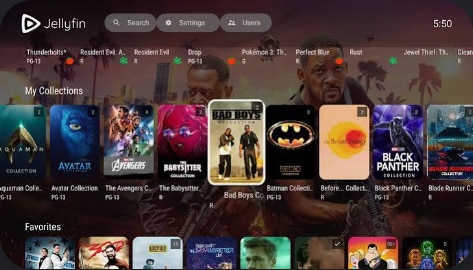
Jellyfin is a completely free, open source media server that lets you stream your own collection to almost any device without relying on the cloud. It is best for privacy-focused users who want a fully self-hosted media center where they control their files, user accounts, and network access.
2. Plex: Easiest transition from Stremio for beginners
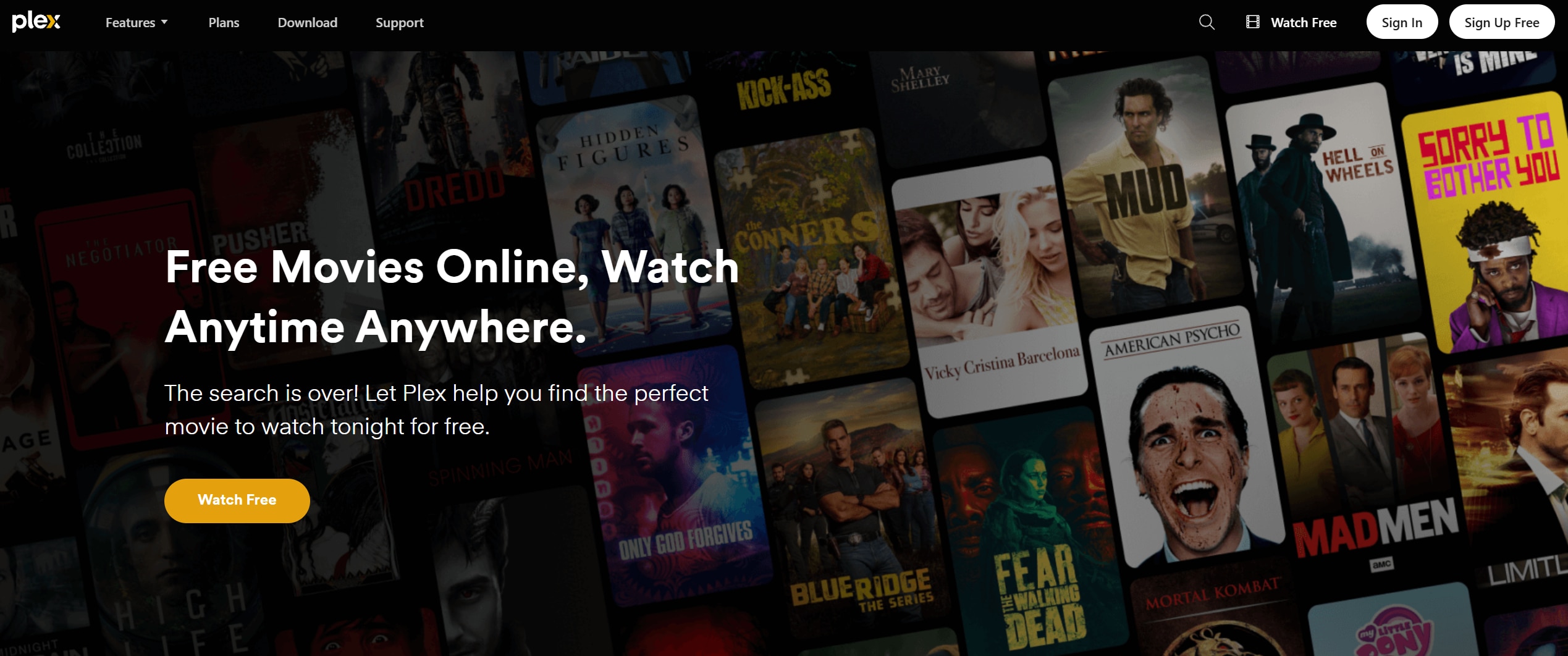
Plex combines a personal media server with a growing catalog of free, ad-supported movies, shows, and live TV. It is best for beginners who want an easy setup, remote streaming outside the home, and a slick interface that feels similar across TVs, phones, and browsers.
3. Kodi: Most customizable Stremio alternative
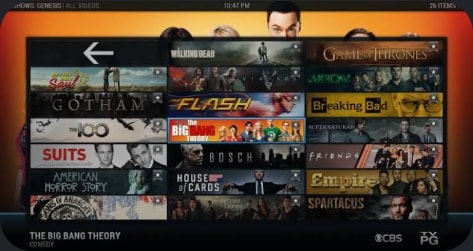
Kodi is a highly customizable home theater app that can turn almost any device into a flexible media center. It is best for power users who want deep control over skins, layouts, and add-ons, and who primarily manage their own local or networked media collection.
4. Emby: Balanced media server for families and enthusiasts
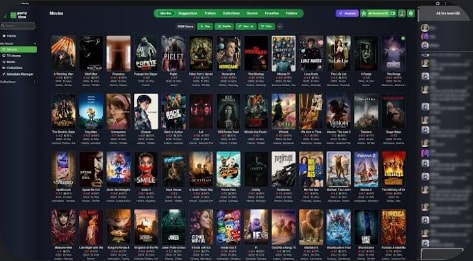
Emby is a media server focused on rich organization, user profiles, and parental controls. It is best for families and enthusiasts who want a polished, multi-user media server with options for live TV, DVR, and fine-grained control over what each profile can see.
5. Popcorn Time: Torrent-based streaming with legal risks
Popcorn Time offers a Netflix-like interface that streams video directly from torrents instead of traditional servers. It is best suited only for users who understand the legal and security risks of torrent-based streaming in their region and who are comfortable managing those risks.
Part 3. How to recover deleted Stremio recordings with Recoverit
If you accidentally delete local recordings, cached streams, or downloaded episodes while moving between Stremio and other media centers, a professional recovery tool can save you from permanent loss. Recoverit from Wondershare scans your drives and memory cards for deleted or lost video files, letting you restore them before they are overwritten.
Key Features Offered by Recoverit
- Support for over 1000 file formats, including popular video types like MP4, MKV, AVI, and MOV used by Stremio and its alternatives.
- Advanced video recovery that reconstructs large or fragmented recordings from HDDs, SSDs, SD cards, cameras, and more.
- Clear preview and selective restore so you only recover the recordings and episodes you actually need.
Step-by-Step Guide on How To Recover Lost Videos
1. Choose a Location to Recover Data
Launch Recoverit and select the drive, external disk, or memory card where your Stremio or media-center downloads were stored. This could be your system partition, a dedicated downloads drive, or an SD card used with a TV box.

2. Deep Scan the Location
Click Start to begin a deep scan. Recoverit will automatically search for deleted, lost, or corrupted video files and other media. You can filter by file type or use the search box to narrow results while the scan continues.

3. Preview and Recover Your Desired Data
When the scan finishes, preview the found videos to confirm they are intact. Select the recordings or episodes you want to restore, then click Recover and choose a different storage location to save them safely.

Part 4. Final thoughts on choosing a Stremio alternative
Stremio remains a convenient hub for aggregating content, but it is not the only way to organize and enjoy your media. Jellyfin, Plex, Kodi, Emby, and Popcorn Time each bring different strengths, from open source privacy and local control to polished interfaces and robust add-on ecosystems.
Pick a platform that matches your comfort level with setup, your appetite for customization, and whether you prefer self-hosted libraries or cloud convenience. No matter which media center you settle on, keep your recordings and downloads protected with a dedicated recovery tool so experimenting with new apps never costs you irreplaceable video files.
Next: Jellyfin
FAQ
-
Is Stremio legal to use?
Stremio itself is legal software, but some third-party add-ons can provide access to pirated content. To stay safe, stick to official or licensed sources and always follow the copyright laws that apply in your country. -
Which Stremio alternative is best for privacy?
Jellyfin is generally the best privacy-focused Stremio alternative because it is fully open source, runs on your own hardware, and does not require central servers, accounts, or tracking by default. -
Can I import my Stremio library into other apps?
You cannot directly import Stremio add-ons or watchlists into Jellyfin, Plex, Kodi, or Emby. However, you can rescan the same folders containing your media files so the new app rebuilds your library and then manually recreate favorites or playlists.


