 TL;DR:
Jellyfin is the top fully open-source, privacy-focused alternative to Plex, while Emby offers a comparable client-server ecosystem with advanced metadata control, and Kodi serves as the best offline local playback solution for home theater PCs.
● While Jellyfin operates without any online accounts or paid tiers, Emby relies on a freemium model that restricts specific client apps and advanced features like mobile sync behind the Emby Premiere subscription.
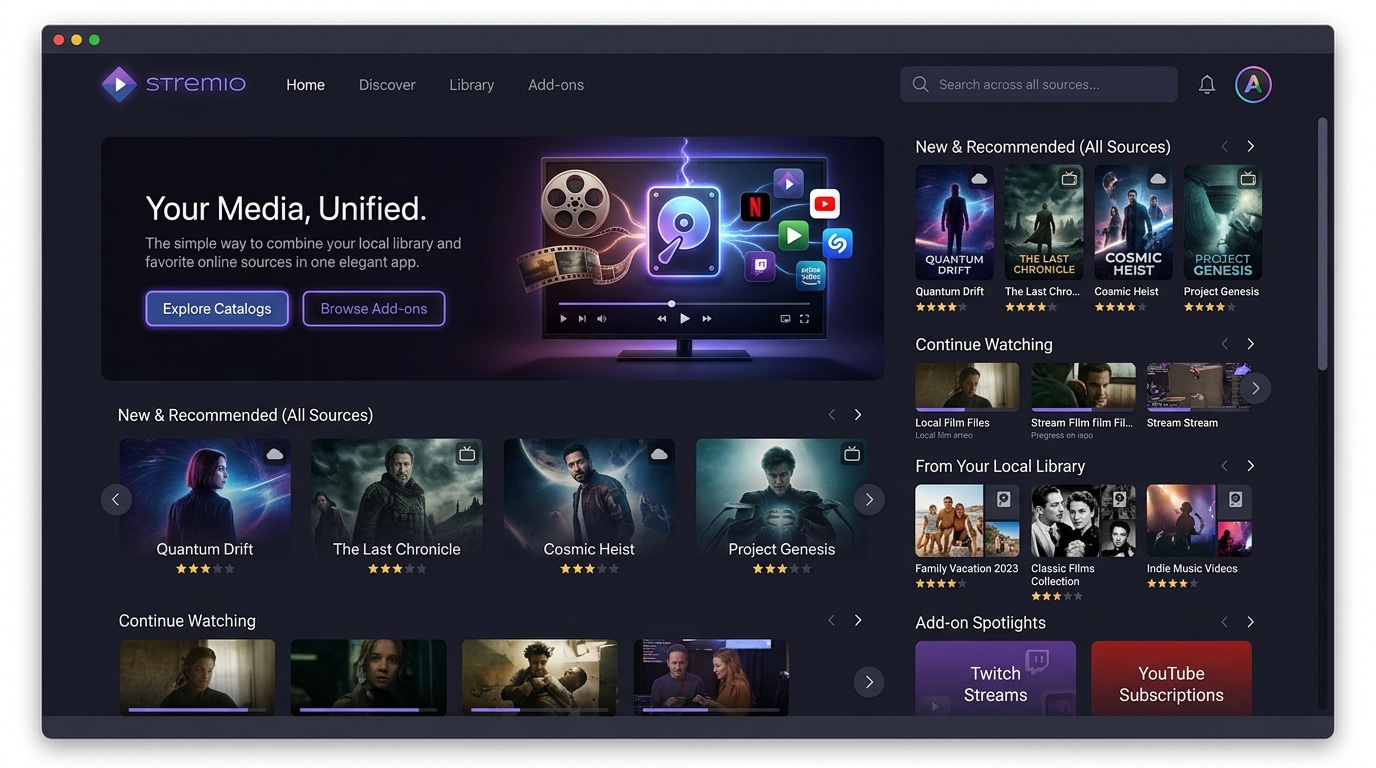
● Universal Media Server is specifically optimized for lightweight DLNA and UPnP streaming to older smart TVs and consoles, whereas Stremio bypasses the traditional server setup to unify local files and online catalogs using an add-on ecosystem.
● If media files are accidentally deleted, immediately cease saving new data to the storage drive to prevent overwriting, and run a data recovery tool from an entirely separate disk to reconstruct lost video containers.
Ask AI for a summary
 ChatGPT
 Perplexity
 Gemini
 Claude
 Grok
Grok
Plex is a popular choice for organizing and streaming personal media, but it is not the only solution. Whether you want an open source option, fewer account requirements, better privacy, or a lighter server for older hardware, several powerful Plex alternatives can handle your movies, TV shows, music, and photos.
Below we compare the leading options so you can match the right media server to your streaming habits, devices, and technical comfort level.
Try Recoverit to Restore Deleted Stream Recordings
 Security Verified. 3,591,664 people have downloaded it.
In this article
Comparison of Plex and Its Alternatives
Before switching from Plex, it helps to compare how the main alternatives handle ads, subtitles, video quality, anime libraries, interface polish, and extra features.
| Website Name | Ad Density | Subtitles | Video Quality | Anime Catalog | UI/UX | Notes |
|---|---|---|---|---|---|---|
| Plex | Low in apps, none on local media | Strong subtitle support and metadata fetching | Up to 4K with hardware transcoding on supported devices | Depends entirely on your personal library | Polished, modern, account-based ecosystem | Feature rich with remote streaming and apps on most platforms, some features behind Plex Pass. |
| Jellyfin | None, completely ad free | Robust local and online subtitles, customizable | 4K capable, depends on your hardware | Library driven, strong for organized anime collections | Clean and improving, some apps less polished than Plex | Fully open source, no accounts or cloud, best for privacy focused users. |
| Emby | Low, mostly in free tier and apps | Comprehensive subtitle and metadata options | 4K and HDR supported with proper hardware | Excellent when combined with custom metadata agents | Very similar to Plex with flexible configuration | Freemium model with some advanced features locked behind Emby Premiere. |
| Kodi | None in core app, depends on add ons | Powerful subtitle add ons and customization | Excellent local 4K playback, minimal transcoding | Strong with the right scrapers and library setup | Highly customizable but less friendly for beginners | Best as a local media center on TV boxes and HTPCs rather than a classic client server setup. |
| Universal Media Server | None | Supports subtitles for most DLNA devices | Good transcoding for common formats, up to 4K if hardware allows | Handled as normal video files via DLNA folders | Simple, utility style interface with minimal frills | Ideal for streaming to older smart TVs and consoles using DLNA and UPnP standards. |
| Stremio | Low, some promoted content depending on region | Strong subtitle support via add ons | High quality streaming of local and online sources | Good if paired with the right community add ons | Modern and straightforward with fast setup | Great for blending local files with online catalogs, but less of a traditional media server. |
5 Best Free Plex Alternatives
1. Jellyfin
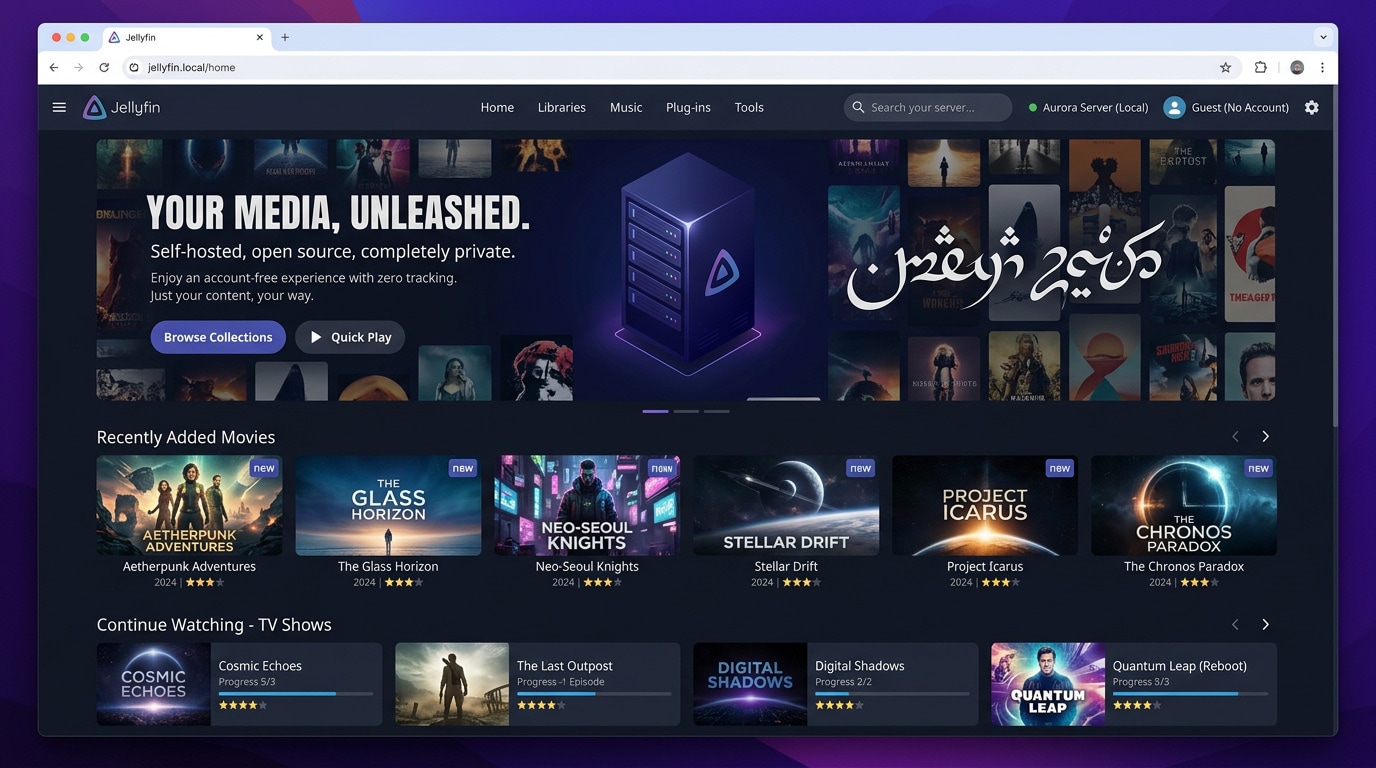
Jellyfin is a community-driven, open source media server that mirrors most of Plex's core features without accounts, tracking, or paid tiers. It is best for privacy focused users who want a fully free, open source Plex replacement that they control end to end.
2. Emby
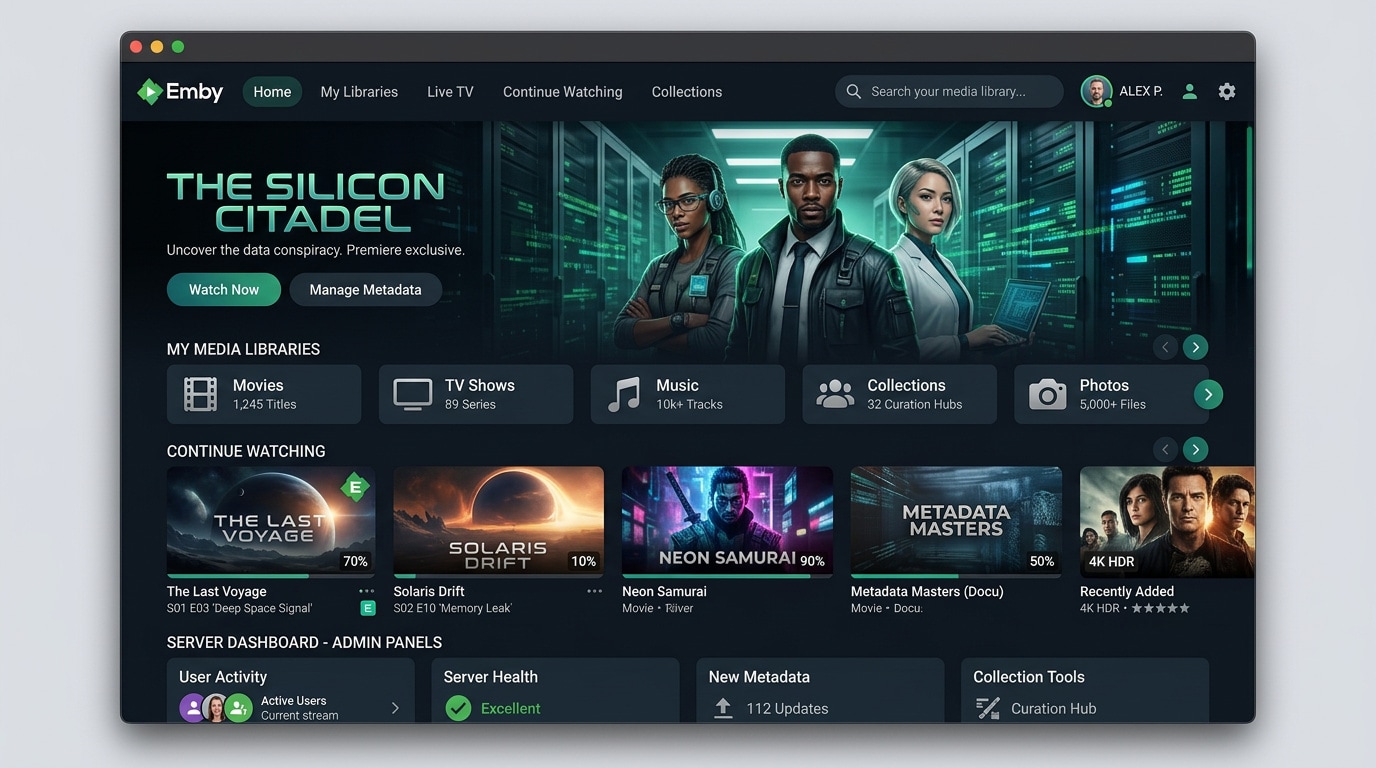
Emby is a flexible media server with rich metadata options and broad device support, offering a familiar Plex-like experience with deep customization. It is best for users who like Plex's look and feel but want more control over their server and user profiles.
3. Kodi
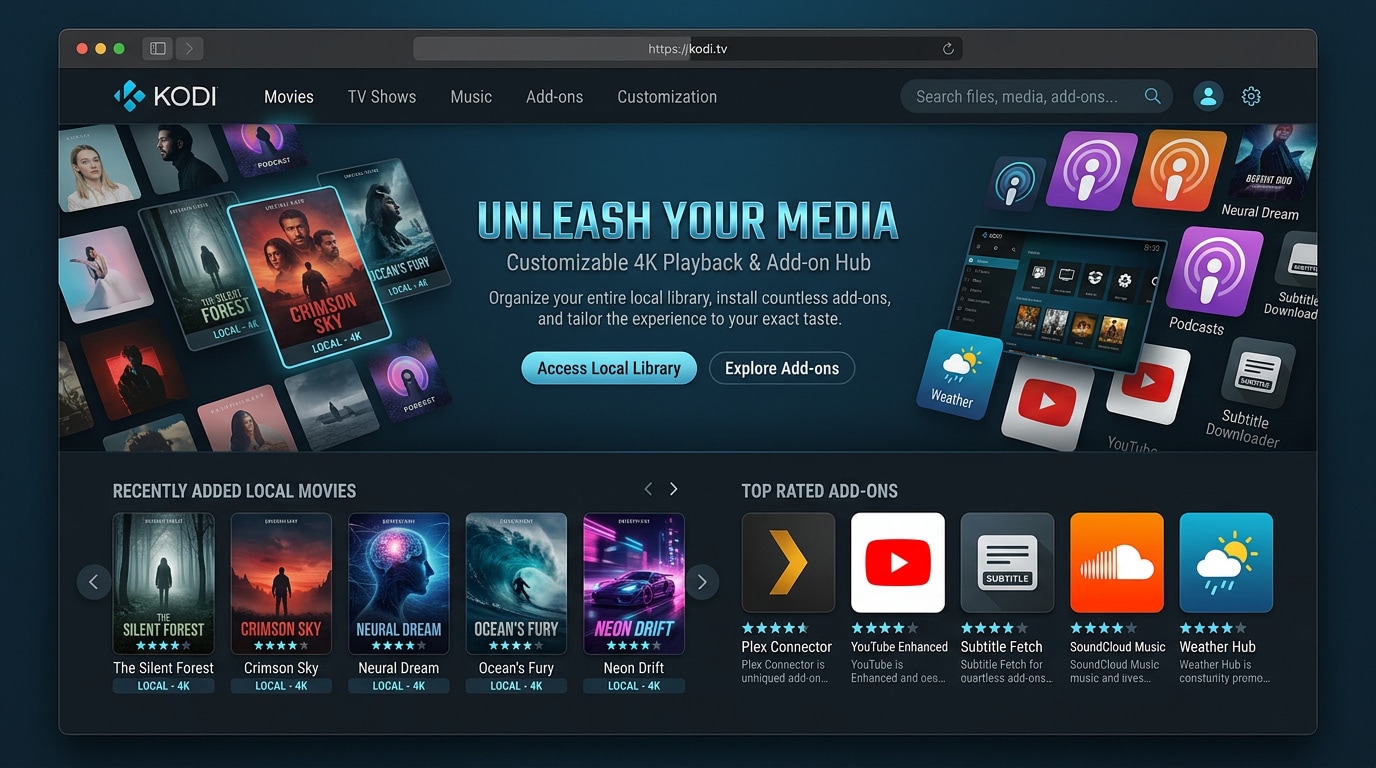
Kodi is a powerful open source media center focused on local playback, skins, and add-ons, turning any device into a highly customizable media hub. It is best for home theater PC setups and advanced users who want maximum control over their interface and playback.
4. Universal Media Server
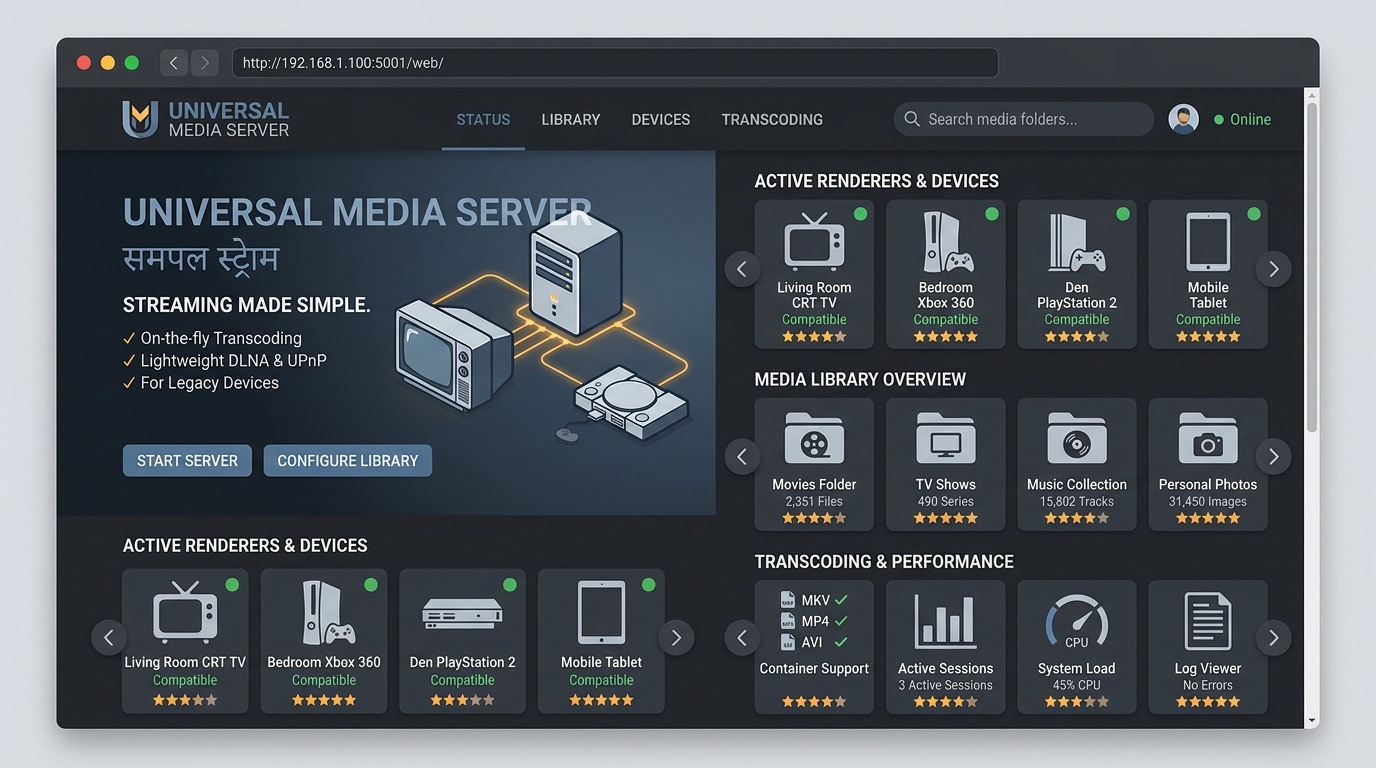
Universal Media Server focuses on DLNA and UPnP streaming, acting as a lightweight bridge between your media files and compatible devices. It is best for simple DLNA streaming to older smart TVs, consoles, and media players that may not support modern apps.
5. Stremio
Stremio is a media organizer that unifies local files and online sources using an add-on system, focusing on discovery and cross-platform playback. It is best for users who want to mix local files with streaming sources in one interface without running a full media server.
Pro Tip: Use Recoverit to Recover Deleted Stream Recordings
If you record live TV, gameplay, or streams through Plex or a Plex alternative and accidentally delete the files, avoid saving new data to the same drive to prevent overwriting. Instead, install a trusted recovery tool like Recoverit on a different disk and scan the affected drive to restore your deleted recordings.
Key Features Offered by Recoverit
- Deep video recovery that can reconstruct lost or corrupted recordings from HDDs, SSDs, external drives, and SD cards.
- Support for 1000+ file formats, including popular video containers like MP4, MKV, MOV, AVI, and more used by Plex servers.
- Easy-to-use interface with preview so you can verify recovered clips before restoring them to a safe location.
Step-by-Step Guide on How To Recover Lost Videos
1. Choose a Location to Recover Data
Launch Recoverit, then select the drive or specific folder where your Plex or media server recordings were stored before deletion. This might be a local disk, NAS-mounted volume, or external drive connected to your computer.

2. Deep Scan the Location
Click "Start" to allow Recoverit to perform a deep scan of the selected location. The software will automatically search for lost or deleted video files, and you can use filters like file type or path to narrow down the results.

3. Preview and Recover Your Desired Data
When the scan finishes, browse or search through the found files, preview important recordings to confirm they play correctly, then select the ones you need and click "Recover" to save them to a different, safe drive.

Conclusion
Plex remains a strong media server, but it is not your only option. Jellyfin, Emby, Kodi, Universal Media Server, and Stremio each bring different strengths, from privacy and open source flexibility to simple DLNA streaming and powerful home theater experiences.
Choose the alternative that best matches your devices, technical comfort, and need for remote access or advanced features. With the right setup and a backup plan for your recordings, you can enjoy reliable, high quality home streaming without feeling locked into a single platform. If something goes wrong, Recoverit can help you quickly restore deleted or lost video files before they are permanently overwritten.
Next: Aniwave Alternatives
FAQ
-
What is the best free alternative to Plex?
For most users, Jellyfin is the best free Plex alternative because it is fully open source, has no paid tier, and does not require any online account or cloud connection. -
Can I use Plex alternatives for remote streaming?
Yes, media servers like Jellyfin and Emby support remote streaming, but you may need to configure port forwarding, HTTPS, or a reverse proxy to securely access your server from outside your home network. -
Which Plex alternative is easiest for beginners?
Emby and Stremio are generally the easiest for beginners because they offer guided setup, polished interfaces, and straightforward library management without heavy manual configuration. -
Do Plex alternatives support 4K and HDR playback?
Many Plex alternatives, including Jellyfin, Emby, and Kodi, can handle 4K and HDR as long as your server hardware, network, and playback devices support those formats and bitrates. -
How can I recover deleted media files from my server?
Stop using the affected drive immediately and run a data recovery tool like Recoverit from another disk to scan for deleted files and restore your lost videos before they are overwritten.



