

 TL;DR:
Claude AI is a large language model-based assistant optimized for long-form writing, summarization, and coding, distinguishing itself from tools like ChatGPT through stricter safety guardrails, transparency, and adherence to complex instructions.
● Operating in the cloud with short-term session memory, Claude AI may use prompt data for model improvement, requiring users to proactively mask account numbers, passwords, and confidential business secrets before interaction.
● The platform offers multiple tiers—ranging from high-capability Flagship models for demanding research to Cost-efficient models for high-volume tasks—accessible via web interfaces, productivity tool integrations, and developer APIs.
● Since Claude AI does not function as a secure permanent storage system, users must manually export outputs locally and can utilize Wondershare Recoverit to scan, preview, and restore accidentally deleted project drafts or datasets from connected drives.
Ask AI for a summary
 ChatGPT
 Perplexity
 Gemini
 Claude
 Grok
Grok
Claude AI is an advanced conversational AI assistant designed to help with writing, coding, research, and everyday questions in a more natural way. Built on large language models, Claude AI can understand context, follow detailed instructions, and generate human-like text while focusing on being helpful and safer to use. Whether you are drafting articles, summarizing reports, or exploring ideas, understanding how Claude AI works, where it excels, and how to protect your data when using it is essential. This guide walks through the basics of Claude AI, practical tips for everyday use, and how to recover important files with Recoverit if something goes wrong on your device.
Try Recoverit to Perform Data Recovery
 Security Verified. 3,591,664 people have downloaded it.
In this article
What Is Claude AI
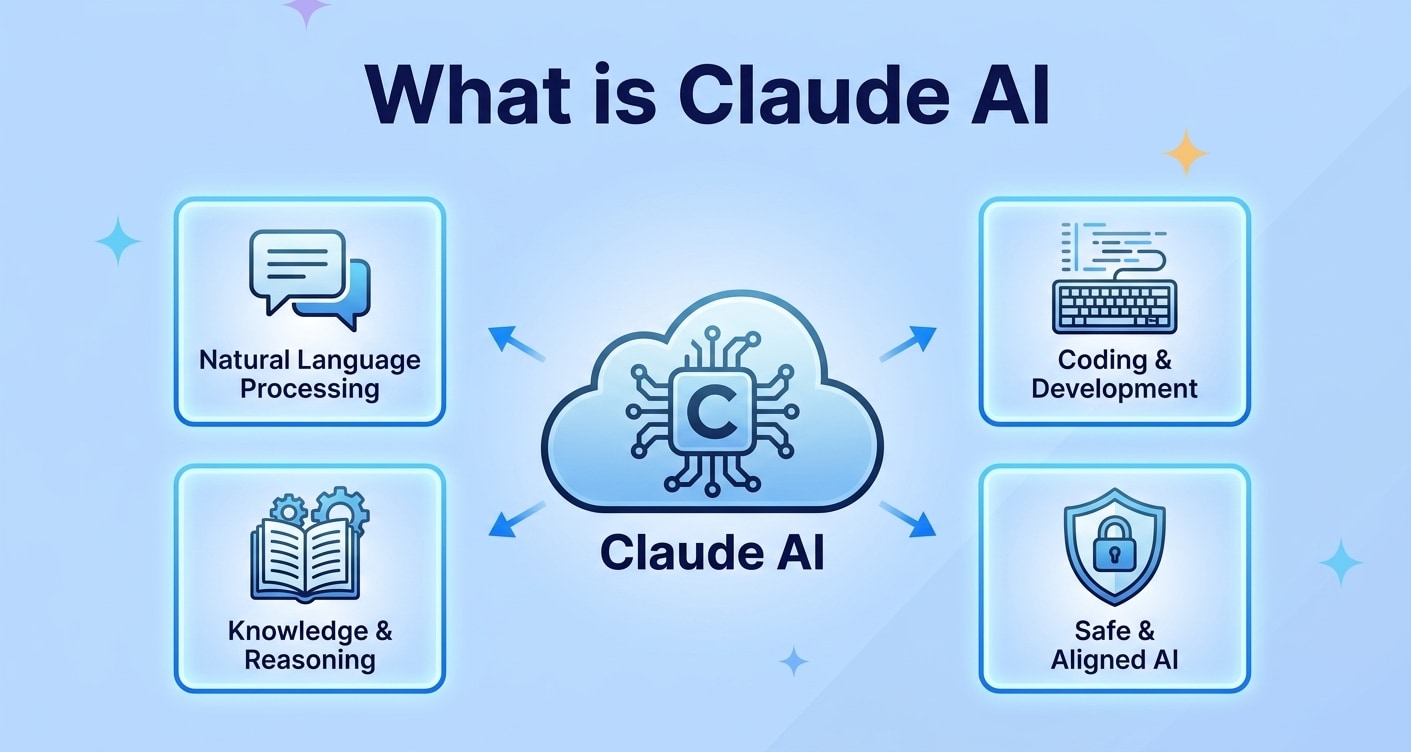
What is Claude AI? At its core, Claude is a large language model (LLM) based AI assistant that can read and generate natural language, similar to a highly capable virtual coworker. It is designed to hold multi-step conversations, understand long prompts, and provide helpful, safer responses across many topics.
Compared with traditional chatbots that follow rigid scripts, Claude AI can adapt to your style, remember context during a session, and produce detailed outputs like articles, summaries, code snippets, brainstorming lists, or step-by-step instructions.
Key Capabilities of Claude AI
- Drafting and editing emails, blog posts, reports, and social media content.
- Summarizing PDFs, research papers, or long articles into concise overviews.
- Assisting with programming tasks, debugging, and explaining code.
- Helping brainstorm ideas, outlines, and strategies for projects.
- Answering general knowledge questions in a conversational tone.
Claude AI vs Other AI Assistants
When people compare Claude vs ChatGPT or other generative AI tools, they often focus on tone, safety, and how well the assistant follows complex instructions. Claude aims to be more cautious with sensitive topics while still being capable and creative.
| Aspect | Claude AI Highlights |
|---|---|
| Conversation style | Calm, explanatory, and geared toward clarity and transparency. |
| Use cases | Long-form writing, summarization, analysis, coding help, and idea generation. |
| Safety focus | Stronger guardrails to reduce harmful, biased, or off-topic answers. |
How Does Claude AI Work
Claude AI is powered by a family of large language models trained on vast amounts of text data. During training, the model learns statistical patterns in language, which allows it to predict the next word in a sequence and generate coherent responses.
Large Language Model Foundations
Claude uses transformer-based neural network architectures, the same underlying technology behind many modern generative AI systems. These models can handle long contexts, which makes Claude well-suited for tasks such as summarizing lengthy documents or following detailed multi-step instructions.
- The model converts your text into numerical representations (tokens).
- It processes those tokens through many layers to understand context and intent.
- It predicts relevant, coherent responses token by token.
Instruction Following and Conversation
Unlike simple predictive text tools, Claude is trained with instruction-following data and human feedback. This helps it interpret prompts such as "Act as a technical writer and summarize this report in 5 bullet points" and produce structured, goal-focused outputs.
Claude also maintains a short-term memory of the conversation within the current session. This allows it to refer back to what you said previously, clarify misunderstandings, and refine answers as you provide feedback or corrections.
Data Privacy and Safety Considerations
Because Claude AI operates in the cloud, your prompts and responses are typically processed on remote servers. Depending on the provider and settings, this data may be used to improve model quality, subject to privacy policies and terms of service.
- Avoid entering highly sensitive personal data, passwords, or confidential business secrets.
- Review the platform's privacy policy, retention rules, and opt-out options where available.
- Export and store important outputs safely on your own device, using backups and recovery tools like Recoverit in case files are accidentally deleted.
What are the Types of Claude AI
There is not just one fixed version of Claude AI. The ecosystem includes multiple model sizes and access methods tailored to different needs, from casual chats to enterprise-scale integrations.
Claude AI Models and Versions
Claude is typically released in generations and tiers, each designed for specific workloads and price points:
- Flagship models: High-capability models for demanding tasks like research, long-form writing, and complex coding assistance.
- Cost-efficient models: Smaller or optimized versions that balance performance and speed for everyday tasks and higher-volume use.
- Specialized variants: Models tuned for certain tasks, such as handling longer context windows, processing structured data, or acting as a safer assistant for sensitive domains.
Over time, new generations of Claude aim to improve reasoning, accuracy, speed, and safety, so the specific names and capabilities of each version may evolve.
Ways You Can Access Claude AI
You can interact with Claude AI through several categories of access:
- Web and mobile interfaces: Chat-style apps where you type questions, upload documents, and receive responses in a browser or mobile app.
- Integrations with productivity tools: Claude-style assistants embedded into document editors, email clients, browsers, or project management tools.
- APIs for developers: Programmatic access that allows teams to build custom applications, chatbots, or internal tools on top of Claude's language capabilities.
This flexibility lets individuals, small teams, and enterprises adopt Claude in the way that best fits their existing workflows.
Practical Tips for Claude AI
Getting the best results from Claude AI depends heavily on how you interact with it. Clear prompts, smart guardrails, and good file management can significantly improve both quality and safety.
Prompting Strategies for Better Results
- Be specific about your goal: State what you want (e.g., "Write a 500-word blog post for beginners about data privacy").
- Provide structure: Ask for headings, bullet points, or step-by-step formats to keep outputs organized.
- Give examples: Paste a sample paragraph or style you like so Claude can mirror tone and complexity.
- Iterate: Refine the prompt based on Claude's first answer, asking it to adjust sections instead of regenerating everything.
Keeping Your Data Safer
- Remove or mask names, account numbers, and confidential identifiers before pasting content.
- Avoid using Claude as a storage system; always save important work on your own device or secure cloud storage.
- Periodically clear chat histories or use incognito/private modes if available when discussing sensitive topics.
Organizing and Protecting Claude-Generated Files
Many people copy text from Claude AI into documents, notes apps, or coding projects. To avoid losing important work:
- Use clear file names with dates and project identifiers.
- Keep backups in a synced folder or external drive.
- Use a data recovery solution like Recoverit to restore files if they are accidentally deleted or lost due to system issues.
How to Use Recoverit to Recover Lost Data
Even with careful habits, files related to your Claude AI projects can be lost through accidental deletion, formatting, or device failures. Recoverit is a professional data recovery tool from Wondershare designed to help you restore deleted, lost, or formatted files from computers, external drives, memory cards, and more. You can learn more and download the software from the Recoverit official website.
Key Features Offered by Recoverit
- Supports recovery from computers, external drives, USB sticks, and memory cards, covering most devices where you might store Claude AI outputs.
- Restores a wide range of file types including documents, photos, videos, and more, so your drafts, research, and assets can all be recovered together.
- Offers file preview before recovery so you can confirm you are restoring the correct Claude-related files and avoid unnecessary clutter.
Step-by-Step Guide on How To Recover Lost Data
1. Choose a Location to Recover Data
Launch Recoverit and review the drives and locations shown on the main screen. Select the disk, partition, or specific folder where you last stored your Claude AI materials, such as drafts, exports, or research documents. Confirm your choice so Recoverit can scan the correct location for lost content.

2. Deep Scan the Location
After choosing the target location, start the scan and let Recoverit search for deleted and lost files sector by sector. As the scan progresses, you will see recoverable items displayed in real time, grouped by path and file type. Allow the scan to finish so Recoverit can detect as many Claude-related documents, images, and supporting files as possible.

3. Preview and Recover Your Desired Data
When the scan completes, browse the results and use the preview feature to open individual files before restoring them. Locate the missing Claude AI project files, notes, or datasets you want back. Select the items you need, click Recover, and save them to a different, secure drive or folder to prevent overwriting existing data.

Conclusion
Claude AI is a versatile AI assistant that can help you draft content, analyze information, and support everyday tasks with natural, conversational responses. Understanding how it works and using it with clear prompts, privacy awareness, and safe storage habits allows you to get more accurate and reliable results.
If important files created or used alongside Claude AI are lost due to deletion, formatting, or device issues, Recoverit provides a practical way to scan your drive, preview found items, and restore the data you still need. Combining smart use of Claude AI with a solid recovery plan ensures your work remains both productive and protected.
Next: Genspark
FAQ
-
What is Claude AI used for?
Claude AI is used for tasks like drafting emails and articles, summarizing documents, brainstorming ideas, writing code, answering questions, and assisting with research in a conversational way. -
Is Claude AI free to use?
Claude AI is available through different access options. Some platforms offer limited free usage or trials, while higher limits and advanced features are typically part of paid plans. -
How is Claude AI different from other AI chatbots?
Claude AI focuses on helpful, safer, and more transparent conversations. It is designed to follow complex instructions, stay within guardrails, and reduce harmful or off-topic responses compared with some other AI chatbots.


