

 TL;DR:
Genspark is an AI-powered text generation platform that produces articles, summaries, and outlines based on user prompts, but requires strict fact-checking because it relies on predictive language models rather than live web browsing or factual understanding.
● Users must write prompts that explicitly define the desired structure, format, tone, and target audience, while strictly avoiding the input of sensitive personal or confidential business information.
● The system is prone to fabricating citations and outputting outdated or incorrect information, requiring independent verification for all statistics, medical advice, legal claims, and financial tips.
● If locally saved drafts are accidentally deleted, users should immediately stop saving new data to the affected drive and run Wondershare Recoverit to deep scan, preview, and restore the missing documents to a different storage path.
Ask AI for a summary
 ChatGPT
 Perplexity
 Gemini
 Claude
 Grok
Grok
Genspark is an AI powered platform designed to quickly generate articles, answers, and other helpful content based on your prompts. Whether you are researching a new topic, drafting reference material, or looking for a faster way to explore ideas, Genspark can produce readable text in just a few seconds. Like other generative AI tools, it draws on large language models to predict and assemble words into logical responses. Understanding what Genspark is, how it works, and how to use it responsibly can help you get better results while protecting your data and avoiding common AI pitfalls.
Try Recoverit to Perform Data Recovery
 Security Verified. 3,591,664 people have downloaded it.
In this article
What Is Genspark
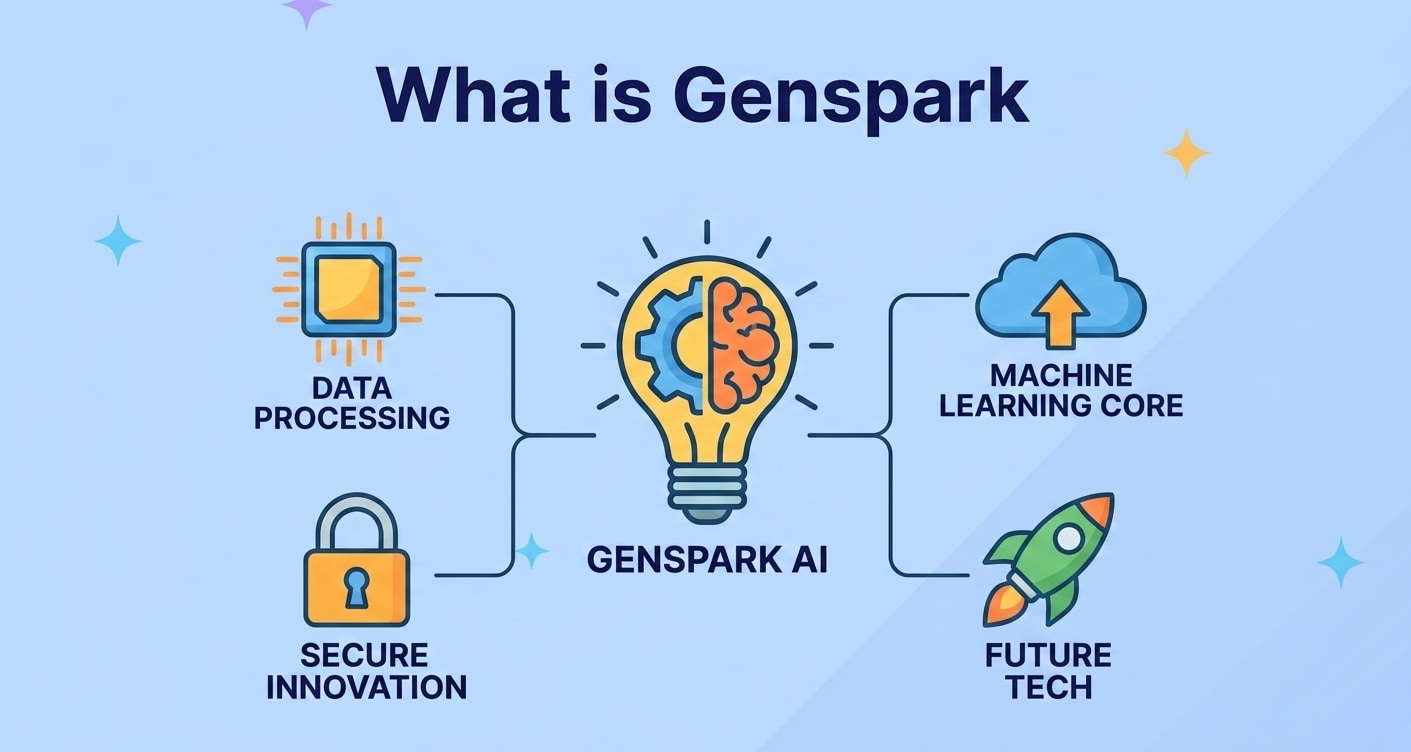
What is Genspark? At a basic level, it is an online Genspark AI content generator that turns short prompts into longer, structured text. You type instructions or questions, and the system responds with paragraphs, explanations, or even full articles that attempt to match your intent.
Many people use Genspark as an on demand writing and research assistant. It is particularly useful for:
- Quickly producing reference drafts you can edit and refine
- Summarizing long or complex topics into digestible sections
- Brainstorming outlines, headlines, and content angles
- Exploring new ideas before committing to deeper research
Because Genspark relies on statistical patterns instead of human understanding, it can sound confident even when it makes mistakes. That is why learning to guide the tool and verify its output is essential for safe, responsible use.
How Does Genspark Work
Genspark AI is built on large language models trained on vast amounts of text. During training, the model learns which words and phrases are likely to appear together, allowing it to predict what should come next when you give it a prompt.
When you submit a request, the system:
- Analyzes the text you entered to identify the topic, style, and intent.
- Generates a sequence of likely words and sentences based on patterns it has seen in training data.
- Applies formatting or structure (such as headings or lists) when asked to match specific content styles.
This process is powerful, but it has limitations. Genspark does not browse the live web the same way a search engine does, and it does not "know" facts in a human sense. Instead, it imitates plausible answers based on previous patterns. As a result:
- Information can be outdated or partially incorrect.
- Citations or URLs may be fabricated unless you provide them.
- Highly specialized or niche topics might be handled less reliably.
To use Genspark content safely, treat every response as a draft to be checked, not a final authority.
What are the Types of Genspark
Instead of having "versions" like traditional software, Genspark is best understood in terms of its different usage types and the categories of content it produces. Knowing these types helps you decide when the tool is suitable and how much human review is required.
Common Genspark Use Cases
People interact with Genspark in several common scenarios:
| Use Case | How Genspark Helps |
|---|---|
| Research and learning | Provides quick overviews, definitions, comparisons, and FAQ-style answers that give you a starting point for deeper study. |
| Writing and brainstorming | Generates outlines, topic ideas, and example paragraphs you can adapt into your own articles, posts, or reports. |
| Productivity and support | Drafts emails, help responses, checklists, and SOP-style content that can streamline routine communication. |
In each of these cases, your prompt quality and your willingness to edit strongly influence the final result.
Genspark Content Types and Formats
The platform can output many different content formats. You can ask it explicitly what structure you prefer to get cleaner, more usable drafts.
- Articles and blog posts: Multi-section pieces with introductions, headings, and conclusions.
- How-to guides and tutorials: Step-by-step processes explaining how to complete specific tasks.
- Summaries and overviews: Condensed versions of broader topics, often in bullet or paragraph form.
- Lists and comparisons: Pros and cons, feature lists, checklists, and side-by-side comparisons.
- Reference content: Glossaries, key term explanations, and FAQ-style breakdowns.
Because Genspark content is generated on demand, it may vary each time you ask a question. Saving strong drafts locally is a smart practice so you can return to them later and avoid regenerating work.
Practical Tips for Genspark
Using Genspark effectively is less about technical skills and more about prompt design, review habits, and data safety. The following practical tips will help you get better results while minimizing risk.
Crafting Better Prompts for Genspark
1. Be specific about your goal. Instead of asking "Explain Genspark," try "Explain what Genspark is, who should use it, and give three practical examples, in under 500 words."
2. Define structure and format. Tell the tool whether you want headings, bullet points, or a single narrative. For example, "Write an outline with H2 and H3 headings for an article about Genspark safety tips."
3. Set tone and audience. Clarify if you want content for beginners, professionals, or technical readers, and whether the tone should be neutral, formal, or friendly.
Checking Accuracy and Staying Safe
Since Genspark AI can include inaccuracies, use these safety checks:
- Cross-check statistics, legal claims, medical advice, and financial tips with trusted sources.
- Search for key data points independently rather than copying them directly into important documents.
- Scan for biased language or one-sided perspectives and adjust for fairness and clarity.
Also be mindful about what you share. Avoid pasting highly sensitive personal, financial, or confidential business information into prompts unless you fully understand the platform's privacy policies.
Managing and Protecting Your Genspark Files
Many users copy Genspark content into local documents, project folders, or note-taking apps. To reduce data loss risk:
- Save important drafts regularly with clear, descriptive filenames.
- Use versioning (e.g., v1, v2, final) so you can roll back changes if necessary.
- Enable backups or sync to a trusted cloud service where appropriate.
- Use a dedicated data recovery tool like Recoverit if you accidentally delete or lose files that contain your best Genspark drafts.
How to Use Recoverit to Recover Lost Data
Recoverit is a professional data recovery solution from Wondershare that can rescue deleted, lost, or formatted files created with Genspark or any other tool. If your Genspark drafts disappear due to a system crash, accidental deletion, or storage error, Recoverit can scan your devices and recover documents, images, and other assets tied to your AI projects. You can download it safely from the Recoverit official website.
Key Features Offered by Recoverit
- Recover lost or deleted files from computers, external drives, and memory cards
- Support for hundreds of file formats, including documents, photos, and videos
- Preview recoverable files before saving them to a secure location
Step-by-Step Guide on How To Recover Lost Data
1. Choose a Location to Recover Data
Open Recoverit and select the drive, partition, or external device where your Genspark related files were stored before they were lost. This might be your desktop, a specific project folder, an external SSD, or a USB drive. After highlighting the correct location, click "Start" to begin the recovery scan so Recoverit can search for your missing Genspark content.

2. Deep Scan the Location
Recoverit will automatically perform a deep scan of the selected location, looking for deleted, lost, or formatted data. During the scan, you can filter results by document type or search by filename and keyword to quickly surface Genspark notes, drafts, or exported articles. Let the scan finish to ensure it finds as many recoverable files as possible.

3. Preview and Recover Your Desired Data
Once the scan completes, browse the list of recoverable files and use the built-in preview window to confirm that each document is intact and readable. Select the Genspark related files you want to restore, click "Recover," and choose a different, safe storage path from the original location. This prevents overwriting data and gives you a clean, organized copy of your recovered AI-generated content.

Conclusion
Genspark is an accessible way to generate AI written content, from quick explanations to longer articles and idea drafts. By understanding its strengths and limitations, you can craft clearer prompts, verify important facts, and integrate its output into your research or writing workflow more effectively.
Because content and project files are often stored locally while you work, accidental deletion or storage errors can still cause data loss. Using a dedicated tool like Recoverit gives you a reliable safety net to restore lost Genspark related documents and keep your creative process moving without interruption.
Next: Claude AI
FAQ
-
What is Genspark used for?
Genspark is used to generate AI written content such as articles, explanations, summaries, and idea drafts based on the text prompts you provide. -
Is Genspark free to use?
Availability and pricing for Genspark can vary. Some setups offer limited free access, while others require registration or a paid plan for extended or higher volume usage. -
Does Genspark always give accurate information?
No. Like other generative AI tools, Genspark can produce errors, outdated information, or incomplete explanations. You should double check important facts with trusted, up to date sources. -
Can Genspark replace human writers?
Genspark can speed up brainstorming and drafting, but it does not replace human expertise, creativity, or careful editing. It is most effective when used as an assistant alongside human writers. -
How do I recover a lost Genspark draft from my computer?
If a locally saved Genspark draft is deleted or lost, avoid adding new files to that drive and run Recoverit to scan the affected location. You can preview found documents and restore the ones you need to a safe path.


