 TL;DR:
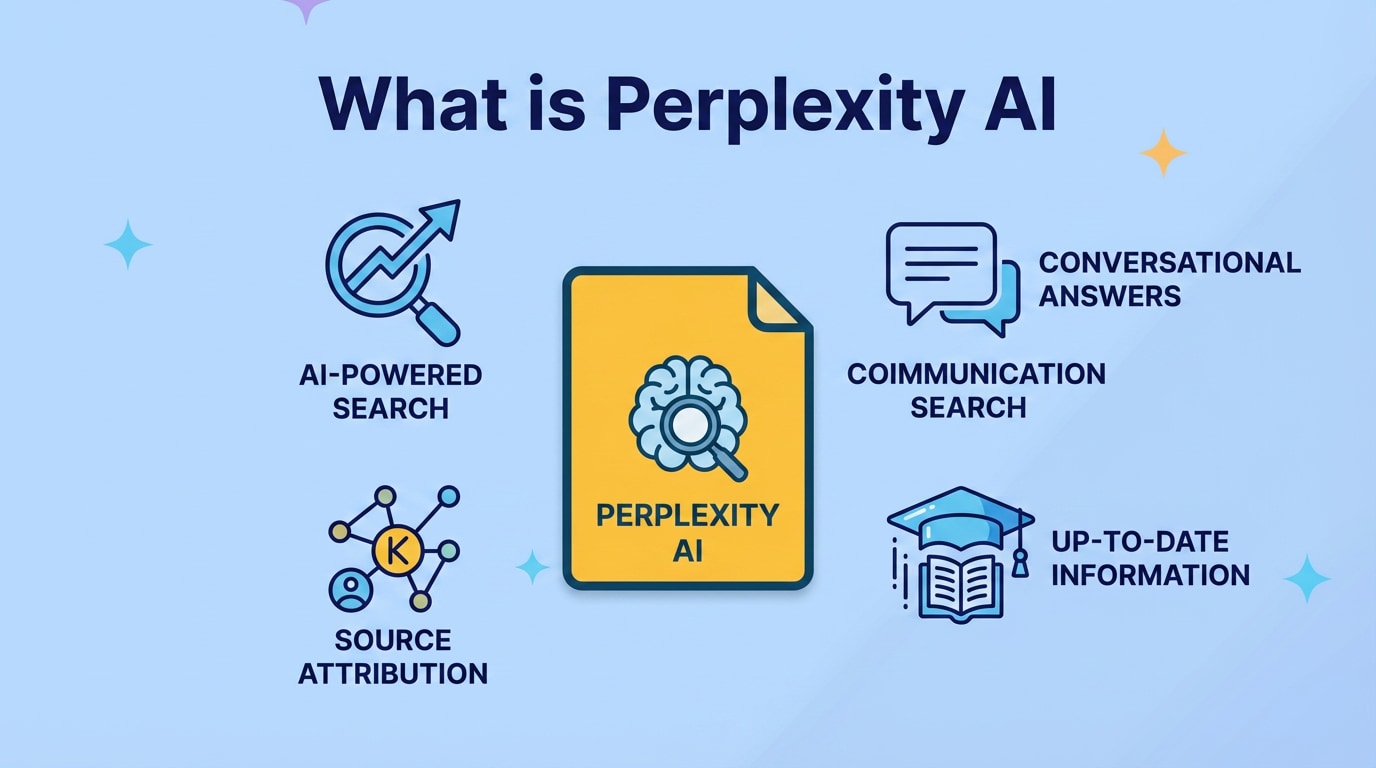
Perplexity AI is a conversational search engine that integrates large language models with live web data to synthesize direct, citation-backed answers rather than generating traditional lists of links.
● Users can ask context-aware follow-up questions within a single chat window to naturally refine research topics, summarize long-form academic documents, or generate code snippets.
● Because the system logs query data and is susceptible to hallucinating facts or misinterpreting outdated web pages, users must manually verify the provided source citations and refrain from inputting confidential business or personal data.
● If locally stored research notes or downloaded PDFs are accidentally deleted or lost due to system crashes, Wondershare Recoverit can deep scan internal and external storage devices to locate and restore the missing files.
Ask AI for a summary
 ChatGPT
 Perplexity
 Gemini
 Claude
 Grok
Grok
Perplexity AI is a conversational search and answer engine that combines large language models with real-time web results. Instead of showing a long list of blue links, it summarizes information in natural language, cites its sources, and lets you keep asking follow-up questions in a chat-style interface.
People use it to research complex topics, summarize articles, draft emails, compare products, explore code, and brainstorm new ideas faster than with a traditional search engine. But like any AI tool that processes your queries and content, it raises important questions about privacy, data security, and how to protect valuable research files stored on your devices.
This guide walks through what Perplexity AI is, how it works, where it is most useful, the key risks to keep in mind, and how to safely recover lost files using dedicated data recovery software such as Wondershare Recoverit.
Try Recoverit to Perform Data Recovery
 Security Verified. 3,591,664 people have downloaded it.
In this article
What Is Perplexity AI
Perplexity AI is an AI-powered search and answer engine that uses large language models (LLMs) together with live web data. Instead of returning a page of links, it generates a concise, conversational answer and shows citations from the sources it consulted.
Think of it as a hybrid between a traditional search engine and an AI chatbot. You ask a question in natural language, it searches the web, synthesizes information, and replies in a chat window. You can then ask clarifying questions, refine the topic, or request summaries and comparisons without starting a new search each time.
Key characteristics of Perplexity AI include:
- Conversational interface for follow-up questions and clarifications.
- Citation-backed responses so you can verify the underlying sources.
- Use of multiple large language models and search APIs in the background.
- Support for text, code, and document-based queries depending on the mode you choose.
Because it streamlines the research process and returns synthesized answers instead of long link lists, many users treat it as an everyday companion for study, work projects, and general curiosity-driven searches.
How Does Perplexity AI Work
Under the hood, Perplexity AI relies on a pipeline that combines traditional web search technology with modern large language models. While the specific implementation can change over time, the general workflow is similar to this:
- Understanding your query: The system uses natural language processing to interpret your question, detect entities, and infer intent. It determines whether you are asking for definitions, comparisons, how-to steps, code, or something else.
- Retrieving relevant sources: Perplexity AI performs a search over the web, online databases, and sometimes its own index to gather potentially relevant pages, documents, or snippets of text.
- Ranking and filtering: The retrieved results are ranked for relevance and quality. Low-quality or spammy sources are filtered out, while more authoritative references are prioritized.
- Generating an answer with citations: A large language model reads the selected passages and generates a fluent summary. At the same time, the system attaches citations or reference cards so you can see which websites informed the answer.
- Supporting follow-up questions: The chat maintains conversational context, so when you ask a follow-up question, it can reuse previous information, search again if needed, and update or refine its response.
Perplexity AI may also allow you to choose different models or modes, such as a faster model for quick answers or a more advanced model for detailed reasoning. Some versions support file uploads or specialized workspaces so you can combine your own content with online research.
From a user perspective, this architecture makes the tool feel fluid and responsive. However, it also introduces typical AI risks: hallucinated facts, misinterpreted sources, or outdated information if the referenced pages have changed. For critical decisions, it is essential to double-check the citations instead of relying solely on the generated explanation.
What are the Types of Perplexity AI
Depending on how you access the service and what you want to achieve, Perplexity AI can be grouped into several types or modes. These "types" are not separate products as much as different ways of using the same underlying technology.
Main Perplexity AI interfaces
Most users encounter Perplexity AI through one of a few main interfaces:
| Interface type | What it is best for |
|---|---|
| Web app | Accessible in a browser, ideal for everyday research, quick questions, and multi-step projects in a tab alongside other tools. |
| Mobile app or mobile web | On-the-go queries, checking facts while reading, or summarizing articles from your phone. |
- Browser integrations: Some users pin Perplexity AI as a default search page or use shortcuts, effectively replacing or complementing a classic search engine.
- Pro or premium modes: Paying users can often access more advanced models, higher rate limits, or specialized tools like document analysis and topic workspaces.
These interface types shape how you interact with the AI and how closely it integrates into your daily browsing and research habits.
Common usage categories
Another way to think about types of Perplexity AI is by use case. The same interface can support different workflows depending on your goals:
- General knowledge search: Asking factual questions, definitions, historical overviews, or high-level explanations with citations you can dig into.
- Academic and professional research: Summarizing long papers or reports, exploring opposing viewpoints, generating reading lists, and organizing notes for projects.
- Coding and technical help: Requesting code snippets, debugging hints, API explanations, or conceptual overviews of frameworks and algorithms.
- Content creation and ideation: Drafting emails, outlines, blog post structures, prompts, and brainstorming lists of ideas with references to existing material.
- Comparison and decision support: Comparing tools, products, or methodologies, while scanning reviews and reference documentation for you.
Understanding these categories helps you decide when Perplexity AI is the right tool, when a traditional search engine is more appropriate, and when you may need domain experts or primary sources instead of AI summaries.
Practical Tips for Perplexity AI
To get better results while staying safe, it helps to follow a few best practices when using Perplexity AI.
Get higher-quality answers
- Be specific in your prompts: Include context, goals, and constraints (for example, "Explain in simple terms for a beginner" or "Summarize this for a legal audience").
- Ask for structure: Request bullet points, step-by-step instructions, pros and cons, or tables when that format will be easier to scan.
- Use follow-up questions: Clarify jargon, ask for examples, or narrow the scope rather than starting from scratch with each query.
- Leverage citations: Open a few of the linked sources to confirm the information and explore deeper.
Manage privacy and data security
- Avoid entering sensitive data: Do not paste passwords, private keys, medical records, or confidential client information into any AI tool.
- Review the privacy policy: Check what data Perplexity AI logs, how long it keeps it, and whether you can delete your history.
- Use separate accounts or devices: If you handle highly sensitive work, keep that activity on a separate profile or machine with stricter security controls.
- Back up important files: Maintain backups of research notes, datasets, and drafts, especially if you store them in folders you access while experimenting with AI tools.
Recognize limitations and reduce risks
- Watch for hallucinations: If a claim looks surprising or unusually convenient, verify it across multiple reliable sources.
- Check timestamps: Web content changes; make sure the information is current, especially for fast-moving topics like software, law, or finance.
- Use it as an assistant, not an authority: Treat Perplexity AI as a helpful guide or brainstorming partner, not a final arbiter of truth.
- Plan for data loss: If your research workflow depends on local files, be prepared with data recovery options in case of accidental deletion or system crashes.
How to Use Recoverit to Recover Lost Data
While Perplexity AI helps you gather and synthesize information, your underlying research files, notes, and downloads still live on your own devices. If those files are accidentally deleted, lost during a system error, or affected by crashes while you work, specialized data recovery software can often help you restore them. Wondershare Recoverit is a dedicated tool designed for this purpose, and you can learn more on the Recoverit official website.
Wondershare Recoverit can scan internal drives, external disks, USB sticks, and other storage devices to locate traces of deleted or lost files. This is especially useful if you store Perplexity AI research assets, downloaded PDFs, or long-form drafts locally and discover they are missing later.
Key Features Offered by Recoverit
- Recover deleted or lost files from computers and external storage in multiple formats, including documents, images, videos, audio, and archives.
- Deep scan storage devices to locate traces of files after accidental deletion, formatting, partition issues, or system crashes.
- Preview recoverable files before restoring them to a safe destination, so you confirm content and avoid restoring unnecessary data.
Step-by-Step Guide on How To Recover Lost Data
The following steps outline how to use Wondershare Recoverit to recover files associated with your Perplexity AI research, such as notes, article downloads, or exported summaries.
1. Choose a Location to Recover Data
Launch Wondershare Recoverit and select the drive, partition, or external device where your files were lost. For example, choose the folder or disk that stored your Perplexity AI research notes, screenshots, or downloaded PDFs. Confirm the target location to begin the recovery process so Recoverit knows where to search.

2. Deep Scan the Location
Start the scan so Recoverit can thoroughly analyze the selected location for deleted or lost data. Let the deep scan run until it completes; the software will display discovered files in real time. Use filters such as file type, modification date, or path to narrow down the list and quickly surface research documents, images, or project folders related to your Perplexity AI work.

3. Preview and Recover Your Desired Data
After the scan finishes, browse through the results to locate the specific documents, presentations, or media files you want to restore. Select an item to use the built-in preview and verify that the content is intact. When you are ready, click "Recover" and choose a different, secure storage location (such as another drive or external disk) to save the recovered files, preventing potential overwriting of remaining data.

Conclusion
Perplexity AI is a powerful conversational search tool that blends AI-generated answers with live web data and transparent citations. By turning open-ended questions into structured, readable summaries, it can dramatically speed up research, idea exploration, and everyday information lookups for both personal and professional use.
However, its convenience does not remove the need for critical thinking, verification, and solid data hygiene. You should still evaluate sources carefully, protect sensitive information, and safeguard the local files that support your work. If important research notes, downloads, or project materials are lost while you are working with AI tools, Wondershare Recoverit gives you a practical way to scan storage devices, preview what can be restored, and recover files that might otherwise be gone for good.
Next: Gemini AI
FAQ
-
What is Perplexity AI used for?
Perplexity AI is used for conversational search and question answering with citation-backed results. It helps you research topics, summarize long-form content, explore code snippets, and generate drafts in a chat-style interface that references relevant sources from the web. -
Is Perplexity AI free to use?
Perplexity AI offers a free tier that includes core conversational search features and access to many online sources. It also has paid plans that unlock advanced models, higher usage limits, and additional tools aimed at students, researchers, and professional users. -
How accurate are answers from Perplexity AI?
Perplexity AI often produces useful, well-structured answers, but it can still misinterpret sources or generate incorrect details. You should always review the attached citations, compare information across multiple trustworthy sites, and avoid relying on a single response for critical or high-stakes decisions. -
Is it safe to share personal data with Perplexity AI?
Like most online AI tools, Perplexity AI may log queries and interaction data to improve its service, according to its current privacy policy. To stay safe, avoid sharing highly sensitive personal, financial, or confidential business information, and regularly review your account settings and history options. -
Can I recover lost research files related to Perplexity AI?
Yes. If local documents, downloads, or notes used alongside Perplexity AI are accidentally deleted or lost due to system issues, you can use data recovery software such as Wondershare Recoverit to scan the affected drive, preview recoverable items, and restore them to a secure location, provided the data has not been overwritten.



