

 TL;DR:
Poe AI is a centralized platform developed by Quora that aggregates multiple large language models into a single interface, allowing users to test, compare, and switch between various AI assistants without changing apps in 2025.
● Combine different Poe chatbots in a single workflow by using a specialized coding or brainstorming bot to generate initial concepts, and a general-purpose assistant to refine the final output.
● Protect your privacy by strictly avoiding the input of personal identifiers, financial credentials, or proprietary source code, as Poe and its third-party models may log prompts for service operation and abuse prevention.
● Back up important chat exports locally, and if you accidentally delete them, immediately stop writing new data to that drive to prevent overwriting before using Wondershare Recoverit to scan and restore the missing files.
Ask AI for a summary
 ChatGPT
 Perplexity
 Gemini
 Claude
 Grok
Grok
Poe AI is a versatile platform that lets you chat with many different AI models in one place, making it easier to experiment, research, and create content without switching tools. Developed by Quora, Poe chatbots bring together various specialized assistants so you can ask questions, generate ideas, and automate everyday tasks through simple conversations. Whether you are a student, professional, or casual user testing AI assistants, understanding how Poe AI works, how it handles your data, and how to protect or recover your chat history is essential. This guide explains Poe AI in clear terms and shows you how to stay productive and safe while using it.
Try Recoverit to Perform Data Recovery
 Security Verified. 3,591,664 people have downloaded it.
In this article
What Is Poe AI
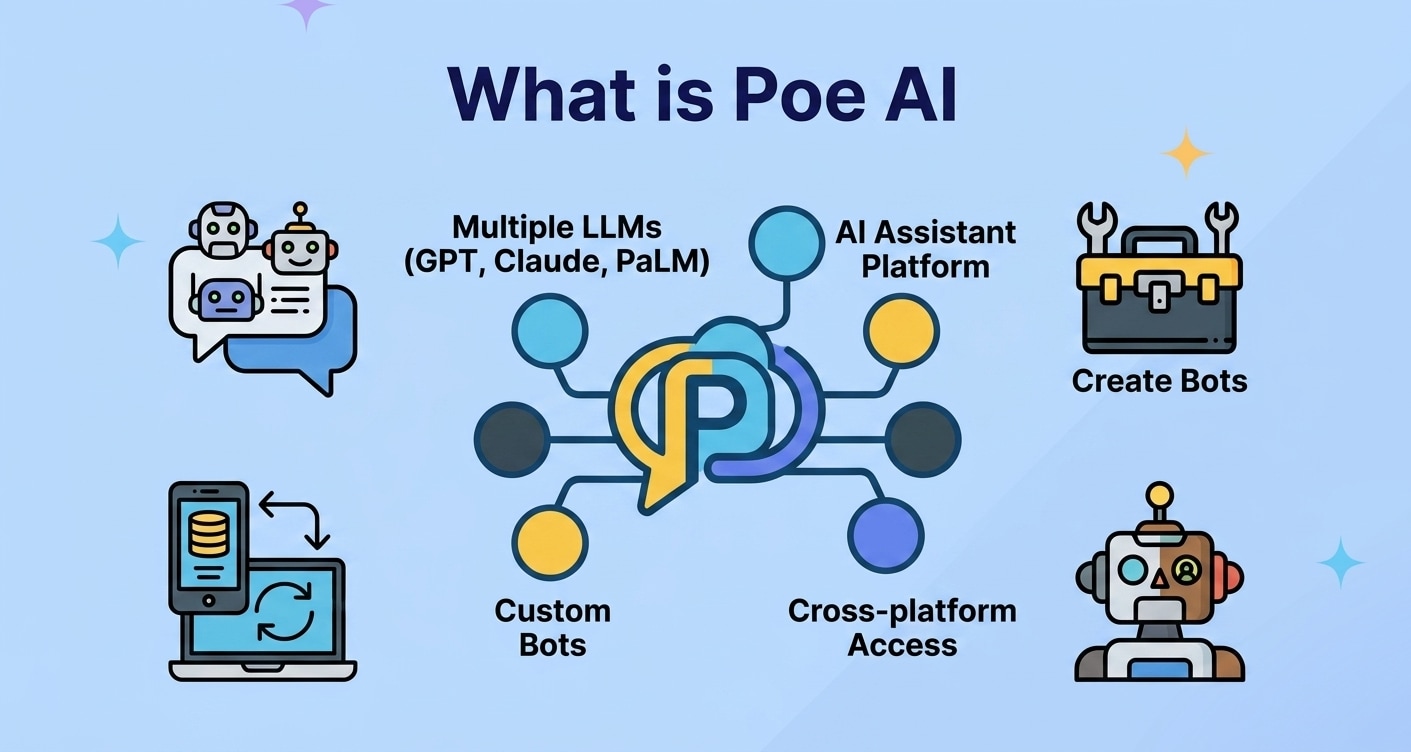
Poe AI is an AI chat platform created by Quora that aggregates multiple large language models (LLMs) and tools into a single interface. Instead of signing up for lots of separate AI services, you can open Poe and choose from a library of ready-made bots for writing, coding, research, and everyday tasks.
Poe stands for "Platform for Open Exploration." The goal is to let users quickly test and compare different AI models, such as general-purpose assistants and niche bots optimized for specific topics. You can switch between bots inside the same conversation or start new chats tailored to different workflows.
Poe is available as a website and mobile apps. It syncs your account across devices, so your poe conversation history can travel with you, as long as you are signed in and the data has not been deleted.
| Aspect | How Poe AI Helps |
|---|---|
| Centralized AI access | Use many AI models in one place instead of juggling multiple apps. |
| Experimentation | Compare responses from different poe chatbots to see which works best for each task. |
| Productivity | Draft content, summarize articles, analyze data, and brainstorm ideas faster. |
How Does Poe AI Work
Poe AI acts as a hub that sits between you and various AI models. When you type a prompt, Poe forwards it to the selected model, receives the response, and shows it in your chat window. The platform also adds convenience features like conversation history, rate limiting, and content filters.
At a high level, this is how it works in 2025:
- You create or log in to a Quora/Poe account on web or mobile.
- You choose a bot from the Poe home screen, such as a general AI assistant, a coding helper, or a community-made custom bot.
- You send prompts in natural language, and the bot responds using the underlying model's capabilities.
- Poe stores your chats in your account so you can revisit them, unless you delete them or remove your account.
Data handling and privacy considerations
Because Poe AI data can include sensitive information, you should understand how your messages may be used:
- Your prompts and outputs may be logged for service operation, abuse prevention, or quality improvement.
- Third-party models accessed via Poe might have their own usage and retention rules.
- Deleting a chat removes it from your visible poe conversation history, but backups or logs might still exist for some time depending on Poe's policies.
For safety, avoid entering passwords, financial credentials, or private corporate information, and regularly back up key outputs outside of Poe.
What are the Types of Poe AI
Poe organizes its bots into categories so users can quickly find a model that fits a specific job, such as writing, coding, language learning, or creative brainstorming. Broadly, the bots fall into a few major types.
General-purpose Poe AI bots
General-purpose bots are designed to handle a wide range of questions and tasks. They are ideal if you are new to Poe AI or need a single assistant for many jobs.
- All-around assistants: These bots can draft emails, summarize documents, help with homework, or answer factual questions.
- Conversation partners: Some bots are tuned to talk naturally for practice in languages, interviews, or brainstorming sessions.
- Balanced performance: They aim to be fast, helpful, and relatively safe across many topics rather than being deeply specialized.
You can use these general bots as your default helper, then switch to more specialized ones when you hit a complex or niche task.
Specialized and custom Poe AI bots
Specialized bots focus on narrower tasks and can often produce better results in those areas than a general assistant.
- Coding and technical bots: Built to assist with debugging, code generation, and explaining algorithms. They are useful when you use Poe AI for coding help.
- Writing and creativity bots: Optimized to create blog posts, social media captions, marketing copy, or stories with a particular tone or style.
- Research and analysis bots: Tailored for summarizing long texts, comparing arguments, or outlining complex topics.
- Community-made custom bots: Poe lets users create and share custom bots with preconfigured instructions and behaviors. These can be tuned for niche hobbies, exam prep, or internal workflows.
By understanding each type, you can quickly pick the right ai assistants inside Poe and avoid wasting time on trial and error.
Practical Tips for Poe AI
Using Poe in 2025 effectively is less about which model you choose and more about how you interact with it and protect your data. These best practices help you get better answers while staying safe.
1. Write clear, structured prompts
- Specify your goal, audience, and format (for example, "Write a 200-word summary for non-technical readers.").
- Provide context, such as a short excerpt or bullet points, instead of asking for results from scratch.
- Use iterative prompting: ask, review, refine, and ask again for improvements.
2. Combine multiple Poe chatbots
- Use one bot for brainstorming ideas and another for polishing language.
- Ask a coding bot to generate sample code, then a general assistant to document and explain it.
- Try different bots on the same prompt to compare accuracy, tone, and depth.
3. Protect your privacy and sensitive data
- Avoid sharing personal identifiers, confidential business details, or unreleased projects.
- Redact or anonymize examples before pasting them into Poe AI.
- Review Poe's latest privacy and data policies regularly, as they can change over time.
4. Manage and back up your Poe conversation history
- Do not rely on Poe as the only storage for important information or decisions.
- Export or copy high-value outputs into files, notes apps, or project tools on your own devices.
- Organize files by project and date so you can quickly find content later.
5. Prepare for mistakes and data loss
- If you accidentally delete downloaded transcripts, screenshots, or documents derived from Poe, stop writing new data to that drive to reduce overwriting.
- Use professional recovery software, such as Recoverit, to scan for and retrieve lost files related to poe ai data.
How to Use Recoverit to Recover Lost Data
Even if you carefully manage your poe conversation history, accidents can still happen: you might empty the Recycle Bin, format a drive, or lose important documents derived from Poe outputs. Recoverit from Wondershare is a professional data recovery solution that helps you restore deleted or lost files from computers, external drives, USB sticks, memory cards, and more. You can learn more, check compatibility, and download the software from the Recoverit official website.
Key Features Offered by Recoverit
- Recover deleted, formatted, or otherwise lost files from more than 2000 types of storage devices, including internal disks, external HDDs, SSDs, SD cards, and USB drives.
- Support for a wide range of file formats, such as documents, spreadsheets, presentations, images, videos, compressed archives, and more.
- Beginner-friendly interface with guided scanning, file preview, and selective recovery so you restore only what you need.
Step-by-Step Guide on How To Recover Lost Data
1. Choose a Location to Recover Data
Open Recoverit and review the main interface to see all available drives and locations. Select the disk, partition, or external device where your Poe exports, transcripts, or related project files were stored before they went missing. Click "Start" to let Recoverit focus on that location for the recovery process.

2. Deep Scan the Location
Recoverit automatically performs a thorough scan of the selected location, searching for deleted or lost files. As the scan runs, you can watch new items appear in real time and use filters like file type or search by filename to narrow the results. Let the deep scan complete for the best chance of locating all recoverable Poe-related files.

3. Preview and Recover Your Desired Data
When the scan finishes, browse the list of found files and use the preview feature to confirm content before recovery. Check the boxes next to the transcripts, documents, images, or other data you want to restore. Click "Recover" and choose a safe destination folder on a different drive to save your recovered data securely and avoid overwriting.

Conclusion
Poe AI brings multiple AI models and custom bots into a single, easy-to-use interface, making it a powerful hub for research, writing, coding, and everyday problem solving. By understanding how Poe routes your prompts to different bots, exploring both general and specialized assistants, and refining your prompting technique, you can get more reliable, useful results while saving time.
Because your ideas and outputs are valuable, it is essential to treat them like any other critical data. Regularly back up important content generated from Poe AI and keep organized copies outside the platform. If you accidentally delete downloaded chats, notes, or attached files, tools like Recoverit can help you restore them quickly, minimizing disruption and protecting the work you have already done with Poe AI.
Next: Agentic Ai Workflow
FAQ
-
What is Poe AI used for?
Poe AI is used to chat with different AI models for tasks such as answering questions, summarizing content, drafting emails, generating code, brainstorming ideas, and exploring specialized bots tailored to specific topics. -
Is Poe AI free to use?
Poe AI offers a free tier with access to several bots and usage limits, and also provides paid plans with higher limits, faster responses, and access to more advanced models. You should check the latest pricing and feature details directly on the Poe website or app. -
Does Poe AI save my conversations?
Poe AI typically keeps a history of your chats so you can revisit and continue them later. However, you should not rely on Poe as your only record. Copy or export important outputs to your own storage, where you can back them up and protect them. -
Can I use Poe AI for coding help?
Yes. You can use Poe AI to get coding suggestions, debug assistance, and explanations of programming concepts. Always review and test generated code carefully before deploying it and never share sensitive credentials or proprietary source code. -
How can I recover deleted Poe AI files on my PC?
If you deleted exported Poe transcripts or related documents from your computer, install Recoverit on a different drive, scan the location where the files were stored, preview the recoverable results, and restore the items you need to a safe destination folder.


