

 TL;DR:
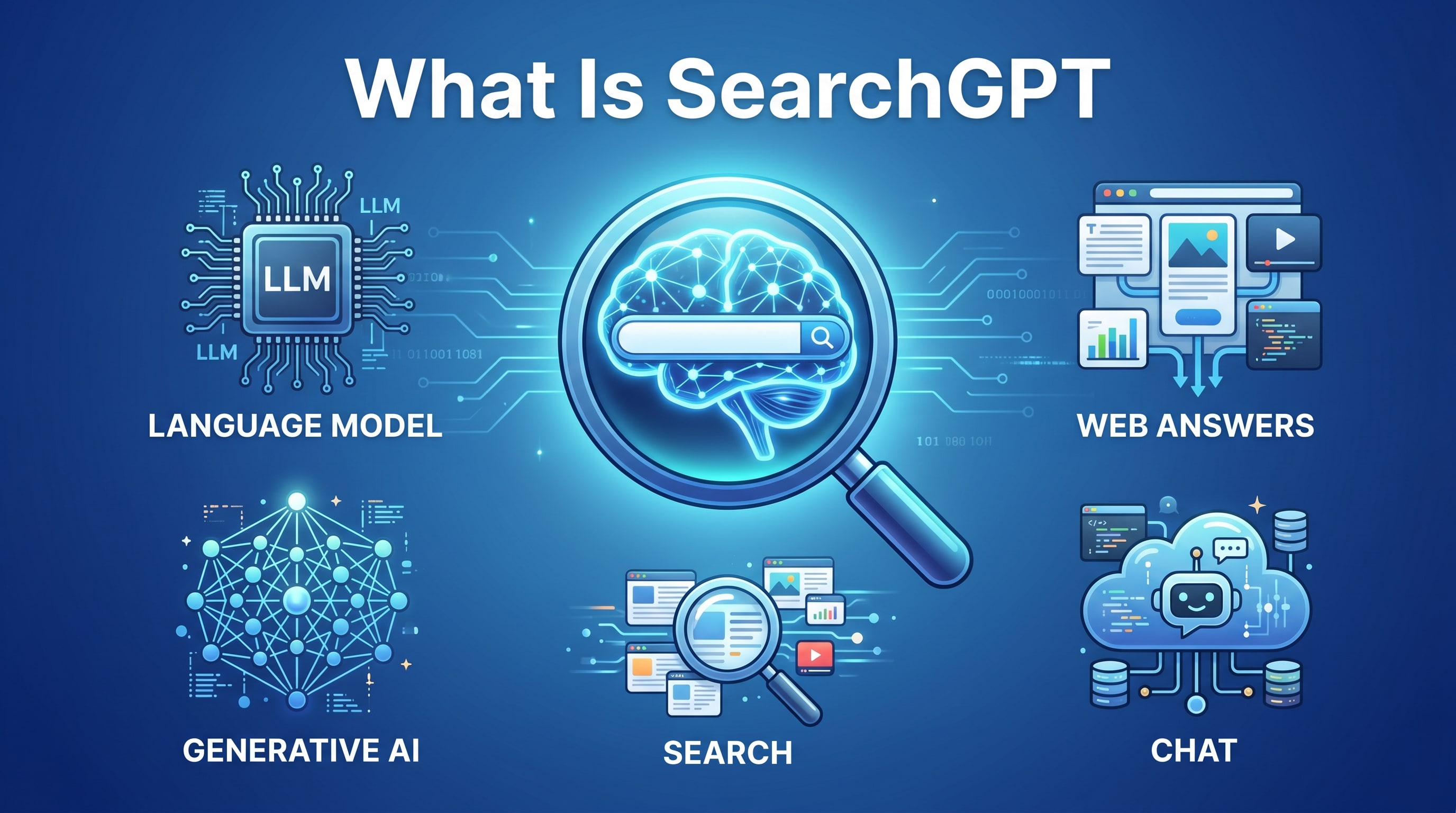
OpenAI SearchGPT operates as a hybrid search engine and chatbot that uses large language models to synthesize information from web or private sources into conversational answers with clickable citations, rather than generating standard ranked link lists.
● While traditional search engines remain necessary for exploring niche websites, SearchGPT is highly effective for complex research, planning, and technical troubleshooting because it retains conversation context for multi-step reasoning and follow-up queries.
● The system can still oversimplify nuanced issues or pull from outdated sources, requiring users to manually verify critical medical, legal, or financial decisions through the provided citations.
● Because providers may log prompt interactions for model training, users must avoid submitting sensitive personal or corporate data, and can rely on local data recovery solutions like Wondershare Recoverit to restore accidentally deleted AI research files across storage devices.
Ask AI for a summary
 ChatGPT
 Perplexity
 Gemini
 Claude
 Grok
Grok
SearchGPT is an AI-powered search experience that combines the accuracy of a search engine with the conversational ability of a chatbot. Instead of scanning blue links and piecing together information yourself, you can ask SearchGPT questions in natural language and receive direct, synthesized answers supported by sources. This shift in how results are gathered, ranked, and presented has big implications for productivity, research, and even data privacy. Understanding what SearchGPT is, how it works behind the scenes, and how to use it safely can help you get better answers, avoid misinformation, and protect your important files and personal information online.
Try Recoverit to Perform Data Recovery
 Security Verified. 3,591,664 people have downloaded it.
In this article
What Is SearchGPT
SearchGPT is an AI-driven, conversational search experience that combines large language models (LLMs) with traditional web search and curated knowledge sources. Instead of only returning a ranked list of links, it generates a synthesized answer to your question and supports it with citations you can click to verify information.
Think of OpenAI SearchGPT as a hybrid of an AI search engine and a chatbot interface. You type a question in everyday language, and the system:
- Understands the intent behind your query, not just the keywords.
- Retrieves relevant documents, pages, and data from the web or private sources (depending on configuration).
- Generates a clear, conversational summary that blends those sources together.
- Lets you ask follow-up questions to refine, challenge, or expand the answer.
This style of conversational search is part of a broader move toward generative search, where AI actively writes answers instead of simply pointing you to them.
Because it can condense long articles, compare options, and reason across multiple sources, SearchGPT is well suited for research, learning new topics, planning projects, and troubleshooting problems. At the same time, it raises questions about accuracy, bias, and how your data is logged or used, which makes safe usage habits essential.
How Does SearchGPT Work
Under the hood, SearchGPT relies on several layers of AI and search technology working together. While the exact implementation can evolve, the workflow typically includes these stages.
1. Natural language understanding
When you type a query, SearchGPT first interprets your intent. It analyzes the text, identifies entities (people, places, products, concepts), and infers what kind of answer you want: definition, comparison, troubleshooting steps, code, and more. This goes far beyond keyword matching used in many traditional search engines.
2. Retrieval of relevant information
Next, SearchGPT uses a combination of classical and modern retrieval methods:
- Standard web search signals, such as page relevance, authority, and freshness.
- Vector search, which encodes documents and queries into numerical representations so semantically similar content can be found even when wording differs.
- Specialized knowledge sources, such as documentation, help centers, or trusted databases, depending on how the system is configured.
This retrieval stage surfaces a set of potentially relevant documents for the LLM to read and summarize.
3. Generating a synthesized answer
Once the documents are retrieved, the language model reads them and composes a response. It:
- Extracts key facts, steps, and arguments.
- Filters out obvious duplicates and low-value content.
- Rewrites the information in a logical, readable way.
- Adds structure with bullet points, sections, and tables when useful.
This is where generative search differs most from traditional search. The system actively creates a new answer instead of just listing pages.
4. Citing and linking to sources
To make results more trustworthy, SearchGPT surfaces citations for its claims. You can usually expand or click these references to open the underlying article or documentation. This helps you verify details, dive deeper, or cross-check claims that seem surprising or important.
5. Continuous, conversational refinement
Because the interface is conversational, you can continue the session by asking follow-up questions like "Explain that in simpler terms," "Show a table comparing these options," or "Adapt this for a beginner." The model uses the existing conversation context, plus fresh retrieval when needed, to update and refine its response.
SearchGPT vs traditional search engines
The differences between SearchGPT vs traditional search engines can be summarized as follows:
| Traditional search engines | SearchGPT-style AI search |
|---|---|
| Return a ranked list of web pages based on keywords and links. | Return a conversational, synthesized answer supported by citations. |
| Require you to click multiple results and manually piece together information. | Automatically condense insights from many sources into a single summary you can refine. |
| Limited support for multi-step reasoning or follow-up interactions. | Designed for dialogue, clarification, and complex tasks in a back-and-forth chat. |
In practice, both approaches often complement each other. Many users still open traditional search results to verify AI answers or to explore niche sites the model did not highlight.
What are the Types of SearchGPT
Because "SearchGPT" describes an AI-powered search experience rather than a single static product, it can appear in several forms. These types differ in scope, data sources, and how tightly they are integrated into existing tools or websites.
Core categories of AI search experiences
From a user perspective, most AI search engine experiences based on SearchGPT-style technology fall into a few core categories.
- General-purpose web search assistants These tools answer broad questions across many topics, drawing primarily from public web content. They are useful for definitions, comparisons, quick overviews, and everyday troubleshooting.
- Vertical or domain-specific AI search Here, the AI is restricted to a particular domain such as programming, legal research, finance, academic literature, or medical guidelines. Narrowing the scope improves precision and can reduce irrelevant or risky suggestions.
- Enterprise or private knowledge search Companies can integrate SearchGPT-style experiences with internal data such as documentation, wikis, tickets, or knowledge bases. This turns scattered assets into a unified, conversational help desk, often with stricter access controls and privacy safeguards.
- In-product, contextual assistants Some applications embed conversational search directly inside their interface. For example, a project management tool might let you ask about project status, documentation, or best practices while you work, instead of switching to an external browser tab.
Use cases where SearchGPT shines
Beyond structural categories, it is helpful to look at common use cases where SearchGPT can provide a clear advantage over traditional search:
- Research and learning Summarizing long articles, turning technical documentation into plain language, and generating reading plans or outlines for complex topics.
- Planning and decision support Comparing products or services, outlining pros and cons, and highlighting key criteria you should consider before making a decision.
- Technical troubleshooting Explaining error messages, walking you through configuration changes, and surfacing relevant parts of official documentation or community threads.
- Content exploration and drafting Brainstorming ideas for articles, study notes, or presentations, then linking back to original sources for fact-checking and refinement.
Each of these use cases relies heavily on accurate, up-to-date information. That is why it remains crucial to validate responses, especially when stakes are high or when data privacy and compliance requirements apply.
Practical Tips for SearchGPT
Using SearchGPT effectively is about more than asking a single question. With the right prompting and safety habits, you can improve answer quality while protecting your data and devices.
1. Write clear, specific prompts
Vague inputs often lead to vague outputs. To get better results from OpenAI SearchGPT and similar tools:
- Include essential context, such as your skill level, goals, or constraints.
- Specify the format you want, like bullet points, steps, or a comparison table.
- State what to ignore, for example "Do not include code, only high-level steps."
Instead of "Explain SearchGPT," try "Explain how SearchGPT differs from a traditional search engine for academic research, in under 10 bullet points."
2. Use conversational follow-ups
One of the main benefits of conversational search is that you can refine your query in context. Consider asking:
- "Summarize that more briefly for a non-technical reader."
- "Show a side-by-side table comparing these two options."
- "List potential risks or limitations of this approach."
These follow-ups help the system adjust to your needs without starting from scratch each time.
3. Double-check important details
Despite advances in reliability, generative search can still make mistakes, oversimplify nuanced issues, or reflect outdated sources. To reduce risk:
- Open and read the citations attached to key claims.
- Cross-check critical facts (such as legal, medical, or financial advice) with official sources.
- Ask the model to provide multiple viewpoints or caveats when appropriate.
This habit is crucial for any high-impact decision or public-facing work.
4. Manage data privacy and security
SearchGPT data privacy is an increasingly important concern for individuals and organizations. To protect yourself:
- Do not paste highly sensitive personal or corporate data into prompts.
- Review the AI provider's privacy policy and data retention practices.
- Use business or enterprise plans with stricter controls if you handle confidential information.
- Limit who can access AI tools inside your company, and provide training on safe usage.
Treat AI search interfaces as you would any other cloud service: helpful, but requiring clear boundaries on what data you share.
5. Protect your files while experimenting
As you explore new workflows around AI search engines, you might juggle many drafts, downloads, and notes across devices. Accidental deletions, formatting mistakes, or disk errors can wipe out hours of research. Regular backups plus reliable recovery tools minimize the damage if something goes wrong.
When critical research files disappear unexpectedly, specialized recovery software like Wondershare Recoverit can often help you restore them, even after deletion or drive issues. Having this safety net makes it easier to experiment with new AI tools while keeping your data safe.
How to Use Recoverit to Recover Lost Data
Wondershare Recoverit is a professional data recovery solution designed to help you restore deleted, formatted, or lost files from computers, external drives, SD cards, and more. Whether your research files about SearchGPT vanished after a system crash or you accidentally removed work documents while reorganizing your folders, Recoverit offers a straightforward way to scan storage devices, preview recoverable items, and bring crucial data back with a high success rate. You can learn more from the Recoverit official website.
Key Features Offered by Recoverit
- Supports over 1000 file formats across documents, photos, videos, and audio, which is ideal for recovering mixed research assets related to SearchGPT projects.
- Works with a wide range of storage devices, including HDDs, SSDs, USB drives, and SD cards, so you can restore AI-generated notes or downloads from almost any location.
- Provides an intuitive scan-preview-recover workflow suitable for beginners and professionals, reducing the chance of overwriting remaining lost data.
Step-by-Step Guide on How To Recover Lost Data
1. Choose a Location to Recover Data
Launch Wondershare Recoverit and select the drive, partition, or external device where your SearchGPT files were lost. If you know the specific folder that contained your documents, downloads, or research notes, highlight that path to narrow down the search scope before starting the recovery process.

2. Deep Scan the Location
Click Start to let Recoverit perform a thorough scan of the selected location. The software automatically searches for deleted, formatted, and lost files, including text documents, images, and videos related to your SearchGPT research. You can watch the discovered items appear in real time while the scan runs in the background.

3. Preview and Recover Your Desired Data
When the scan completes, use the preview feature to check documents, photos, and videos so you confirm they are intact. Select the files you want to restore and click Recover, then save them to a different drive or device to avoid overwriting remaining lost data. This workflow helps you quickly restore the most important outputs from your AI search engine sessions.

Conclusion
SearchGPT represents a major step forward in how we find and consume information, blending traditional search with conversational AI to deliver fast, contextual answers. By combining large language models, powerful retrieval, and natural dialogue, it can dramatically streamline research, support complex decision-making, and cut through information overload.
At the same time, it is important to stay mindful of accuracy, source quality, and SearchGPT data privacy when relying on AI-driven results. Double-checking critical information, understanding how your data is handled, and setting clear internal guidelines all reduce risk. Pairing smart search habits with reliable backup and recovery tools like Wondershare Recoverit ensures that, even if something goes wrong with your devices or files, your most important data remains within reach.
Next: Meta Ai
FAQ
-
What is SearchGPT in simple terms?
SearchGPT is an AI-powered search experience that lets you ask questions in everyday language and receive direct, summarized answers supported by links to underlying sources, instead of only browsing through a long list of blue links. -
How is SearchGPT different from a traditional search engine?
Traditional search engines mainly show ranked web pages, while SearchGPT analyzes multiple sources, generates a synthesized response in natural language, and lets you refine results through a conversational back and forth with follow-up questions. -
Is information from SearchGPT always accurate?
No. Even though SearchGPT aims to be reliable, it can misunderstand queries or rely on outdated, incomplete, or low-quality sources. You should always double-check important facts, especially for legal, medical, or financial decisions. -
Does SearchGPT store or use my data?
Depending on the service configuration and privacy policy, SearchGPT may log prompts and interactions to improve its models. Review the provider's documentation, adjust your account settings, and avoid sharing sensitive personal or corporate information in prompts. -
Can Recoverit restore files I lost while using AI tools like SearchGPT?
Yes. If files related to your SearchGPT research were deleted, formatted, or lost due to system issues or storage errors, Wondershare Recoverit can scan the affected drive and help you recover many of those documents, images, and media files.


