

 TL;DR:
To optimally expand your Steam Deck's storage without bottlenecking performance, choose a UHS-I microSDXC card with at least 256GB capacity, U3 speed class, and an A2 application rating for the fastest game load times.
● The Steam Deck's microSD slot is hardware-limited to UHS-I speeds of approximately 104 MB/s, meaning purchasing more expensive UHS-II cards will provide no additional performance benefits.
● For the best balance of speed and durability, the Samsung EVO Select is an affordable all-rounder, while the SanDisk Extreme PRO and Kingston Canvas Go! Plus are highly recommended for massive 1TB capacities needed for large AAA game libraries.
● You must format any new microSD card directly through the Steam Deck's storage settings to apply the correct SteamOS file system, and always power off or use the system eject option before removing the card to prevent data corruption.
Ask AI for a summary
 ChatGPT
 Perplexity
 Gemini
 Claude
 Grok
Grok
Though Steam Deck continues to redefine portable PC gaming, storage limitations can become a barrier to a seamless experience. A micro sd card for steam deck addresses this challenge with an immediate, reliable storage expansion. Large game files or downloadable content demand additional space, and depending on internal storage, can restrict both choice and convenience. However, with expanded capacity, gamers can focus on performance rather than constantly managing storage.
With this perspective, the guide below outlines why a micro-SD card is needed, including the requirements you should know. A detailed overview will be provided to review all the top recommendations and pick one.
Try Recoverit to Perform Micro SD Card Recovery
 Security Verified. 3,591,664 people have downloaded it.
In this article

Part 1. Why Your Steam Deck Needs a Micro SD Card
Your Steam Deck needs a micro-SD card mainly because its built-in storage fills up very quickly. Due to large game sizes, a microsd card for steam deck is the easiest and cheapest way to add a lot more space. The Deck supports fast UHS-I microSD cards up to 2 TB, so you can install many big AAA games on the card.
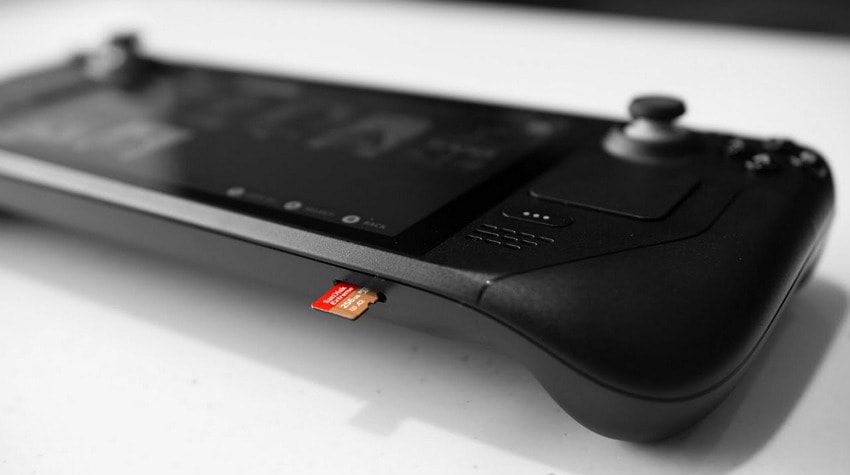
Importantly, you can keep the internal drive free for the system and shader cache, which helps everything run smoothly. It's a simple plug-in upgrade that expands your library and helps your Deck remain flexible for the future. Essentially, they cost much less than replacing or upgrading the internal SSD of a Steam Deck.
Part 2. Steam Deck Micro SD Requirements You Must Know
Keep the following steam deck micro sd requirements in mind to ensure optimal performance and a seamless gaming experience:
| Requirements to Consider | Details to Know |
|---|---|
| Card Type | Must be a microSD card (not full-size SD). |
| Standard Supported | Supports microSD, microSDHC, and microSDXC cards via a UHS-I interface. |
| Capacity Range | microSDXC cards from 64 GB up to 2 TB are supported. |
| Recommended Capacity | At least 256 GB |
| Speed Class (Minimum) | U1/Class 10 works, but U3/Class 10 for smoother performance. |
| Application Rating | A1 works, but A2 cards are for better random reads/writes. |
| Interface/Bus | UHS-I (faster standards like UHS-II will work, but only at UHS-I speeds). |
| Maximum Speed Used | UHS-I slot is limited to about 104 MB/s. |
Part 3. How to Pick the Best Micro SD Card?
With the above-mentioned recommendation in focus, learn how to choose the best micro sd card for steam deck:
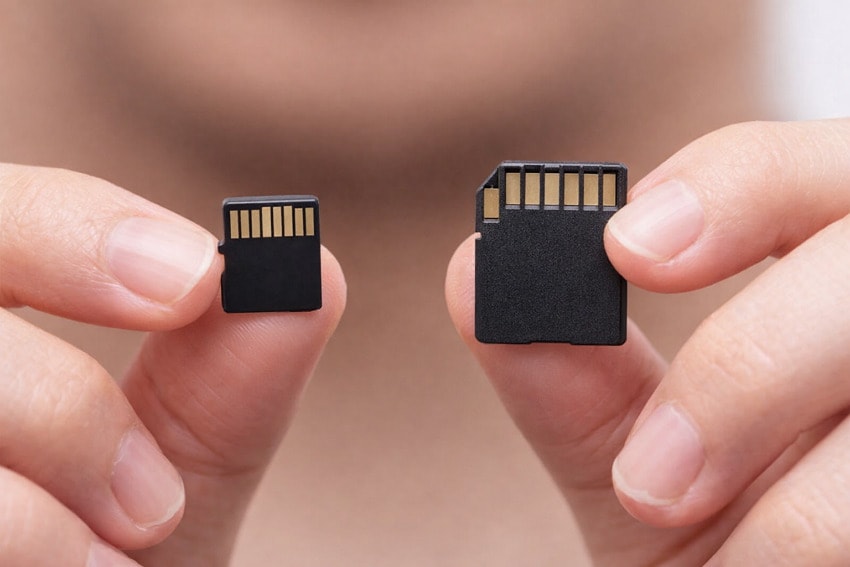
- Consider the Right Card Type: Pick the microSD type your drive supports, such as microSDHC and microSDXC. Check your device manual or specs page to avoid buying a card that is too large or not supported.
- Look for A1 or A2 Rating: If you want to run apps or games from the card, choose at least A1, and A2 if possible. A2 cards can handle many small read/write operations much faster, so apps open quicker and feel smoother.
- Pick Enough Storage: For a Steam Deck, 256 GB is the bare minimum if you play a few big games. However, 512 GB or 1 TB is better if you want many AAA titles installed at once.
- Check Speed Class: Look for the "U3" and "A2" marks on the card; these indicate fast write speeds and quick app/game loading. This is convenient for gaming, whereas U1 or A1 cards will still work, but loading times can be slower.
- Review Compatibility and Comments: Choose well-known brands and avoid cheap, no-name cards, because they often fail early or have fake capacity. Prefer reputable brands, as they offer better warranties and more stable performance, helping protect videos and game data.
Part 4. Top Micro SD Cards Recommended for Steam Deck
The section below reveals the top microsd cards for steam deck that are recommended for fast load times and dependable long-term use:
1. SanDisk Extreme PRO microSDXC
Best For: This SD card is for those who want very fast, reliable storage for 4K video recording and smooth game loading.
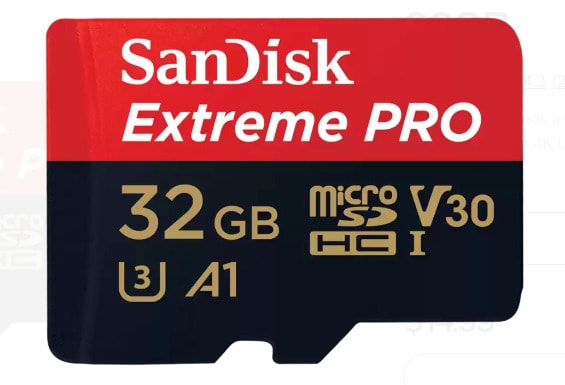
With up to 100 MB/s read and 90 MB/s write on the 32 GB version, it can record 4K UHD video smoothly. The U3 and V30 ratings mean it maintains a steady write speed, which is important for continuous video. More impressively, its design protects your data from water, shocks, and temperature changes.
Specifications
| Specs | Details |
|---|---|
| Capacity | Ranging from 32 GB to 2 TB |
| Bus/Interface | UHS-I |
| Read Speed (up to) | 100 MB/s |
| Write Speed (up to) | 90 MB/s |
| Speed Class | Class 10, UHS Speed Class U3 |
| Application Rating | A1 (app performance class) |
Why Choose It
- It can handle continuous 4K UHD recording without dropping frames.
- Comes with RescuePRO Deluxe data-recovery software to restore lost files.
- Backed by a long, limited warranty and tested for reliability over time.
Where to Buy: Sandisk
2. Samsung EVO Select microSDXC
Best For: Its convenient for everyday and gaming use, where you want plenty of space with reliable performance.
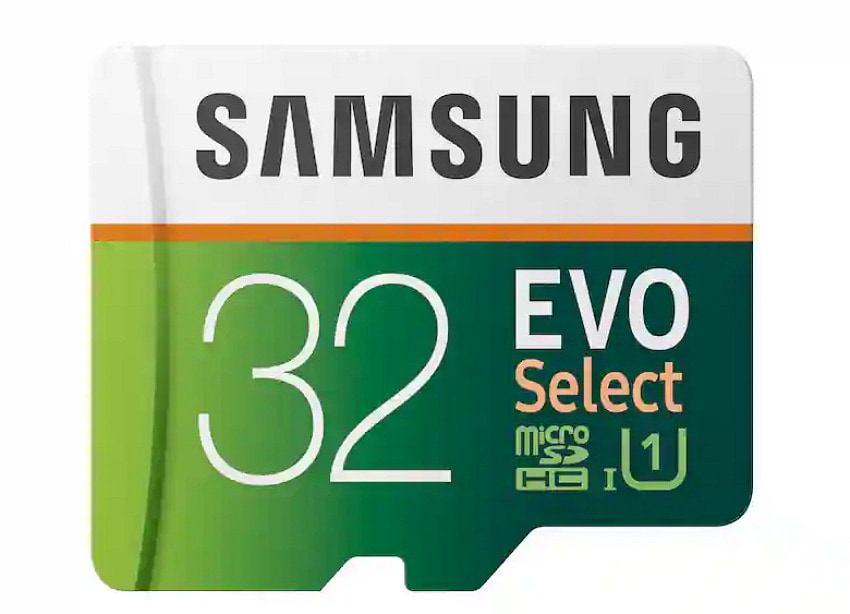
Another best sd card for steam deck, serving as an all-rounder with a durability rating of up to 10,000 insert/remove cycles. It offers a 10-year limited warranty that will last for years of regular use, making it a portable gaming device. Survives a wide operating temperature range from about -25°C to 85°C and storage range from -40°C to 85°C.
Specifications
| Specs | Details |
|---|---|
| Capacity | From 32 GB to 512 GB |
| Interface/Bus | UHS-I (compatible with HS) |
| Read Speed (up to) | 100 MB/s |
| Write Speed (up to) | About 90 MB/s in ideal conditions |
| Speed Class | Class 10, UHS Speed Class U3 |
| Operating Voltage | 2.7-3.6V |
Why Choose It
- Includes a full-size SD adapter so you can use it in laptops and cameras.
- Provide enough space for multiple large games, apps, and media without filling up.
- UHS-I interface, widely compatible with handheld consoles, phones, tablets, and other devices.
3. Kingston Canvas Go! Plus microSD
Best For: Suitable for Steam Deck owners, mobile gamers, and action camera users who want a multifunctional card.
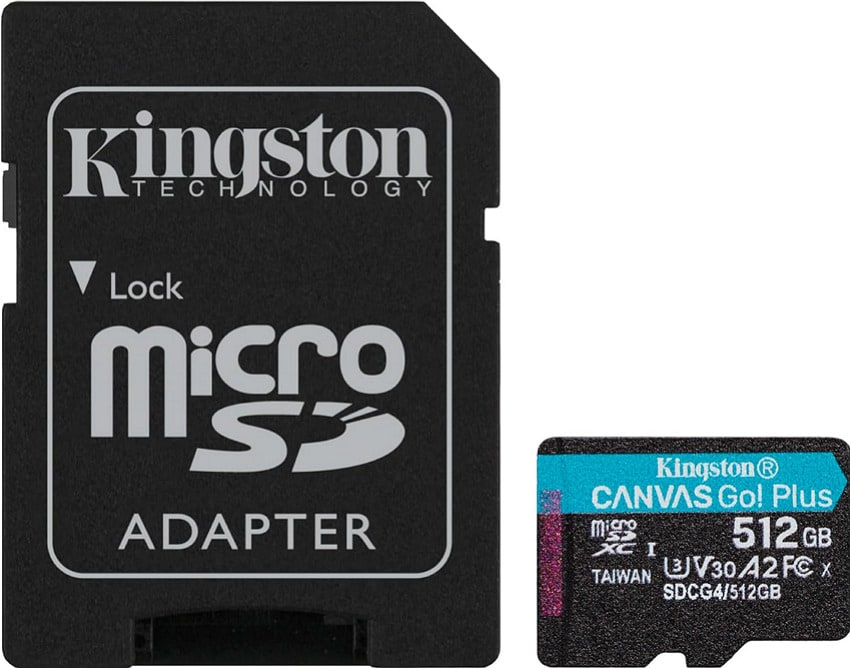
The U3 and V30 ratings keep video recording smooth, while the A2 class helps apps and games start more quickly. Its massive capacity of up to 1 TB means you can store many AAA games or hours of 4K footage. This micro sd card for steam deck is designed with read speeds up to 200 MB/s and write speeds of about 160 MB/s.
Specifications
| Specs | Details |
|---|---|
| Capacities | From 64 GB to 1 TB |
| Standard/Class | Class 10, UHS-I, U3, V30, A2 |
| Max Read Speed | Up to 200 MB/s |
| Max Write Speed | About 160 MB/s (256 GB-1 TB) |
| Voltage | 3.3V |
| Card Dimensions | 11 mm × 15 mm × 1 mm |
Why Choose It
- Comes with an optional SD adapter for easy use in laptops, cameras, and other devices.
- Tested to be waterproof, temperature-proof, and X-ray-proof for safer use outdoors.
- This micro-SD card offers a lifetime warranty for long-term peace of mind.
Where to Buy: Kingston, Amazon
4. Lexar Professional 1066x microSDXC
Best For: Its convenient choice for creators and gamers who need high speed and a reliable A2 performance for running apps.
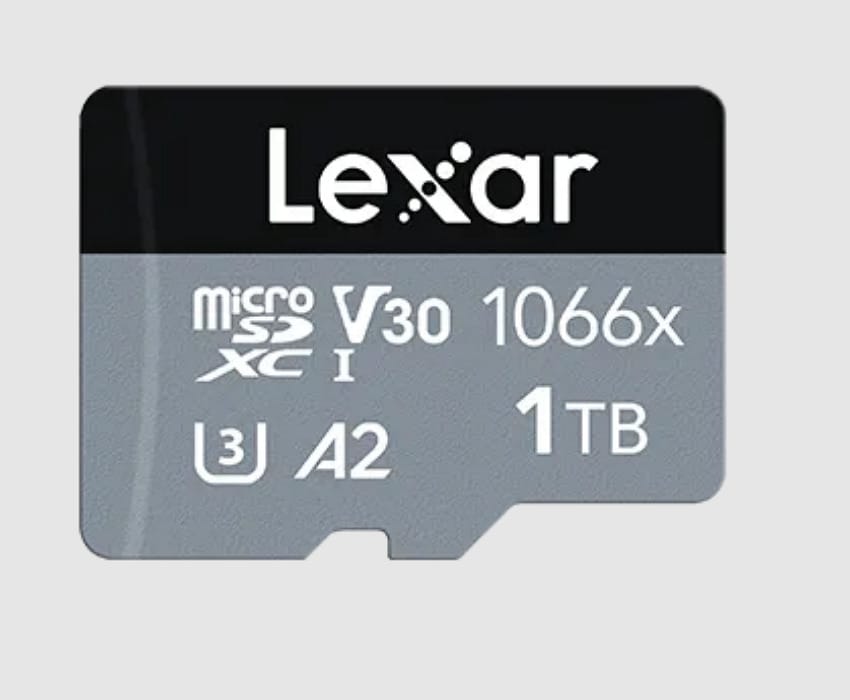
Using UHS-I technology, this micro sd card for steam deck delivers high write speeds that keep high-bitrate 4K UHD recordings. With U3, V30, and A2 ratings, the card can capture long videos or games directly from the card with responsive loading. It's suitable for outdoor shooting and travel, and its available high capacities of up to hundreds of gigabytes provide plenty of space.
Specifications
| Specs | Details |
|---|---|
| Capacities | Depends on model (64 GB to 1 TB) |
| Interface/Bus | UHS-I |
| Max Read Speed | Up to 160 MB/s |
| Max Write Speed | About 120-130 MB/s (capacity dependent) |
| Speed Classes | Class 10, UHS Speed Class U3 |
| Application Class | A2 (Application Performance Class 2) |
Why Choose It
- Offers a wide capacity range so you can choose how much space you need.
- Designed to be water-resistant, vibration-resistant, and X-ray-proof for tough conditions.
- 10-year limited warranty on the card in many regions, giving long-term peace of mind.
Where to Buy: Amazon
5. SanDisk Extreme microSDXC
Best For: One of the top choices for gamers, as it delivers strong performance and durability in a compact form factor.
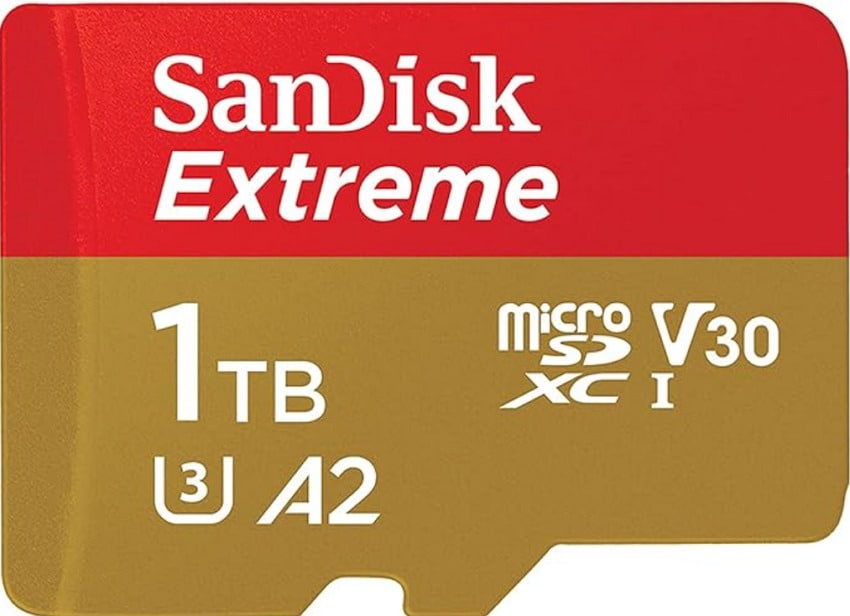
SanDisk Extreme microSDXC UHS-I card is a high-performance card made for people who shoot fast action and record 5K footage. Most importantly, its U3 and V30 ratings guarantee sustained write performance that keeps video from stuttering. Across the Extreme line, higher-capacity cards add SanDisk QuickFlow technology for even faster read speeds.
Specifications
| Specs | Details |
|---|---|
| Capacity | From 32 GB to 2 TB |
| Bus/Interface | UHS-I |
| Speed Class | Class 10, UHS Speed Class U3 |
| Max Read Speed | About 240 MB/s (depends upon capacity) |
| Max Write Speed | Up to 140MB/s (depends upon capacity) |
| Application Performance | A1 (32 GB), A2 (64 GB-1 TB) |
Why Choose It
- Backed by a long-limited warranty and supported by SanDisk Memory Zone app.
- Offers a family feature for RescuePRO Deluxe recovery on higher-capacity drives.
- Designed for phones, tablets, and handheld gaming devices with an adapter.
Where to Buy: SanDisk
6. PNY PRO Elite microSDXC
Best For: This micro sd card for steam deck is a budget-friendly extra storage on devices where you prefer playing games.
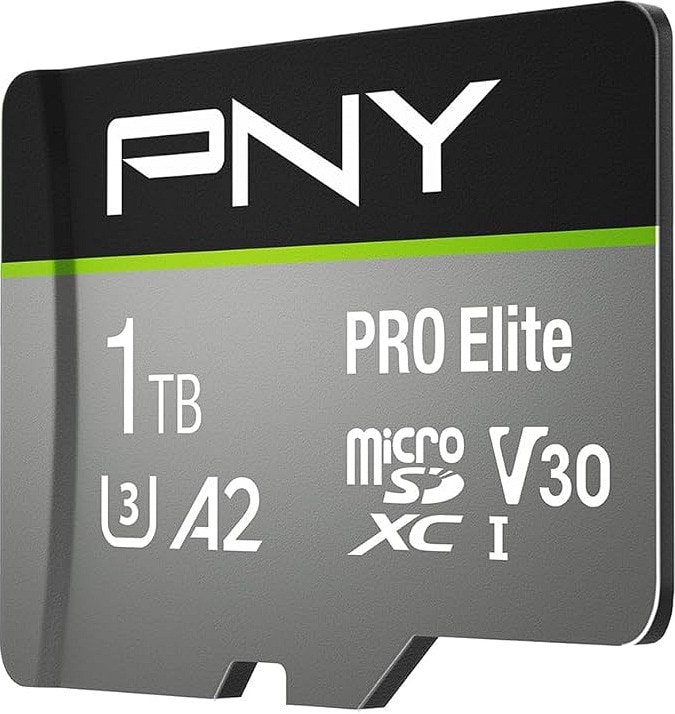
One more SD card, made as a value option for everyday users who need more storage rather than maximum possible speed. The Class 10, U1, and V10 ratings can record and store 1080p videos, though it is not aimed at heavy 4K professional work. Its massive capacity (up to 512GB) and SD adapter make it a practical, affordable choice.
Specifications
| Specs | Details |
|---|---|
| Capacity | Ranges from 16 GB to 1 TB |
| Max Read Speed | Up to 100 MB/s (most 32-512 GB models) |
| Max Write Speed | Lower than read; exact value not specified |
| Interface/Bus | UHS-I |
| Format Form | microSDHC/microSDXC |
| Speed Classes | Class 10, UHS Speed Class U1, Video Speed Class V10 |
Why Choose It
- Its maximum capacity range provides plenty of space for game libraries, movies, and apps.
- Provides a durable design with magnet-proof, shockproof, and temperature-proof functionality.
- With an SD adaptor, you can use the SD card on many laptops and other SD-slot devices.
Where to Buy: Amazon, eBay, Walmart
7. TeamGroup Elite A1 microSD
Best For: Convenient for handheld consoles (like Steam Deck) and cameras when you want premium performance at a good price.
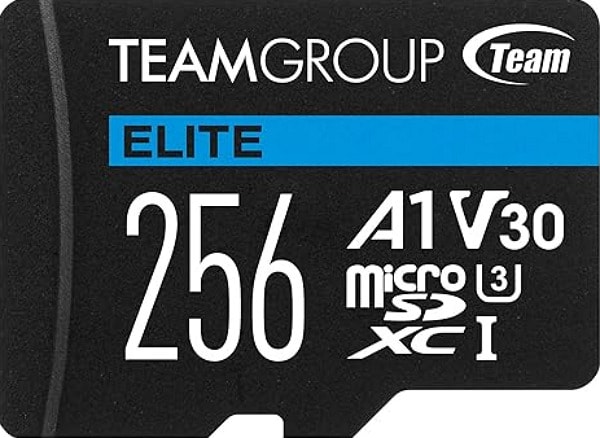
Last, best sd card for steam deck offering an A1 rating, which is helpful for Android devices and handheld gaming systems. It can smoothly transfer large files like game installs and long clips, even recorded in Ultra HD quality. With a lifetime warranty, it's a long-term choice for users who need one card that can handle both 4K videos and app/game storage.
Specifications
| Specs | Details |
|---|---|
| Capacities | Includes 64 GB to 1 TB |
| Sequential Read Speed | Up to 100 MB/s (all listed capacities) |
| Max Write Speed | About 90 MB/s |
| Application Class | A1 (App Performance Class 1) |
| Operating Voltage | 2.7V - 3.6V |
| Speed Classes | Class 10, UHS-I, U3 |
Why Choose It
- All-around protection: high/low-temperature resistant, waterproof, dustproof, and X-ray-proof.
- A1 application performance lets apps and games run and open faster from the card.
- This SD card offers a lifetime warranty for long-term peace of mind.
Where to Buy: Amazon
Pro Tip: Use Recoverit to Save Data from Micro SD Cards
Data loss on a micro sd card for steam deck can happen unexpectedly due to accidental deletion, formatting errors, or card corruption. In any such case, having a hand on a reliable recovery solution like Recoverit is essential. As a trusted tool, it can scan almost any brand or type of micro-SD card and recover your data. Offers an extremely simple recovery process that includes a scan, choosing files, and recovering.
The program works with all major card brands, enabling users to use a single tool for any microSD card they own. Surprisingly, supports many card types, including microSD/microSDHC/microSDXC taken from phones and game consoles. It offers both Quick and Deep Scan, so you can find recently deleted files quickly or dive deeper to find older/lost data.
Key Features
- Recover Numerous File Types: The software recovers 1000+ file types, including photos, documents, and archives, from your micro-SD card.
- Allows File Preview: You can easily preview most files before recovery, so you only restore what you actually need.
- Offer File Filter Option: It lets users filter results by file type, data, and size to find what they need, without manually checking every file.
Detailed Guidelines to Save Data from Micro SD Card
Guided tutorial will help you save data from microsd cards for steam deck, minimizing risks and maintaining data integrity:
1. Connect Your SD Card to Your Computer
Initially, connect your microSD card to your computer and allow the program to automatically identify your device type.
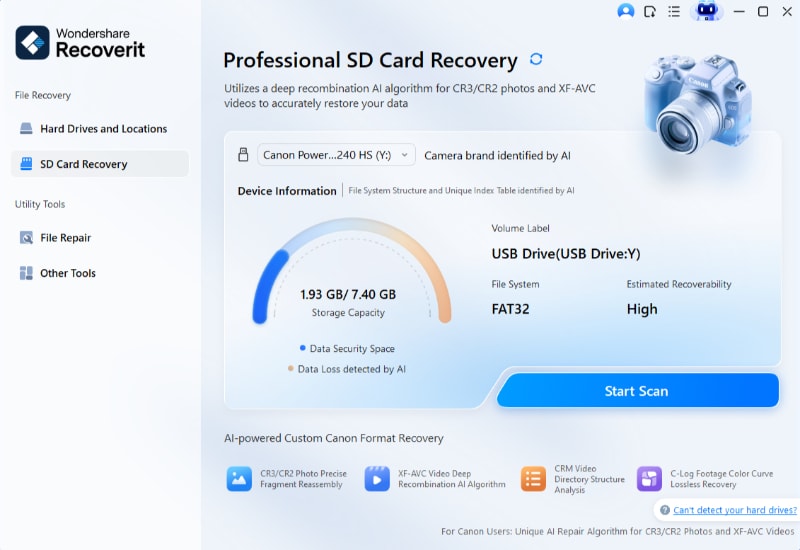
2. Start the Scan on the Micro SD Card
Next, select the device and tap the "Scan" option to view all the data stored on it.
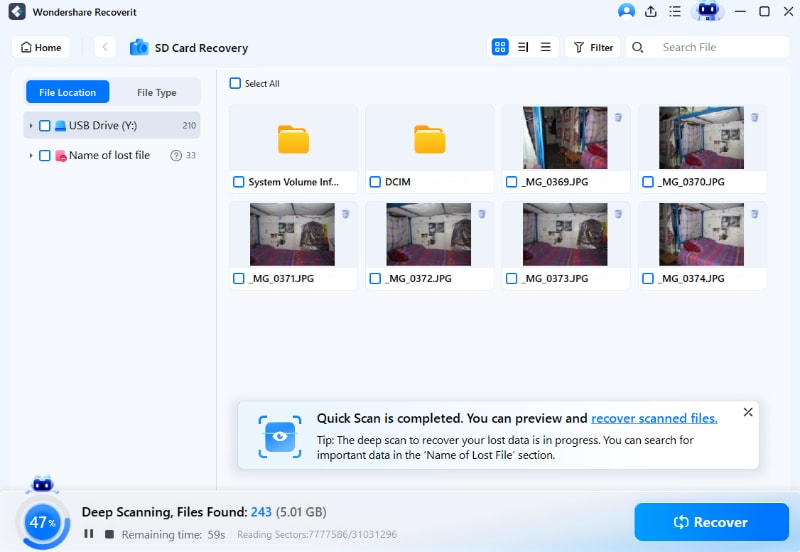
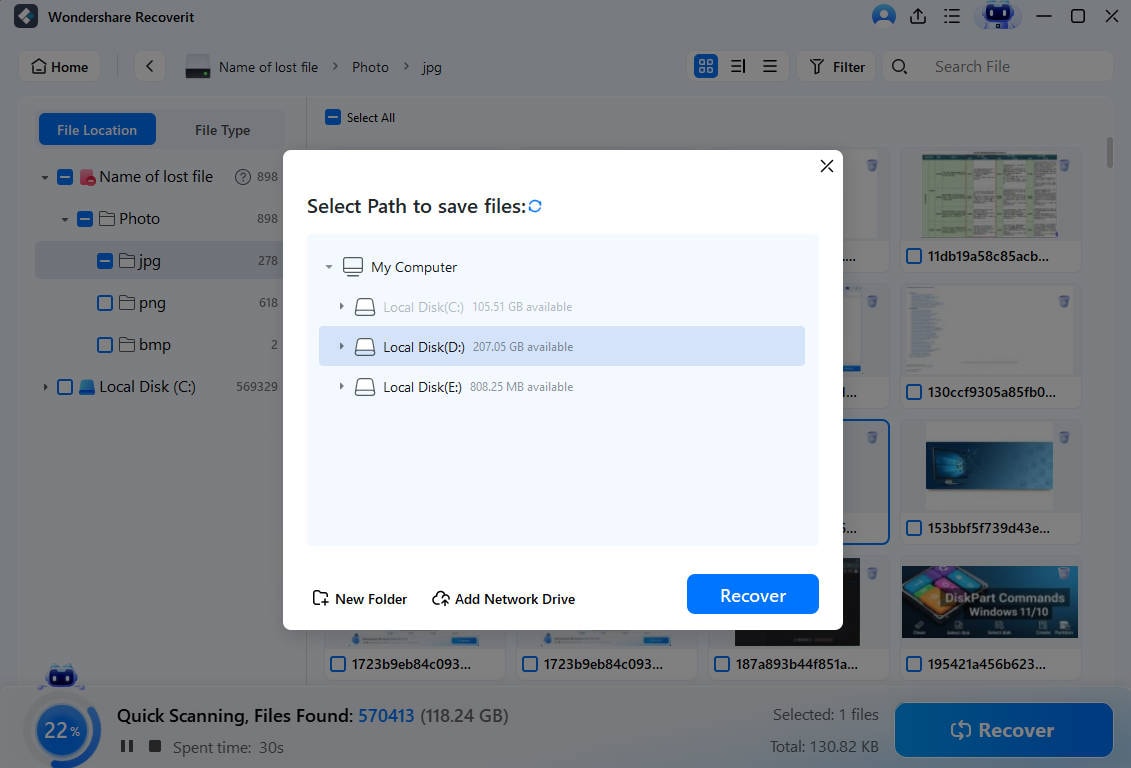
3. Preview All the Files and Recover Them
Once the scan completes, choose the files you want to recover, then click the "Recover" button.
Part 5. 5 Smart Tips for Using Micro SD Cards on Steam Deck
Once done selecting the micro sd card for steam deck, read the provided tips to maintain its long-term reliability:
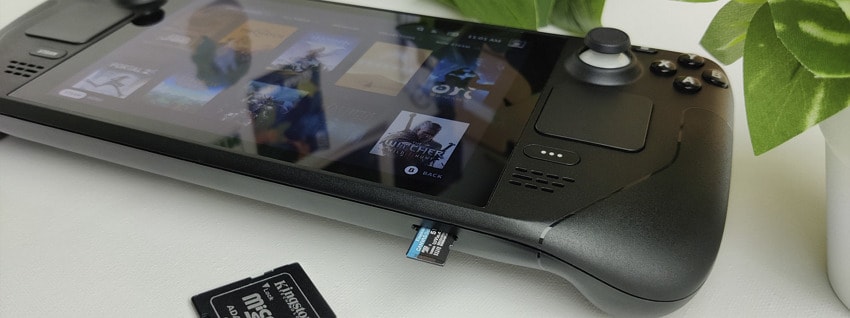
- Format the Card on Steam Deck: After inserting the card, access the storage and allow the Deck to format it. This sets the best file system for SteamOS and helps avoid errors or slow speeds.
- Move Large Games to the Card: You can use the Storage menu to move large games from internal SSD to microSD to free up space. Also, keep your most demanding or online games on the internal SSD if they stutter on the card.
- Use One Card per Library: Gamers can keep different game types on different cards, for example, AAA games on one and emulators on another. Label each card so you remember what is on it and avoid confusion when swapping.
- Always Eject Cards Safely: Instead of removing the card directly, close any running games and stop file copies. Use the Deck's eject option or power off first to reduce the chances of data loss or card damage.
- Watch Performance and Reformat if Needed: If downloads or loading feel very slow, back up your data and reformat the card on the Deck. A clean format can fix hidden errors and often makes the card faster and more stable again.
Conclusion
In summary, it is noted that a micro sd card for steam deck is an essential upgrade for gamers to expand their library. Still, choosing the right one is crucial to safeguarding your game data, since it is as important as expanding storage. In situations where files are accidentally deleted or become inaccessible, a recovery solution like Wondershare Recoverit becomes a trusted tool.
FAQ
-
1. What storage size is ideal for a microSD card on the Steam Deck?
The ideal capacity depends on your gaming habits, the number of large titles you plan to install, and downloading updates. Many users prefer 512GB or 1TB options to comfortably store multiple AAA titles, updates, and downloadable content. -
2. Do I need to format a new micro-SD card before using it on Steam Deck?
Indeed, even the best sd card for steam deck needs to be formatted through the system settings. This formatting prepares the card with the correct file system, allowing the Steam Deck to read and write data efficiently. -
3. Can a single micro-SD card be used across multiple Steam Deck devices?
Yes, but it might require reformatting when switching devices, which can eventually erase existing data. For this, either back up your files beforehand or use Recoverit to restore all your data from an SD card.


