
 TL;DR:
Apple will integrate Google Gemini as the foundational AI model for major Siri upgrades by 2026 to handle complex background reasoning and multimodal tasks while keeping Siri as the familiar primary interface.
● Apple prioritizes on-device data processing to limit privacy risks, whereas Google Gemini relies on cloud servers to execute advanced multi-step actions and complex queries across iOS apps.
● The integration allows Siri to maintain continuous conversation memory and simultaneously process text, images, audio, and on-screen context rather than treating requests as isolated voice commands.
● Because autonomous AI file sorting and storage management can accidentally delete user data without warning, affected users must use deep-scanning external tools like Recoverit to restore lost files and partitions.
Ask AI for a summary
 ChatGPT
 Perplexity
 Gemini
 Claude
 Grok
Grok
ecently, attention shifted toward Siri Gemini as rumors linked Apple with Google. People want clear details about what is real and what remains uncertain. This article focuses on confirmed changes, practical improvements, and current limitations. It helps readers understand possible changes without assuming outcomes too early.
Try Recoverit to Perform Data Recovery
 Security Verified. 3,591,664 people have downloaded it.
In this article

Part 1. How Siri Gemini Signals a New Era of AI Assistants
Voice assistants are no longer simple tools for reminders or quick questions. They now handle writing, planning, searching, and app actions across devices. This change reflects rising expectations for smarter help at work. Apple Gemini highlights how assistants are becoming full artificial intelligence systems. The following reasons explain why voice assistants are evolving into full AI systems:
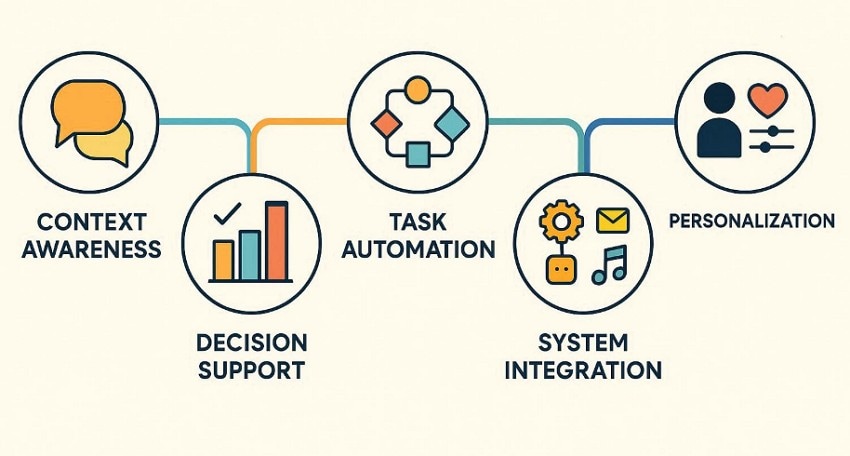
- Context Awareness: Assistants understand longer requests while keeping meaning across multiple interactions. Conversations feel smoother because commands do not need constant repetition.
- Decision Support: Modern assistants help compare options, summarize information, and suggest next steps. This supports faster decisions during planning, learning, and daily problem-solving
- Task Automation: Voice assistants now complete tasks instead of only explaining possible steps. Users experience results faster without manual app switching during work.
- System Integration: Assistants connect deeply with operating systems and built-in services now. This allows actions across apps using one simple voice request.
- Personalization Shift: AI assistants adapt responses based on habits, preferences, and recent activity. This helps feel relevant instead of generic or scripted responses.
Understanding Google Gemini Within the Siri Gemini Conversation
Google Gemini is an advanced AI system designed to handle text, images, audio, and code together. In simple terms, it can understand different types of information at the same time instead of working with text only. This allows Gemini to give more complete answers and handle complex tasks. In the Siri Gemini conversation, Gemini represents a more capable AI model supporting smarter assistant features.
Apple's AI Vision Compared to Gemini in the Siri Gemini Context
Apple Intelligence focuses on long-term direction rather than short-term features. Google builds Gemini around capability while Apple prioritizes privacy control and stability. This difference explains why Siri changes gradually instead of shifting behavior suddenly. The table below compares Apple's intelligence goals with Gemini long term direction:
| Focus Area | Apple Intelligence | Google Gemini |
|---|---|---|
| Core goal | Support everyday tasks smoothly within Apple devices. | Deliver powerful AI abilities across many tasks and platforms. |
| AI philosophy | Assist quietly without changing how users interact daily. | Actively generate responses and manage complex requests. |
| Privacy approach | Prioritize on-device processing and limit cloud data usage. | Rely on cloud processing for advanced AI features. |
| User control | Let users decide when AI features activate. | Emphasize AI-led interactions with fewer manual controls. |
| System integration | Deeply embedded into iOS apps and workflows. | Integrated across Google services and supported platforms. |
| Long-term direction | Improve Siri gradually without replacing core behavior. | Expand Gemini as a central AI system. |
Part 2. Key Technologies Powering Google Gemini in the Siri Gemini Debate
Voice assistants are changing because the technology behind them keeps improving quickly. One important change is multimodal AI, which understands different information types together. Instead of reading text only, assistants now understand images, sounds, and situations. This helps assistants answer better and complete tasks using mixed information. Siri Gemini discussions mean assistants work with more than just typed words.
Recent Siri Improvements Shaping the Siri Gemini Discussion
Recent updates show that Siri is moving beyond simple voice replies. Apple is steadily improving how Siri understands requests and controls apps, which explains why the Siri Gemini discussion feels more realistic now.
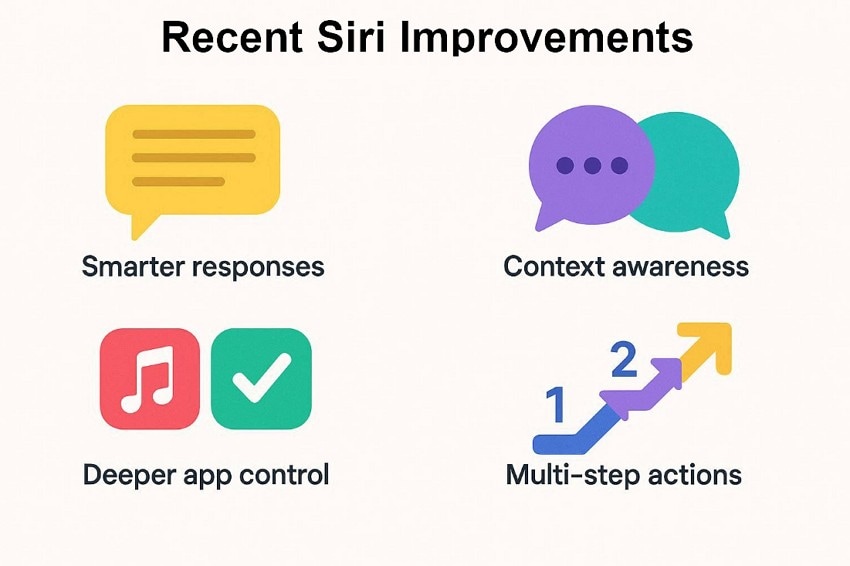
- Smarter Responses: Longer questions are now understood without losing meaning halfway through. Follow-up requests work better because earlier context is remembered.
- Context Awareness: Siri keeps track of earlier parts of a conversation more reliably. This makes responses feel connected instead of separate commands each time.
- Deeper App Control: It can manage reminders, messages, settings, and tasks using voice instructions. As Siri can perform actions inside apps, not just open them.
- Multi-Step Actions: Several actions can be completed through one continuous voice request. As a result, less screen tapping is needed during everyday use.
These improvements explain "what's new with Siri" for advanced AI support. They show that Apple is strengthening the foundation before expanding Siri with more powerful AI systems.
Part 3. What's New With Gemini That Strengthens the Siri Gemini Narrative
In 2026, Apple confirmed that its future version of Siri will use Google's Gemini AI models as the foundation for major upgrades. This shift marks a big step in how voice assistants handle context, tasks, on-screen awareness, and personalized responses. Here is a simple look at Gemini changes that may shape Siri's future.
| Upgrade Area | What It Means | Impact on Siri AI |
|---|---|---|
| Foundation Models | Apple uses Gemini to run Siri and Apple Intelligence. | Siri answers harder questions more clearly. |
| Context Awareness | Gemini understands past use and what is on the screen. | Siri understands conversations and user needs better. |
| In-App Actions | Gemini lets Siri work inside apps. | Siri can do tasks instead of only replying. |
| Personalized Responses | Gemini uses on-device user information. | Siri gives answers based on user habits and files. |
| Longer Conversations | Gemini remembers details during long chats. | Siri follows long talks without asking again. |
Part 4. Why an Apple–Google Partnership Fits the Siri Gemini Strategy
The following reasons explain what's new with Gemini and why Siri integration matters:
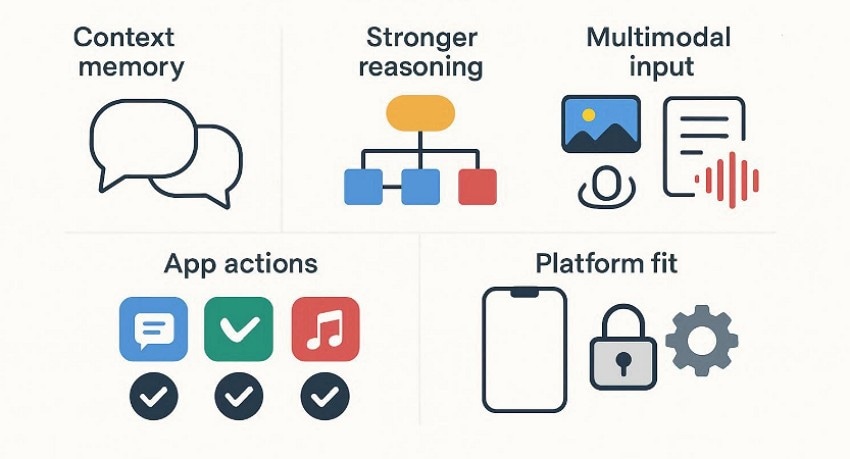
- Stronger Reasoning: Gemini now handles complex questions using clearer logic and fewer response errors. This helps assistants support planning, comparison, and multi-step tasks better.
- Context Memory: Conversation details stay active longer instead of resetting after each question. Follow-up requests feel natural without repeating information again.
- Multimodal Input: Text, images, and audio are processed together rather than handled separately. This improves responses when tasks involve screenshots. photos or voice input.
- App Actions: New Gemini upgrades allow actions inside apps instead of answers alone. This supports what's new with Siri, focusing on real task completion.
- Platform Fit: Gemini capabilities align well with Apple systems and privacy-focused design. This is why Apple Gemini strengthens future assistant development plans.
Possible iPhone Integration Scenarios in the Siri Gemini Model
As AI improves, many people wonder how Siri and Gemini could work together on iPhones. Instead of replacing Siri, this model focuses on working together. Siri stays as the voice assistant users already know. Gemini helps by doing smarter thinking in the background. This means users do not need to learn anything new.
Below are common examples of how Siri and Gemini may work together, written from a real user's point of view.
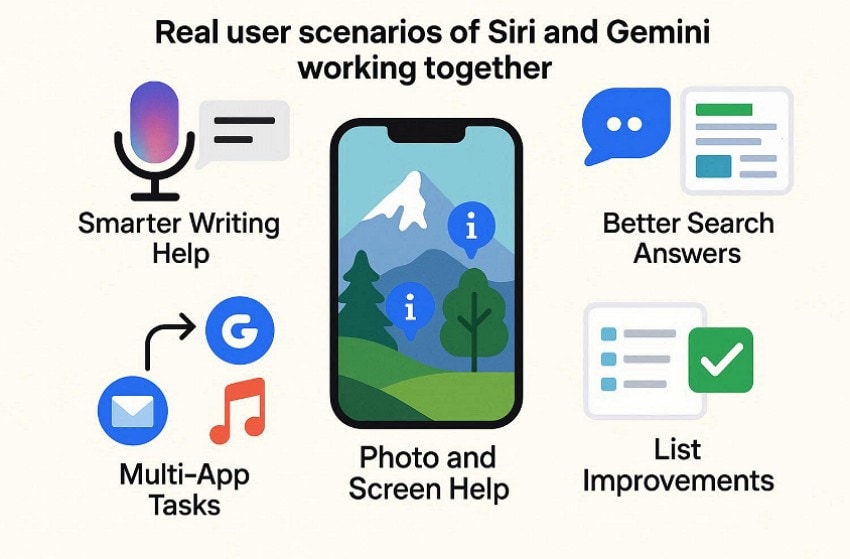
- Smarter Writing Help: Siri listens to voice input and writes messages as users speak. Gemini helps improve wording so messages sound clear and easy to understand.
- Better Search Answers: Siri receives voice questions spoken during normal phone use. Gemini handles complex searches and returns answers with more useful information.
- Photo and Screen Help: Users ask questions about photos or items shown on the screen. Gemini understands images, while Siri gives explanations or performs actions.
- Multi-App Tasks: Siri accepts one request that involves several apps working together. Gemini plans steps so tasks finish without switching between apps.
- Follow-Up Questions: Siri listens to follow-up questions without asking users to repeat details. Gemini keeps past information, so conversations continue without confusion.
Part 5. Privacy and Data Handling Compared in the Siri Gemini Ecosystem
Privacy matters more when assistants work across many connected devices. So, Siri Gemini shows how Apple and Google manage user data.
| Aspect | Apple (On-Device AI) | Google (Cloud-Based AI) |
|---|---|---|
| Data Processing | Many tasks are handled on the device itself. | Most tasks are handled on cloud servers. |
| Privacy Focus | Personal data stays on the device when possible. | Data is stored and processed in the Google Cloud. |
| User Control | Users have more control over when data leaves devices. | Users rely on cloud rules to protect data. |
| Learning Method | Improves answers without saving much personal data online. | Learns faster using data from many users. |
| Risk Balance | Less data sharing lowers privacy risks for daily use. | Strong features depend more on cloud trust. |
Part 6. Comparing ChatGPT With Siri Gemini Capabilities
As phone assistants evolve, Apple Gemini comparisons highlight conversation-focused and action-driven design differences. The differences below explain why ChatGPT and Siri Gemini feel similar but behave differently:
| Aspect | ChatGPT | Siri Gemini |
|---|---|---|
| Core Strength | Excels at long conversations and detailed written explanations. | Performs best with quick actions and voice-based commands. |
| Writing Support | Strong for drafting, rewriting, and explaining complex topics. | Limited writing help, focused more on short responses. |
| Task Handling | Cannot control apps or phone settings. | Handles apps, settings, and system actions. |
| Processing Style | Depends on cloud processing and user prompts. | Blends AI responses with operating system control. |
| Everyday Use | Best for learning, research, and creative writing tasks. | Best for hands-free tasks and daily phone interactions. |
Impact on iOS and Android Users Through the Siri Gemini Shift
This change affects how people use their phones every day. On iPhones, assistants can control apps, settings, and phone actions better. On Android phones, updates arrive faster because Google releases changes more often. The Siri Gemini change shows assistants now work inside the system, not beside it. Thus, users type less, tap less, and finish tasks more.
Future Predictions Driven by the Siri Gemini AI Direction
Looking ahead, several changes are likely as assistants mature across platforms.
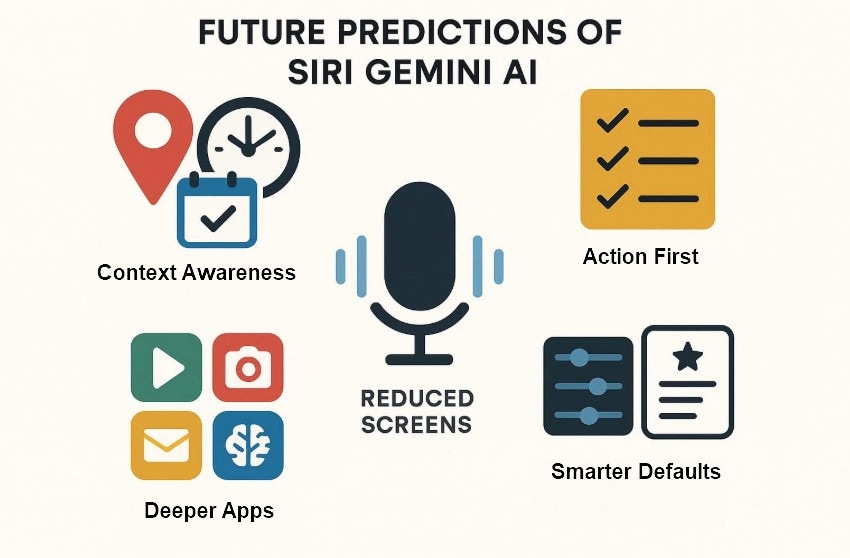
- Context Awareness: Assistants will understand location, time, and habits before responding to requests.
- Action First: Tasks finish on their own without extra questions or checks.
- Reduced Screens: Voice and background actions will replace many screen-based interactions.
- Deeper Apps: System apps will rely on AI instead of manual navigation steps.
- Smarter Defaults: Assistants will choose sensible actions based on user history and preferences.
Final Takeaways From the Ongoing Siri Gemini Transformation
- Assistants will act more often, rather than just answering questions.
- Everyday tasks will need fewer taps and shorter voice commands.
- AI features will feel quieter but more helpful during normal phone use.
- Privacy choices will remain central to future assistant development paths.
- Users should expect steady improvements rather than sudden replacements for assistants.
Pro Tip: Use Recoverit When AI Actions Lead to Accidental Data Loss
AI helpers sometimes do actions alone and delete files without warning. This often happens while cleaning storage or sorting the files. Smart tools like Apple Gemini may start these actions without user notice. In these moments, Recoverit helps people get lost files back.
The software uses deep scanning to restore photos, videos, documents, and other files. Recoverit works with computers, cameras, memory cards, and external disks. The tool scans devices, shows found files, and guides recovery. Its simple steps help beginners recover files without special computer skills.
Key Features
- Batch Recovery: Recovers multiple lost files together instead of restoring each file individually during incidents.
- Partition Recovery: Restores data from deleted or inaccessible partitions after formatting or system failures.
- Bootable Recovery: Retrieve files from computers that cannot start by using external boot media devices.
Guide to Use Recoverit When AI Actions Lead to Accidental Data Loss
Let's walk through the guide below to use Recoverit for accidental data loss recovery:
- Select a Storage Location to Initiate Recovery
After accessing the software, go to the "Hard Drives and Location" section from the left panel. Next, choose the drive or location where the data loss occurred to start scanning.
- Examine the Scan Results
Once scanning finishes, recovered files appear inside the "Name of Lost Files" folder. Afterwards, open the "File Location" tab to browse files by original storage paths.
- Preview Files and Complete Recovery
Lastly, select the files to preview their content before restoration. Then, click the "Recover" button to save selected files safely onto your device.
Conclusion
To conclude, Siri Gemini shows assistants helping people do daily tasks. People finish work faster because apps respond better and need less screen time. Also, privacy matters because Apple keeps more user data on the device. Future updates will add helpful features without removing assistants people already know. If automation deletes files, Recoverit helps people get them back.
FAQ
1. What does Siri Gemini actually mean for users?
Siri Gemini joins Siri with Google Gemini to make everyday tasks easier. It helps Siri give smarter results without changing how people use it.2. Why is Apple interested in Google Gemini?
Apple wants better AI help while still keeping user data private. Google Gemini adds smarter thinking without breaking Apple's privacy rules.3. How does Siri Gemini affect iOS and Android users?
iOS users get stronger app control and smoother daily voice actions. Android users receive quicker updates and smarter help in completing tasks.4. What if AI automation deletes files by mistake?
AI automation can remove files by accident during cleaning or organizing tasks. Recoverit helps people get lost files back using simple recovery steps.


